




From the brand
Vgate
My Car, My Way
Vgate Battery Terminal Series
Vgate

Vgate
My Car, My Way

Vgatemall is a company that specilizes in manufacturing and developing automotive products, focusing on affordable product, high-quality product and A-list after-sales service.We stand behind every product we sell, so if you have an issue or question, we are here to help.
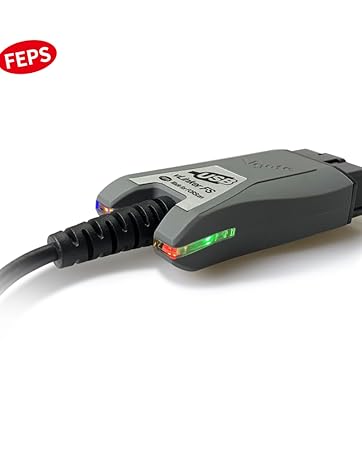
Vgate vLinker FS USB Adapter
我们如何开始?
Established in 2011, Vgate adheres to the slogan “My Car, My Way”, and is committed to the research and innovation of automotive intelligent diagnosis, testing products.
Our Mission
Committed to the most functional OBD products, controlling the cost to the extreme, and making the most perfect functions. We have always made the user experience our top priority.
Our Value
Our products combine high-tech with down-to-earth practicality to fix your car on your own. Believe that everyone who loves cars can become a professional Mechanic.
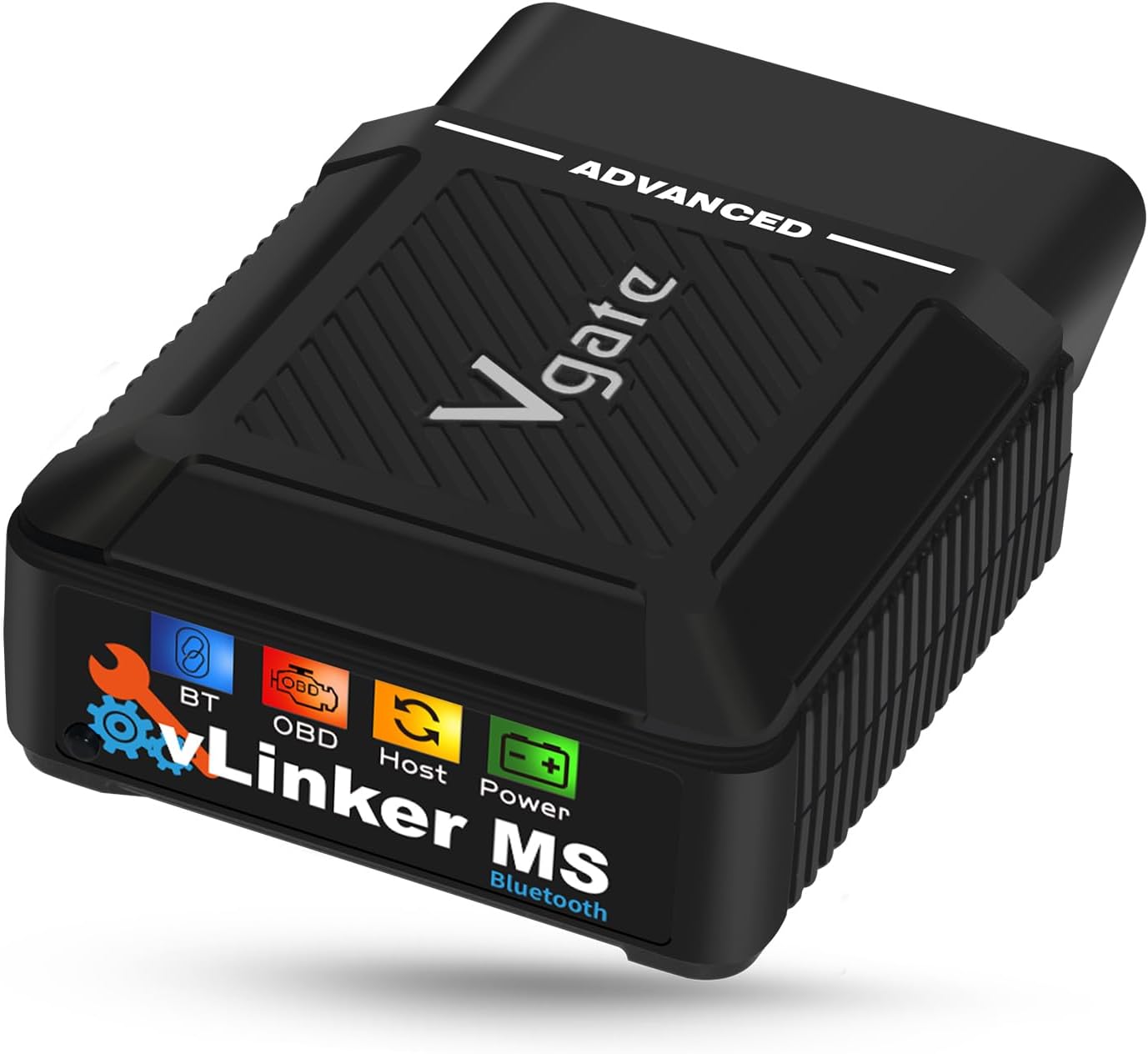
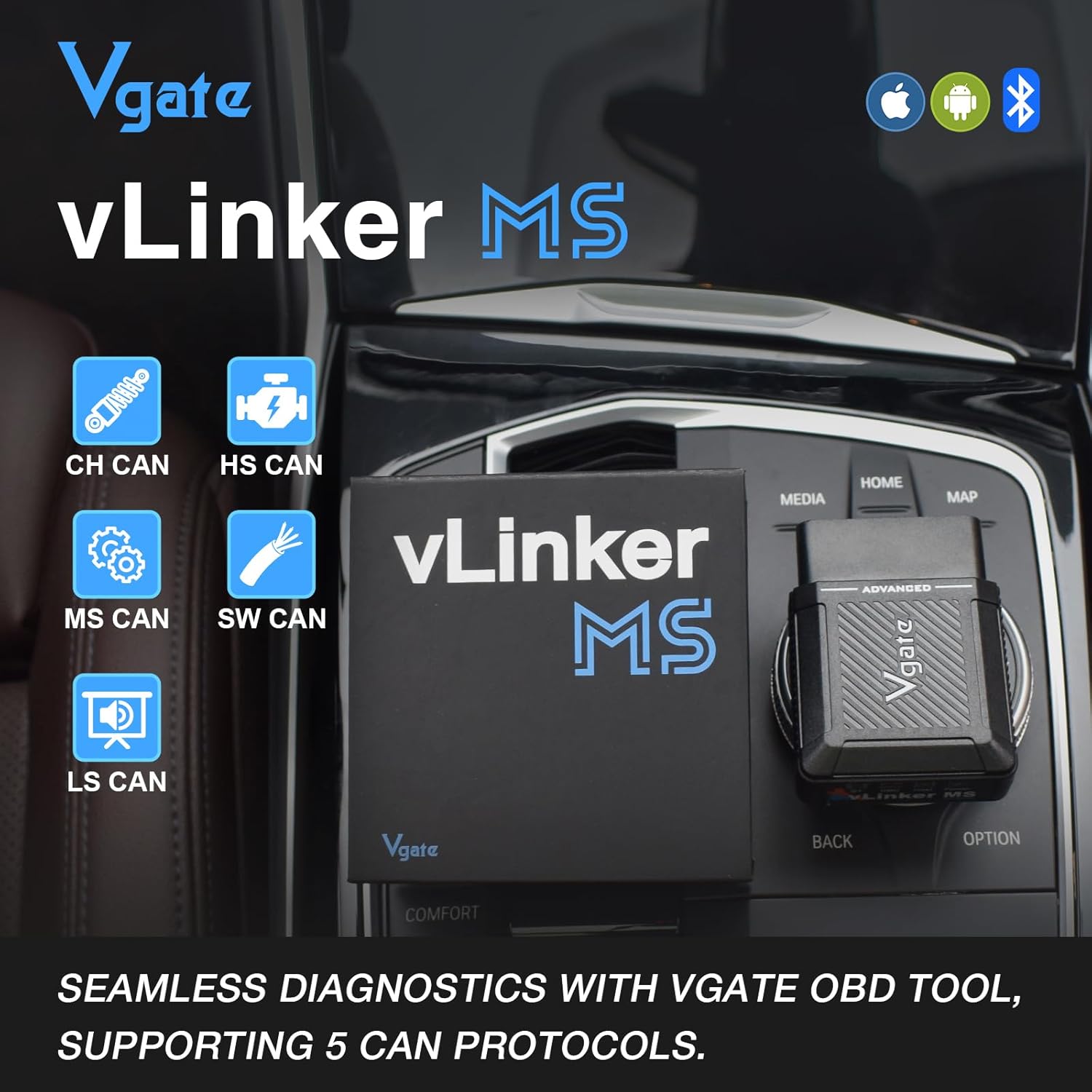
🚀 – SUPPORTS 5 EXTRA CAN PROTOCOLS – vLinker MS Bluetooth OBD2 adapter for HS-CAN, MS-CAN, SW-CAN, CH-CAN, and LS-CAN.
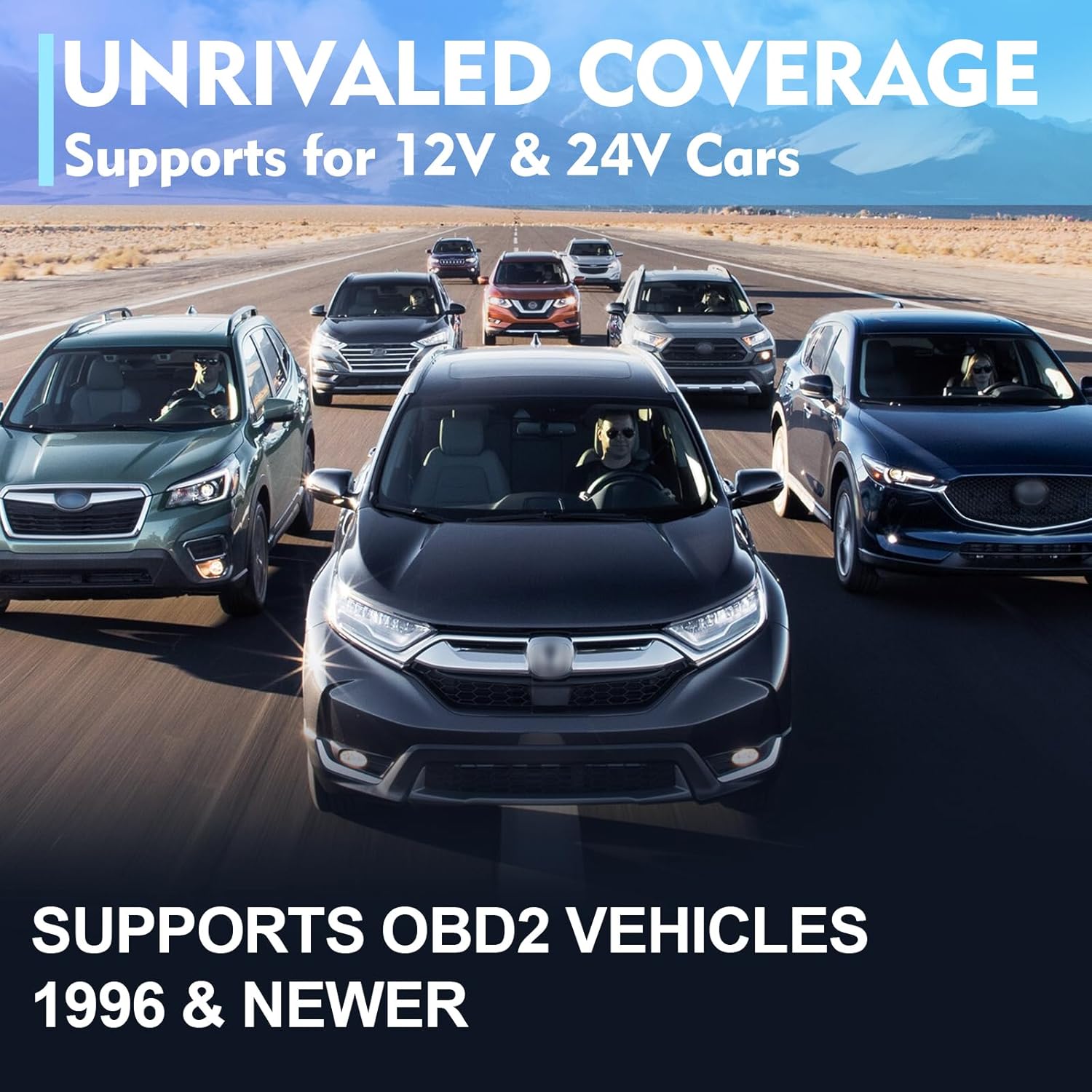
🚀 – 24V SYSTEM COMPATIBLE – Vgate vLinker MS Bluetooth car scanner works safely in 12V and 24V OBD2-compliant vehicles.
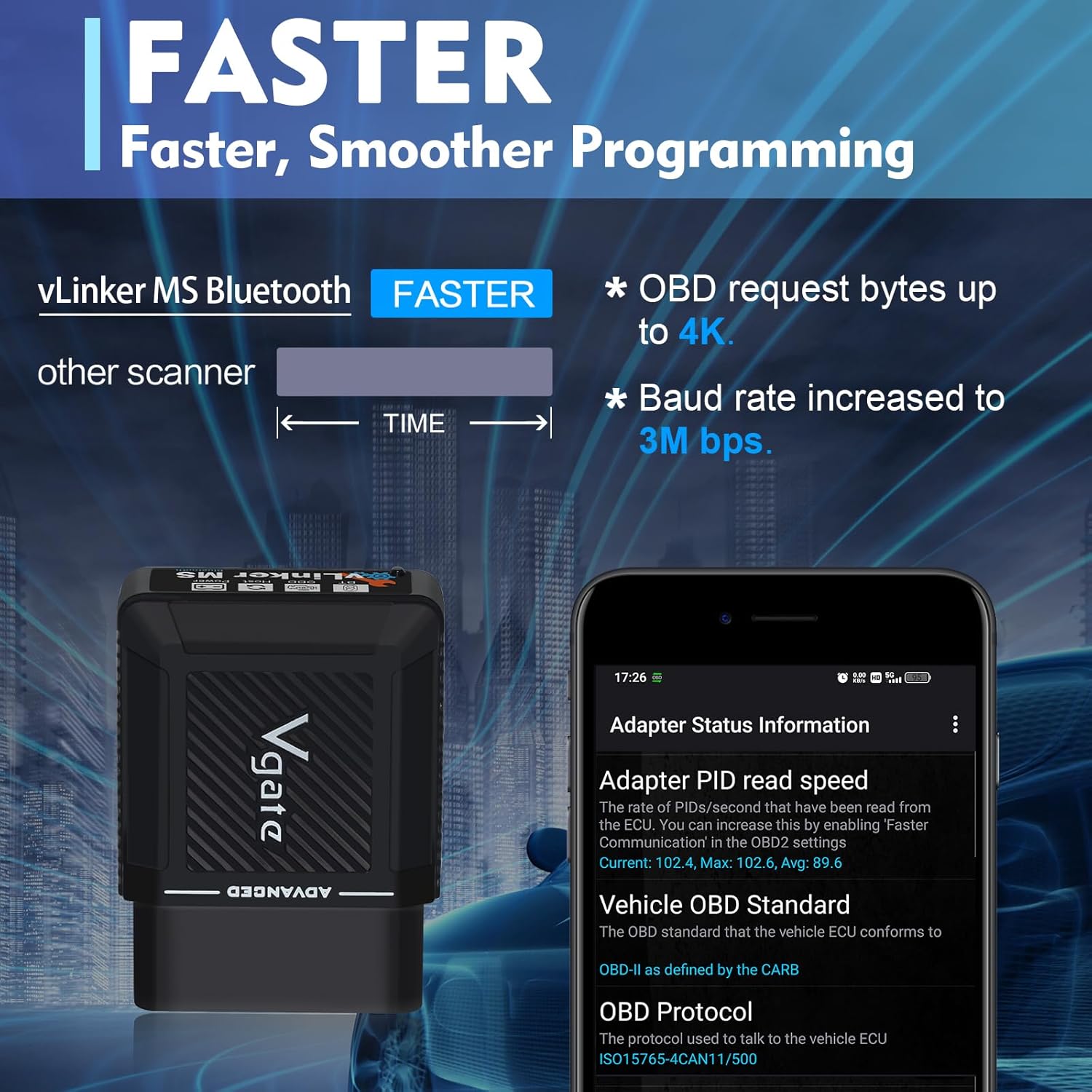
🚀 – ENHANCED EFFICIENCY – Up to 3Mbps baud rate, supports up to 4K OBD request bytes, for smoother graphics, faster programming, and special long-frame communication needs.
🚀 – BATTERY SAVER TECHNOLOGY – vLinker MS Bluetooth scan tool includes automatic sleep and wake-up functions. Operating current is 28 mA, automatically sleeps in idle state, with sleep current as low as 3 mA.
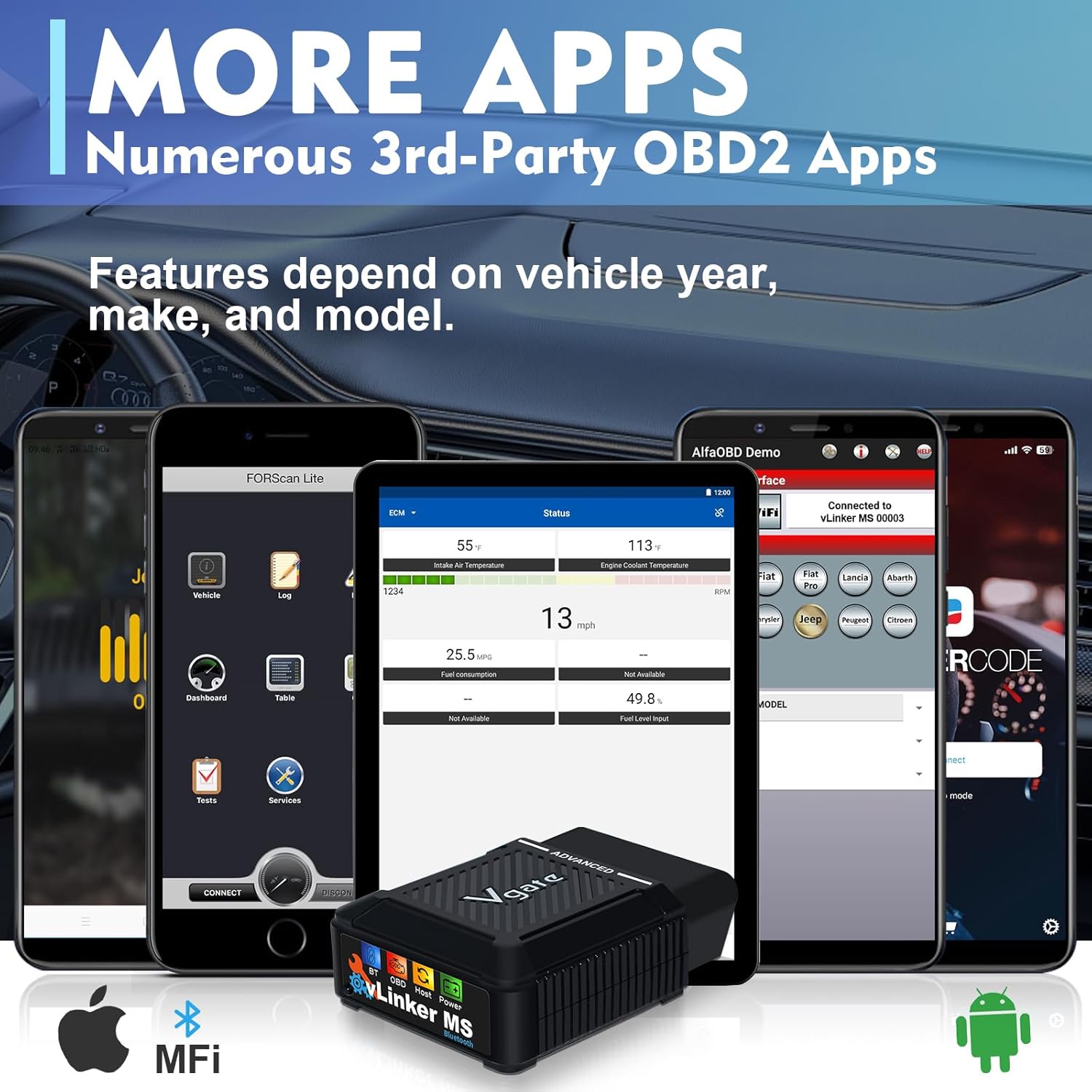
🚀 – OUTSTANDING COMPATIBILITY – vLinker MS Bluetooth car scanner works with more third-party apps than other adapters, like Car Scanner, Dr. Prius, JScan, Multiecuscan, etc. Turn your iOS or Android device into an advanced car OBD scan tool. App: extra cost.
🚀 – 👉 Please note that many apps are currently only available on the Android system; please confirm compatibility with iOS app providers. 👈
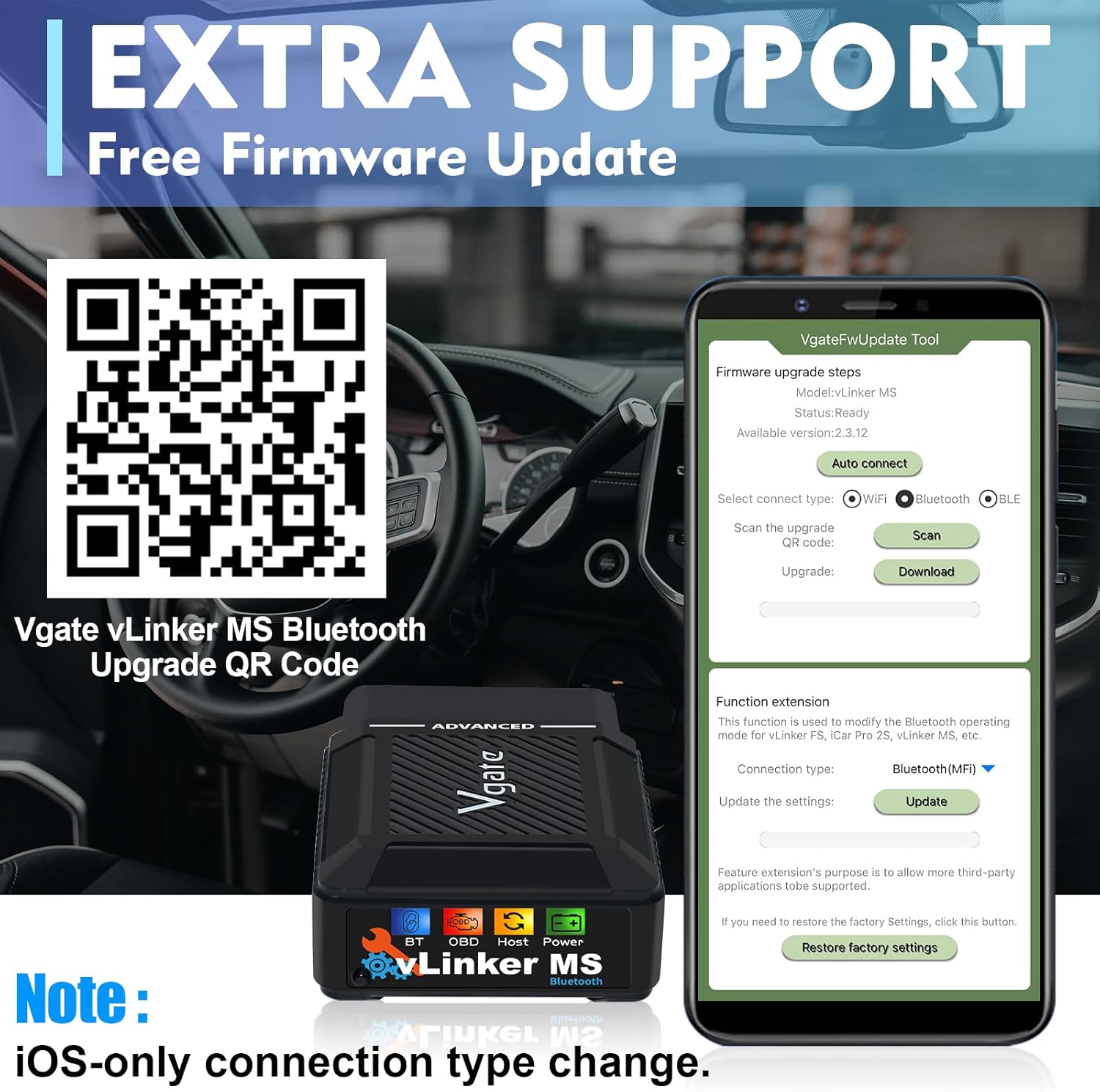
🚀 – SUPPORT UPGRADE – vLinker MS Bluetooth OBD2 diagnostic tool supports for upgrading product firmware on phones and Windows PC. Please reach out to Vgatemall team.

Dave Abrams Radloff –
Very Complete Car Scanner for Codes and Live Sensor Data
This scanner works great with Car Scanner app from the play store. Very complete all sensors detected for my Ford Focus 2007 and Honda Civic 2005. Cost is OK but there are some less expensive options in the $35 dollar range. This has one unique feature in that it can be left connected to the OBD 2 port since in sleep mode it will only pull 3 ma from the battery and will not cause battery drain. The front leds give you complete connectivity status to the cars ECU. I also like the fact that I can take a short trip and record live data from all my sensors for playback later in graph form. You can also track up to 4 PID’s of live data in real time. I used it to see if my oxygen sensors were working along with MAP and MAF. I did have a small EVAP leak on my Ford Focus which I will not fix. Reads and clears all set codes except those not fixed like my EVAP leak. On the Honda I had occassional misfires. The device is very similar to the OBLink MX+ as far as I could tell. It is NOT BiDirectional so cannot do OIL reset for example.
MTdeere –
Good buy
Works well. Connects to multiple vehicles.
TC –
Exactly what I needed
Works like a champ with FORSCAN and my Apple phone or laptop.
Monty –
This thing works great!
I’ve tried this with two different vehicles and two different phones and it works perfectly with both, For the price point, it’s affordable enough to get pretty much any operator level maintenance done. I can not confirm the higher dealer/repair shop level features yet as as I haven’t settled on a paid app to pair it with yet as there is a vast ocean of them and I need to research one that fits my my needs and wallet.It comes in decent packaging similar to that of a Samsung or Apple product, a nice sturdy feeling small cardboard box with nice foam inserts to keep the scanner safe and snug that has a strong magnetic flap that keeps the box closed well enough to stop yourself from fears of dropping it, so I can see myself keeping the box for as long as I keep the scanner. Unlike some of the competition that you would need to purchase an aftermarket storage/carrying case for.If I had one complaint, it’s that even though it supports a ton of apps, I cant seem to find if it has it’s own app or software in the included documentation. It does mention free firmware updates, but I wouldn’t know where to even begin to look to do it. I do appreciate having options, but it would be nice if they had their own software as a baseline to pair the scanner to for various feature showcasing and basic code reading. Again, if they do have their own software, I have not found it. So Negative one star on that.Otherwise, it’s a perfect product so far!
Joshua S. –
Nothing Short of Amazing
There is a slight learning curve to truly understand how to use it, but researching the manual and on different forums will help with that. After figuring it all out, I was finally able to use the full potential of this device, and my God it is worth the money. I had to subscribe to Multiecuscan on my iPhone since my mac is not an M chip and I don’t have a Windows computer. Identical functionality and a subscription rather than a 1-time purchase of a license, but well, well worth it in my opinion.
Jaxx –
Car Scan
Works great
T. Jordan –
Settings wouldn’t save
Unfortunately, I can’t offer much info about the features or performance of the device as the intended use was with an iPhone.The vLinker MS was able to connect with our iPhone using Vgate’s firmware update app, which is also used to change radio modes on the device. It allowed us to update the firmware and to select BLE and save, but nothing actually changed. The device still wasn’t selectable on iPhone, and when we returned to the update app the settings hadn’t saved.Tried to adjust the settings multiple times with iPhone, also tried it with a Pixel phone and had the same issue.Ultimately decided to get a different device (for less money) that works with iPhone.
Tristine –
Worth Every Penny!
This device is amazing! Needed a proxy alignment done on my 2016 Fiat 500X and this little guy did the trick to get me back on the road again! I highly recommend this product and the price of it is phenomenal! Don’t hesitate to buy!
Daniel –
The Vgate vLinker MS works great. It connects smoothly with AlfaOBD and MultiECUScan (MES), and I’ve had no issues doing proxy alignments. Super reliable, quick to connect, and easy to use. Definitely a solid choice if you’re working on FCA vehicles.
Ivan Bux –
I bought it to quick test my car. Works great with Android phone and installed software
Maksym Babych –
Works as described, and is enough for monitoring and some error cleaning. Good stuff for car enthusiasts, but you will need to purchase an additional app to use it.
Eric –
Kinda nice that they included a booklet inside with the QR codes for all the compatible apps, but I’m definitely on the side of using Torque (Pro). It’s not free, but the user interface is better. Also would recommend downloading the firmware updater in case you have any problems right off the bat. Didn’t test the unit before updating the firmware myself, but I’m pretty sure it’ll work just fine out of the box.Pairing wasn’t too bad with my backup phone that I generally use for diagnostics. It has an older version of Android but it works just the same. You do have to push the connect button on the adapter for it to transmit though, so it’s not automatic like some readers. Fortunately, the connection only had one hiccup during my tests, and I’m happy to see that realtime data has very little lag! The data transfer speed is quite good. No fault codes apart for an infotainment error that I’ve been ignoring for years but I knew that going in and I’m glad to see that the adapter picked it up. Compared with my old OBD, I’d say that it’s marginally better, but the features are about the same.Good size on the adapter too (it’s not huge) and I’m glad it comes in a small box because it’s better for storage. Might be a bit of a learning curve for newbies since there is no booklet inside explaining how to run diagnostics and what the data means, but it’s really only a dongle anyway. It’s the app you need to learn to use, so I might advise picking one and sticking to it. Quite satisfied with the product and can recommend every car owner having an adapter in case mechanics try to pull a fast one on you (I know from experience). There are a lot of DIY fixes that you can basically tackle yourself after only a few tests. I fixed a coolant leak around my hose clamps just last year by watching engine and coolant temps on my OBD last summer. Spark plugs are an easy replacement if misfires are correctly diagnosed. Take charge of your vehicles. This is a great first step.
simon lapierre –
Great alternative to the OBDlink MX+. I already have a cheap obd2 blue tooth but I wasn’t able to pull quality logs and get access to Alle the sensor in car scanner .With this I get exactly what I was looking for .Export to datazap to get great logs for tuning and analysis purposes on my g70 3.3t