

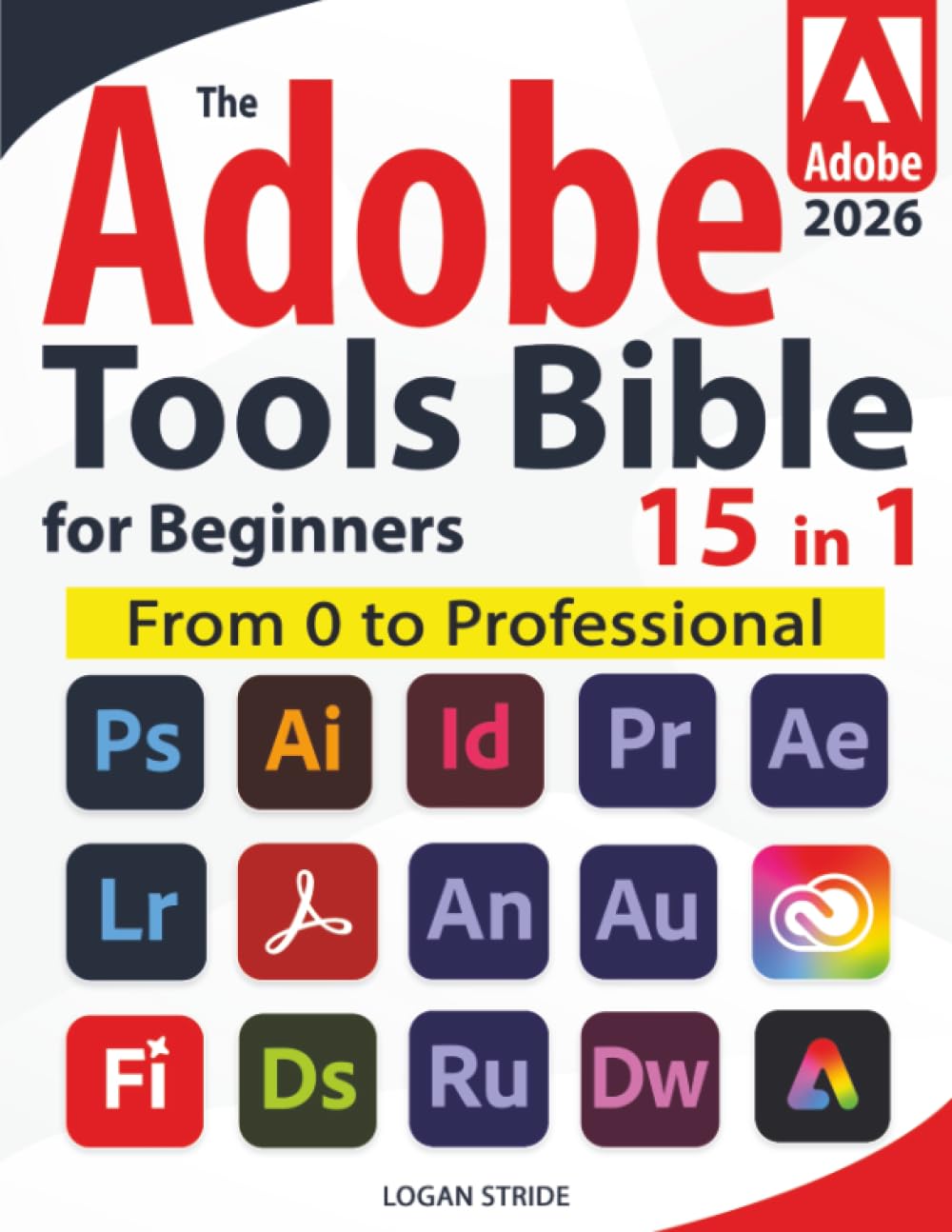


LEARN ADOBE WITHOUT THE OVERWHELM—NO EXPERIENCE, NO STRESS
Ever opened Photoshop, Illustrator, Premiere, Lightroom, or After Effects and felt that flood of tiny icons, stacked panels, and menus you’ve never seen before?
The screens multiply.
The tools blur.
Your confidence sinks.
You close the app, convinced “real creatives” know a secret you missed.
Now breathe.
That knot loosens here.
Imagine someone beside you, showing where to click, why it matters, and what to ignore—guiding you through real projects until everything finally makes sense.
This book is that mentor.
With clear workflows, beginner-friendly templates, practical exercises, and scan-to-watch tutorials, The Adobe Tools Bible for Beginners turns confusion into clarity. Every chapter ends with a simple checklist so you always know you’re ready for the next step.
What you’ll master inside:
✅ Photoshop Essentials — layers, masks, filters, retouching, social visuals
✅ Illustrator Workflows — logos, icons, vector design, branding assets
✅ Lightroom Editing — presets, RAW control, color fixing, library management
✅ Premiere Pro Basics — cutting, timing, transitions, audio sync, clean exports
✅ After Effects Fundamentals — keyframes, titles, animations, motion graphics
✅ Acrobat Pro Skills — forms, secure PDFs, automation, smart document flows
✅ Suite Workflows — how Adobe apps work together for fast, professional results
Plus:
Hands-on exercises
Ready-to-use templates
Time-saving shortcuts
QR-code tutorials
End-of-chapter checklists
Picture this…
You open any Adobe app—and instead of panic, you feel calm.
You know what matters.
You move through tools with intention.
A blank canvas becomes a finished design, a polished video, a vibrant photo, a clean layout.
Your work looks professional.
Coworkers notice. Clients notice.
And the creative path you once thought was out of reach finally feels possible.
Ready to trade overwhelm for mastery?
Your Adobe journey starts today—and this time, it’s simple.
Publisher : PublishDrive
Publication date : January 16, 2026
Language : English
Print length : 403 pages
ISBN-10 : 180174999X
ISBN-13 : 978-1801749992
Item Weight : 2.53 pounds
Dimensions : 8.5 x 0.91 x 11 inches
Best Sellers Rank: #170,836 in Books (See Top 100 in Books) #4 in Adobe Illustrator Guides #6 in Adobe Photoshop #27 in Design & Graphics Software Books
Customer Reviews: 4.8 4.8 out of 5 stars (102) var dpAcrHasRegisteredArcLinkClickAction; P.when(‘A’, ‘ready’).execute(function(A) { if (dpAcrHasRegisteredArcLinkClickAction !== true) { dpAcrHasRegisteredArcLinkClickAction = true; A.declarative( ‘acrLink-click-metrics’, ‘click’, { “allowLinkDefault”: true }, function (event) { if (window.ue) { ue.count(“acrLinkClickCount”, (ue.count(“acrLinkClickCount”) || 0) + 1); } } ); } }); P.when(‘A’, ‘cf’).execute(function(A) { A.declarative(‘acrStarsLink-click-metrics’, ‘click’, { “allowLinkDefault” : true }, function(event){ if(window.ue) { ue.count(“acrStarsLinkWithPopoverClickCount”, (ue.count(“acrStarsLinkWithPopoverClickCount”) || 0) + 1); } }); });

Drew Marino –
Adobe Bible Tools
Wonderful book to help with Adobe Products. I’ve been using Adobe since the Beginning. This is the best tool you need at your side. I don’t know everything, or I forget, and this helps.
Alexandra Esteves –
Great tool
Great book for all graphic designers. Helps you get quicker and more creative in fewer steps.
Tyrone Torrence –
Understand Adobe
Informative and easy to read
Eahadm –
Everything You’ll need to know
Helpful extremely
Brent –
Perfectbook
Perfect book for any level of a graphic designer
Captjimbo –
Great for beginners
Great value – tons of information.
Doze –
Book
Great book
Phart –
The Photoshop Bible book is extremely helpful
It easily explains how to use the program for beginners. I’ve learned a lot from it.