

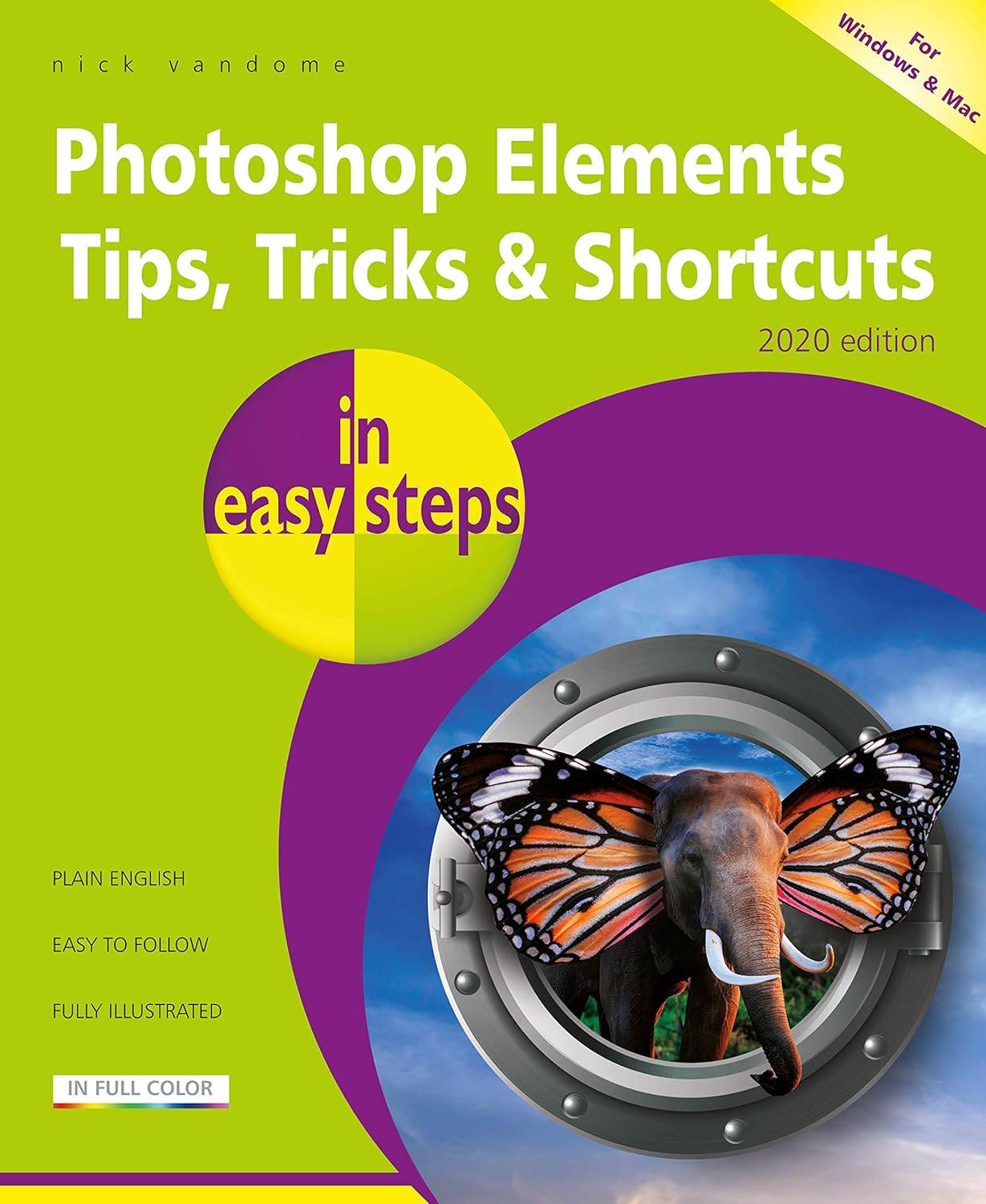
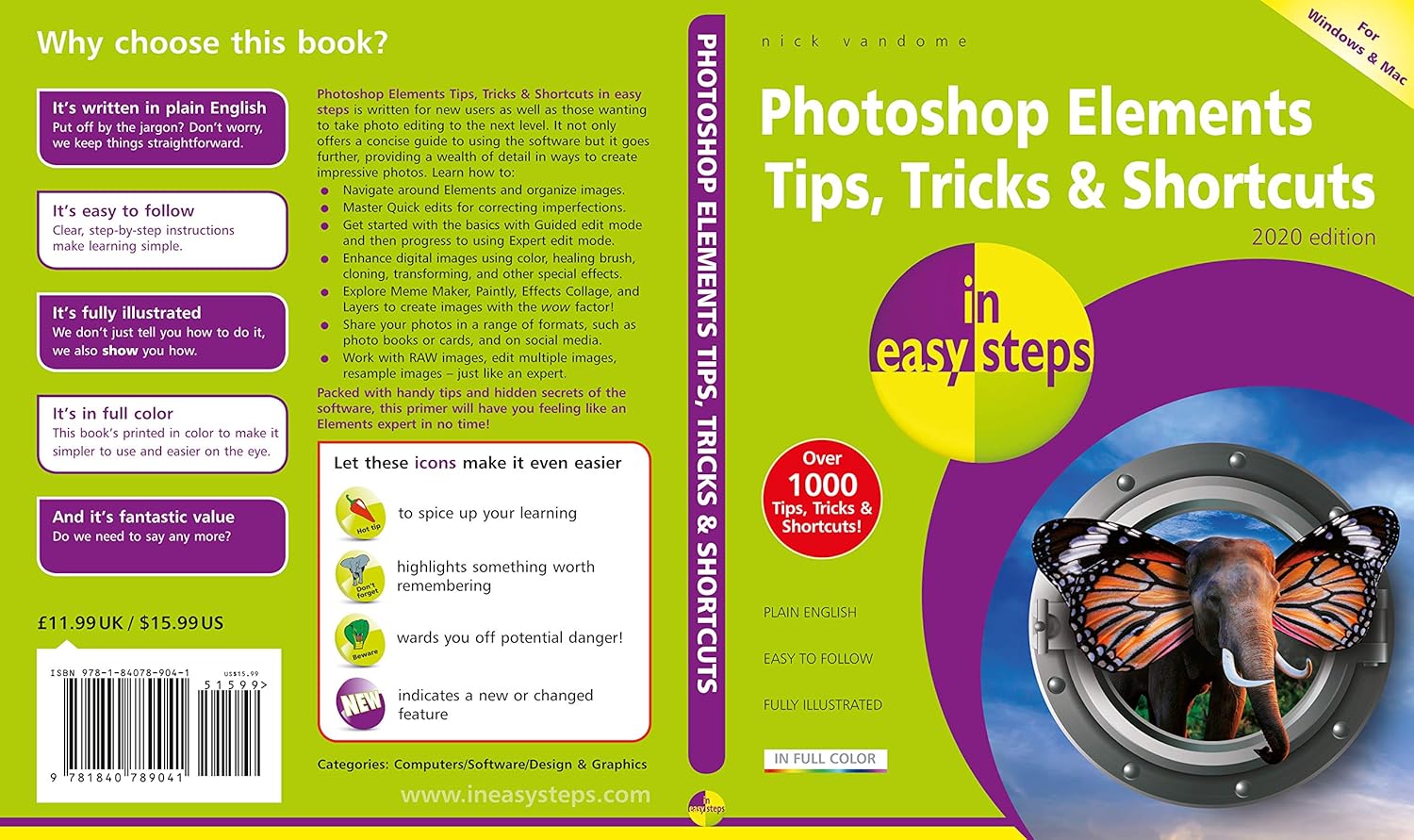
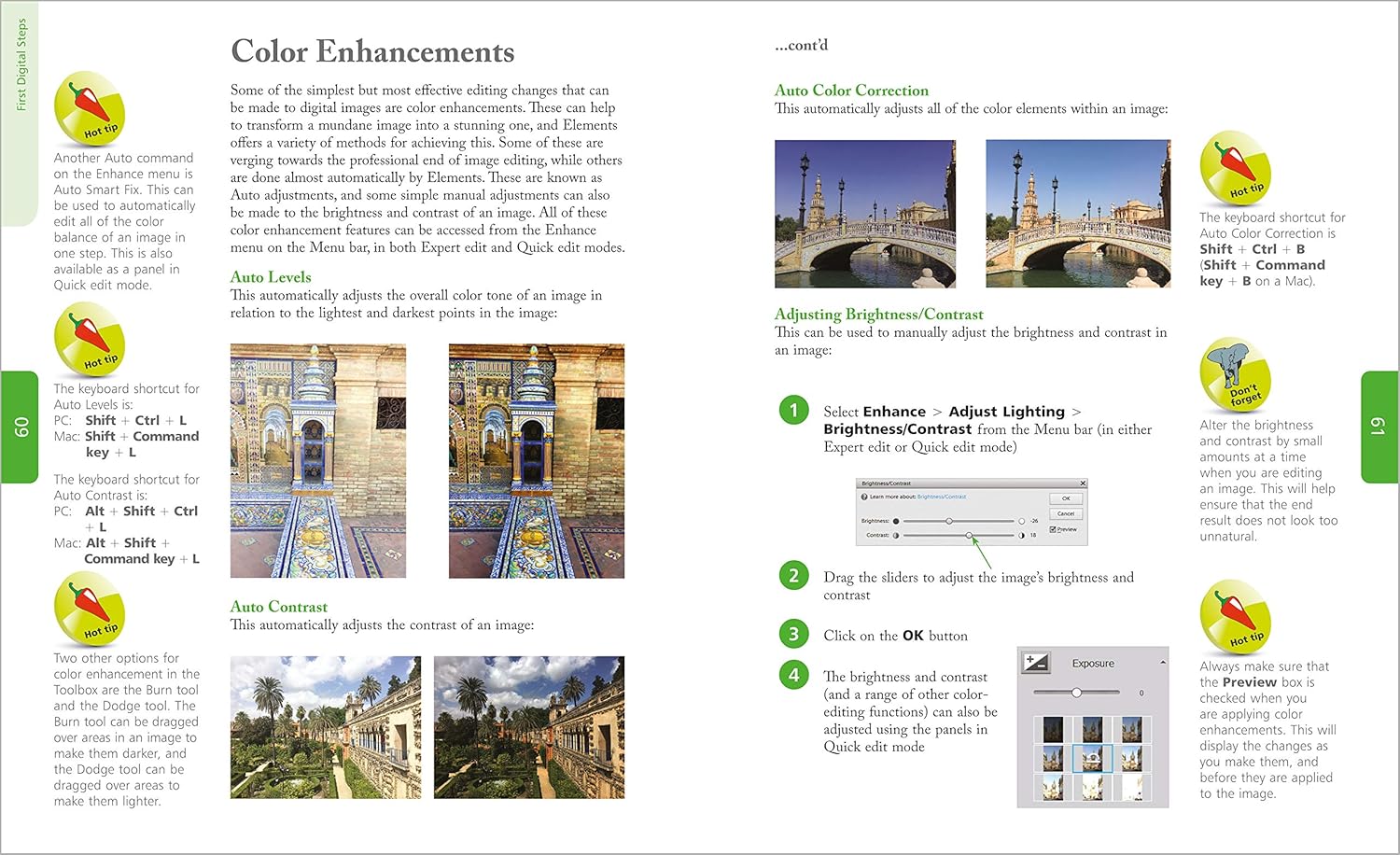
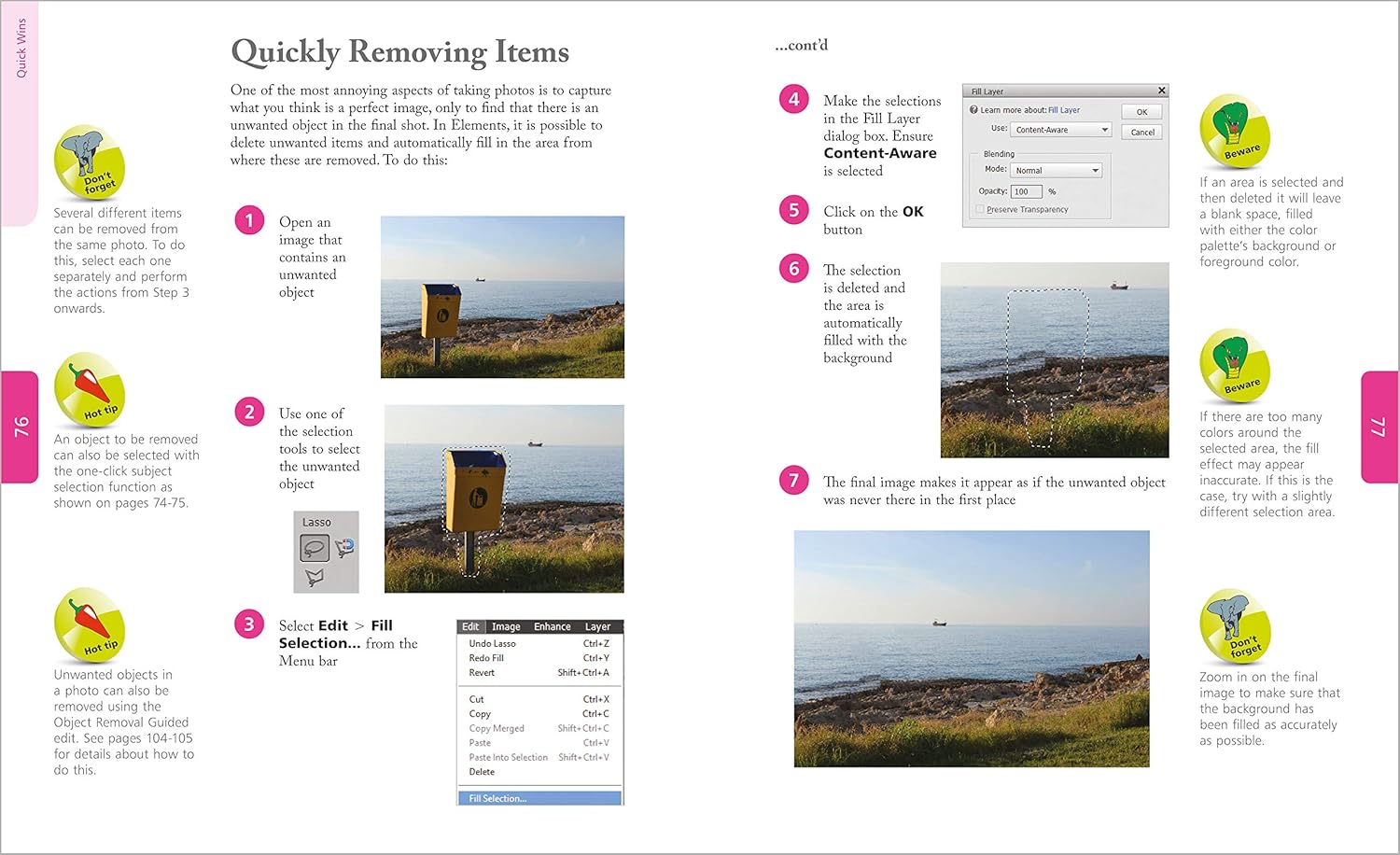


Photoshop Elements Tips, Tricks and Shortcuts in easy steps is written for new users as well as those wanting to take photo editing to the next level. It not only offers a concise guide to using the software but it goes further, providing a wealth of detail in ways to create impressive photos. Learn how to:
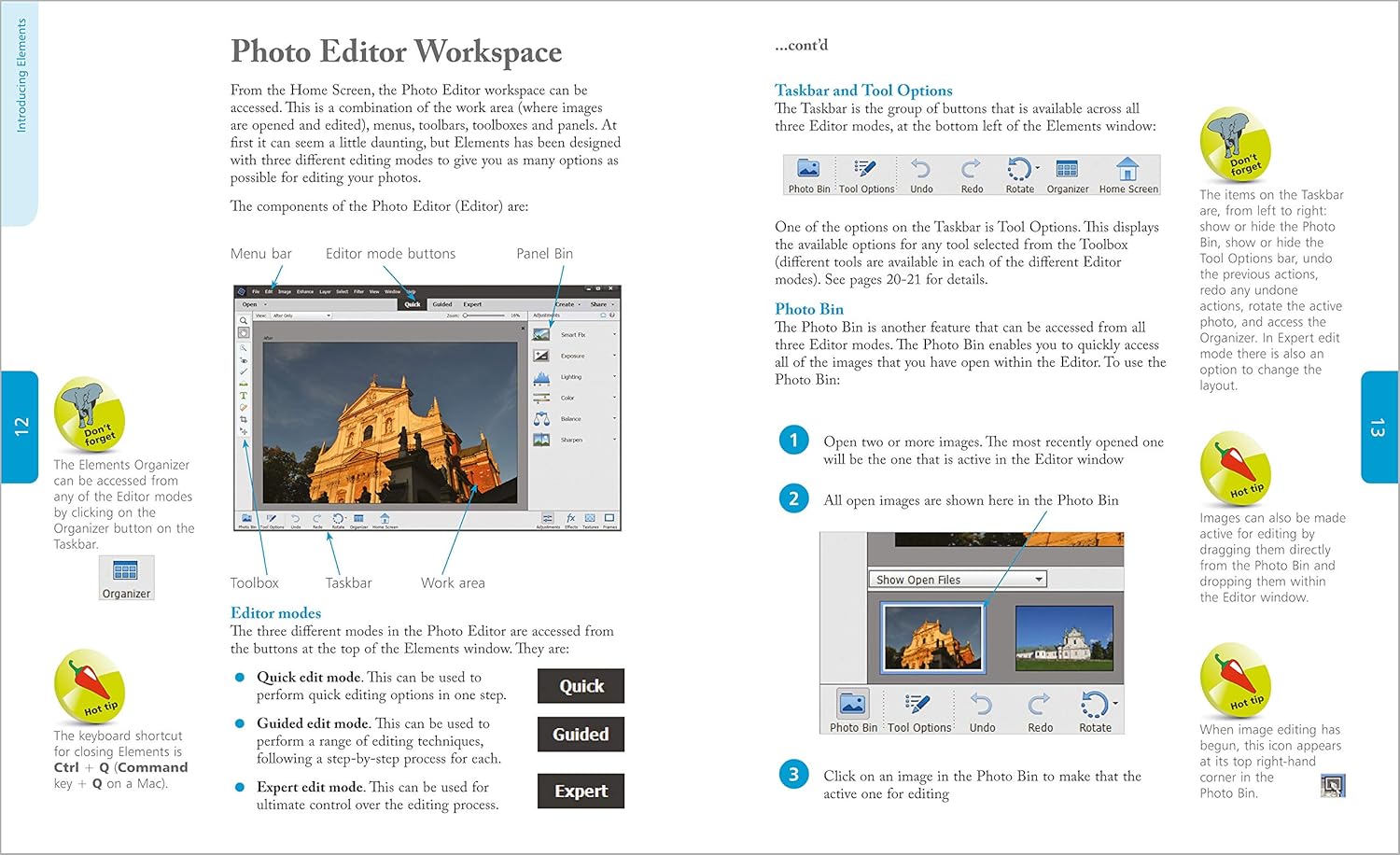
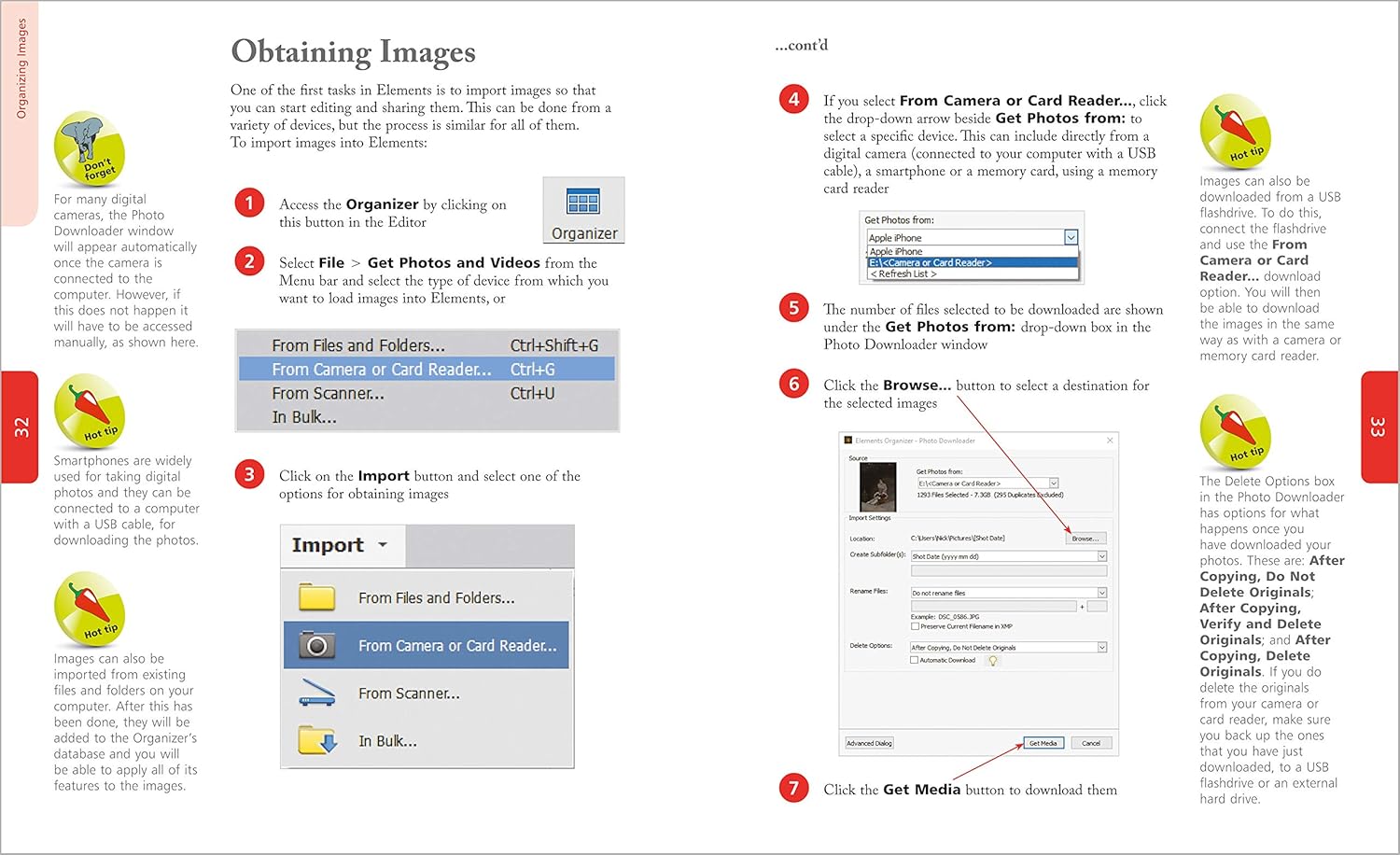
Navigate around Elements and organize images. Master Quick edits for correcting imperfections. Get started with the basics with Guided edit mode and then progress to using Expert edit mode. Enhance digital images using color, healing brush, cloning, transforming, and other special effects. Explore Meme Maker, Paintly, Effects Collage, and Layers to create images with the wow factor! Share your photos in a range of formats, such as photo books or cards, and on social media. Work with RAW images, edit multiple images, resample images – just like an expert.
Photoshop Elements Tips, Tricks and Shortcuts in easy steps covers the 2020 version of Photoshop Elements, but it can be used with earlier versions too. It is packed with handy tips and hidden secrets of the software, and will have you feeling like an Elements expert in no time!
From the brand
Books for Seniors
Books for Kids
Web Design and Graphics Books
Windows 11 Books
Microsoft 365/Office Books
Accounting and Finance Books
Business Skills Books
Coding Books
Publisher : In Easy Steps Limited
Publication date : June 24, 2020
Edition : 1st
Language : English
Print length : 192 pages
ISBN-10 : 1840789042
ISBN-13 : 978-1840789041
Item Weight : 2.31 pounds
Dimensions : 7 x 0.5 x 8.75 inches
Part of series : In Easy Steps
Best Sellers Rank: #2,033,323 in Books (See Top 100 in Books) #172 in Adobe Photoshop #435 in Design & Graphics Software Books #1,861 in Digital Photography (Books)
Customer Reviews: 4.6 4.6 out of 5 stars (102) var dpAcrHasRegisteredArcLinkClickAction; P.when(‘A’, ‘ready’).execute(function(A) { if (dpAcrHasRegisteredArcLinkClickAction !== true) { dpAcrHasRegisteredArcLinkClickAction = true; A.declarative( ‘acrLink-click-metrics’, ‘click’, { “allowLinkDefault”: true }, function (event) { if (window.ue) { ue.count(“acrLinkClickCount”, (ue.count(“acrLinkClickCount”) || 0) + 1); } } ); } }); P.when(‘A’, ‘cf’).execute(function(A) { A.declarative(‘acrStarsLink-click-metrics’, ‘click’, { “allowLinkDefault” : true }, function(event){ if(window.ue) { ue.count(“acrStarsLinkWithPopoverClickCount”, (ue.count(“acrStarsLinkWithPopoverClickCount”) || 0) + 1); } }); });

kori mcbrayer –
Photoshop Element
Photoshop Element
Mary Hickman –
Love this book !
I’m clueless when it comes to digital design, I wanted something to help with my sublimation. Photo Shop Elements seemed simple enough.. Well … you just don’t know what all it can do, if you don’t know … This book, shows step by step and don’t just focus only on photography.. I love how simple it is and color pictures go hand in hand … This book will help with learning more programs as I expand showing common uses and tools. I am very pleased. I purchased used, book arrived in new condition
Shawn-Books –
Good info
Good info
leeyo –
A third-rate, uninformative “Dummies” wannabe.
This book, which tries to mimic the much-better “Dummies” series, is superficial and uninformative. It provides no more help than is already available in the Photoshop Elements documentation you’ve already paid for. It is illustrated with junk photographs that look no better in the “after” than in the “before.” And it offers no real guidance concerning the more advanced functions in the “Expert” mode of the program. The author has no apparent expertise in either photography or Photoshop and it shows. If you simply want to improve the appearance of your snapshots, you don’t need this book; just stick with the Photoshop Elements “Quick Edit” mode, which is largely self-explanatory and does a remarkably good job. If, however, you want to understand and exploit the powerful image-editing tools in Photoshop Elements, you’ll need to look elsewhere.
Mary Ann –
Good reading!
I loved the tips and tricks. When you’re first doing this PhotoShop stuff there’s a LOT of information out there. This book made it quick to find what you need to know. Great Book. PhotoShop is just plain FUN!
L. Stephenson –
Great book
Just what I need. Very informative and detailed.
D. Mason –
Not a deep dive, but nice to have for the quick fix. Instructions are down and dirty, and get you up and running fast. I love these books because I don’t need to read a lot, but can just look at the pictures.
Miss J R Lawrence –
Easy reading, easy to use
Timothy B. –
Good, but not as in-depth as I had hoped
matt –
Even though I bought a “used” book, it was in perfect condition. The book is user friendly and will be a big help as I navigate through Elements 2020.
G. Jackson –
I have this open on one screen and Photoshop open on another so I can swap between the two. I like the gradual learning. Worth the money.