

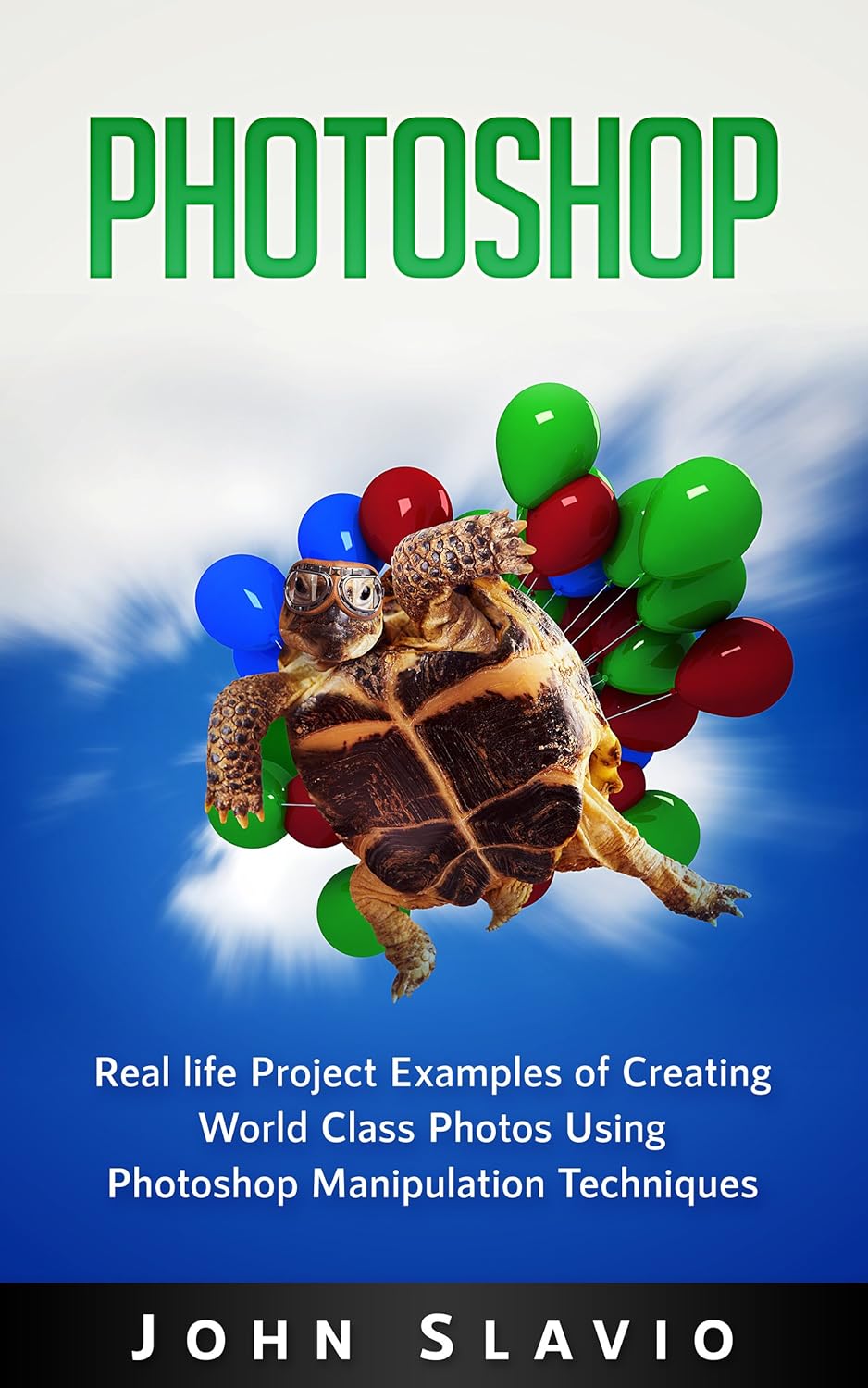
Are you excited about Photoshop but not how to use the features?
Check out our high quality examples of advanced Photoshop features in this book.
A book dedicated to walking you through how to use Photoshop on a more advanced level. These examples represent nearly 90% of the work done in Photoshop on a daily basis. These examples range from changing the eye color of an individual, completely changing the background of a person, developing oval-type portraits and much more.
Here’s What You’ll Learn in This Book:
Basic Photoshop ToolsExample to use Gaussian FiltersExample to use Blurring in Photoshop Color Grading Photoshop ExampleLayers Photoshop ExampleAttractive Text Effects Photoshop ExampleScaling and Resizing Photoshop ExampleColor Manipulation Photoshop ExamplePhotoshop Keyborad ShortcutsScroll up and download now.
ASIN : B071SLDW13
Accessibility : Learn more
Publication date : May 29, 2017
Language : English
File size : 5.4 MB
Screen Reader : Supported
Enhanced typesetting : Enabled
X-Ray : Not Enabled
Word Wise : Not Enabled
Print length : 48 pages
Page Flip : Enabled
Book 4 of 4 : Photoshop for Absolute Beginners
Best Sellers Rank: #2,442,913 in Kindle Store (See Top 100 in Kindle Store) #91 in Photography Darkroom & Processing #444 in Adobe Photoshop #1,206 in 90-Minute Computers & Technology Short Reads
Customer Reviews: 3.7 3.7 out of 5 stars (27) var dpAcrHasRegisteredArcLinkClickAction; P.when(‘A’, ‘ready’).execute(function(A) { if (dpAcrHasRegisteredArcLinkClickAction !== true) { dpAcrHasRegisteredArcLinkClickAction = true; A.declarative( ‘acrLink-click-metrics’, ‘click’, { “allowLinkDefault”: true }, function (event) { if (window.ue) { ue.count(“acrLinkClickCount”, (ue.count(“acrLinkClickCount”) || 0) + 1); } } ); } }); P.when(‘A’, ‘cf’).execute(function(A) { A.declarative(‘acrStarsLink-click-metrics’, ‘click’, { “allowLinkDefault” : true }, function(event){ if(window.ue) { ue.count(“acrStarsLinkWithPopoverClickCount”, (ue.count(“acrStarsLinkWithPopoverClickCount”) || 0) + 1); } }); });
 Adobe Photoshop Elements 2025 Power Guide: Learn Professional Techniques For Effortless Photo Editing And Organization eBaydiy Tools
$24.49
Adobe Photoshop Elements 2025 Power Guide: Learn Professional Techniques For Effortless Photo Editing And Organization eBaydiy Tools
$24.49
 Adobe Photoshop Elements Visual QuickStart Guide eBaydiy Tools
$8.49
Adobe Photoshop Elements Visual QuickStart Guide eBaydiy Tools
$8.49
Photoshop Book: Real life Creative Project Examples of World Class Photos Using Photoshop Manipulation Techniques (A Beginners Guide to Mastering Graphic … Photoshop and Digital Photography Book 1) eBaydiy Tools
Original price was: $24.99.$4.99Current price is: $4.99.
-80%🚚 Free Shipping on orders over $75+
📦 Arrives: Apr 08 - Apr 10
🛡️ 2-Year Professional Warranty Included
Guaranteed Safe & Secure Checkout

Louu –
🙂
I am real happy and excited of this book because I am a new photshoper and seeing all these photoshopped ideas gives me great inspiration
Thane –
Photoshop Made Simple
Another helpful book by John Slavio. Well written, easy to understand and great tips on photo editing through Photoshop.
JustinTime –
Example book not a step-by-step instruction book
This was very basic and easy to understand as far as the writing in concerned. Keep in mind that it is an example book and not and instruction manual of step by step like you may be used to. The writing is clear and explains why certain features work and give you some examples but it does not hold your hand and walk you completely though the process.I was really hoping it would have a section on segregating a color and being able to change it to a different color but this Ebook only had stuff on color grading. I also noticed that this book has some parts that help you know where the menu is that you need to be suing and others didn’t for example I had to Google color grading in order to find that menu but the blur tool and Gaussian Filters are shown in the book where to find them.I did try out the inverting color, changing the levels and using the curves to miniplate this photo which go my closer the the effect I was wanting but I still was not able to make it red. The original is the white on and the black flower is the manipulated one.Overall this is a pretty basic book and covers a few topics that are of interest.for a stand alone IT programmer the author did a good job but I was not overly impressed with it. $4.99 for the digital copy might be ok but if I had bought this paperback for $19.99 then I would be returning it because I don’t think it is worth the money.I am giving this 3 out of 5 stars.
RealDeal –
Fun to read and very informative!
The author reminds me of the late great artist Bob Ross, in a manner that one can picture the author painting on a canvas.I really enjoyed reading this book because he projects a comfortable and easy understanding of what PhotoShop is all about.It sends out a message of encouragement, leaving you feeling like you can’t wait to start using this newly found knowledge. This book is put together really well makes the whole learning process fun. It encourages anyone who loves taking photos, to use the tools the author has demonstrated.He covers layering, blurring, text effects and so much more.I think it would also benefit future photographers to have this book on video.Bravo to the author for writing an instructional book that is also fun and engaging. This book will definitely help many, make the most of Photoshop.On a side note there are very few errors such as:Page 2 blankPage 12. 2nd paragraph, 2nd sentence the word “it” should be “it’s”Page 14 the word “whole” should be left out. Bad grammar.Page 61 the word “undermeath” should be spelled “underneath”.
Teena Marie Stewart –
One area in which I felt the book might have been better was in the area of grammar and sentence structure
John Slavio is a computer programmer with experience in designing in Photoshop and an interest and passion for computer security, iOT, hardware programming and blogging.Slavio claims his book covers nearly 90% of work done in Photoshop on a daily basis. He covers five important concepts for using the program: the blur, the gaussian filter, color manipulation, layers and textThe author includes a look at the burn tool, sponge tool, and explains in detail the difference between color manipulation and color correction.One plus of the book as opposed to video is that you don’t have to stop a book as you do a video to replay it or search for a desired topic. You can read at your leisure and go back and re-read. I found his explanations clear and he includes picture examples of photos before manipulation and after so you can see comparisons.One area in which I felt the book might have been better was in the area of grammar and sentence structure. Though it wasn’t bad, per se, on occasion I felt it could have used a little more editing.The book is best for those wishing to take their basic Photoshop training to the next level. I feel it is a good investment for the money.
Doctor Probeta –
First steps for a good foundation on Photoshop
A very useful book for beginners of the software photoshop,the best without doubt for editing images and with infinite possibilities and creativity.It teaches us the basics of the essential notions and various effects and fantasiesthat can be made with this incredible program. I although I am a user and something experienced,he has taught me basic things that I did’t know, is nice, didactic and with extraordinary examples to learn.I have always been of the methods of trial, and error and I recognize that is always better to havea simple and direct instructions from masters, as is the case of this publication.Photoshop software is infinite and you can achieve similar effects with different methods,but knowing where you are going to arrive and speeding up time is always fundamental.
Julie Gazley –
Lots of great information
I received the Kindle version of this book. Mr. Slavio get’s very in depth with how to use Photoshop. If you don’t know how to use this program but would like to know how and/or know what this program does, please read this book. I think this book would be helpful for even though who have some knowledge of how to use Photoshop so they can do more. There are many technical words, but he goes into detail about what they mean. There are photo examples of many things you can do. Overall a great book to read if you use this program or want to learn how to use it.
Megan H –
Great for beginner’s
This is a great book for beginners in Photoshop. The author talks about how to use Photoshop CS 5.5 but can be applied to any Photoshop version. I really like it how in the beginning the author talks about how to shoot in different formats and why someone would shoot in different formats. Some of the techniques are a little complicated but the author gives very clear and precise steps. I especially like the screenshots and picture examples of the techniques the author is talking about. This is definitely a read that needs to stay by your computer at all times. I have downloaded it to my cell phone for easy mobility but can be downloaded to any computer or tablet.