

Technical Support
1. We provide technical support, including remote installation if necessary.
2. User manual, driver and APP will be sent to you by Email via Amazon platform, if you didn’t receive it, please contact our engineers by Email for technical support.
3. Also, there is one printed label (Link or QR Code) on the package, indicating where to download driver/APP, indicating technical support Email address.
Product Summary
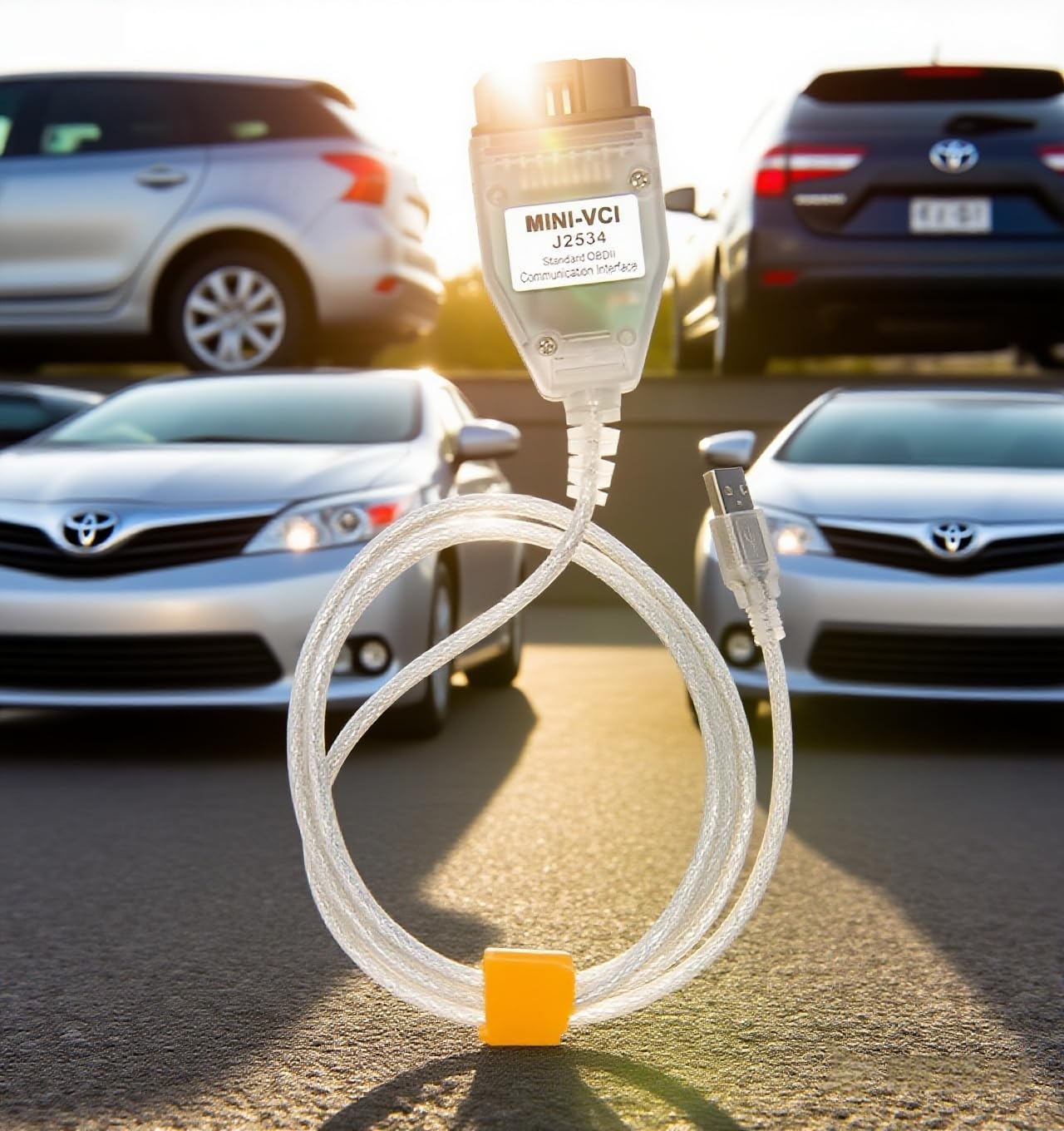
1. This cable is compatible for Toyota Lexus and Scion cars made after 1996, compatible for all Toyota lexus scion cars worldwide made after 1997, for diagnose, customer setting, programming , reprogramming (ECM/ECU), coding etc.
2. . This cable supports all those functions that your car and Techstream Version support, but sometimes you need try different Techstream Version to meet your specific requirements, lower or higher version.
3. Support all the diagnostic communication protocols required for Toyota (since 1996): K-Line ISO 9141 / KWP 2000 ISO 14230-4 / SAE J1850 PWM / SAE J1850 VPW / CAN 2.0B ISO 11898 / CAN ISO 15765-4.
4. Compatible for 32bit and 64bit Windows.
Important Note
1. The cable driver installation is required.
2. Basic computer skill is required for users.
3. If you see the prompt “Unable to connect to VIM”, especially the first time to run it. Generally that means the cable driver was not installed successfully.
4. According to the experience of our customers, most of problems are the software issue.
Most of the people who said that this cable didn’t work, just because they did not get the driver installed successfully on a 64bit/32bit Windows.
Generally because the antivirus deleted the driver when unzipping and installing it. We have solutions to solve this issue.
Packing List
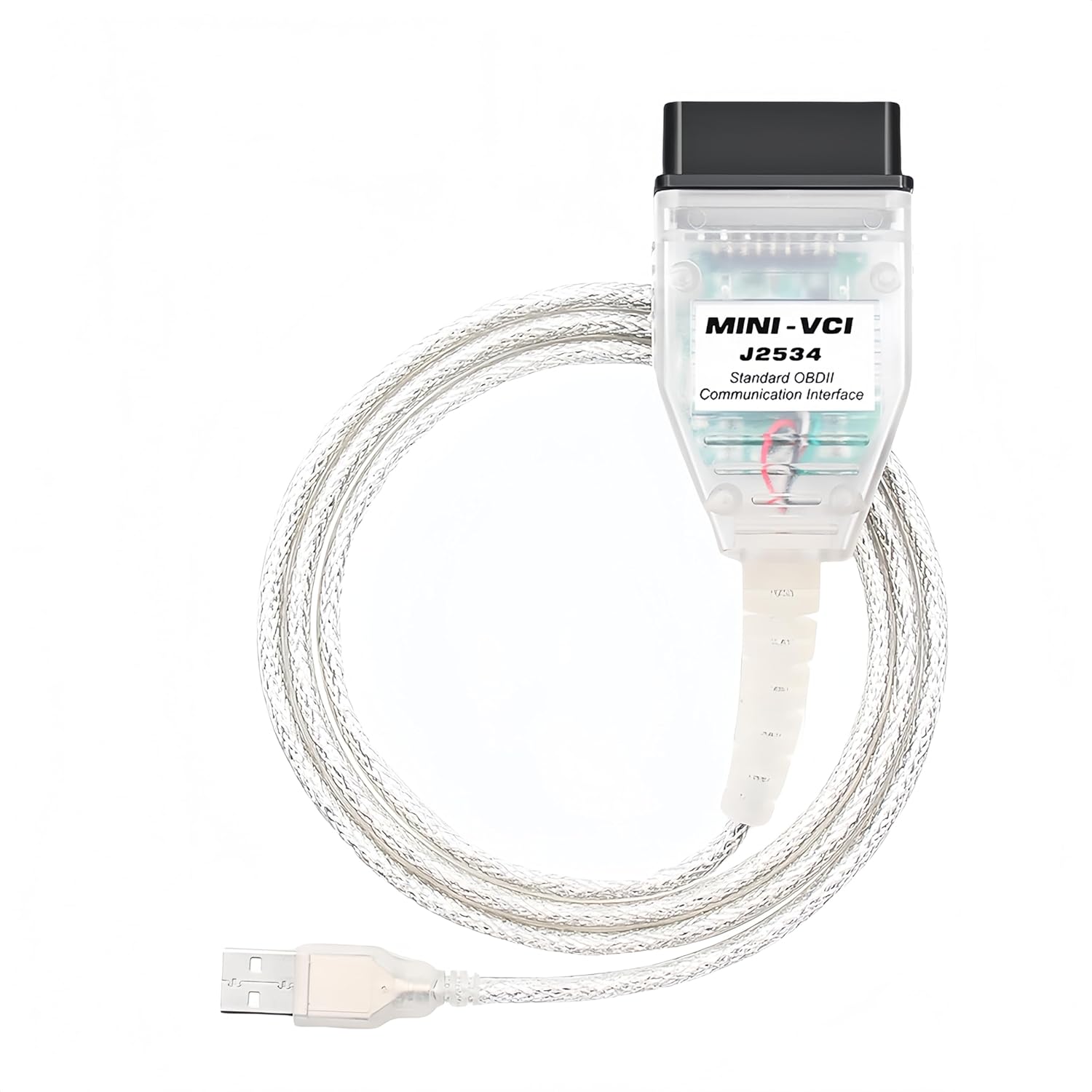
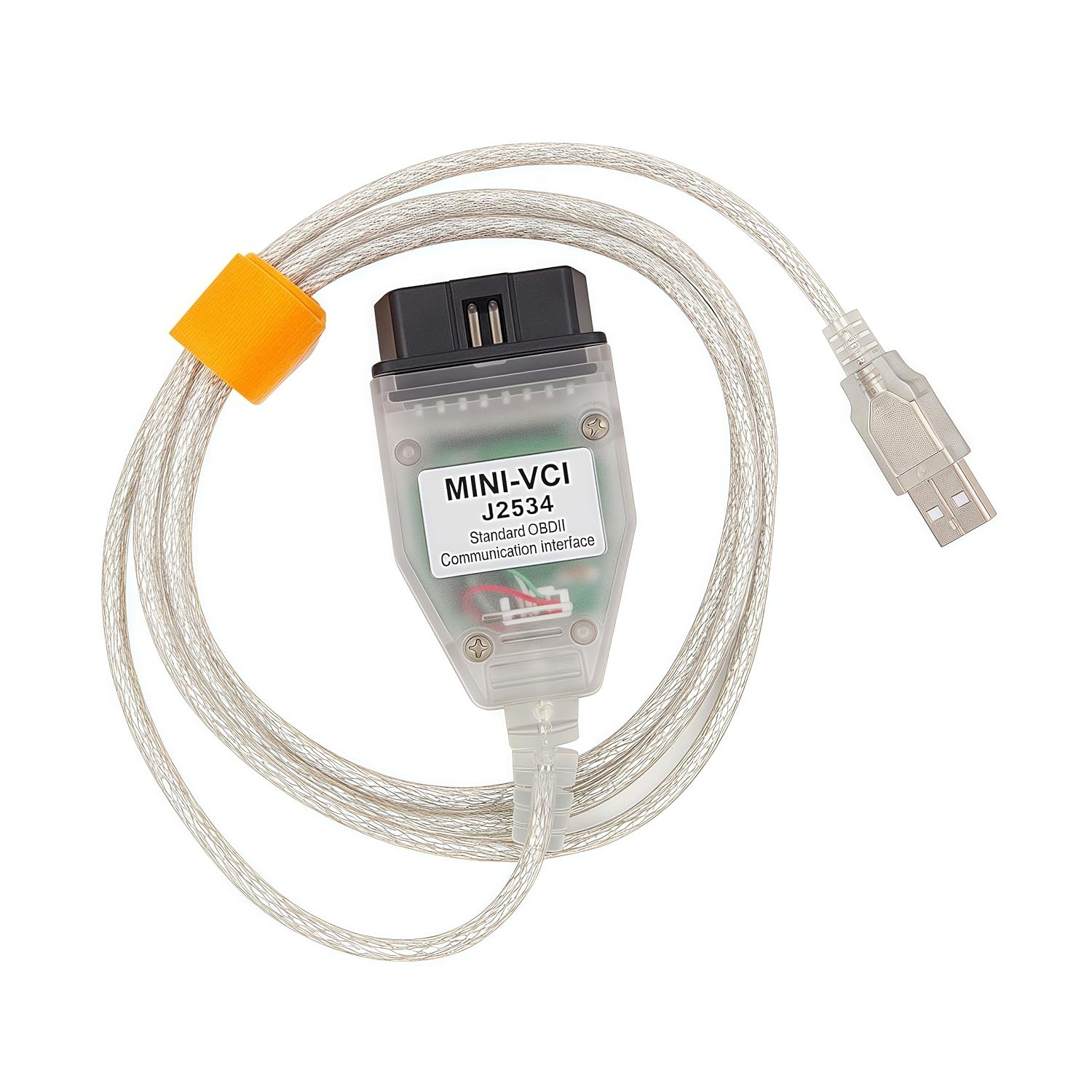
1 x J2534 cable
Application Scenes. OBD2 programming cable Compatible for Toyota Lexus and Scion cars made after 1996, for all Toyota lexus scion cars worldwide made after 1997, for diagnose, customer setting, programming , reprogramming (ECM/ECU), coding etc. This cable supports all those functions that your car and Techstream Version support, but sometimes you need try different Techstream Version to meet your specific requirements, lower or higher version. Basic computer skill is required for users.
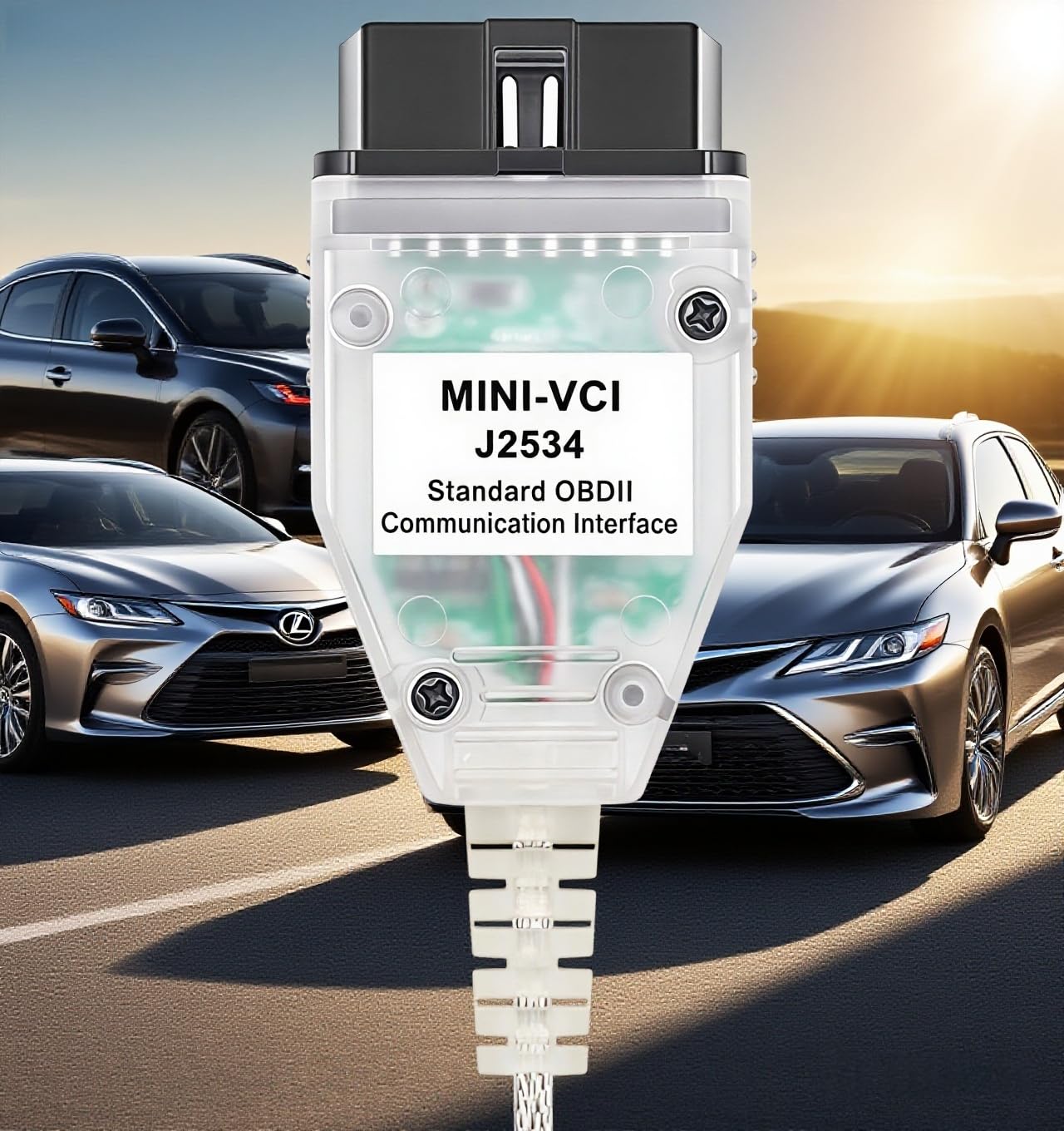
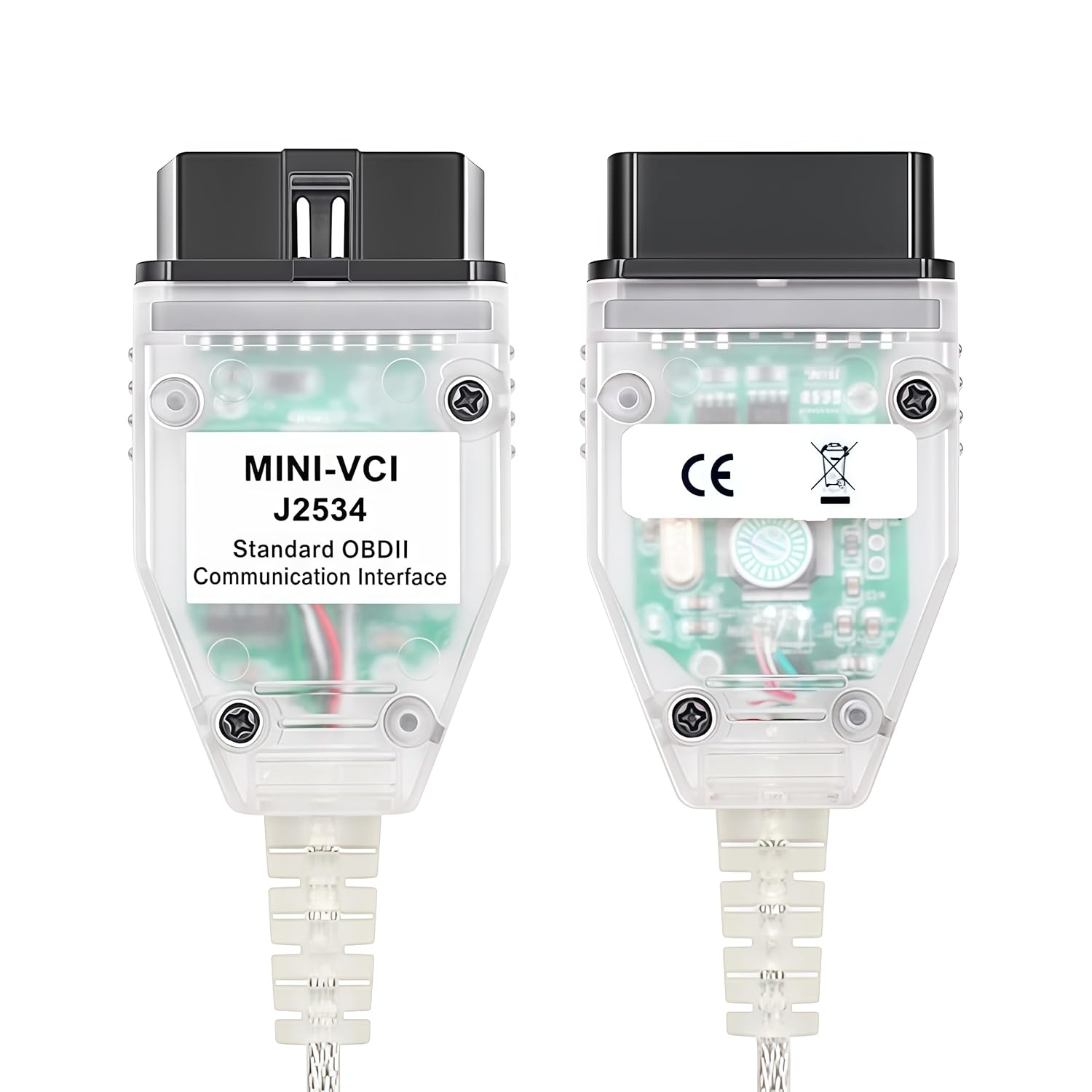
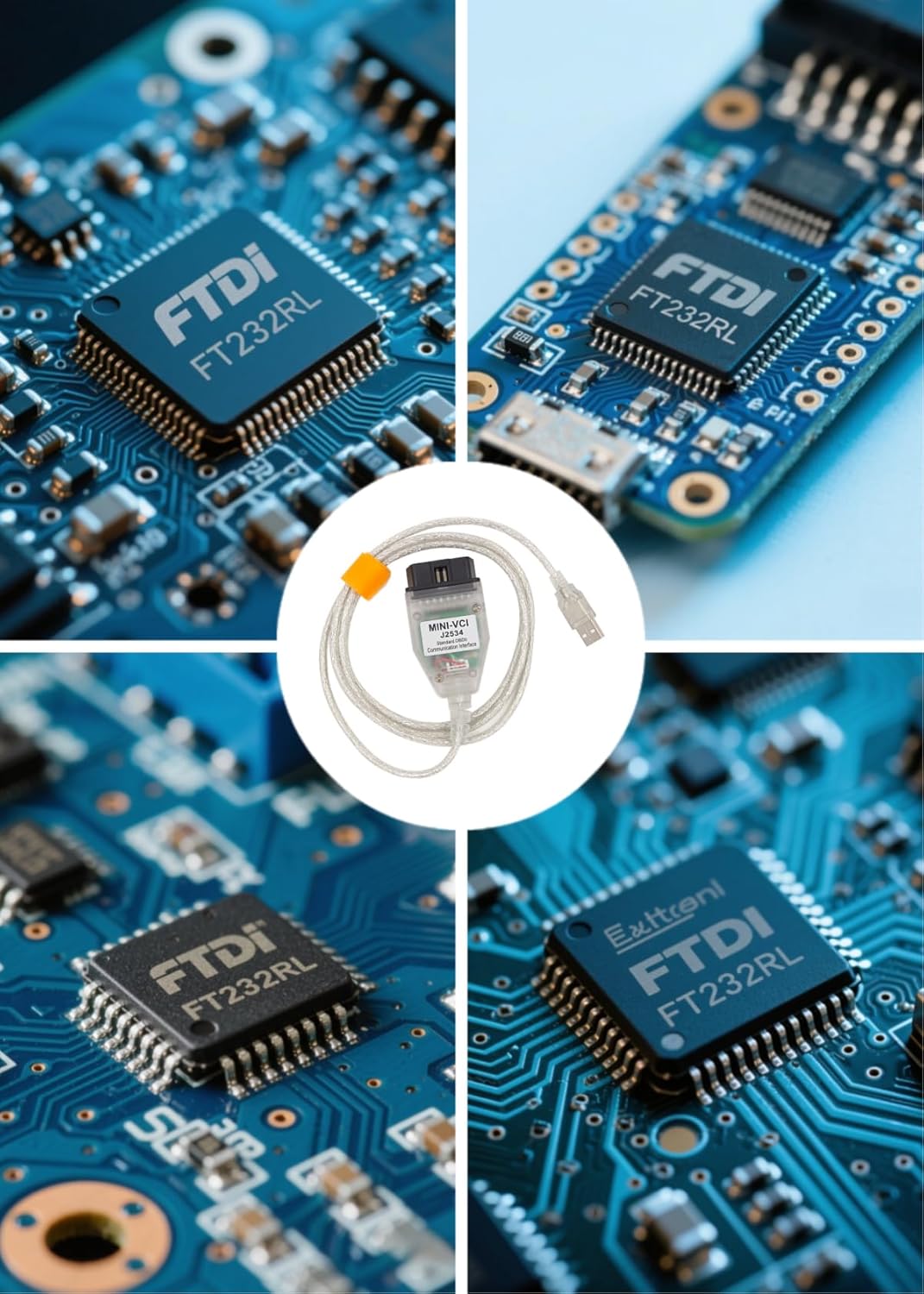
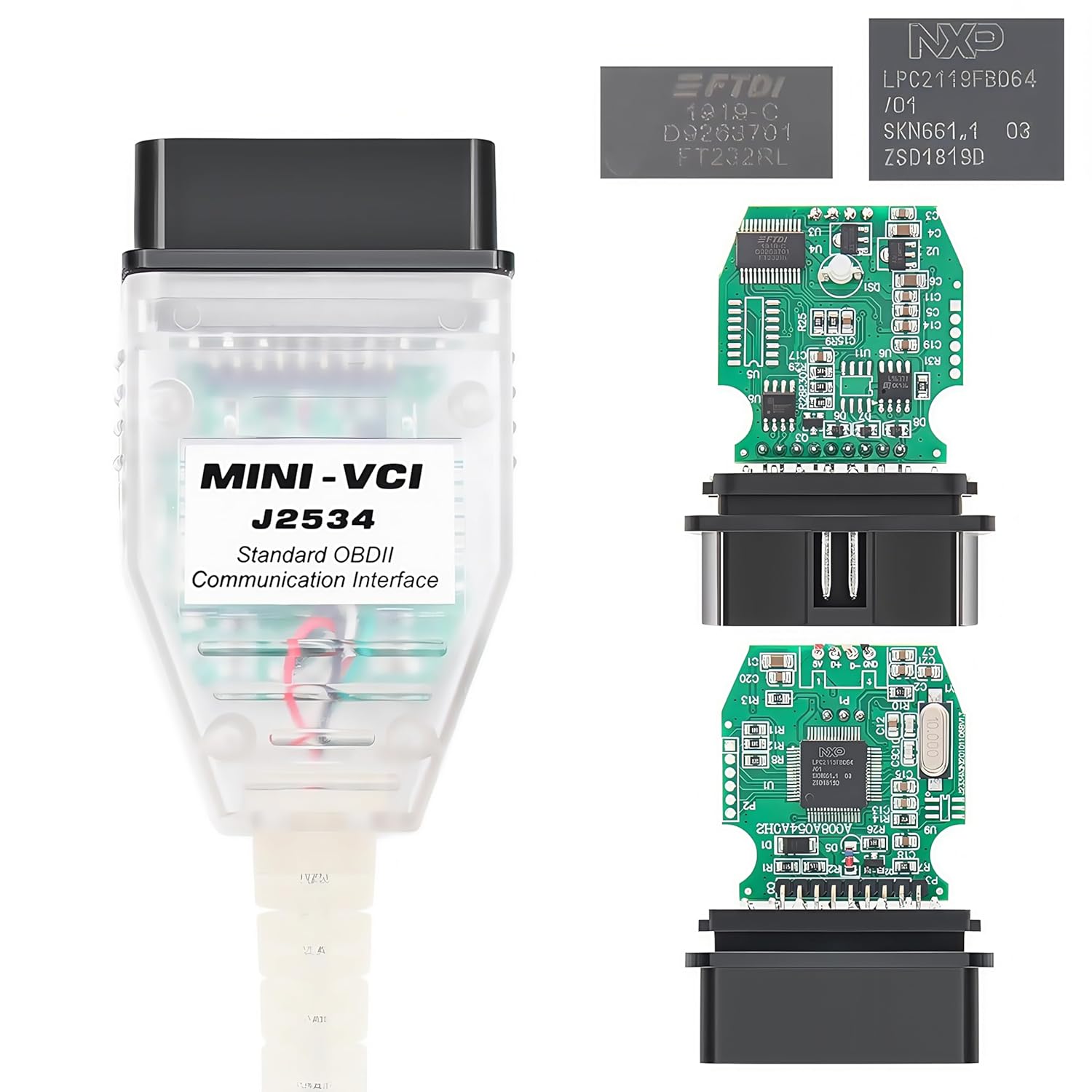
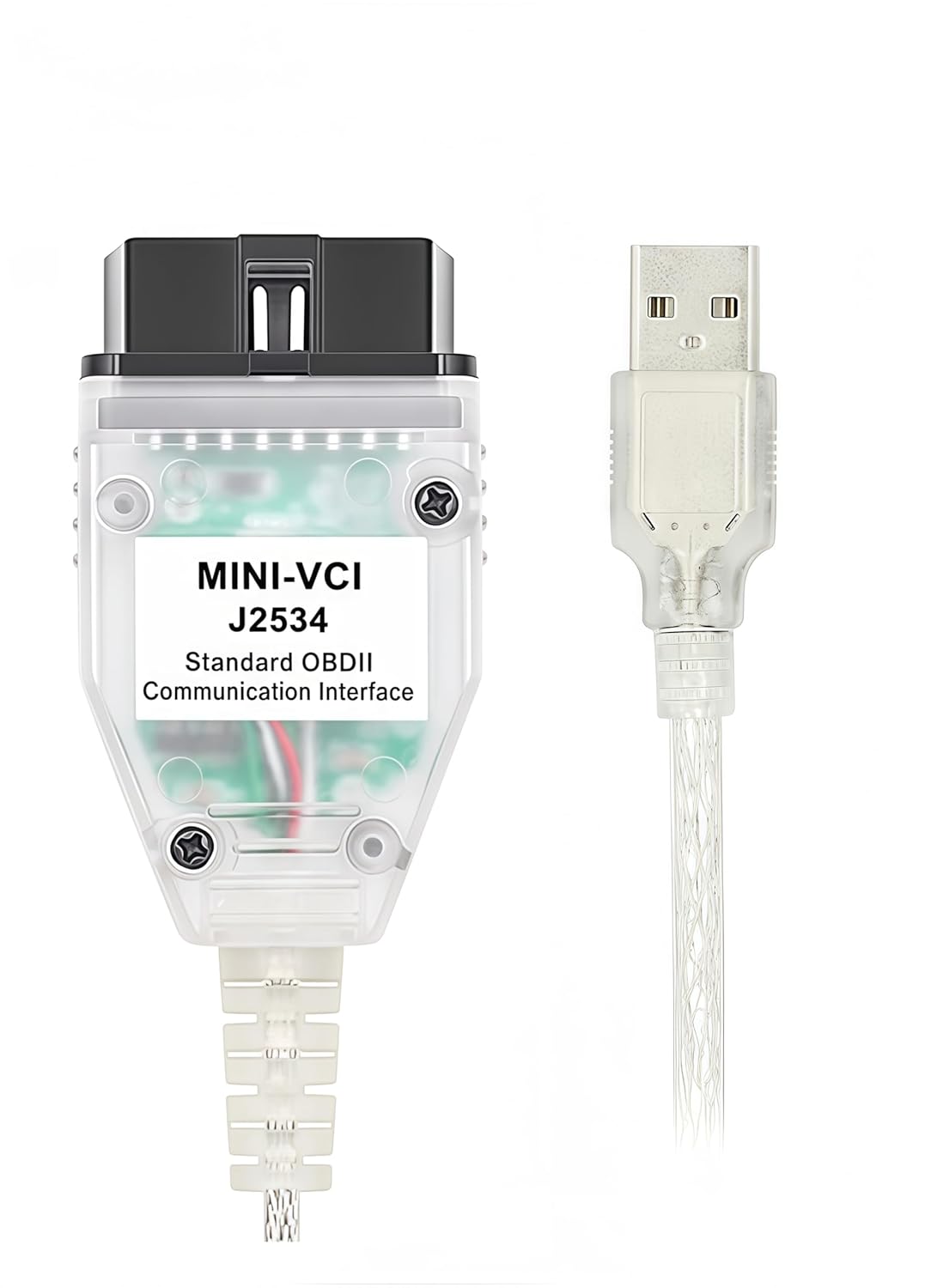
Converter Cable. Mini VCI J2534 cable built in FTDI FT232RL. Firmware Version: 1.4.1. With connectors of USB 2.0 and 16 Pin connector. High reliability of products using SMD chip. Support Double K-Line, High Speed, Low-Speed, Detects battery voltage and contact via by control line. Create virtual COM port and so on.
Supported Protocols. Support all the diagnostic communication protocols required for Toyota (since 1996): K-Line ISO 9141 / KWP 2000 ISO 14230-4 / SAE J1850 PWM / SAE J1850 VPW / CAN 2.0B ISO 11898 / CAN ISO 15765-4.
Supported APP and OS. Compatible for 32bit and 64bit Windows. Compatible for all versions of TIS Techstream softwares including the Latest one. If you see the prompt “Unable to connect to VIM”, especially the first time to run it. Generally that means the cable driver was not installed successfully, or the driver was deleted by anti-virus, please refer to the troubleshooting section of the user manual, or contact us for technical support. There are solutions to solve this issue.
Driver/APP must be installed for the cable. Made by Washinglee, provide Technical Support, including remote installation if necessary, and 1 year warranty. Scan the QR code printed on the label on the bag, you can find, download and install the Driver/APP. Also, User Manual and Driver/APP will be sent to you by Email via Amazon platform, if you didn’t receive it, please contact our engineers by Email for technical support. No CD inside the package.
 Autel MaxiCOM MK908 Pro II: 2026 MK908PRO II Same as MaxiSys MS908S Pro II Ultra Elite 2 Pro, J2534 Programming Scan Tool Up of MS908S Pro Elite MS906MAX MS906PRO, 38+ Resets, 3K+ Test, 4+128G eBaydiy Tools
$1,969.00
Autel MaxiCOM MK908 Pro II: 2026 MK908PRO II Same as MaxiSys MS908S Pro II Ultra Elite 2 Pro, J2534 Programming Scan Tool Up of MS908S Pro Elite MS906MAX MS906PRO, 38+ Resets, 3K+ Test, 4+128G eBaydiy Tools
$1,969.00
 Airbag Scan/Reset Tool B800 for BMW Fit E36 E46 E34 E38 E39 Z3 Z4 X5 eBaydiy Tools
$25.99
Airbag Scan/Reset Tool B800 for BMW Fit E36 E46 E34 E38 E39 Z3 Z4 X5 eBaydiy Tools
$25.99
OBD2 Diagnostic Cable for Toyota Lexus Scion, USB Diagnostic Scanner Cable Compatible for TIS Techstream and 32/64 bit Windows, Driver/APP Must Be Installed eBaydiy Tools
Original price was: $149.00.$49.99Current price is: $49.99.
-66%🚚 Free Shipping on orders over $75+
📦 Arrives: Apr 03 - Apr 05
🛡️ 2-Year Professional Warranty Included
Guaranteed Safe & Secure Checkout
Additional information
| Brand | Washinglee |
|---|---|
| Specification Met | ISO, SAE |
| Is Discontinued By Manufacturer | No |
| Item model number | J2534-TYT |
| ASIN | B084H75MZ3 |
| Package Dimensions | 6.81 x 5.63 x 0.98 inches |
| UPC | 603765839634 |
| Manufacturer | Washinglee |
| Maximum Voltage | 15 Volts |
| Indoor/Outdoor Usage | Indoor, Outdoor |
| Item Weight | 2.89 ounces |
| Connector Type | USB Type A |
| Unit Count | 1.0 Count |
| Number of Pins | 16 |
| Connector Gender | Male-to-Female |
| Color | for Toyota Lexus Scion |
| Recommended Uses For Product | Automotive diagnostics and programming |
| Compatible Phone Models | No Compatible Phone Models |
| Special Feature | Tangle Free |
| Compatible Devices | PC, Scanner |
| Cable Type | USB |
| Date First Available | November 16, 2018 |

Sanjay –
Very useful for Toyota/Lexus vehicles, must have for hybrids
It took some figuring out to get it installed. If I was not tech savvy, I might have struggled with this. The instructions are long and cumbersome. It is well worth it in the end though.I installed on a 64bit windows 10 machine. I installed the drivers, however the drivers were not enabled for the machine. I had to go into my device manager, find the USB cable, then click to update driver, navigate to the location of the folder with the driver. After I did that it worked great.This is an incredible tool. I have 2 Lexus and my dad has a Tacoma. This works great for my family. On my RX400H hybrid, the entire rear braking System is electronic, and I could not find a manual method to bleed the brakes without the tech stream software.
mda185 –
Not able to program Toyota for new keys even though vendor claims it will
I purchased this cable from Amazon last week. I followed vendor’s instructions to install Techstream software downloaded from URL provided on the cable package. I am able to connect to the vehicle and check for error codes. I am also able to run tests such as lock/unlock doors. This means the cable is working.I purchased this cable because the vendor (Washinglee) claims on Amazon that with their cable and software they specify, that I would be able to program my Toyota for new keys and new remote to lock/unlock doors. This requires the Utility function to be displayed on the Immobilizer Live page in Techstream. The Utility function is not displayed and not available. I followed the vendor’s instructions precisely. This was a waste of time and money. There are smart phone apps that work fine for reading and clearing fault codes. I purchased this expecting increased functionality compared to a smart phone app and it did not deliver.
Thomas T –
Great Product That Will Save You Money
This product works great so long as you follow the instructions and any troubleshooting suggestions. The virus warnings are scary but if your are very concerned, you can use it with a virtual machine where there are instructions on the internet. The same item can cost a little less if you are willing go search through the internet but the convenience of Amazon shipping and possible returns is nice. I saved over $400 with this device by programming a remote key and immobilizer and completing a repair. The repair was the greatest savings since the dealer charges full price for the same genuine Toyota part and also charges for the labor. Highly recommend this product.
Plumpkin –
cable got stuck
Ok so the cable arrived and there was no software. An email was sent with a link to download software. The email was confusing. I downloaded the software and it was a bit of a mess. It didn’t work until I figured out the driver was not being installed. I am running win 7 64bit. After a long time fiddling with the software and the poor english grammar not helping, I was finally able to figure out how to run tech stream successfully. I have a 2007 prius and 2017 sienna, the cable worked on both cars. Here’s where things went down hill. I went to unplug the cable from the prius and it was stuck. I mean stuck hard. I started to panic a bit and pull hard and it finally came out with lots of force. I shouldn’t have done that, it could have broken the obd2 port on the car. I refused to plug it back in at this point. When I looked at the cable I could see it was warped, the plastic portion and that caused it to hitch on the cars obd2 port. I assume this is a defect of manufacturing and promptly returned the cable. So look at your cable carefully to make sure this doesn’t happen to you and if it does, carefully pry the cable off your obd2 port unlike I did.
BM –
Works perfectly with the latest Techstream version.
This worked perfectly for my two 2016 Lexus vehicles. I used it on a Windows 10 64 bit laptop. I emailed the seller and they promptly send me a link to download the drivers. I had to download WinRar to unzip and then turn off Antivirus to extract and install the drivers.I then downloaded the latest version of Techstream directly from TIS and bought the two day license for $65. Once Techstream was installed and registered I just had to make one settings change in Techstream to point to the correct driver. The instruction PDF sent by the seller was very detailed and easy to follow.I was able to quickly connect to both vehicles and have full functionality inside Techstream without having to buy the $400 Mongoose cable.
DR007 –
Accurate Product
After reading other reviews I decided to take the leap and order one. I wasn’t disappointed. Followed the very detailed instructions and I was able to diagnose my issue on my 2015 Tundra. I installed Parallels on my Mac and hadn’t zero issues. Highly recommend if you’re on the fence. I was also able to get into more detailed settings and turn off the seat belt alarm amongst other things.
Gabriel D Nottingham –
Viruses in a software
Beware – I bought this, tried to download the programs through their QR code. All four of the files had viruses on it. I had a feeling it was sketchy when the website had some foreign writing all over it.
Andrew Berg –
Worked on Win10 64-bit laptop
Worked perfectly for me on a 64-bit Windows 10 fresh install. There were two hiccups I ran into during installation: 1) Chrome would refuse to let me download the installation file from the web, insisting it had viruses, and 2) driver would not install correctly. To fix the driver issue, I navigated to Device Manager and manually reinstalled the driver by navigating to the C:/Program Files/xHorse folder which gets created after the driver installer runs. Once I did that, Techstream boots perfectly!One other gripe, the OBD connector has a snap retainer to keep the plug from falling out of the receptacle on your car. This is very annoying, so I cut mine off with snips.
heder –
Very good
Amazon Customer –
Ok, this product was repackaged for return, but I decided to turn my antivirus off. Crazy!! I know. The software is cracked version of tech stream. This cost $70 per day to rent (FYI). And it will read all cars but looks like it was cracked in 2020. So, you will have to just tell it your car is 2020. Mine is a 2022 Corolla with a blind spot monitor calibration needed. It worked well, even pulled up the info online for me – on how to set up the targets. So you are going to have to take some chances with this one. WinRAR is really good for the compressed files. You’ll need the 64 bit driver for the cable, this will show as a virus. You’ll have to make an acceptation on your antivirus if you want the cable to work. Now I don’t know if there is an additional security risk here. I did get some pop up ads. Which, was cleaned up with a AVG deep scan. I say the cable works great. Much cheaper than buying a scanner or taking it to the dealership. It can save you a lot of money in the long run.
gerard hogan –
Product could be a lot more simple to set up especially if you have no computer skills
Zero_gravity –
I was very skeptical when I read the instructions that it may be necessary to disable anti virus software. Turns out I was right. The driver package for this adapter does indeed contain a virus by the name of wacatac.h ml. This is a trojan designed to allow someone to access your system, collect banking information and passwords as well as any other personal information it can find. It can allow someone to remotely install more viruses and malware on your system. This is a nasty one.Once unpacked from the RAR file, I ran everything through a website that scans the uploaded file with many different anti virus software. The result was about 9/10 indicating it was infected with this trojan.Furthermore, the techstream software is obviously cracked. You’re getting illegal software, if you care.I did manage to install this and get it working while removing the trojan. Thankfully they’re not very good programmers so it’s actually pretty easy. The techstream software is clean, it is only the driver install programs.First, backup and remove any and all personal information. Get some good anti virus software that is capable of removing this trojan, there are a few free ones out there. Next, island the computer. Remove all network connections. Install the software as per the instructions. You’ll have to disable antivirus software to do this. Once completed, turn it back on and perform full system scan. You’ll also want some anti adware software too, plenty garbage adware installs with this.I recommend using multiple anti virus/malware software to be sure you get it all. You should be able to tell any software to stop ignoring the infected files at this point if you had to do so.After that it’ll work fine.This is an outright scam and is completely shameful. Why is this on amazon?
J Borgs –
worked flawlessly and helped me fix a couple of things using Toyota Techstream.