




From the brand


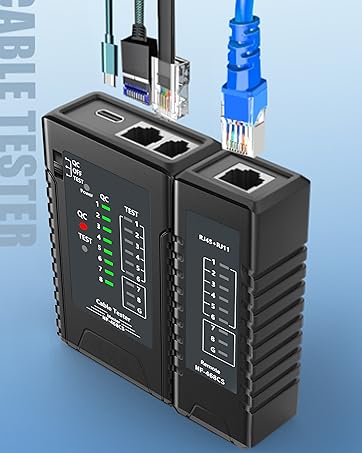
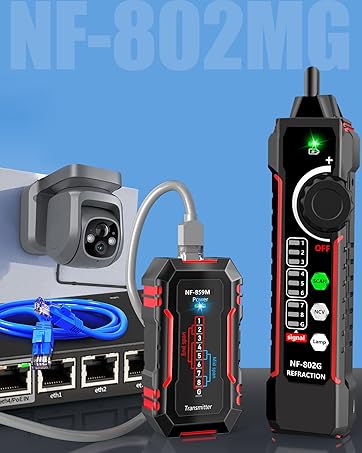
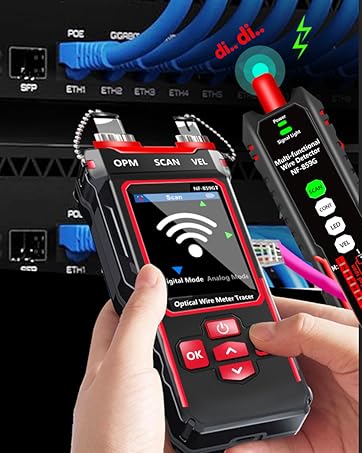
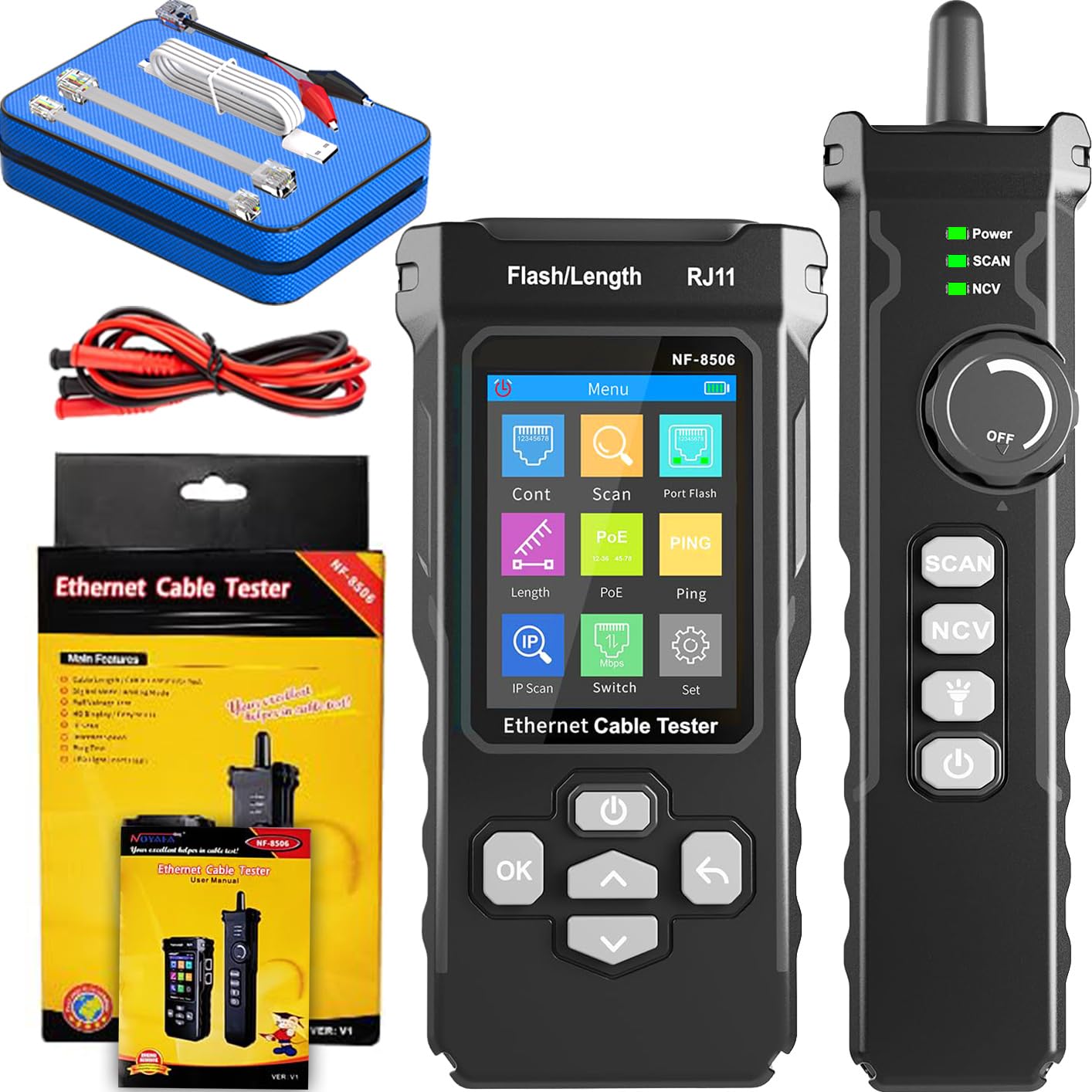
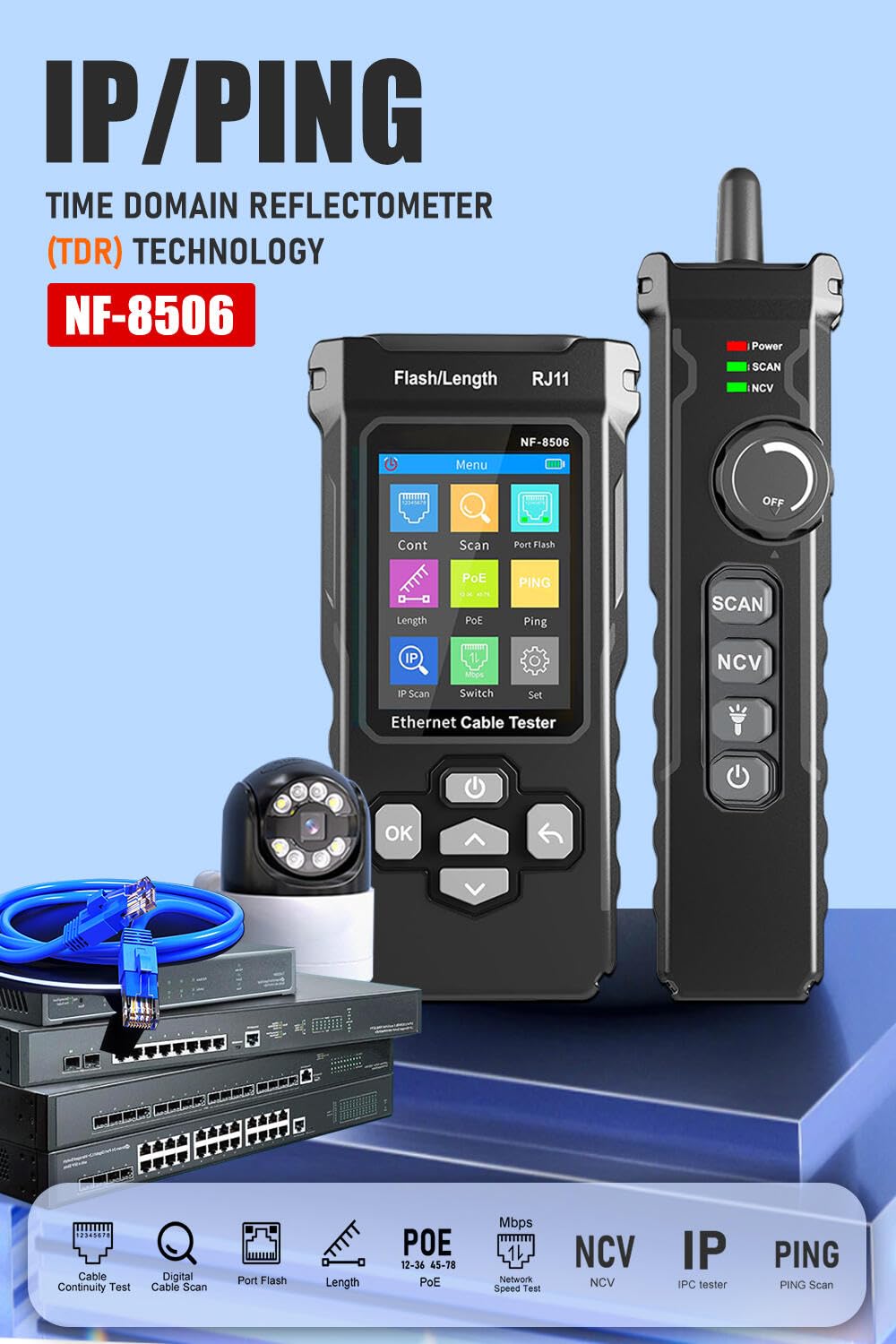
1. 【Multi-functional network tester, supports multiple types of cables】 Say goodbye to the hassle of carrying multiple tools—the NF-8506 can easily handle RJ11, RJ45, CAT5, CAT6, CAT5a/CAT6e/CAT3 shielded cables, and telephone cables. This device can perform connectivity testing, PoE testing, IP scanning, Ping detection, network speed testing, port flashing, and cable length testing, making it an ideal choice for home network setup, office troubleshooting, and engineering cabling. No need to switch tools for different cable types!
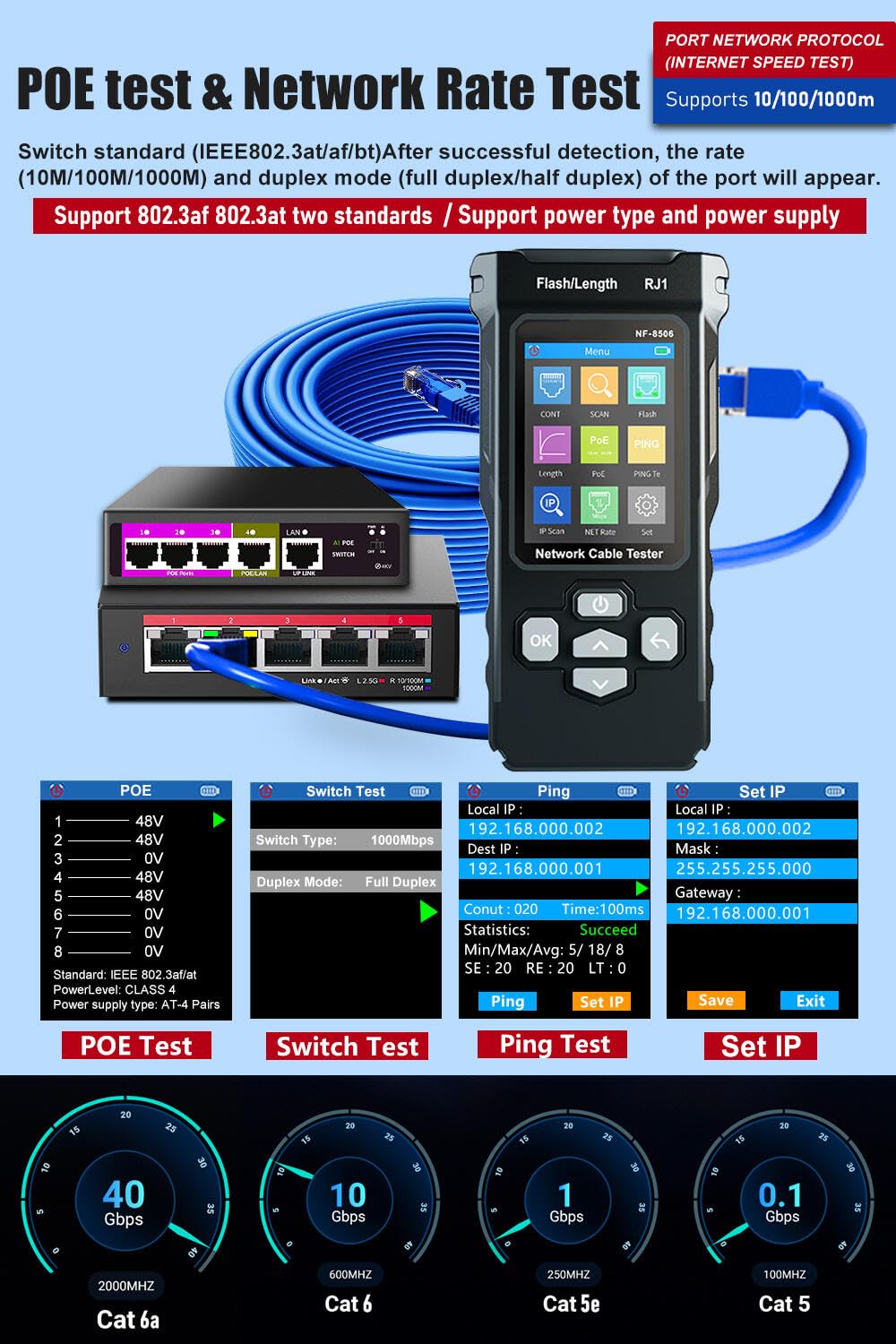
2. 【Precise PoE Detection and Compatibility】 The NF-8506 tester can detect PoE devices via RJ45, identifying IEEE 802.3AF/AT standard and non-standard PoE devices, and detecting power supply modes (port power supply/relay power supply/8-core power supply). This is crucial for preventing damage to cameras, routers, or IP phones. It automatically switches between 10M/100M/1000M modes for seamless testing.
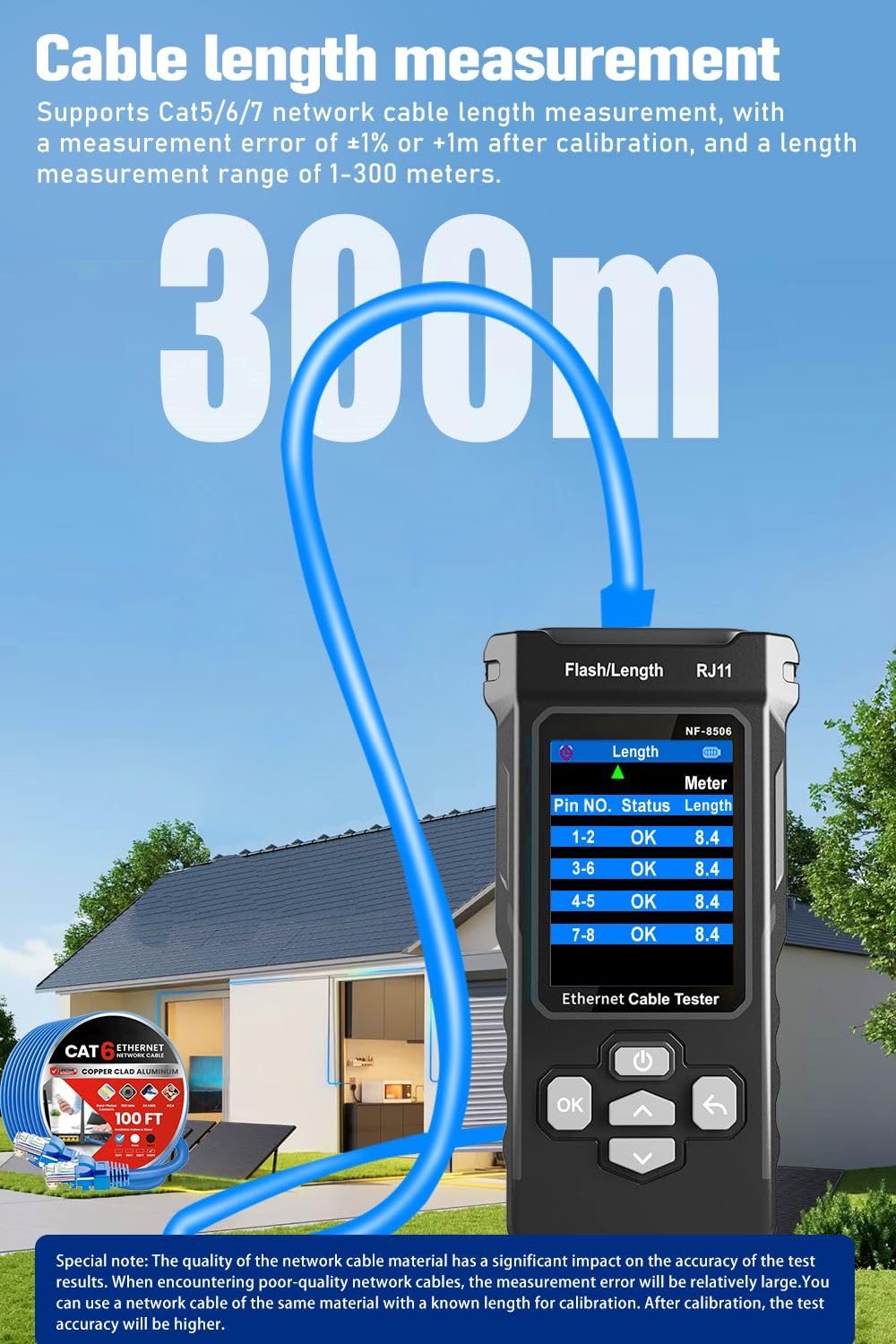
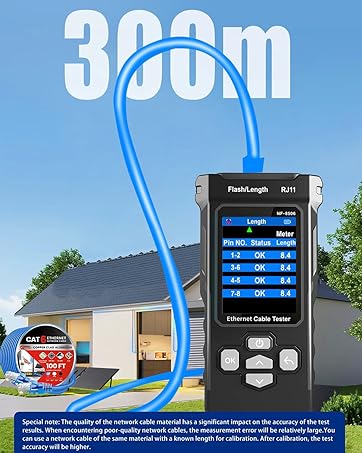
3. 【TDR Technology: Locate Faults & Measure Length in Seconds】 Solve “where’s the break?” frustrations with built-in TDR (Time Domain Reflectometry). Accurately measure cable length (2.5m-200m/8.2ft-656ft) and pinpoint shorts, breaks, or opens in real time—saving hours of manual tracing. Perfect for DIY enthusiasts and pros fixing network outages.
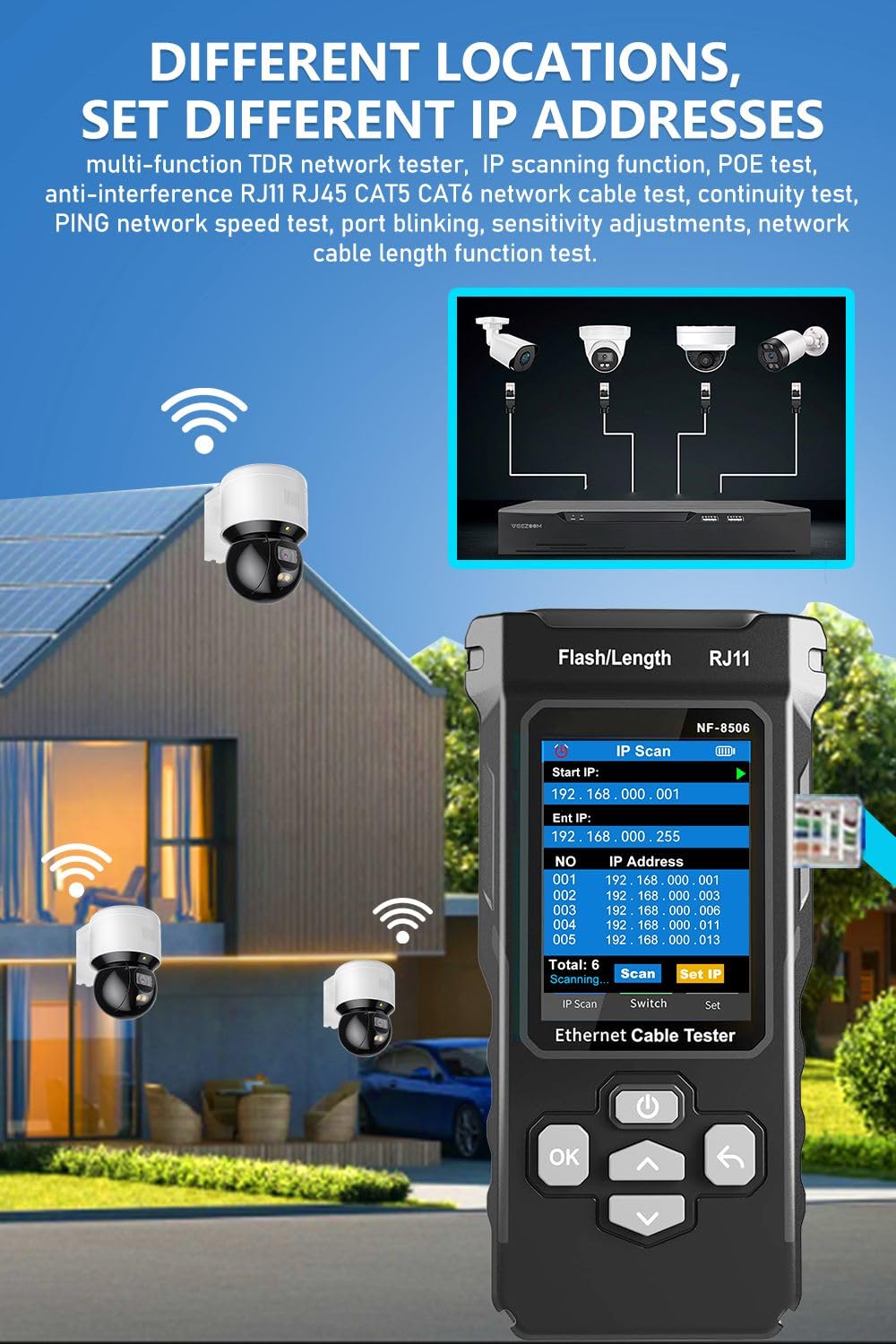
4. 【Ping and IP scanning: Quickly diagnose network issues】 Easily troubleshoot slow or unstable network speeds. The Ping function checks data integrity and round-trip time to assess traffic load, while IP scanning quickly identifies the IP addresses of connected devices. Ideal for verifying local area network (LAN) connections (IP scanning, setting IP subnet addresses) and server response speeds.
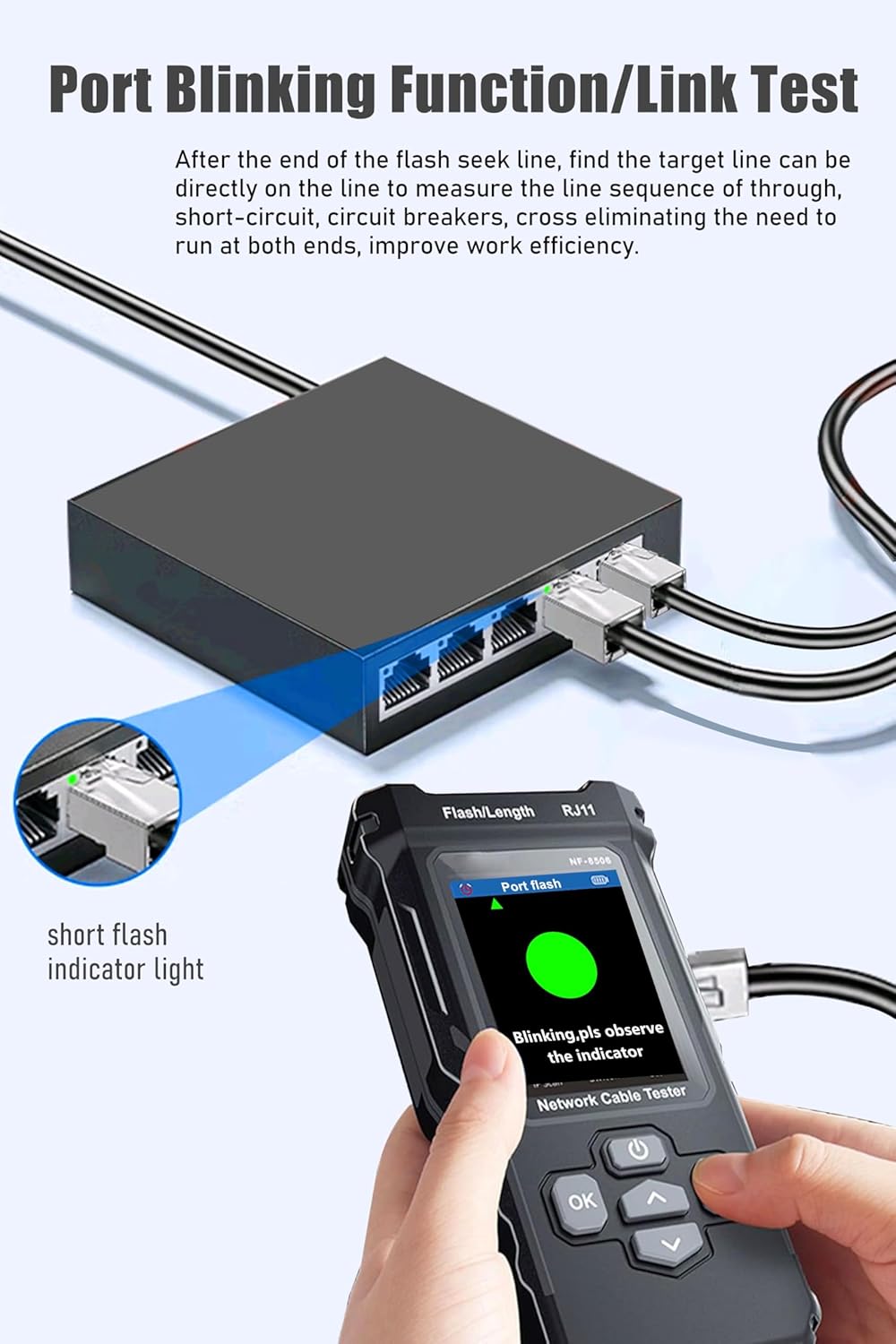
5. 【Port Flashing and LED Lights: Work Anytime, Anywhere, Even in the Dark】 The port flashing feature uses indicator lights to locate cables connected to POE devices, displaying network speed and full-duplex mode. Built-in LED lights solve low-light environment operation issues — suitable for attic, garage, or construction site repairs.
6. 【Network Speed Test: Instantly Identify Bottlenecks】 Tired of slow internet speeds but unable to determine whether it’s a cable or service issue? This tester can perform network speed tests to detect 10M/100M/1000M speeds, helping you pinpoint whether faulty cables are affecting performance. Combined with multi-location Ping tests to verify server/website response speeds—this is crucial for gamers, remote workers, or small businesses requiring stable connections.
7. The NF-8506 anti-interference mode ensures precise cable detection even in rooms or industrial environments with tangled cables and busy networks, delivering accurate results even when multiple devices are present. Ideal for electricians and IT professionals working in construction sites with cluttered wiring closets.
8. 【Cable Audio Testing Function: Track Cables Without Guessing】 Have you ever been frustrated trying to find the cable connected to a specific device? The built-in cable audio function can track RJ11/RJ45 lines through walls, floors, or cables — the NCV function eliminates the need to unplug cables one by one. The sensitivity adjustment function ensures you can precisely lock onto the target line, even in complex wiring environments (suitable for internet cafes, home theaters, office cubicles, or smart home installations).
9. 【Portable and Durable: Take It Anywhere】 Designed for mobile use: compact enough to fit in a tool belt, with a rugged, durable construction that withstands drops and daily wear and tear. Whether repairing a home router, installing security cameras, or troubleshooting warehouse network issues, this handheld tester is up to the task—and makes the perfect holiday gift: 24/7 online customer service is available to assist you.

Jones –
Gets the job done!
I encounter Components that have Internet connectivity issues at different facilities. I am not a technician by trade but know enough to isolate the issue. Checking facility’s cables, Pinging, and connection information is what I needed. This product fits the bill. Now when I address their IT Dept., I can inform them of pertinent information to assist in getting the unit connected.