

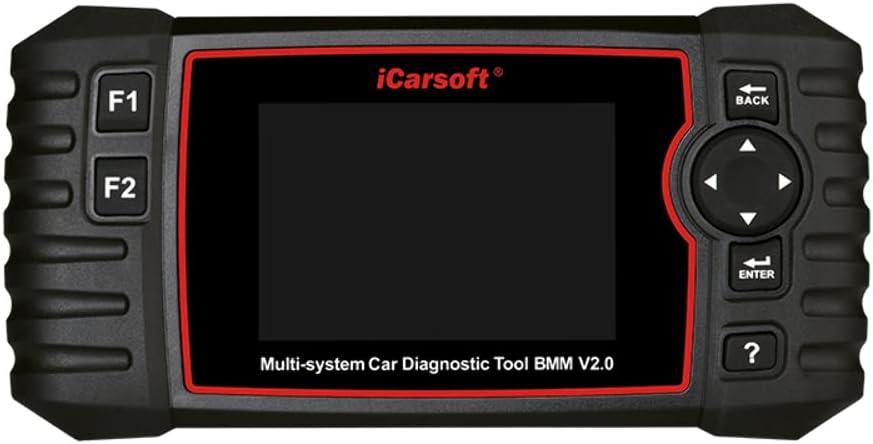
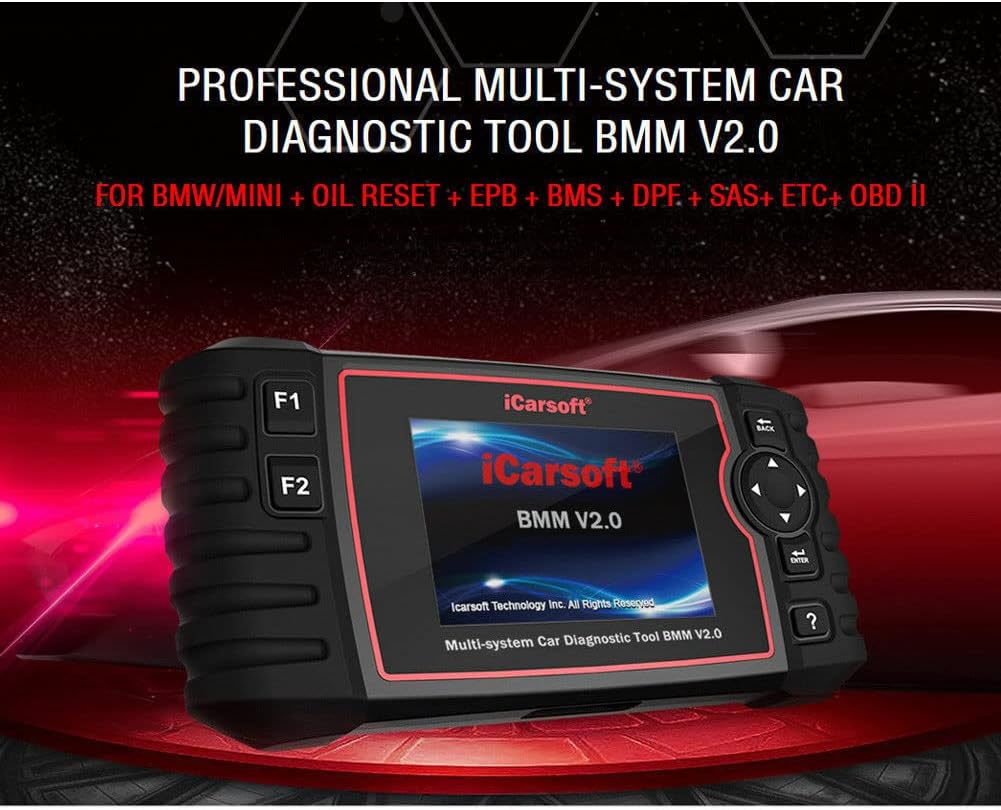
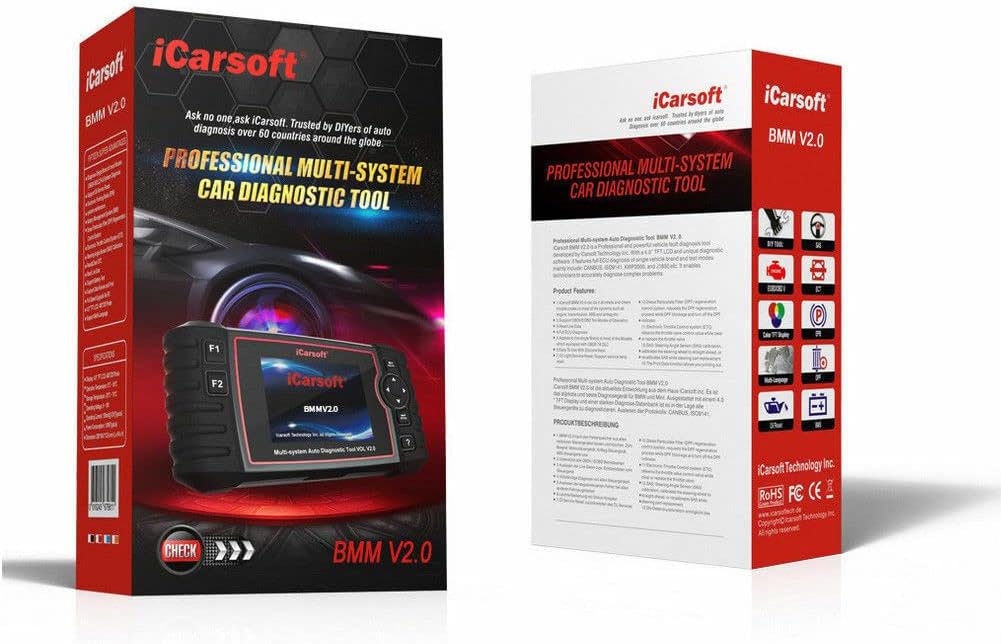





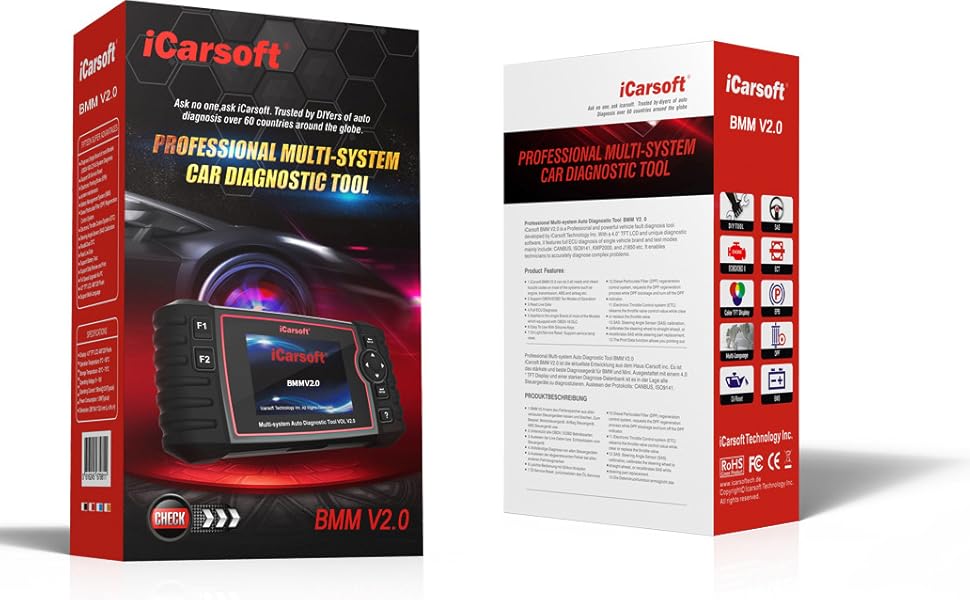
Get Faster results with the iCarsoft Obd2 Scanner BMM V2.0 tool
If you have your own shop or you are your own mechanic time is money. Our remarkable code reader will allow you to obtain accurate diagnostics in less time, we deliver OEM level results on your cars electrical systems such as the engine, transmission, ABS and airbag etc. Supports OBDII/EOBD, Ten Modes of Operation, reads live data, full ECU diagnosis, oil light/service, Electronic Parking Brake, Battery Management System, Diesel Particulate Filter, Electronic Throttle Control systems, and Steering Angle Sensor. Saving you time and money!
The iCarsoft obd2 code scanner can read and erase codes and will also retrieve a great deal of information from the Engine Control Unit (ECU). The ECU is what generates the Check Engine Light when there is a problem with your car.
This obd2 code reader shows real-time live data reported by the ECU, engine temperature, O2 sensor readings etc. Even a beginner can use this diagnostic scanner to find out what the problem is, saves time and money figuring out the problem, without all the guess work.
Where is the OBDII interface located?
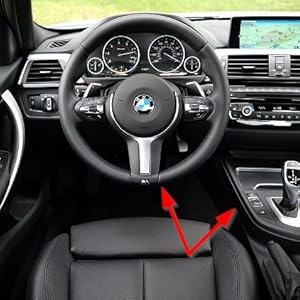
The OBD2 port is often under the dashboard, or under a panel below the handbrake in the center console.
How do you get started?
You simply plug it into the OBD II port on your car and turn the ignition on and you are ready to go.
When you can’t erase a fault code
The fault that is causing the code to show up will need to be repaired before the code can be erased.
Our Key Features
Reads and clears your check engine light codes, both generic and manufacturer specific codes, resets monitor
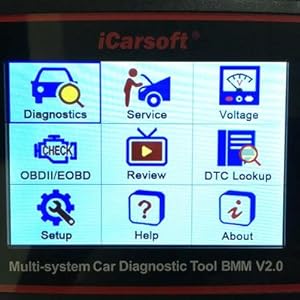
Built-in DTC lookup library for manual retrieval with code definition
Displays all data stream items or select a certain item of live data with a graph
Freeze frame data, shows vehicle parameters recorded by ECU
O2 sensor test which allows retrieval and viewing of the O2 sensor test results for the most performed tests from the vehicle’s on-board computer
On-board monitor test can be utilized to read the results of an on-board diagnostic monitoring
EVAP system test lets you initiate a leak test of the vehicle’s EVAP system (not all vehicles support the EVAP test, it depends on what’s installed on your OBDII system from the manufacturer)
Vehicle info will display VIN (Vehicle Identification Number), CID (Calibration ID) and CVN (Calibration Verification Number)
OBDII Engine Code Reader Functions:
1. Read Codes
2. Erase Codes
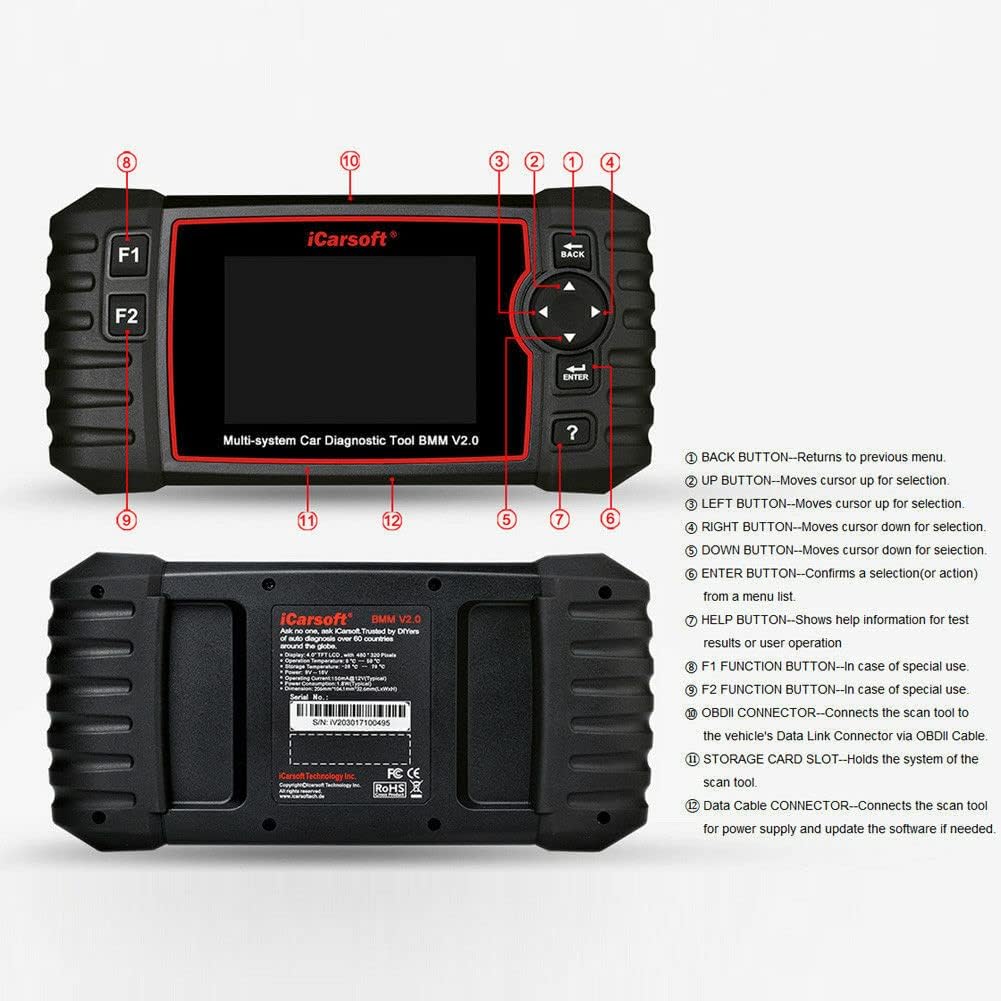
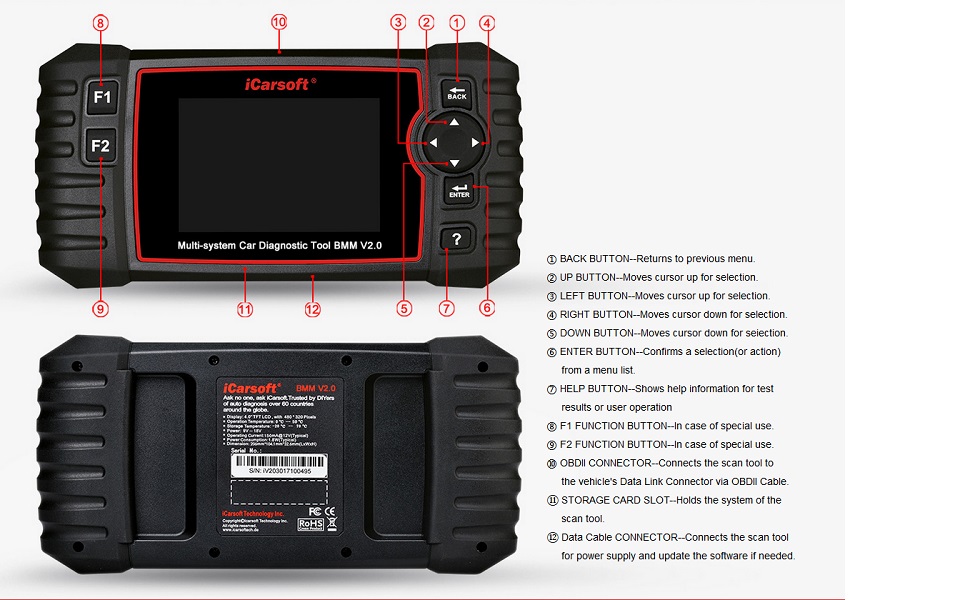
Full ECU DiagnosisEasy to use with silicone keys
5. I/M Readiness — I/M Readiness indicates whether or not the various emissions-related systems on the vehicle are operating properly and are ready for Inspection and Maintenance testing.
6. Data stream.
7. Freeze Frame — When an emission-related fault occurs, certain vehicle conditions are recorded by the on-board computer. This information is referred to as freeze frame data. Freeze Data is a snapshot of the operating conditions at the time of an emission-related fault.
8. O2 Sensor Test — This option allows retrieval and viewing of O2 sensor test results for the most recently performed tests from the vehicle’s on-board computer.
9. On-Board Monitoring — This function can be utilized to read the results of an on-board diagnostic monitoring tests for specific components/systems.
10. Evap System Test — The EVAP test function lets you initiate a leak test for the vehicle’s EVAP system. Before using the system test function, refer to your vehicle’s service repair manual to determine the procedures necessary to stop the test.
11. Oil Light/Service Reset: Support service lamp reset.
12. Electronic Parking Brake (EPB) system maintenance deactivates and reactivates the EPB system for replacement and initialization.
Battery Management System (BMS), registers new battery to the BMS while battery replacement.Diesel Particulate Filter (DPF) regeneration control system, requests the DPF regeneration process while DPF blockage and turn off the DPF indicator.Electronic Throttle Control systems (ETC) relearn the throttle valve control value while clear or replace the throttle valve.SAS: Steering Angle Sensor (SAS) calibration, calibrates the steering wheel to straight ahead, or recalibrates SAS while steering part replacement.The Print Data function allows you printing out diagnostic data recorded by the scan tool or customized test reports.Battery test allows you getting the voltage of battery with OBD port by the scan tool when the engine starts.
19. Vehicle Information — The option displays the vehicle identification number (VIN), the calibration verification number (CVN), and other information of vehicle.
20. Retrieve generic (P0, P2, P3, and U0), manufacturer specific (P1, P3, and U1) codes and along with pending codes
21. Turn off Check Engine Light (MIL), clear codes and reset monitors
22. Read live PCM DataStream
23. Support CAN (Controller Area Network) and all others
24. Multilingual menu and DTC definitions- English, Spanish, and German, etc.
25. Read pending DTCs, Read permanent DTCs
26. DTC Library to lookup when user is operating
27. Supports most of the OBDII/EOBD test modes including: CAN, ISO9141, KWP2000, J1850 VPW and J1850 PWM.
28. Works on most of 2001 and later OBDII compliant PETROL European vehicles
29. Works on most of 2004 and later OBDII compliant DIESEL European vehicles
30. Works on most of 1996 and later OBDII compliant US and Asian vehicles
31. View & Graph Live Data in Color Graphing with a blazing fast refresh rate for better graphing and live data readings.
Upgrade via a PC.
Simple and super easy to use. This little device saves you the trips to your mechanic, lets you decide if it’s something you can fix or need more advanced help. Save money and time
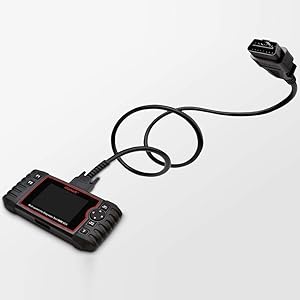
The OBD2 scanner comes with a cable that can get power directly from your vehicle via the OBD2 Data Link Connector. No need for batteries or a charger, just plug in and your all set to check your cars health
One of the most affordable BMW scan tools under 200, while still providing advanced features that are usually only available in a dealer level scanner. Saving money by doing it yourself, pays for the scanner.
COMPATIBLE WITH BMW MODELS -This full function diagnostic tool, is compatible with OBD2 (1996-2017) vehicle models and will work on most on-board electronic systems. Supports the OEM of brands made in America, Asia and with PETROL and DIESEL in Europe OBD/OBD2/EOBD. This car computer reader can also be used as a universal OBD scanner to retrieve generic check engine light codes allowing you to read or clear the codes. Simply plug into the OBD II port on your car, turn the ignition on and go
BEST IN CLASS INNOVATION- iCarsoft BMM V2.0 can do it all-reads and clears trouble codes on most systems such as engine, transmission, ABS and airbag etc. Supports OBDII/EOBD, with Ten Modes of Operation, read live data, full ECU diagnosis etc.It automatically detects your car model and scans all modules for error codes. This special technology allows for specific diagnostic functions and testing!
DYNAMIC TEST CAPABILITIES- The Multi-lingual function allows you to view & graph live data in color while graphing at a blazing fast refresh rates for quicker results. Our OBD2 scanner allows you to read pending DTCs and permanent DTCs with a DTC Library to lookup while operating the tool. Providing you with accurate data results for all your error codes
DIAGNOSTIC FUNCTIONS & ADVANCED FEATURES- Along with the standard OBD functions, this automotive diagnostic scanner also includes special functions including control service interval reset, brake deactivation, battery registration, oil light service reset, throttle body adjustment, DPF Regeneration, Freeze Frame, O2 Sensor Test, and Evap System Test are just a few of the special functions this professional quality car scanner provides

Herman the German –
Good price, very intuitive interface.
Perfect for a Mini Gen 2 owner. Really intuitive to set up. Took just a few minutes from opening the box to seeing the results. I bought it because it was featured in a YouTube video by D3Shooter who is a real experienced car engineer, and I wasn’t disappointed.
Feddiunltd logistics llc –
Quality speaks for itself!
To each it’s own when purchasing products. But for me this was easy to use with no issues at all. I think people need to read the instructions an buy what this product is used for. But I’ve not had no issues with it. I was able to erase old codes from my BMW X5 without a shop charging a grip to just erase codes. Overall my experience is with this great FYI update it before using.
L faster 350w kit –
It didn’t work at all gave me blank white screen
This thing did not work at all I plug in the usb and blank white screen and this was an emergency I needed this to come in on time and work that day and thanks to this not working everything hit the fan now.
Terrence C. –
Utility and Ease
System worked right out of the box. Had a check engine light come one, hooked the scanner up and figured out the issue right away. There are more functions than just engine codes, which I will end up using in the future. Money well spent.
B. Jones –
Works well for R56 2012 Mini Cooper
Worked great for telling me all the issues with my Mini. Was able to diagnose and fix the following – ABS wheel speed sensor (isolated to exact wheel with problem), Airbag warning (able to tell me it was passenger seat occupancy sensor which was covered under an extended warranty), reset my battery in the computer after it was changed, determine my alternator was bad, and reset some maintenance intervals that I couldn’t figure out how to do on the console of the car.
James Sullo –
Good with caveats!
I bought this tool for use on my BMW. The unit allowed me access to the BMW specific codes and was easy to operate. I really liked it except for the fact that it comes loaded with version 1 software. It claims to be a “Version 2” product. I tried to access the link provided to download the version 2 software but found it not to work. I think it’s important to be able to update software on a product such as this one so as to keep up with any relevant changes to current or newer models. I sent it back for a refund and purchased another product. I am not listing the name of that product since the censors here have already bounced my first review attempt. All I can say is do your own research. There are several brand specific scan tools available ranging in price from $40 on up and the prices alone are not indicative as to what a given scanner is capable of doing. An important thing to consider is whether your vehicle requires a “brand specific” scan tool to get deep into the vehicles info. Standard OBDII scanners will work on any car with an OBDII port, but the info is generic rather than specific. I would buy this model again if and when they get the software issue fixed.
ALLEN DALE KEY –
Very User Friendly
This product is a wonderful tool for beginners and professionals. Very easy to use and read the coding
Joshua Dobbert –
Works great
I have a 2013 mini cooper s and this thing is perfect. So much information in the diagnostic section.One thing to keep in mind is that this unit is only for BMW and mini so do not buy unless you have a BMW or mini. This company offers other scanners for other cars.
Pablo –
Es un poco caro, pero los acabados son muy buenos y el funcionamiento es perfecto, eso sí, por semejante precio, podía venir actualizado y con una tarjeta de más de 256Mb prehistórica
GJ –
Is een prima apparaat zoals verwacht van ICarSoft, duurt alleen lang voor de software om te laden nadat het is aangesloten op de OBD poort (Mini Cooper One).
Stephan Karner –
Bin kein Mechaniker, musste mich daher schon etwas einlesen. Habe es für meinen BMW F11 gekauft um auch auf Reisen im Notfall gerüstet zu sein.Auslesen super, sehr viele Funktionen, nur zu empfehlen.Schönes Gerät in guter Verpackung
Carter –
Nice display, doesn’t feel cheap like other scanners, nice screen, deletes codes and more.Upgrade software from your pc (it’s free and easy)
Carlos Noxpanco Guzman –
Muy buen scanner