




From the brand


Founded in 2011, Huion has always been dedicated to providing high-quality pen tablets, pen displays, and pen computers to creative users.
And our products not only help artists, designers, and animators to create fantastic digital masterpieces, but also bring digital ink solutions to many people around the world, changing the way they create, learn and work.
We believe the world is in your hands.
New Release-Kamvas 22 (Gen3)
KAMVAS Pro 27 (144Hz) 4K
Kamvas Pro 24(Gen3)
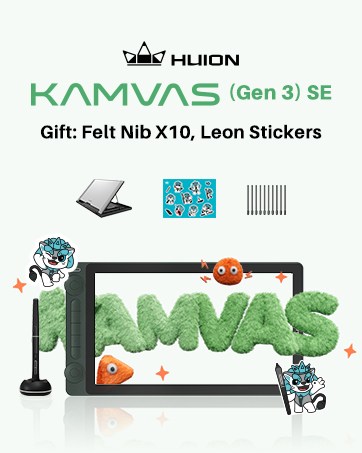
New release-Kamvas 13 (Gen 3) Special Edition
New Release-Kamvas Pro 16 V2
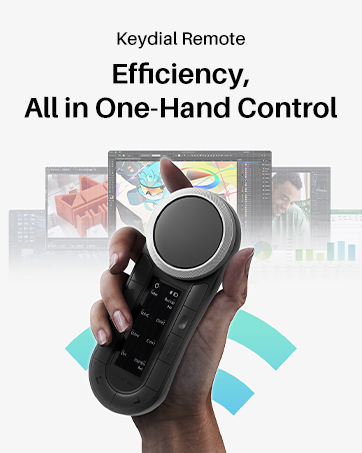
New release-Keydial Remote
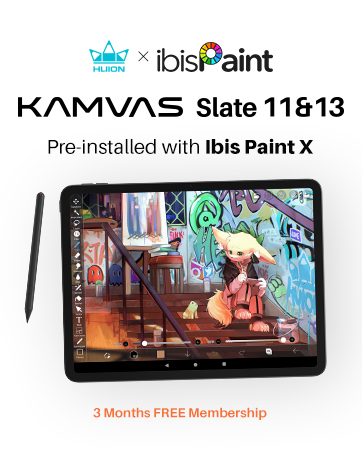
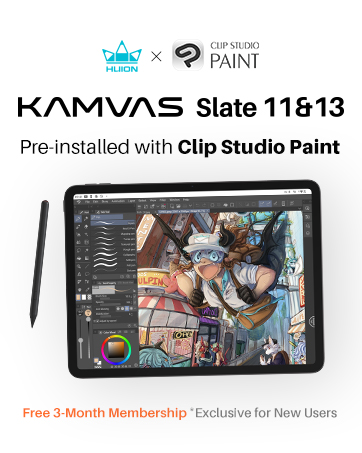
Kamvas slate 11 &13
Kamvas 16(Gen 3)
Inspiroy 2
Kamvas Pro | Higher Resolution
Huion Note Digital Notebook
Kamvas Series | Best Price
Inspiroy Series | Entry Level
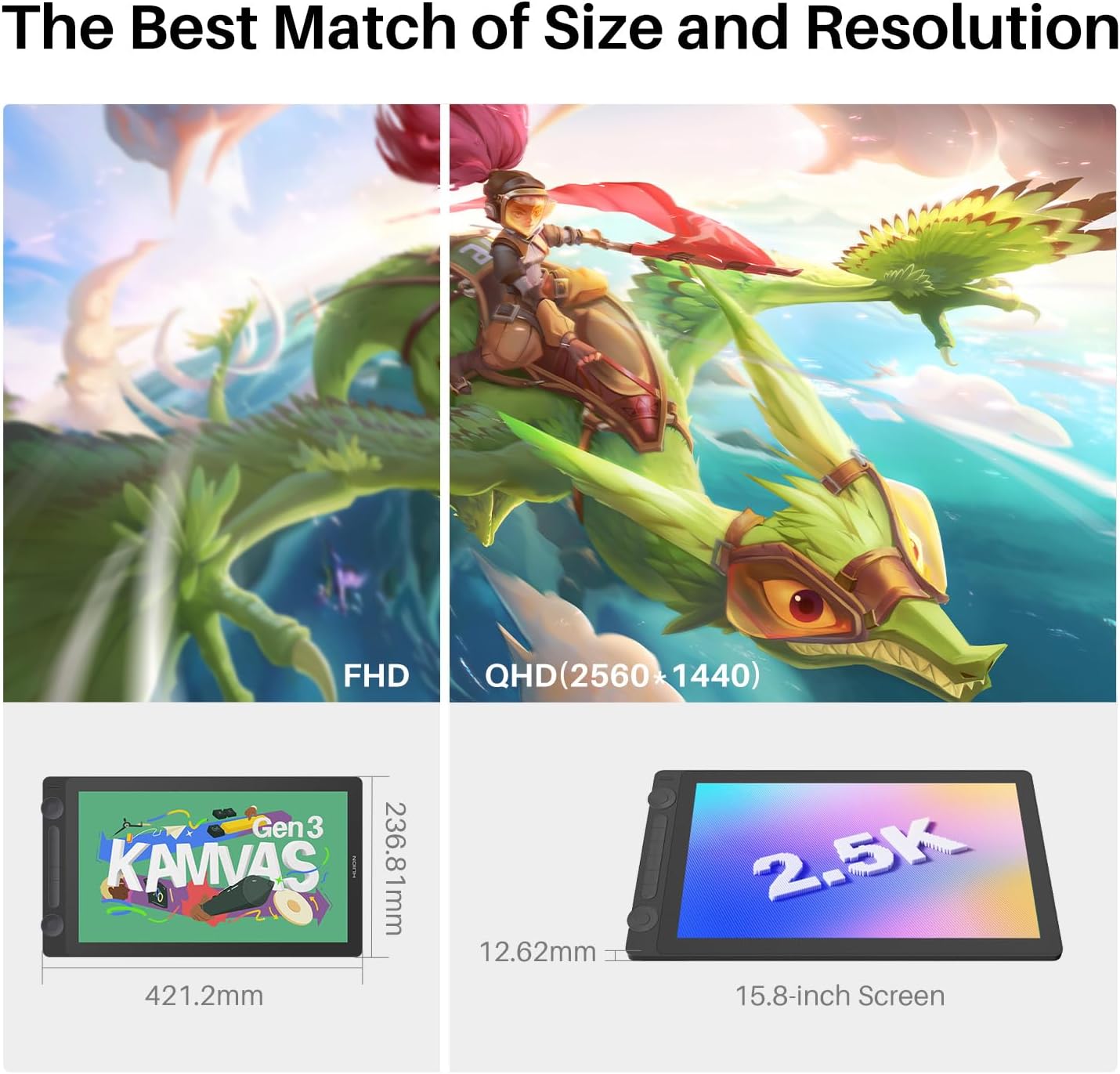
[2.5K QHD Resolution] The perfect combination of 2.5K QHD (2560×1440) resolution and 15.8-inch size, Kamvas 16 (Gen 3) art tablet achieves a pixel density of 186 PPI, providing a sharp and crystal-clear view for artists.
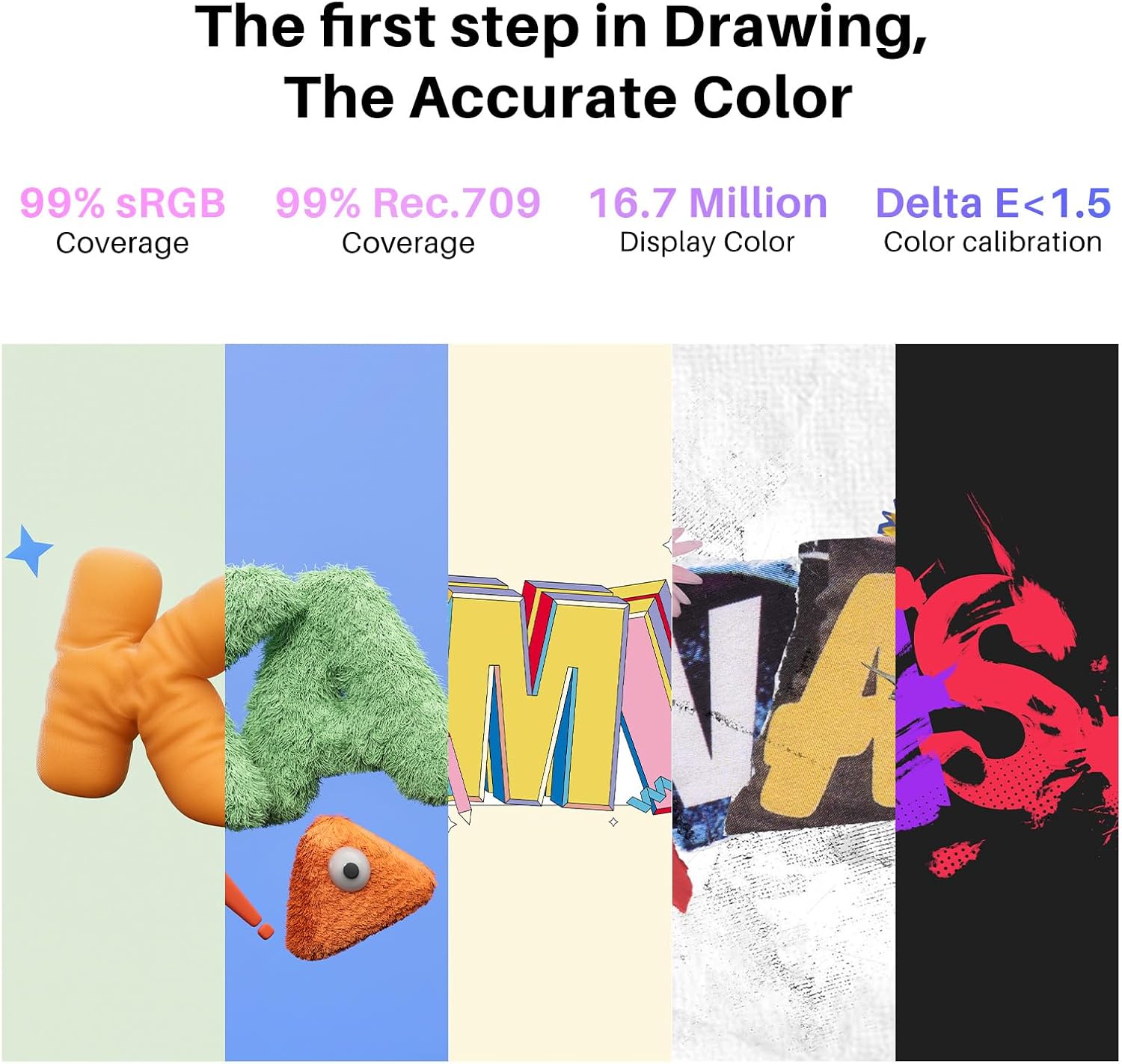
[Accurate Color Display] Kamvas 16 (Gen 3) digital art tablet boasts a high-quality screen that covers 99% of the sRGB and Rec.709 color gamuts, as well as 90% of the Adobe RGB color gamut. △E<1.5 ensures accurate color representation.
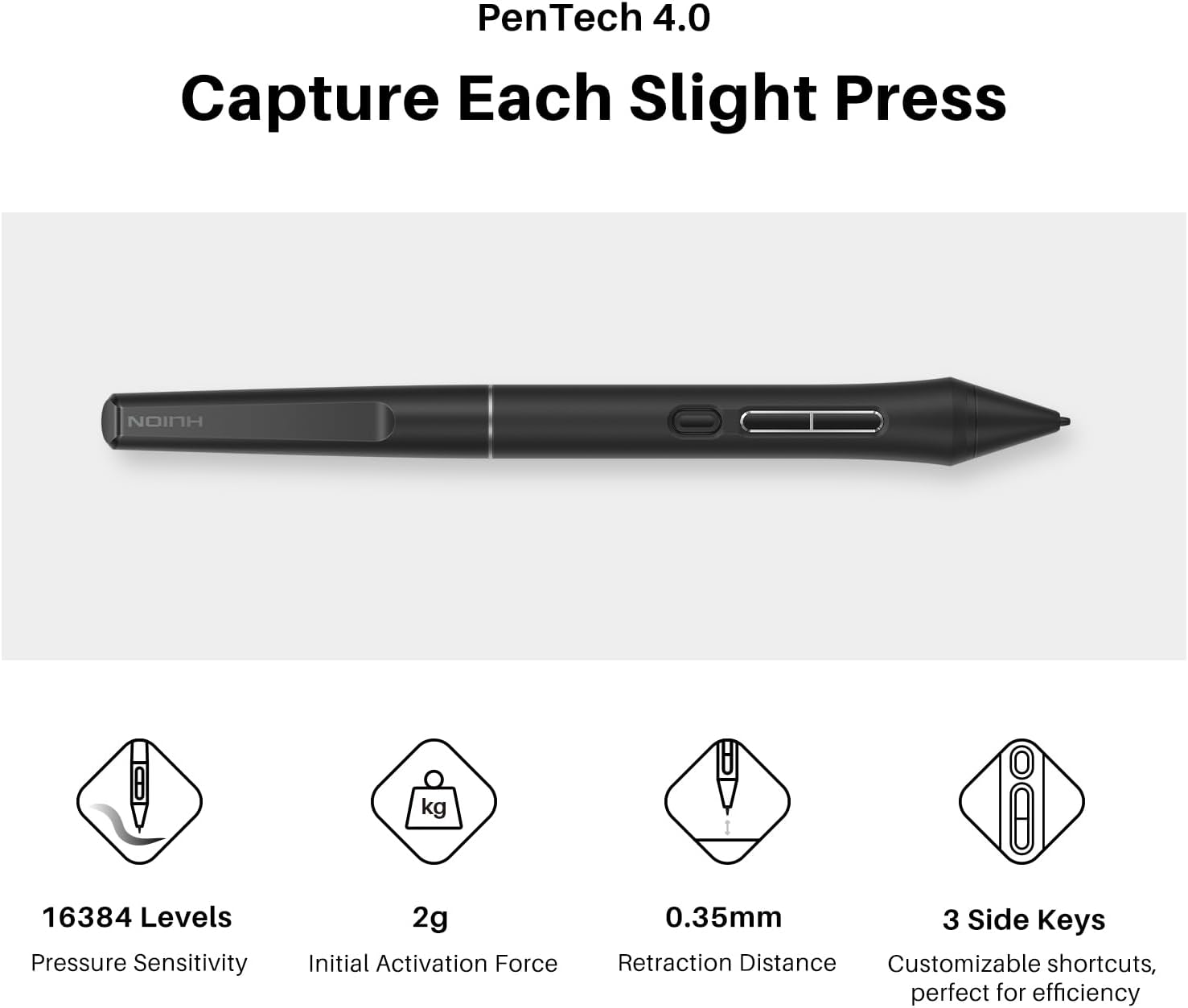
[Advanced PenTech 4.0] PenTech 4.0 delivers a 2g initial activation force, 16384 levels of pen pressure and ±60°Tilt Support. The smaller nib and tilt auto-alignment can help designer track the mouse and reduce parallax.
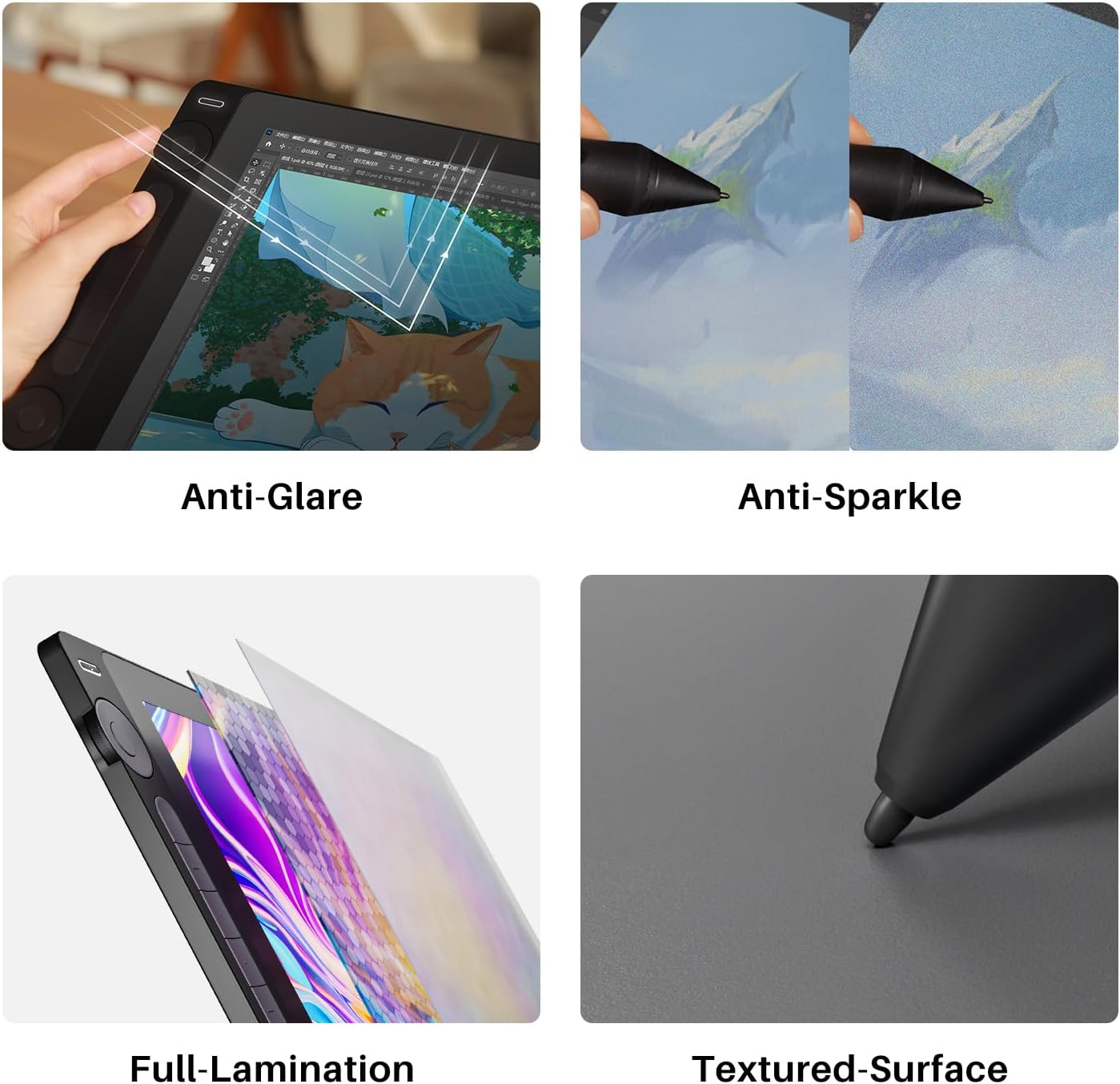
[Nano-Etched Canvas Glass 2.0] Using nano etching technology, Kamvas 16 (Gen 3) digital drawing tablet comes with upgraded anti-glare and anti-sparkle glass, offering better durability and natural paper-feel texture. The full lamination ensures excellent display performance.
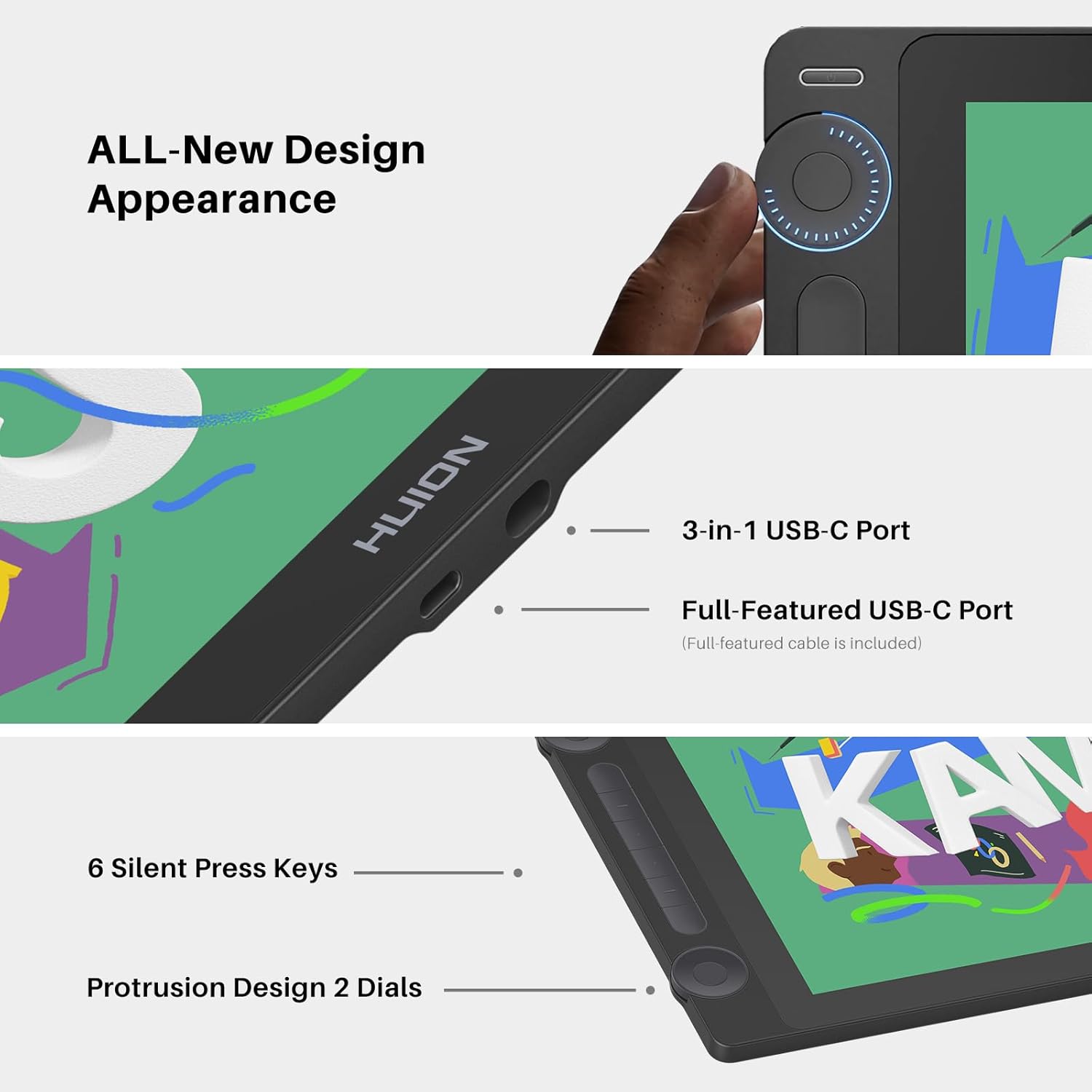
[Convenient Cable Connection] Kamvas 16 (Gen 3) drawing tablet for pc retains the convenient dual-interface design, plus, the connection stability has been optimized to prevent disconnections. The included full-featured USB-C cable makes connection done faster and brings a clutter-free workspace. It can also be used to connect with Android tablets or mobiles that support USB 3.1 GEN1 and DP1.2.
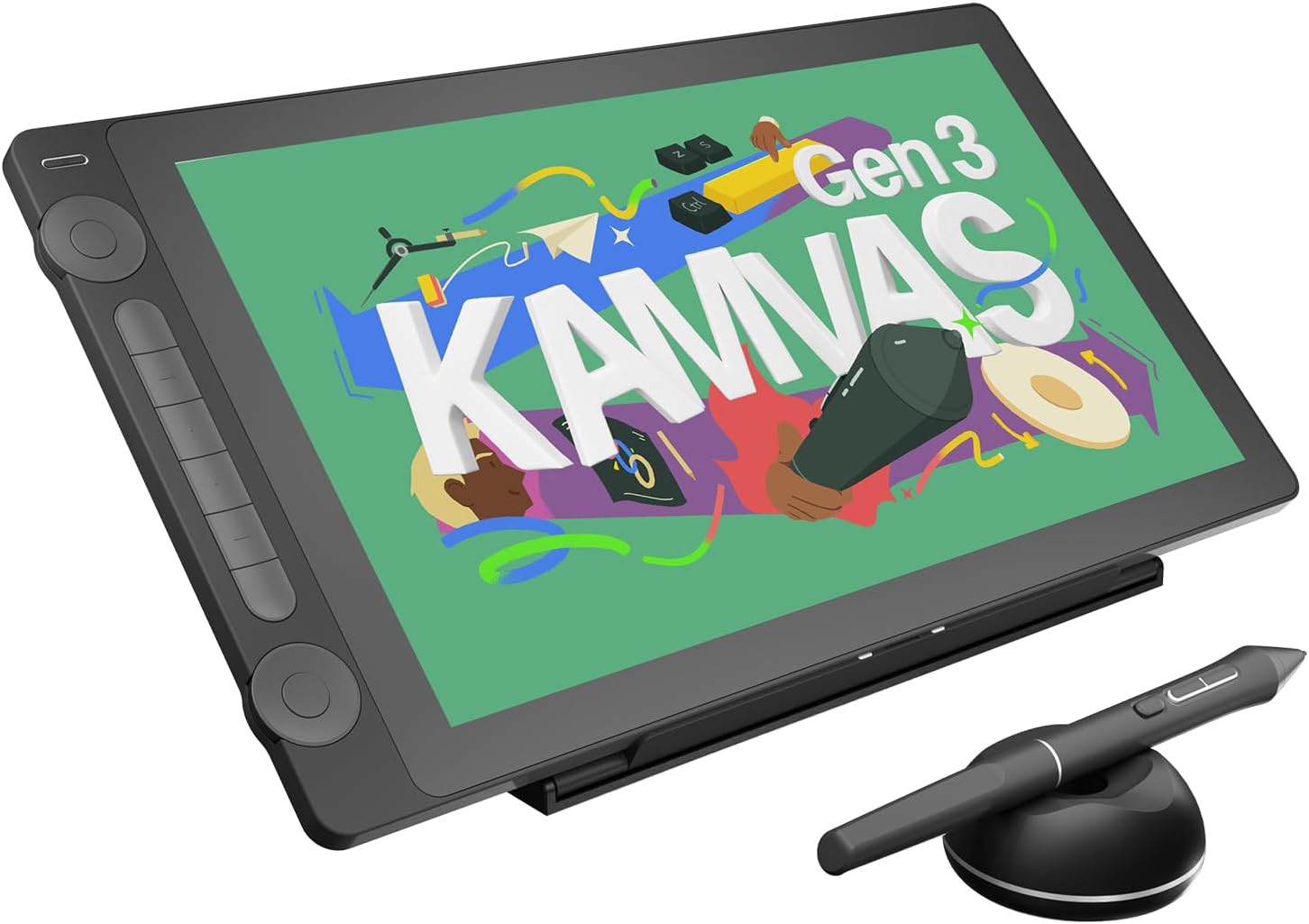
[Dual Dials] Kamvas 16 (Gen 3) animation tablet is equipped with 2 dial controllers and 6 silent press keys, which can be customized for various functions in different creative software. The 2mm slightly protruding design provides you with better precise dial control.
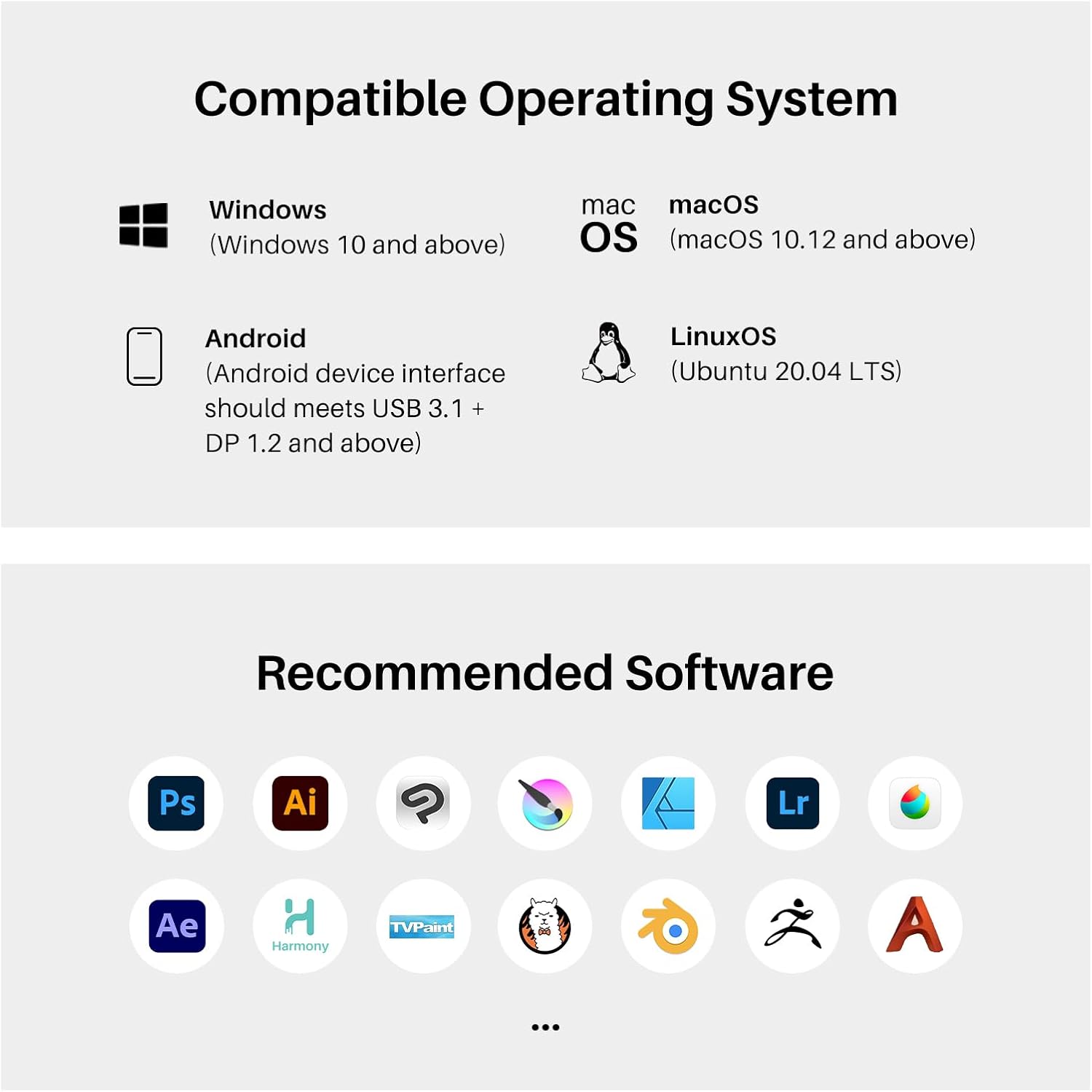
[Strong Compatibility] Kamvas 16 (Gen 3) drawing monitor supports a variety of mainstream software. It is compatible with Windows 10 or later, Mac OS 10.12 or later, Android devices that support USB3.1 GEN1 and DP1.2, and Linux OS(Ubuntu 20.04 LTS).
[Please note] Kamvas 16 (Gen 3) pen display is Not a standalone product, it needs to be connected to a computer/laptop/Android device to work.

Trevor –
Great Upgrade or Beginner Pen Tablet
Absolutely loving my time with this tablet. The screen is much improved from the previous generation of tablets. The new pen feels fantastic and is what they are using on their top-of-the-line models. The build quality is also excellent. The 2.5k screen also looks amazing, and honestly for what you are getting at this price point, it’s an incredible value.The only problems are the stand is a bit ugly and hard to adjust easily, but you can always buy a different one from huion or a third party one. Also another small issue is the driver doesn’t default to the pen display if you turn the kamvas 16 off, and it doesn’t look like that can be configured.The dials are a little wonky to set up if you want to use one to rotate your canvas, and it doesn’t look like you can configure that in the built in OSD.
David –
Great value
The Huion tablet was delivered very fast and in good condition. Everything nice and neatly packed in the box. Setup was easy and straight forward, downloading the latest drivers only took a few seconds. For the money this is a great value, I highly recommend Huion.
jeremy j –
Great product, responsive and bright.
This tablets exceeds my expectations in many ways. It is very responsive and the surface is smooth and the stylus performs even smoother than previous models. After a bit of confusion on setup, item worked right away. Huion makes quality products. Will purchase again in future from them.
JJ –
Do not use it on Windows touch screen devices
I’ve been using Cintiq 22HD over 10 years, and I still have it. It’s just a monster size compared to these newer gen digitizers. Many new digitizer brands started popping up after Wacom patents expired a few years ago, I bought one back then (not Huion) and it wasn’t good compared to Cintiq 22HD.But now they have caught up to Wacom in hardware performance, at least this particular one has. Hardware performance is on par with Cintiq. We’ll see about longevity, I’ll update this post when it stop working.The driver is a working progress, it needs quite a bit of work still. On Windows, sometimes it won’t detect the app or switching between apps and you have to manually switch it via Huion Tablet app. It has serious conflicts with Windows Touch Screen device like Surface Pro. Even after uninstall Huion driver, my Surface Pro 7’s touch screen function was badly lagging. I had to reinstall Windows to get it working properly. Cintiq driver went through the same growing pain at the beginning. Over time, Huion should iron out most of the bugs.It works well with Mac Mini 4, although I haven’t spent a lot of time on Mac. My work is mostly on Windows. The beauty of these newer gen digitizers is the USB C Thunderbolt connectivity. If your computer has Thunderbolt 3 ports, then you just need one Thunderbolt 3 cable (40 Gbps rated) to run the digitizer.The size is portable too, the folding stand is great for traveling as well. This case fits it well, https://www.amazon.com/dp/B0728HB9VV?ref=ppx_yo2ov_dt_b_fed_asin_title&th=1I got the keyboard mount from a popular online store that specializes handmade stuff. It’s super handy.To summarized, 5 stars for the hardware and 3 stars for the driver. Wacom needs reduce Cintiq prices to survive, their monopoly era is over.
Cam –
Good buy
Great tablet. Feels like drawing on paper! I recommend.
Ava –
highly recommend !
i have absolutely adore this tablet. i have an ipad and have used regular pen tablets in the past but both of those have their own drawbacks so i knew as an art student i needed to take the leap and purchase a display tablet. it was a little hard to get used to but after using it a decent amount it’s so convenient ! i love it ! the connectivity was difficult at first but mainly that had to do with how horrible the instructions are. they were super vague and i’m the type of person that needs in depth instruction when it comes to technology. i have a mac mini so i assumed that i would need to use the multiple cables, and spent a good 30 minutes crashing out over it not working. then i plugged in the usb-c in out of desperation and it worked immediately. i felt super silly. so i guess beware that but otherwise this is perfect !
Lauren –
Sooooo much better than the 2021 Kamvas 16
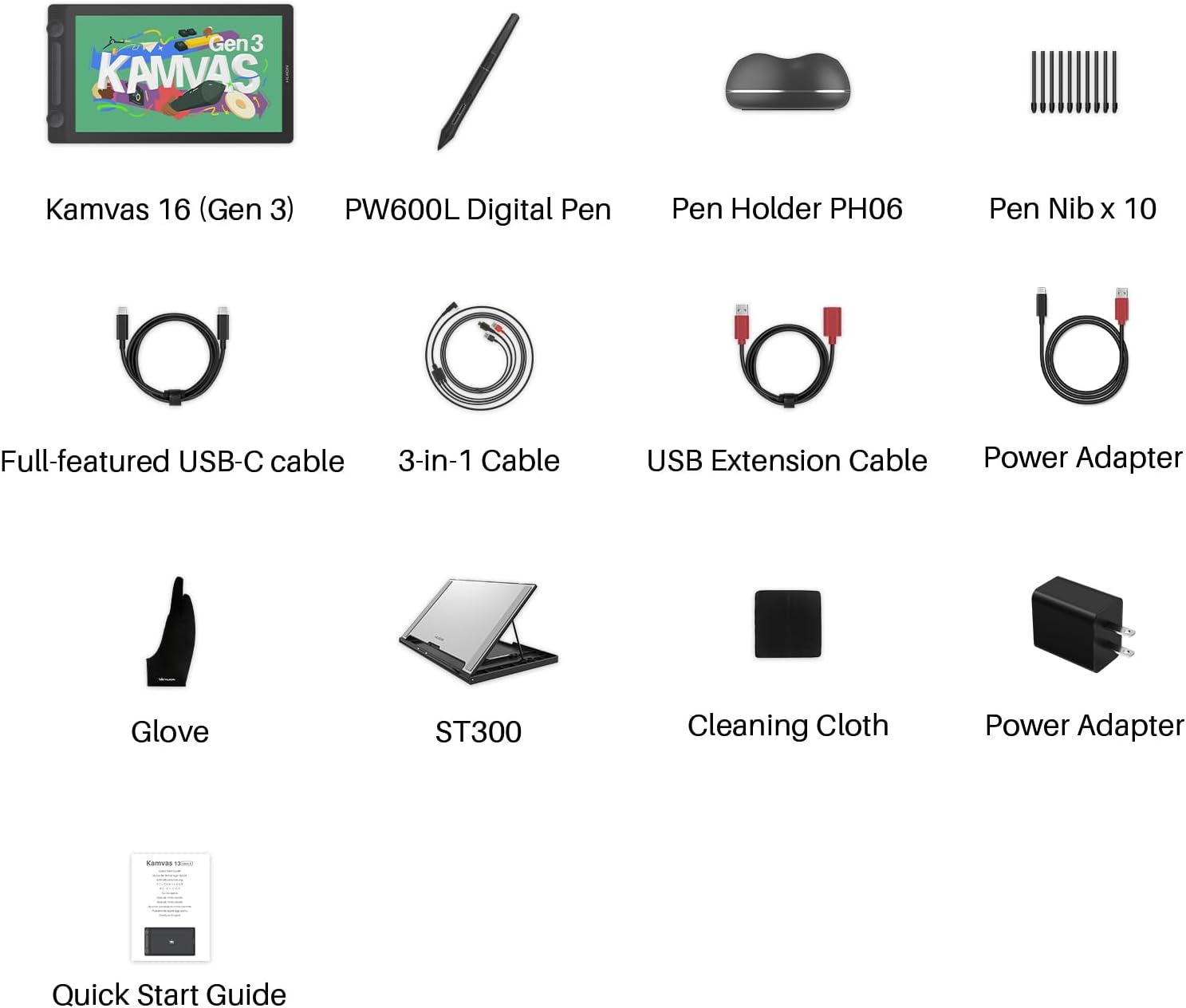
This thing is excellent! Wanted to upgrade my 2021 Kamvas 16 and this is honestly better in every way. Feels great to draw on, the colors are true, and more brightness overall! The 1440p looks insanely good, like better than my other monitor lol. I would absolutely recommend, it feels like a really high end tablet so $500 is very reasonable for what you get. It includes a drawing glove, lots of cords, the new pen, extra nibs and stand, as well as the adjustable tablet stand. Everything you need to draw! I’d recommend to beginners and pros. Works great with Clip Studio Paint, drew some duckies today to test it 🙂 If you are looking for something more iPad sized, go for the Kamvas 13 gen 3 I’ve heard great things about that one too!
Lino –
Stylus Issue
Very good tablet with the reasonable price, shortcut keys, display resolution, set up, and the duel dials. However the big issue I got was from the pen stylus itself, the stylus for some reason would just not respond randomly while I was drawing in Clip Studio or in other window tab. To solve this, I would just click either the middle or bottom shortcut buttons and it would suddenly respond to the display itself again. Its very irritating.As I was switching between windows with the pen, it would just activate the top shortcut key button when I didn’t press it unlike the Huion PW517 stylus.October Update: The top scroll wheel for some reason continuously keeps glitching when I’m scrolling it, I had to resort to using my Huion shortcut remote for comfortability.
Utopic –
Buena calidad, la pluma muy buena y la pantalla se ve genial.
Anon –
I’ve been using Intuos pro(2013) for years, but finally decided to go for a display tablet — and wow, this Huion Kamvas 16 (Gen 3) has completely changed how I work. The QHD resolution is crisp and vibrant, and the colors feel accurate out of the box. There’s almost no parallax, and the laminated screen makes the pen strokes feel super natural — it’s like drawing on paper but with digital precision.What really impressed me is the PenTech 4.0 stylus — it has great pressure sensitivity and tilt support, and it feels like I have complete control over every stroke. I’ve been using it mainly in Zbrush and Substance painter, and there’s zero noticeable lag.The shortcut keys and dual dials were new for me, but once I mapped them out, they genuinely sped up my workflow. Build quality also feels premium — sturdy and sleek without being bulky.If you’re a digital artist or sculptor looking to upgrade from a pen tablet, this is 100% worth it. It’s basically become my main screen now for all Zbrush work.
Jessica –
This is my 6th tablet over the years, for a budget tablet I’d say I’m quite impressed with how far Huion has come, it feels nice to use, QHD is a nice touch despite the fact that I’m sure 1080P would have been fine for its size. The colours are quite serviceable.I’d say my only critiques which are very minor; are the brightness (ie: the underlying lumination of the screen is a bit duller coming from an iPad pro which is ultra bright, but it’s just the trade off for the price, pretty sure Huion have some more premium OLED tablets which probably don’t have this issue)The other critiques would be the stand which is a little fiddly, theres no wobble when the device is mounted, so it’s more than acceptable, but it does feel like a budget stand.All in all, the device works great, the 3 button pen (which is great for 3d modelling work flows) and the QHD makes it a great purchase at the price point (I did get it on sale recently too, but even at full price it’s not bad).There is no touch functionality though, which is nice in other tablets, but you usually pay a lot more for that.Who it is for: I’d say it’s a great tablet for beginners and hobbiests or simply if you are tight on desk space (which is my circumstance). Its more than fine for professional use, but I’m sure professional artists would normally reach for the more premium tablet features.
Nallely G. –
Llegó rápido y en buen estado, se siente de buena calidad y tiene bastantes botones para programar shortcuts, ha sido cómoda de usar, lo único es que me parece que la pantalla no tiene tan buena calidad, la imagen se ve ligeramente borrosa a comparación de la pantalla de mi laptop, no es muchísima la diferencia pero es algo molesto
Benson –
Product is good but gloves is small for my hand