

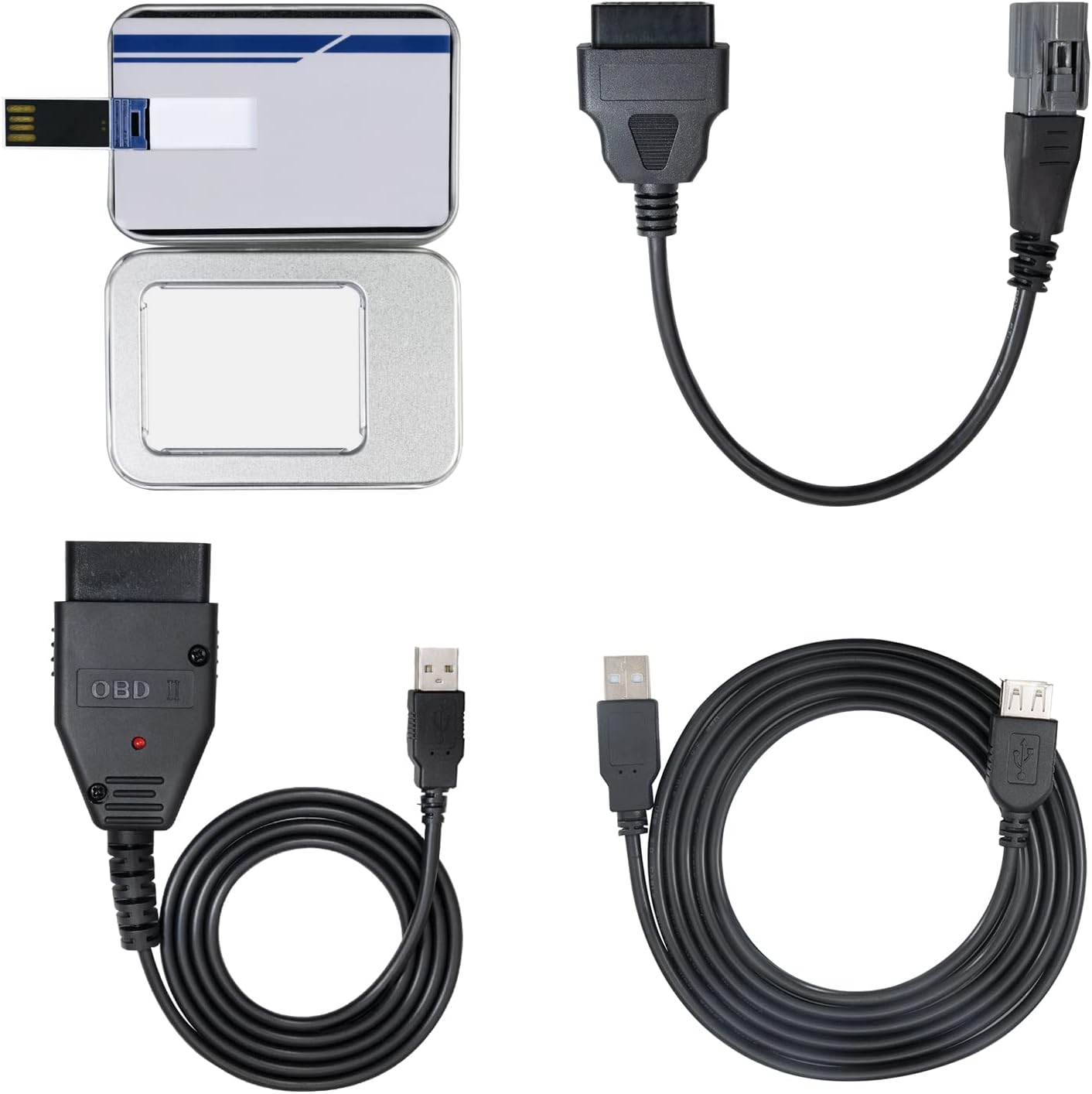
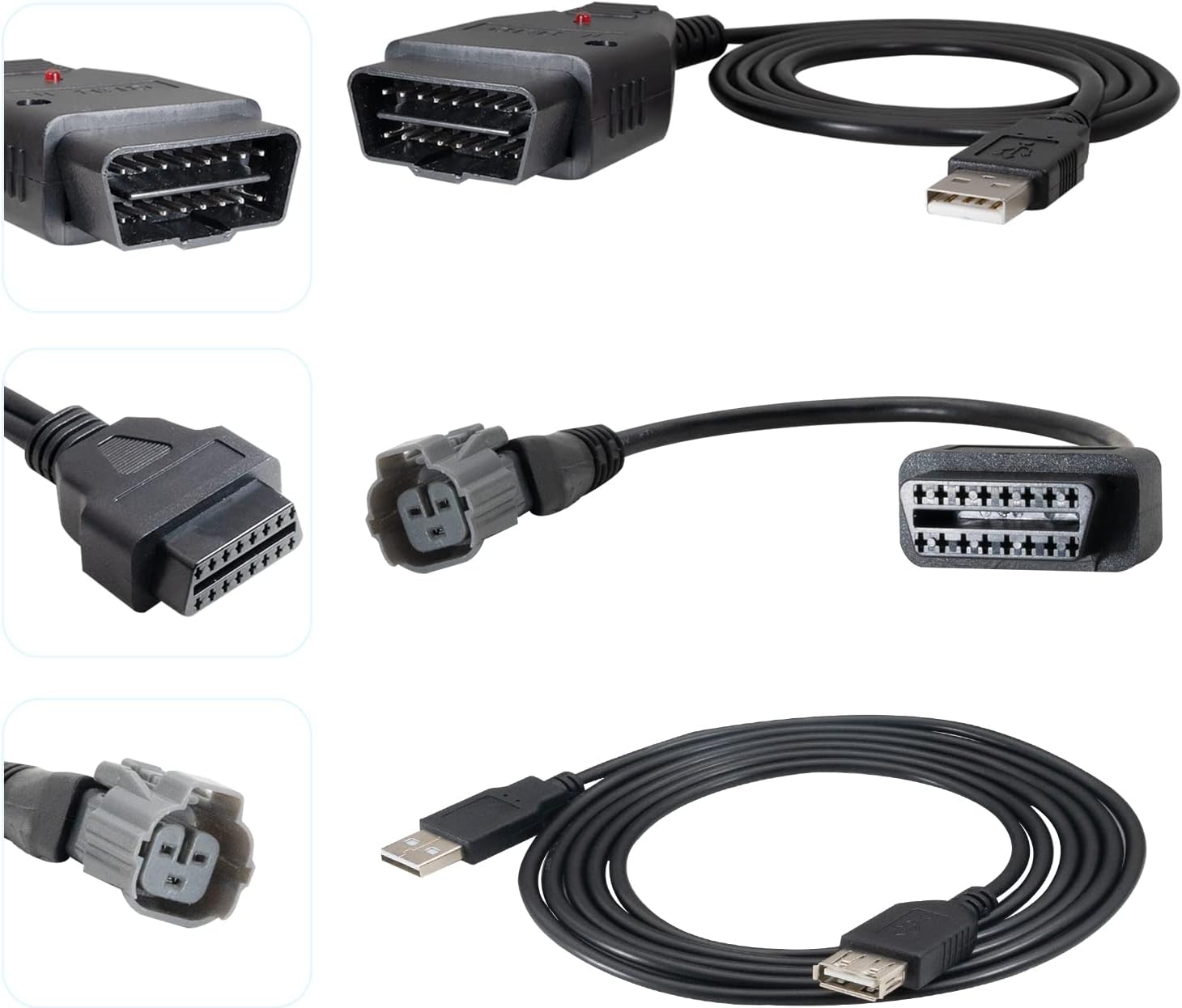
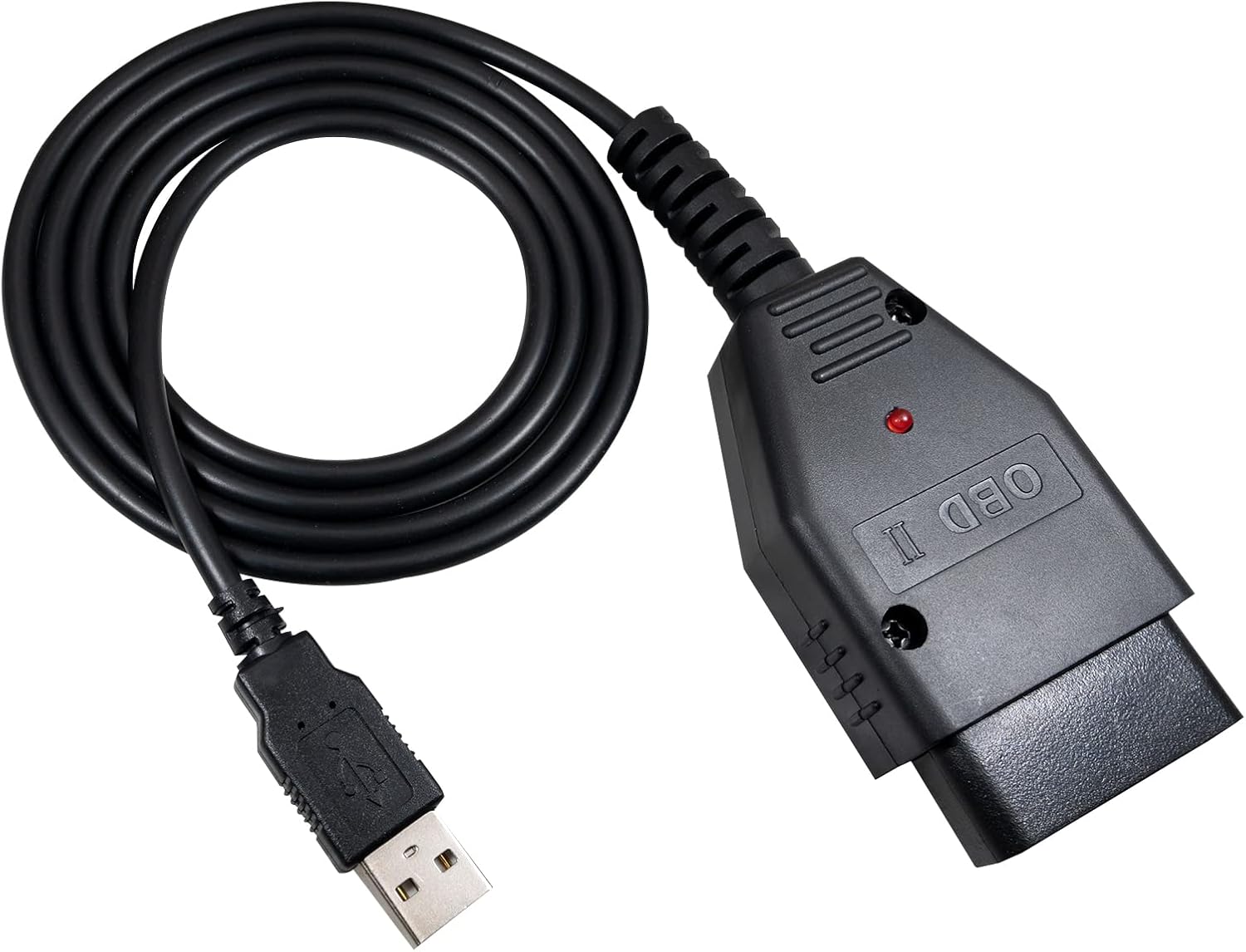
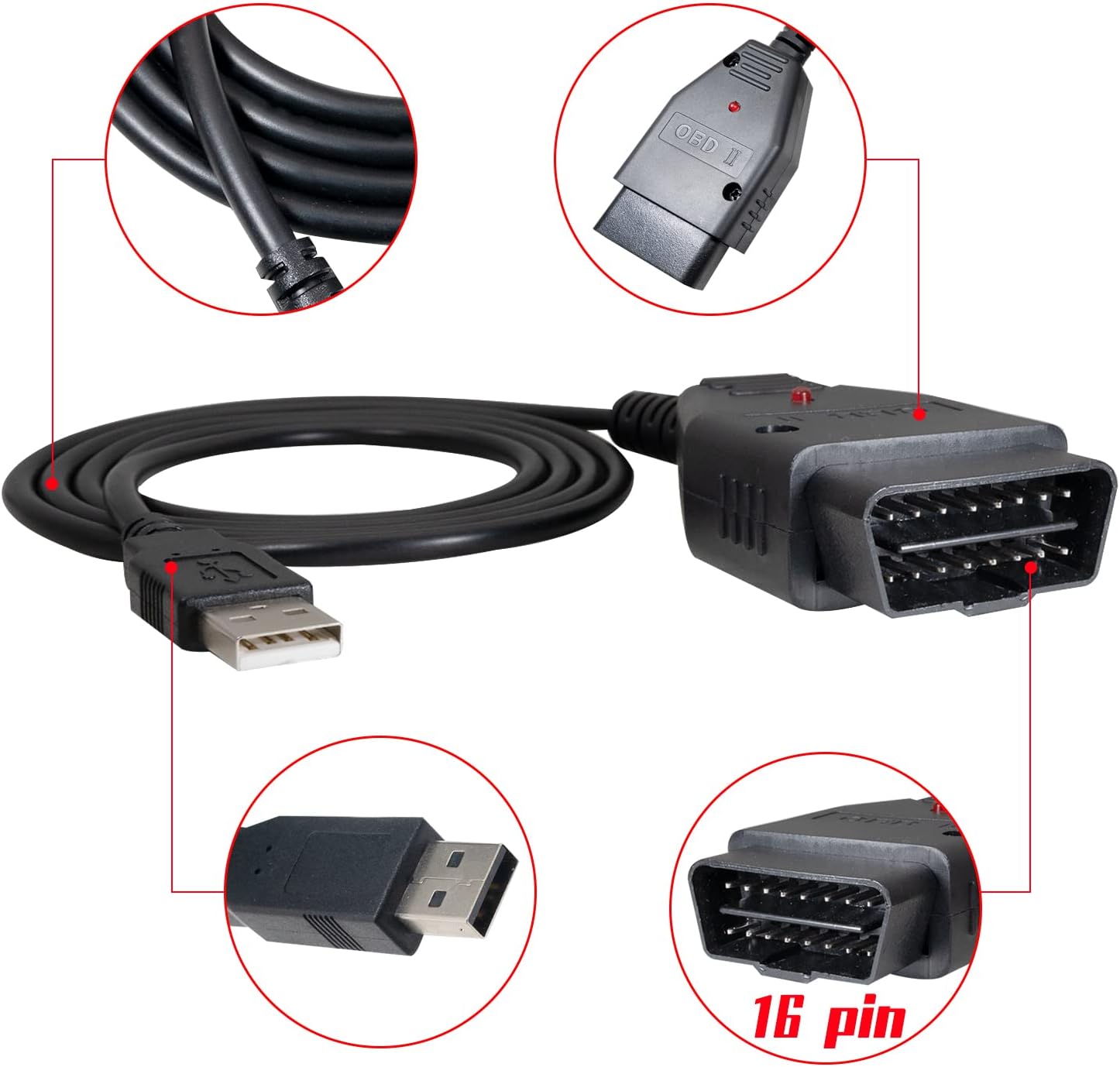
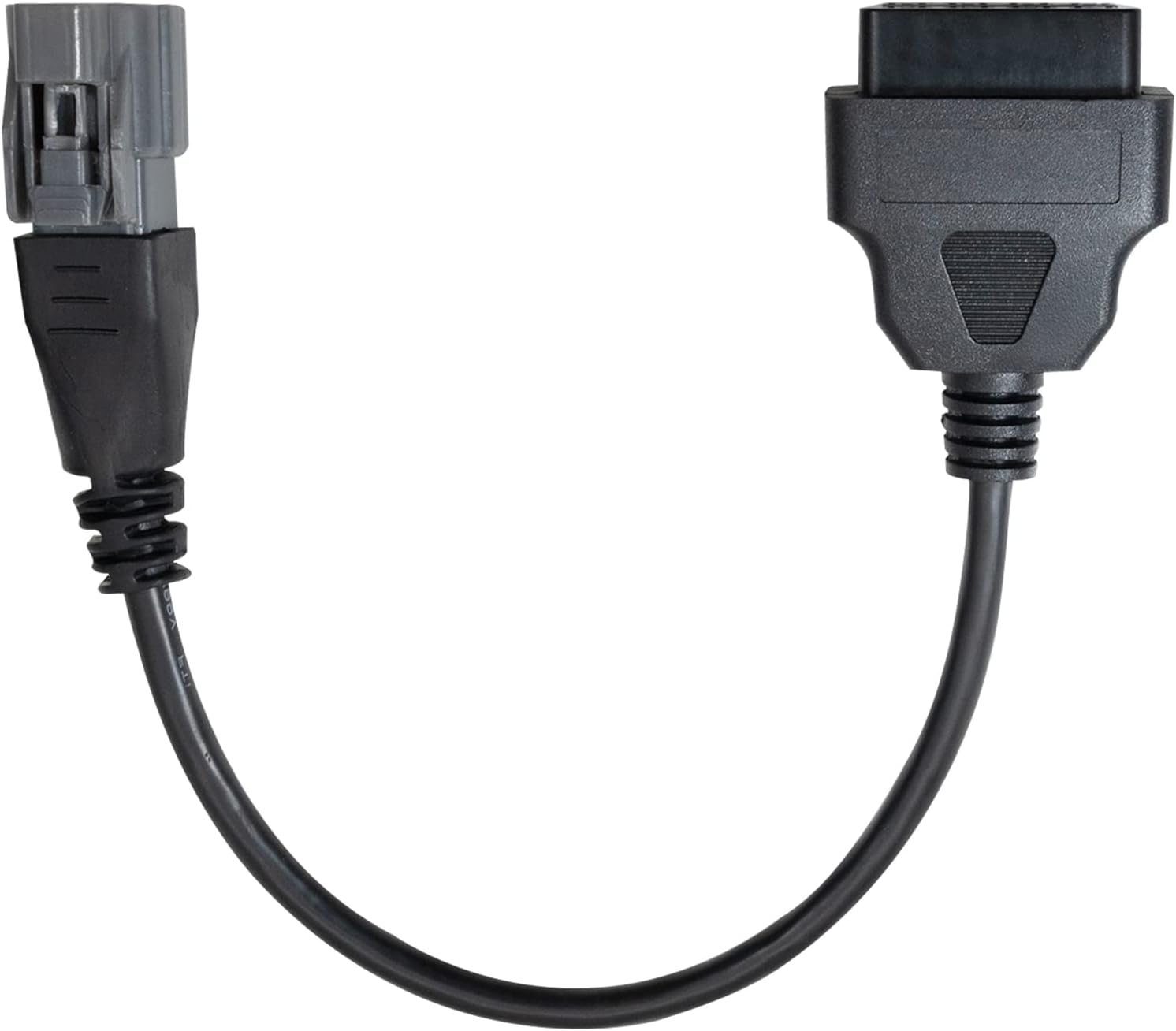
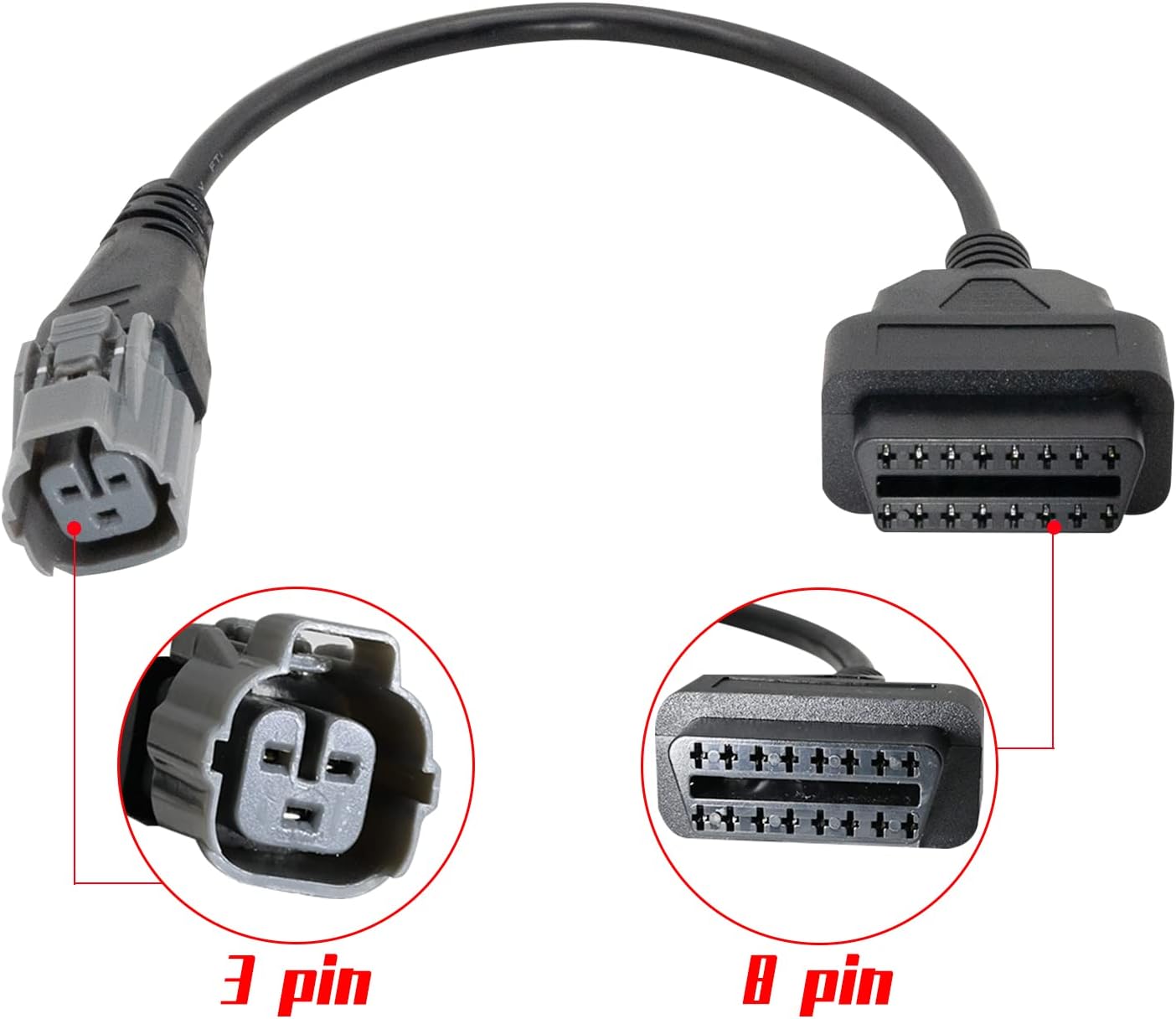


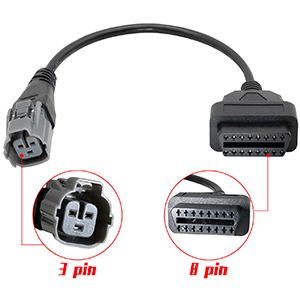
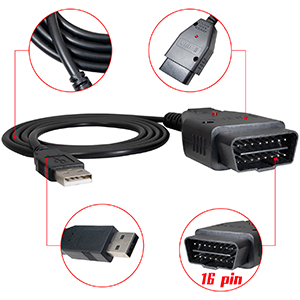
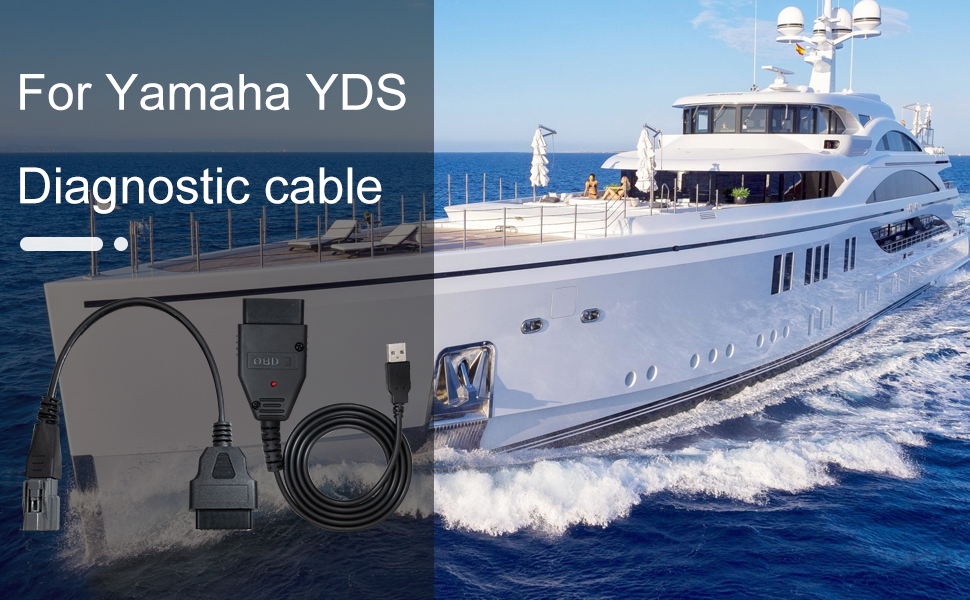
This kit allows full Diagnostics for your Yamaha engine. Everything you need to get up and running is included (Cable, Easy Install software and the latest data files). The preconfigured cable allows the auto detection of the ECU and allows the full Diagnostics of the engines functions as well as other functions. YDS 1.33 – used to read all of your engine diagnostic codes and records, engine hours, activate low and high pressure fuel pumps, test individual injectors and ignition coils, set tilt-limit, deactivate most engine sensors for testing, view all sensor readings (TPS, IAC, battery voltage, charging voltage, rpm, oil pressure, MAP), stationary and static diagnostic tests, and much more. All data can be saved to your computer.
Important: The software will NOT work on Yamaha OX66 fuel injected engines, Yamaha carbureted engine, or MAC computers!
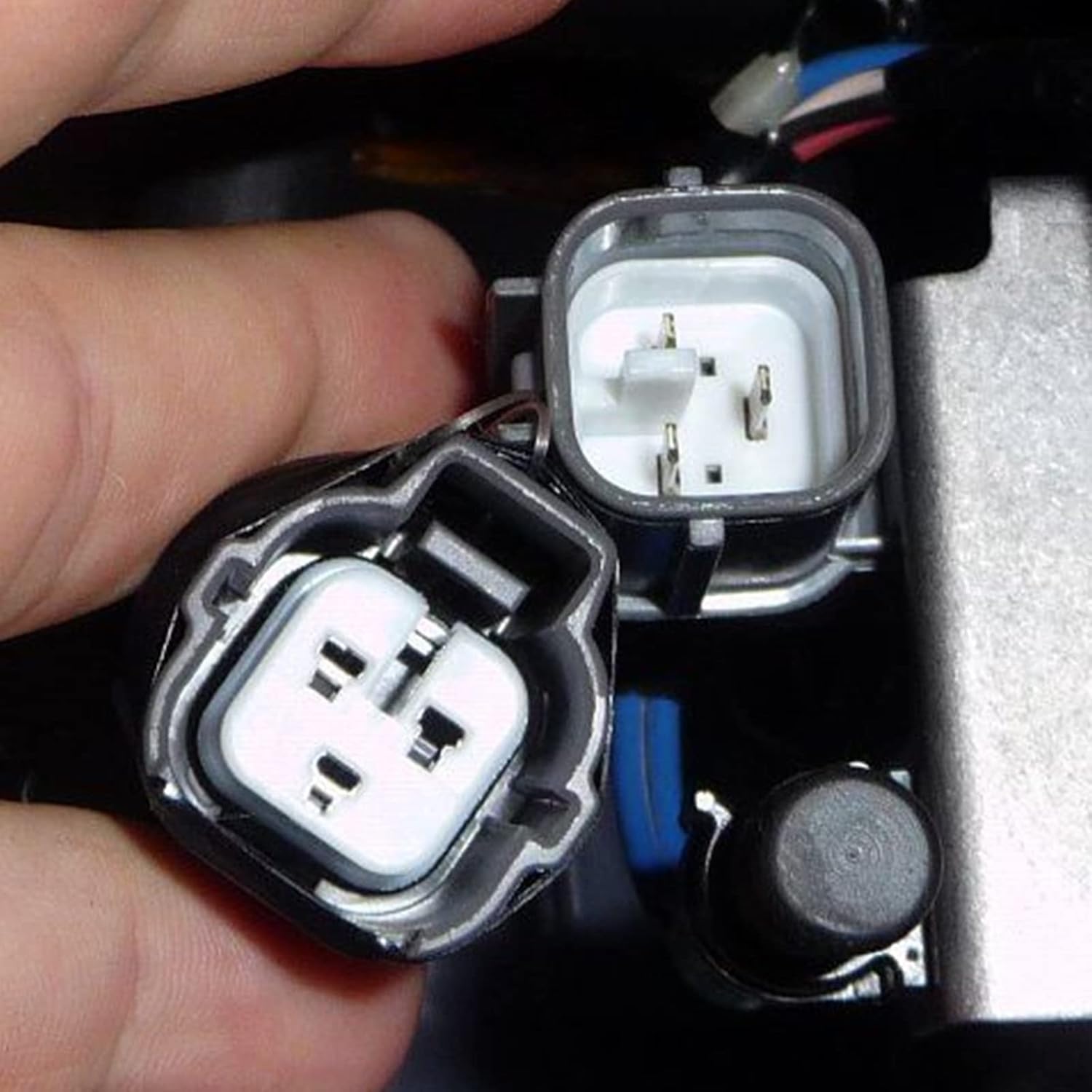
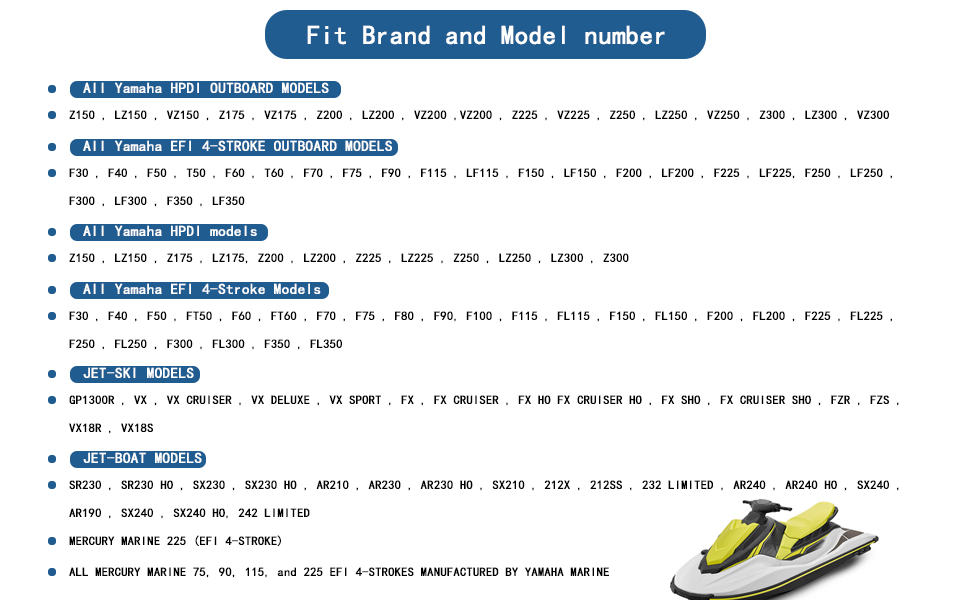
Compatible with diagnostic system outboard and connectors for Yamaha YDS 1.33 Diagnostic software,Supports all models up to 2017, compatible with Yamaha All HPDI OUTBOARD MODELS, compatible with Yamaha All EFI 4-Stroke Models, JET-BOAT MODELS.
This package contains everything you need to communicate to your Yamaha engine, as a dealer would in a workshop but allow you to do it using your own laptop and saving you on expensive dealer diagnostic fees.Everything you need to get up and running is included (Cable, Easy Install software and the latest data files).
Professional Molded connectors for long time using !!! Manufactured and tested to function,Please rest assured to buy.
The software will NOT work on Yamaha OX66 fuel injected engines, Yamaha carbureted engine, or MAC computers!
Works on all windows based operating systems XP, VISTA, 7, 8, 10 (32 or 64 bit).
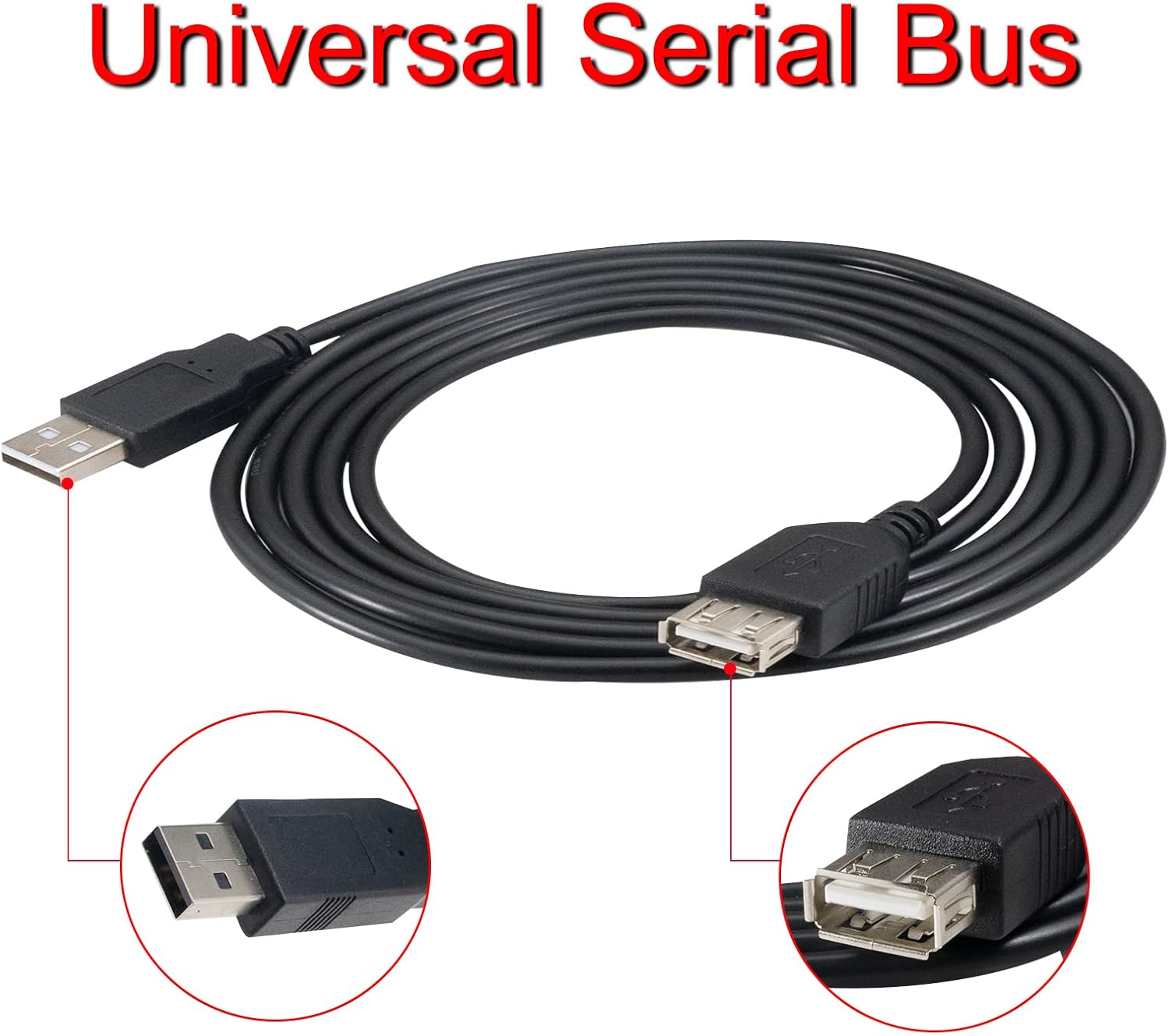
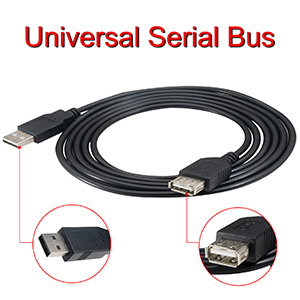
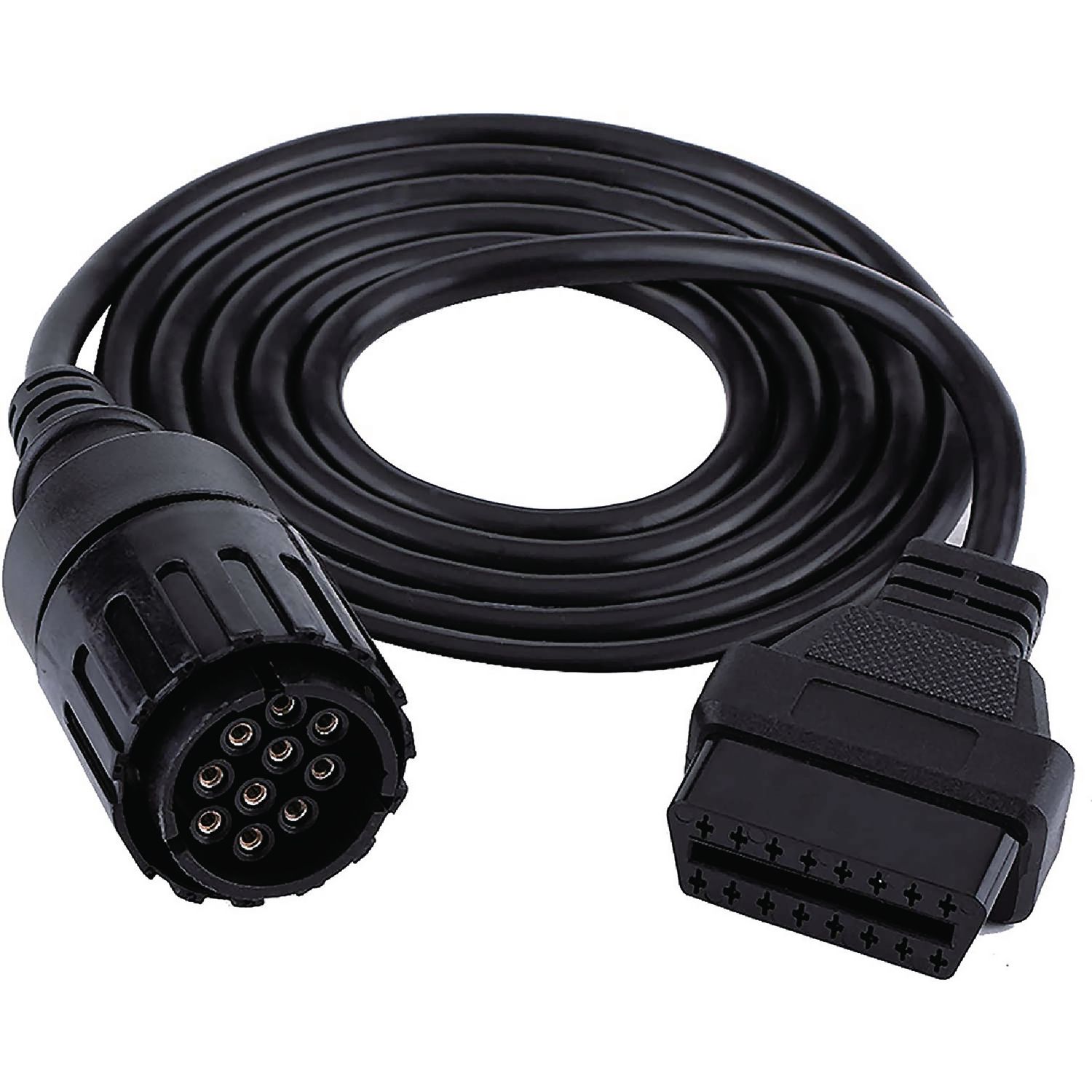
Note: This kit also includes a 6 FT extension cable as a gift, so you can work at a comfortable distance from the engine.

Danial Mcafee –
Make sure your settings in computer are right or else your computer won’t recognize it
Works great. Simple. Great product for the price. Most people leaving bad reviews did not change there computer settings properly. (I did the same thing first) then I figured it out. I’ve used this on a 2001 Yamaha 200hpdi2004 f150
Nathan R. –
Found my issue quick. See notes for port settings!
Great product. Within 30 minutes of delivery I found my CAM Position Sensor had failed on my FX140. Waverunner service ports are located in the nose of the ski behind a panel. Boats are in the rear behind the round panels. The only step you really need to be aware of is ensuring the USB port is on 1 or 2. After installing the cable drivers, go into your device manager (Start, Run, devmgmt.msc). Then, locate the device under “Ports (COM & LPT)”, right-click it, select “Properties”, go to the “Port Settings” tab, click “Advanced”, and change the COM port number to 1 or 2 then reboot the computer. I recommend port 2 as lots of other devices default to 1.
TRVRSHRK –
Didn’t work for me on two different motors.
Could not get to work on 3 different computers and following the detailed instructions. Tried on two diff Yamaha motors. Didn’t work. Computers also acted weird after software install…. So be aware of that.
Mike Dwyer –
Works on Yamaha 2016 and win7
Worked great on my 2016 Yamaha F90. Used an old windows 7 lap top. Tried installing on a win11 laptop but the security stopped me. Probably could have got around it but didn’t want to waste my time. Oh, on Win7 I had to reconfigure the com port if the USB jack to com1. Pretty easy.
Dan –
YDS
Worked as intended. Did not come with any instructions on how to install and setup on a pc with windows 10. Had to find and watch a YouTube video otherwise it would have been worthless. Once working, the s/w is easy to use and gather information. Was able to resolve a problem that has been plaguing me for 3 yrs.
Mrmachz –
Works as described – Easy setup!
Works Great. Nice instruction video included that shows how to make sure you PC is setup correctly. Service manual also included. Went to YouTube to locate my OBDii connection. Once I had that it worked as described!!
O. Martinez –
Did not work for my 2015 AR240
It says that it’s compatible up to 2015, but I found the connector was different. It was returned.
Craig –
Paid for itself in one use!
Simple install and saved me a bunch of money to diagnose a bad neutral safety switch that didn’t indicate neutral when shifting from forward to neutral. This caused the engine to run on 3 cylinders and if it wasn’t for this tool I would have never diagnosed the issue. It is very easy to use.
Jeferson Viana Saraiva –
Muito bom.Obrigado
Albert Rose –
Follow directions completely and it will work perfectly
岡山智博 –
ヤマハ2011年製の60馬力船外機に使用しました。システムインストール用のスティックカードみたいなものの使い方がわからなかづとけど、理解できるとすぐにインストールできましま。接続時にUSBが認識されませんでしたが、USBポート切り替えを行うと認識されました。付属の動画でポート切り替えも説明があったので分かりやすかったです。
Rubén Gómez Alvarado –
Si meguto es lo que esperaba