



From the brand
How did we get our start?
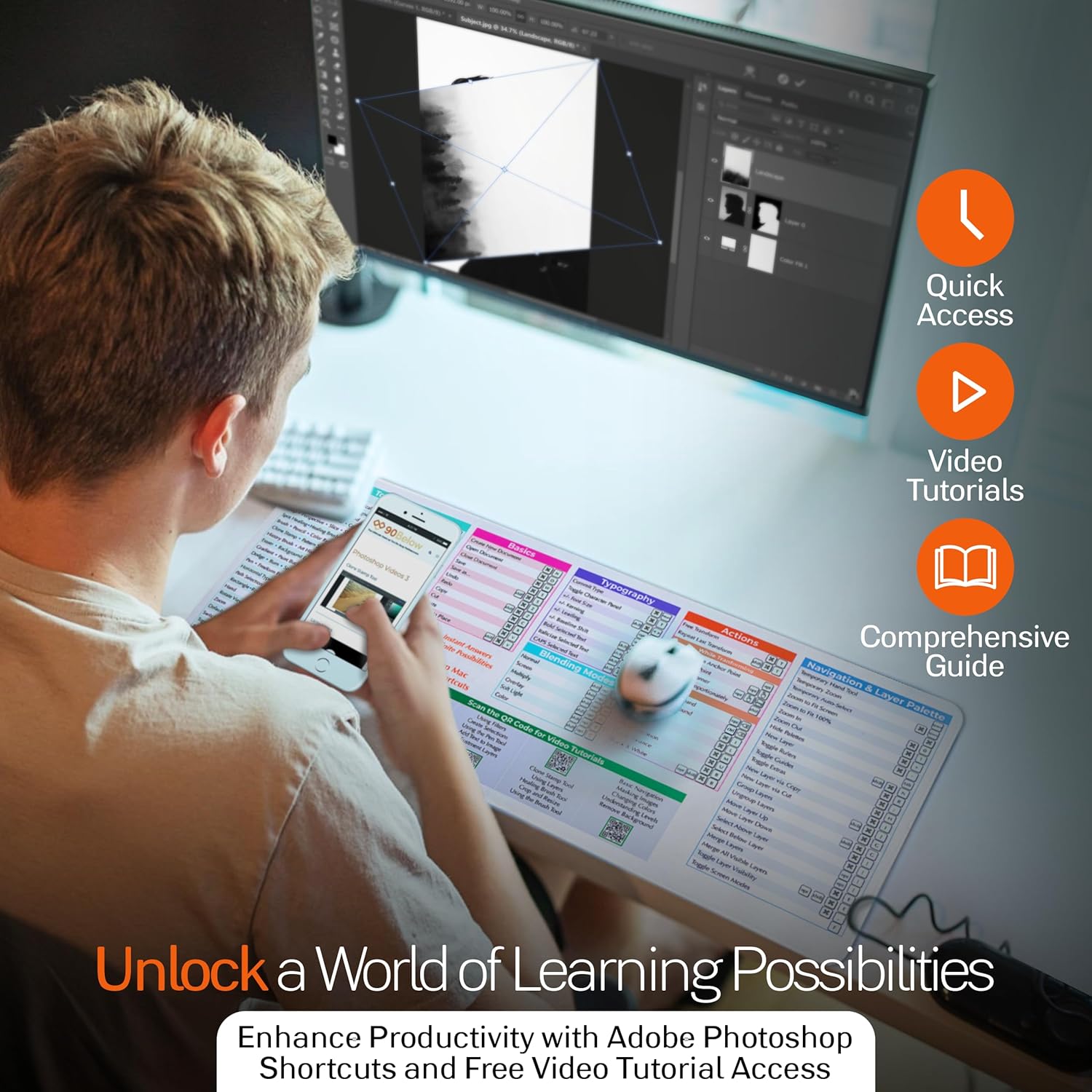
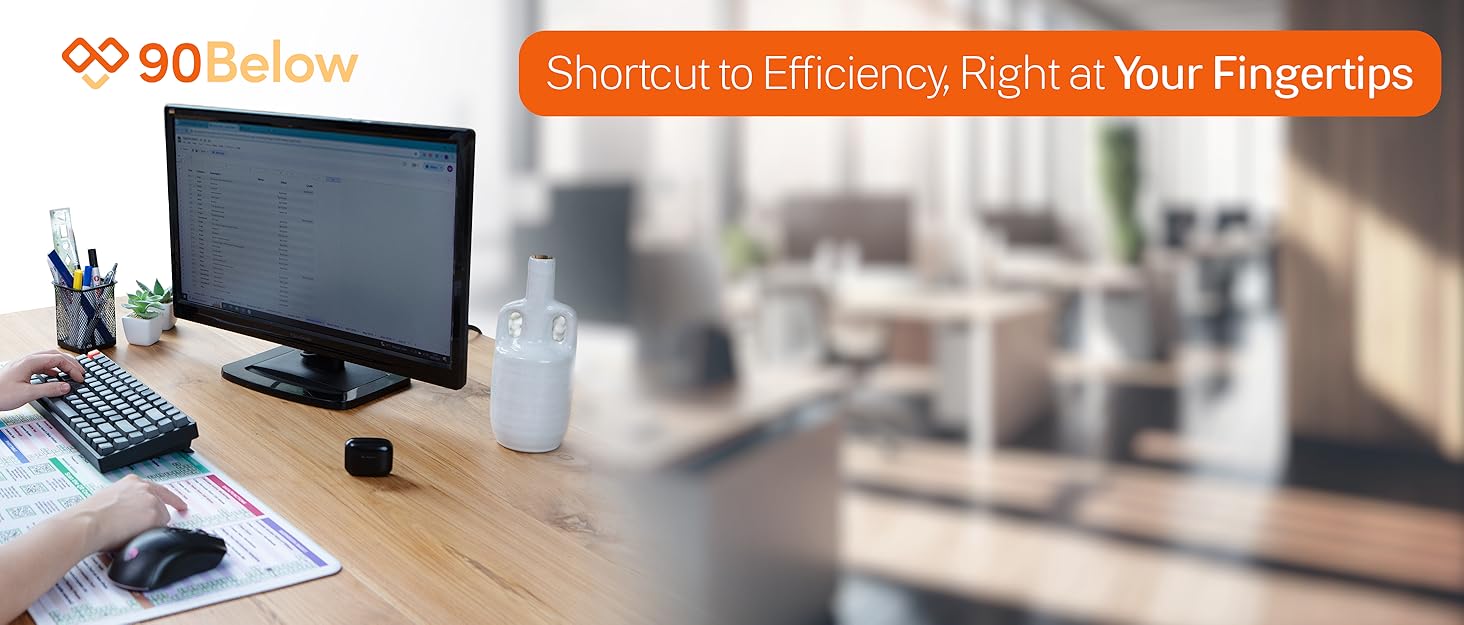
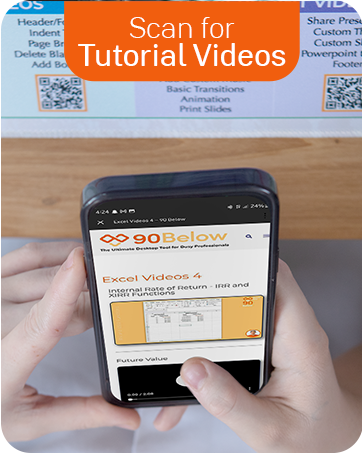
For years, I struggled with software, wasting hours searching for shortcuts. In 2023, I found a desktop mat with useful references but wanted more. So, I added QR codes linking to quick tutorial videos. Now, anyone can scan for instant help, boosting productivity and software mastery.
What makes our products unique?
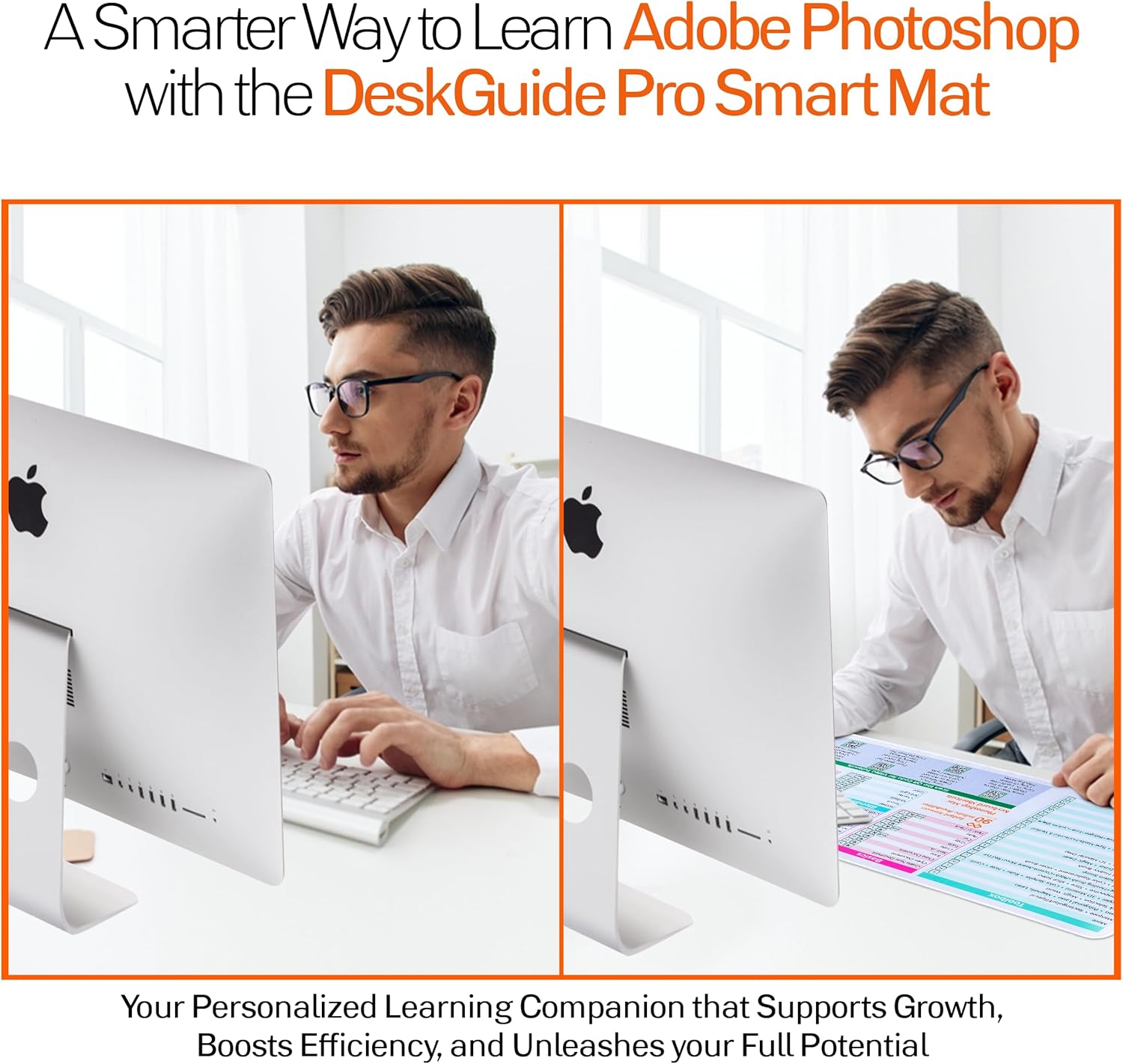
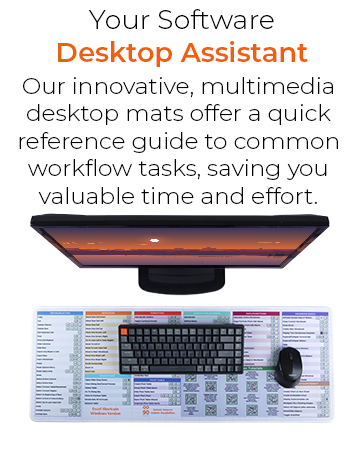
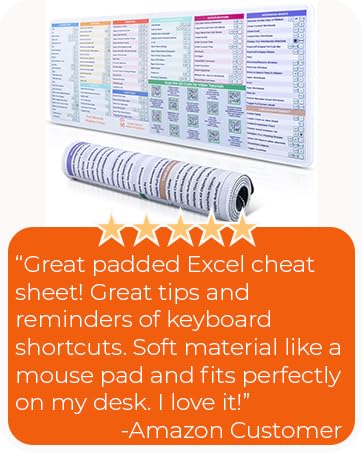
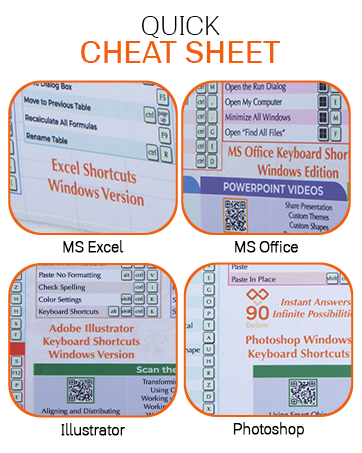
The DeskGuide Pro Smart Mat revolutionizes learning with QR codes that offer instant access to up-to-date video tutorials. This interactive feature boosts productivity, makes learning more engaging, and enhances knowledge retention for users.
Our Current Line Up
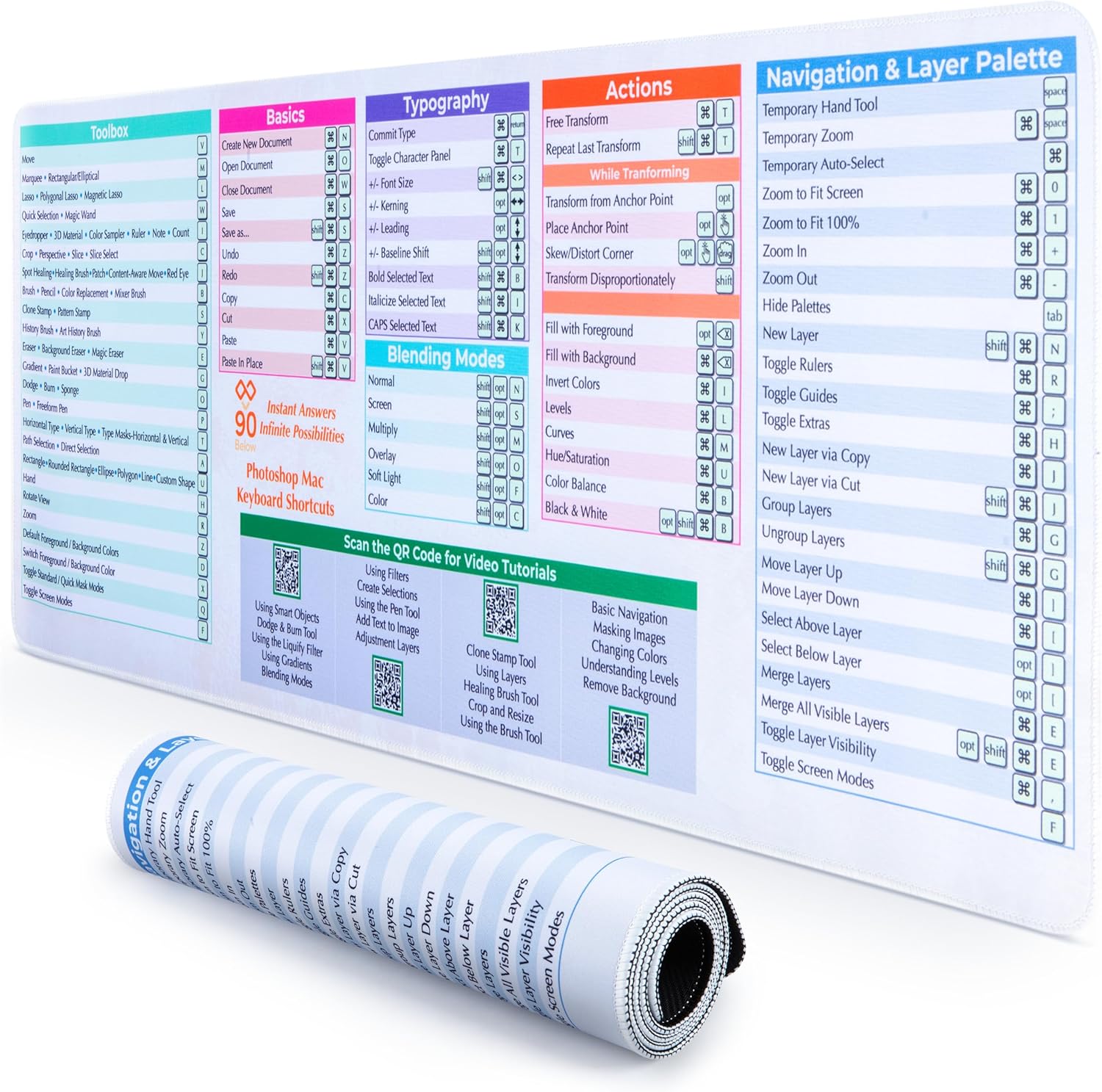
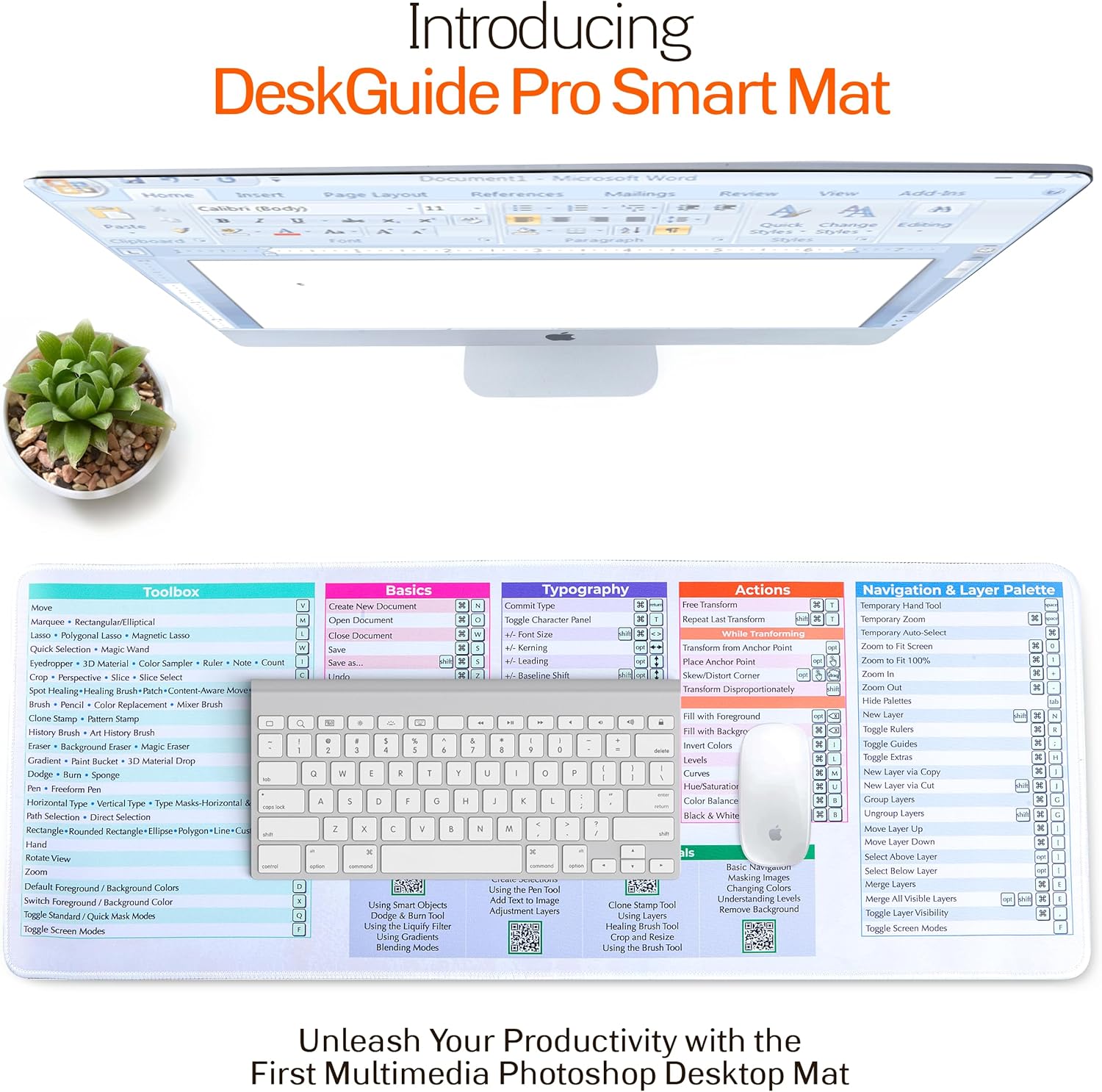
Edit Smarter and Faster – DeskGuide Pro Windows shortcut mouse pad features essential Photoshop shortcuts, streamlining your workflow. No more digging through menus or searching online – just grab your mouse and start creating your masterpiece.
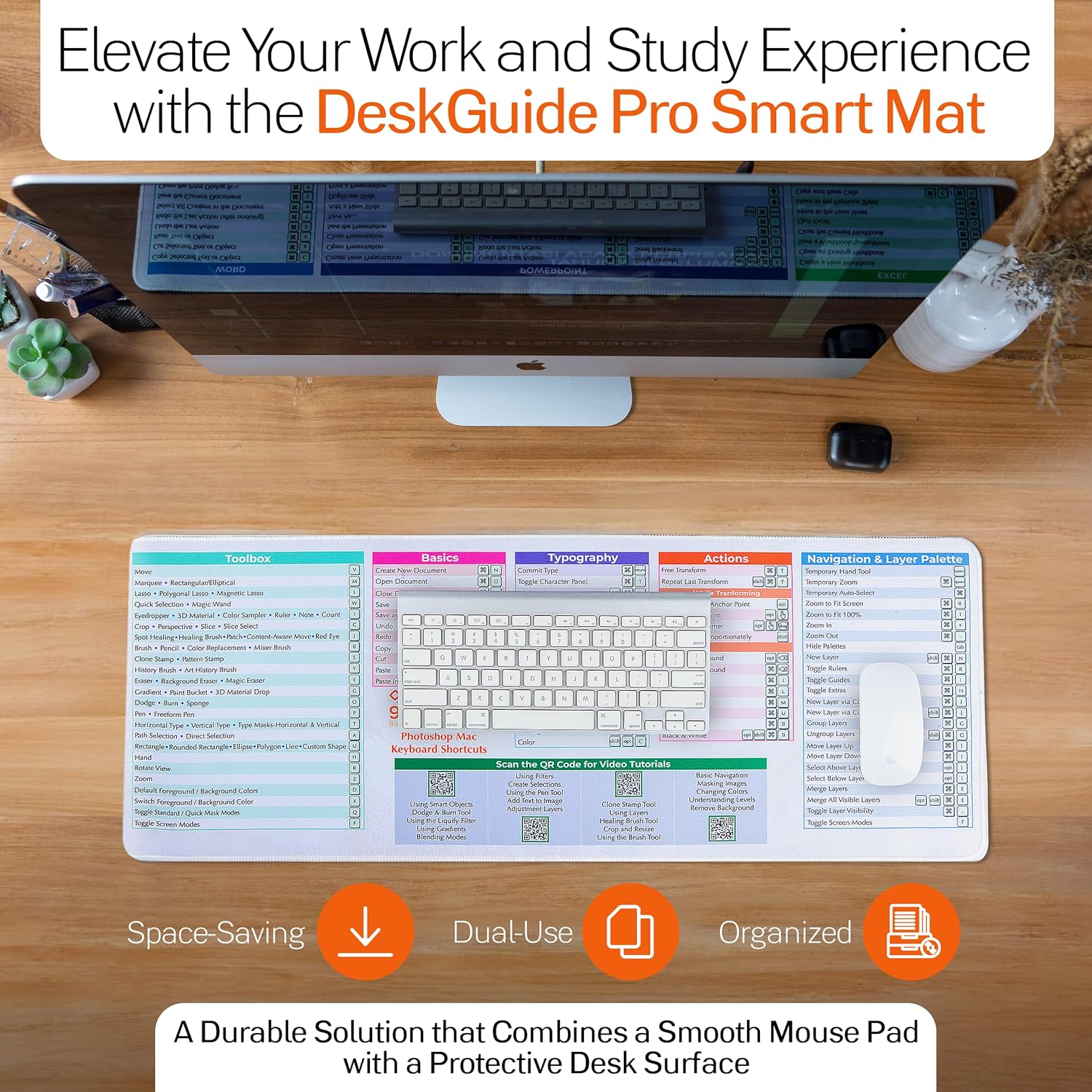
QR Codes for Photoshop Mastery – Boost your editing efficiency with our keyboard mat with shortcuts. It packs essential shortcuts and video tutorials (via QR code) for Photoshop toolbox, navigation, actions, and more.
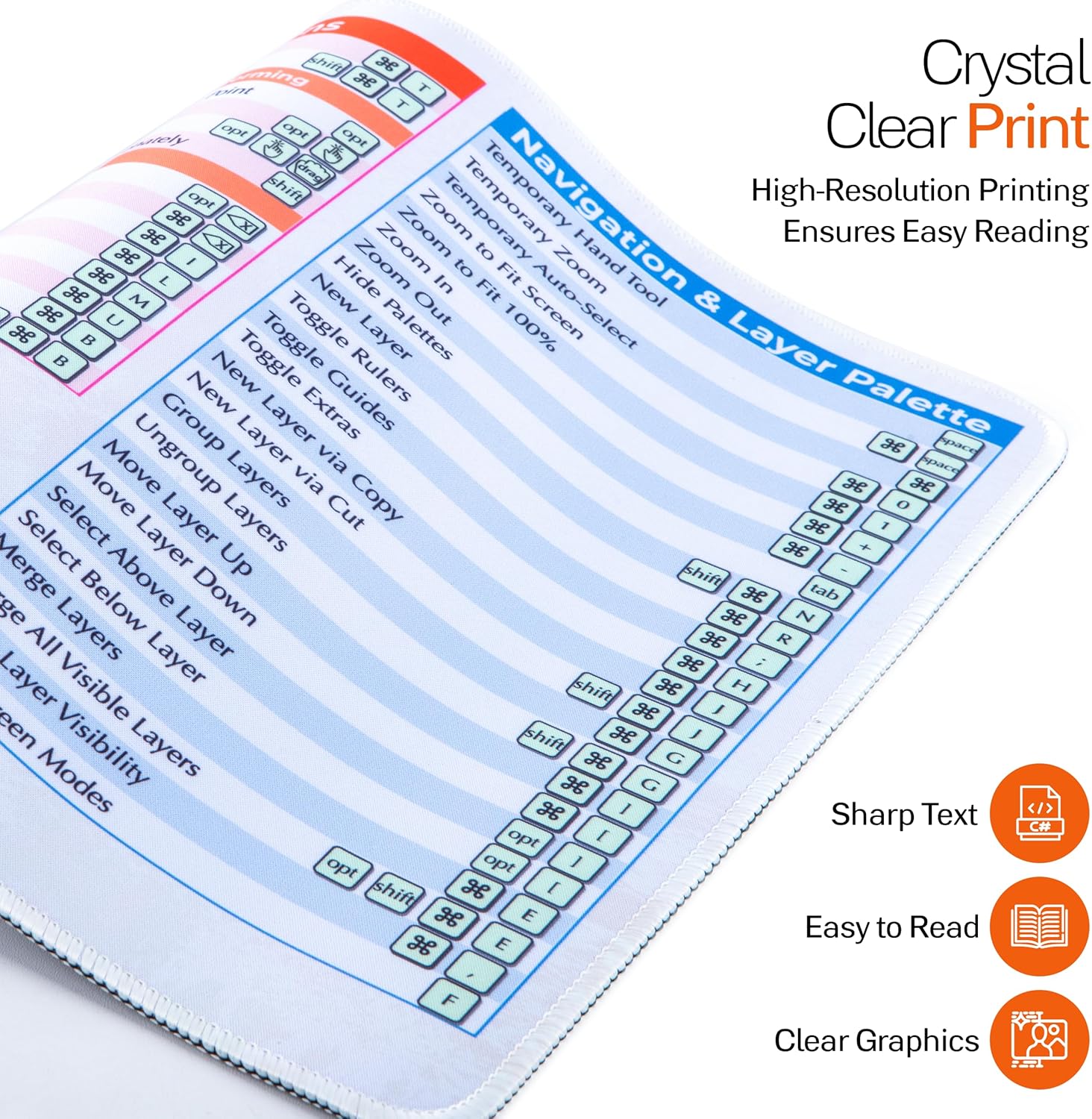
Find What You Need in a Flash – This Photoshop desk mat features color-coded sections and clear text for effortless navigation. Even under different lighting, you’ll find the right tool for the job instantly.
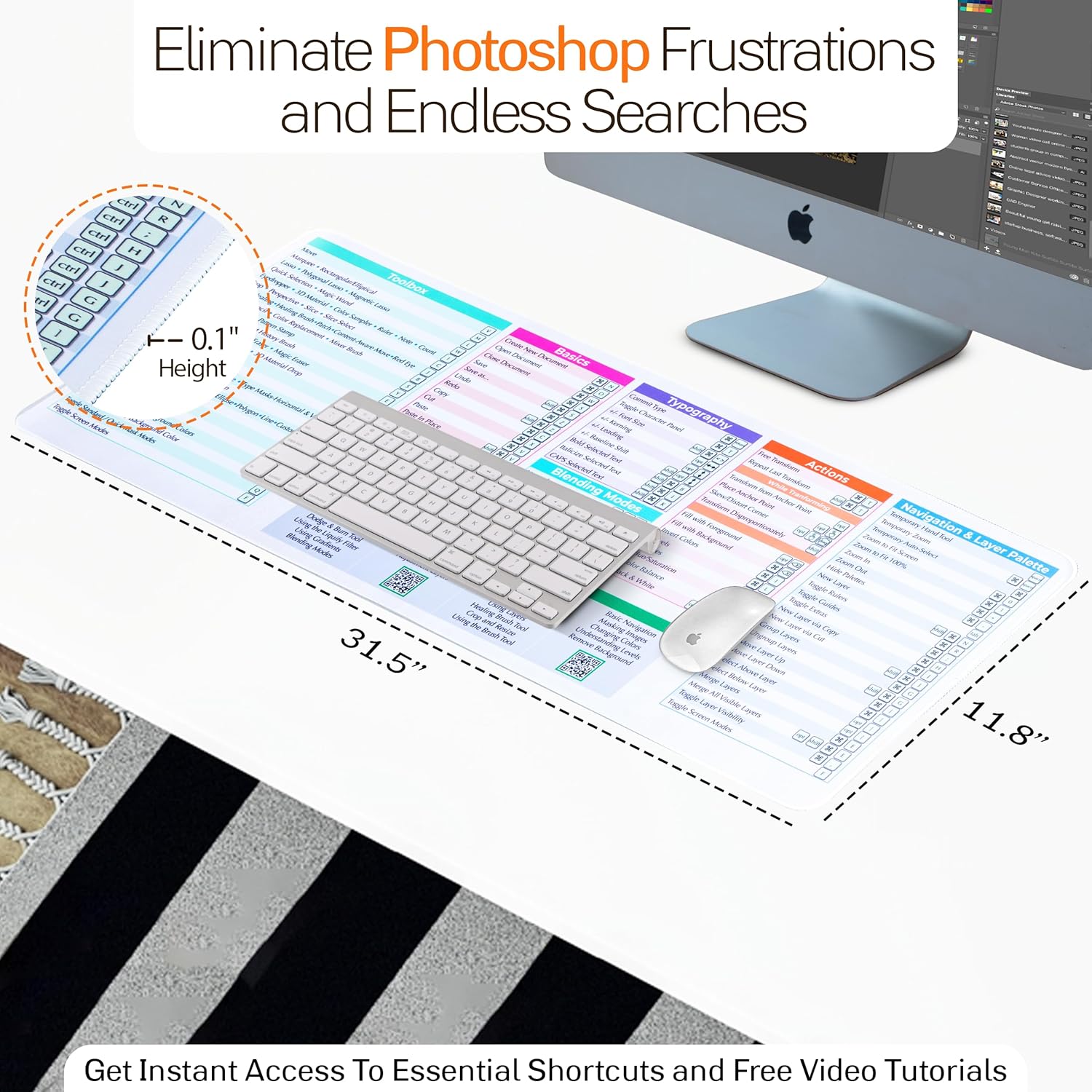
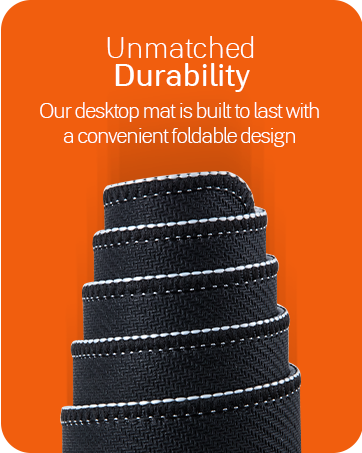
Precision Meets Comfort – This large mousepad with Photoshop cheat sheet offers the perfect blend of functionality and feel. The smooth, braided surface provides precise mouse control, while the non-slip neoprene backing keeps it securely in place.
Level Up Your Photoshop Game – Whether you’re a seasoned designer, a budding photographer, or just starting out learning Photoshop, this short cut keyboard pad is here to level up your game. Master shortcuts and edit like a pro starting today.

S A Cole –
Helpful reference tool with multiple purposes
As someone studying Graphic Design, I find this mat helpful for learning/memorizing Adobe shortcuts. I have two – one for Photoshop and one for Illustrator- and try to keep the program I’m currently using on top. While you could keep reference sheets nearby, I tried that, but I would often forget to use them if I had to go hunting for them. I also tried some stickers for my laptop, but the print was too tiny for me to read. The print is large enough on this mouse pad that I don’t need my glasses to read it, and I like that I can glance down and see this guide on my desk. I think because it’s so conveniently located, I use it more. It also functions well as a nice, large mouse pad and desk protection to boot. It works well with my setup, which includes a mouse, keyboard, and a small Wacom tablet. I think this makes a nice gift and a valuable reference tool for students or individuals new to Adobe software.
Woodstork –
Looks nice and great mouse pad
I’m a photoshop beginner. This is great for finding the shortcuts quickly! It looks great on my desk too
Hamchuck –
Seems legit
Looks pretty nice , just not sure how it will hold up
Bambi –
Handy & functional
Happy to have bought this.
FireFly –
Such a Large pad
This item is bigger than I expected. It takes up a lot of space on my desk! My desk is pretty big. See photos, you end up covering the ‘short cut’ pad with your keyboard and mouse pad which defeats the purpose to have a handy tool to help with quick recall shortcuts. Especially when you are not an everyday user of Photoshop. It’s annoying to keep moving my keyboard to see the shortcuts. If you have a small desk/workspace good luck with your other accessories, such as, ergonomic mouse pads. The print is large which makes it easier to read. Maybe I will figure out how to mount it on my wall near my desk.
BellaVino –
Very handy resource and mouse pad
I didn’t think this was going to be so handy but it is a perfect size for my mouse and keyboard and the description resources are easy to read. I’m really glad I got this.
Amazon Customer –
Well made and an informative quick reference.
Thick, good graphics, excellent reference, lays flat and doesn’t slip.
Ledy –
Clear, practical, and easy to use, it made my editing smoother and more efficient
When I first got the Photoshop Keyboard Shortcuts Mouse Pad, I wasn’t sure what to expect. But right out of the box, I loved how lightweight it felt, it’s easy to handle without any fuss. The white background is clear and made the printed shortcuts pop, so I could easily see everything without straining my eyes. And one big plus I don’t see any misspellings.Putting it on my desk, I found the material wasn’t overly thick but just right, fitting perfectly without being bulky. My keyboard sat comfortably on top, leaving plenty of space for my mouse. It struck that perfect balance—big enough to work with, yet not so large that it overwhelmed my setup. And thanks to the rubbery backing, it didn’t slide around even a bit, staying neatly in place as I worked through edits.The shortcuts printed across it are very helpful, covering all the basics and more. It was like having a personal assistant guiding me through my editing without having to dig through menus. And the QR codes were the cherry on top. Just a quick scan, and I was watching tutorials without the hassle of signing up or logging in. Simple and effective.
Graham Johnson –
Quite useful although mainly for Apple users.Well made but quite long . I keep mine on a section of desk not covered by my keyboard .Took a while to arrive..