




Product description
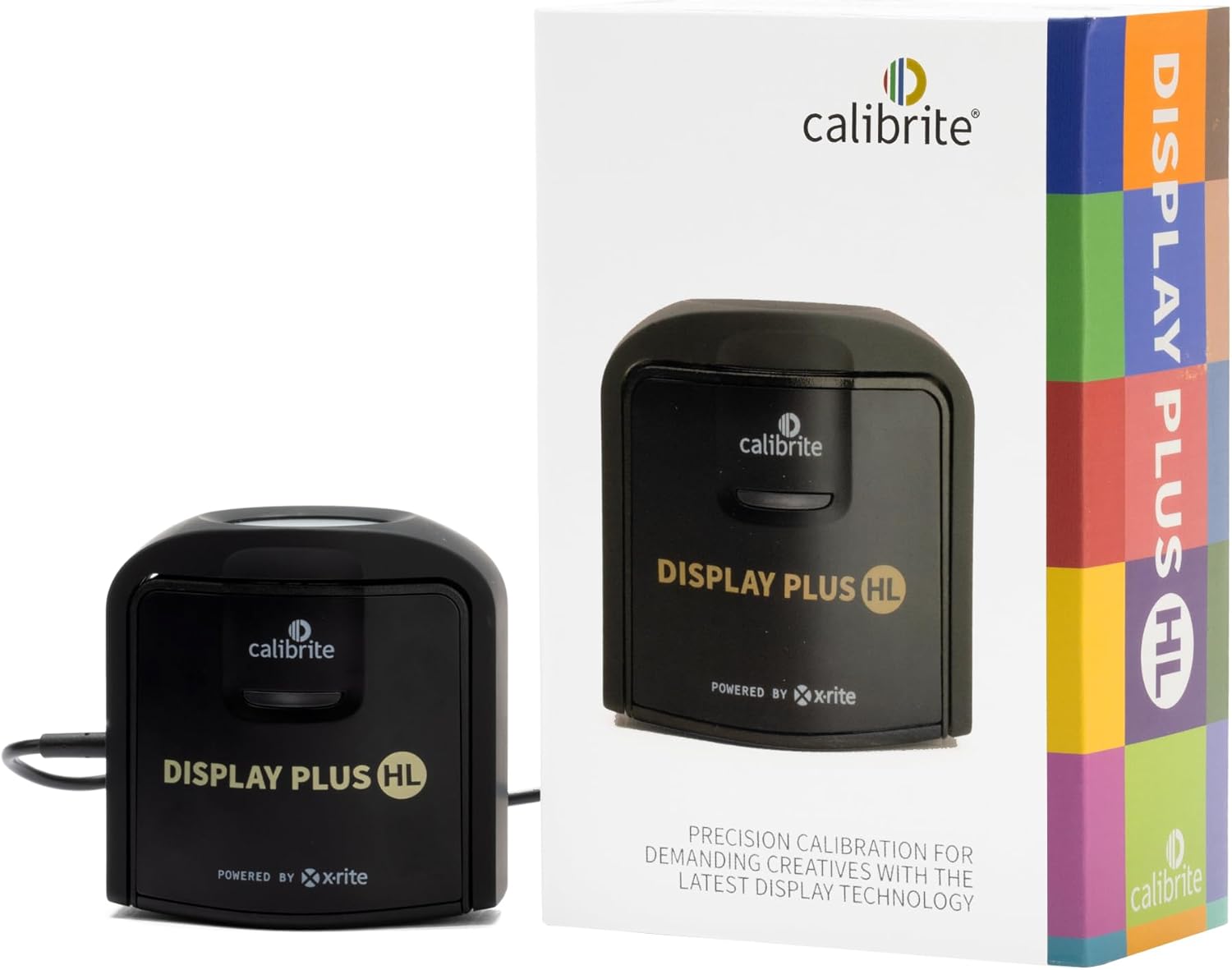
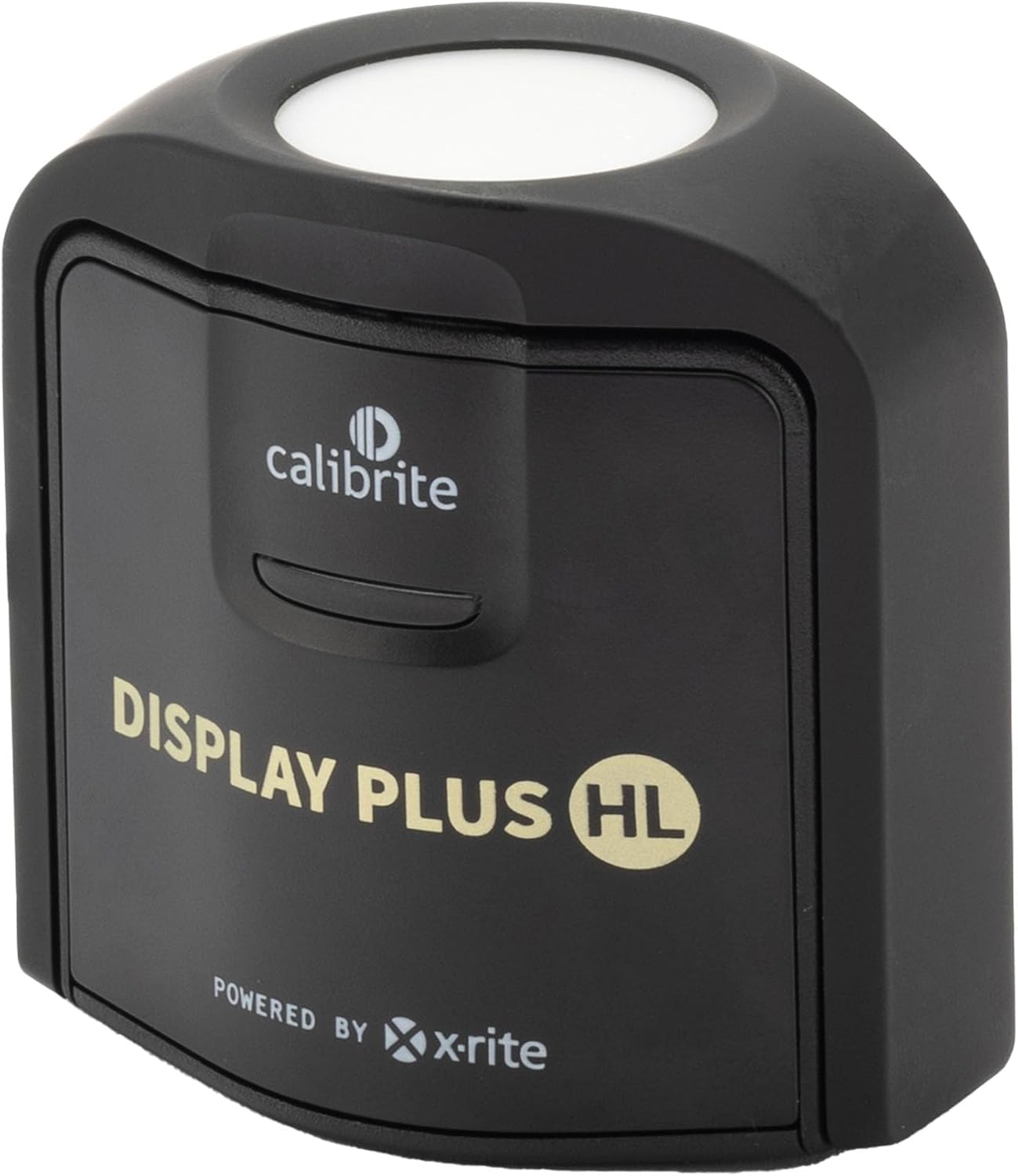
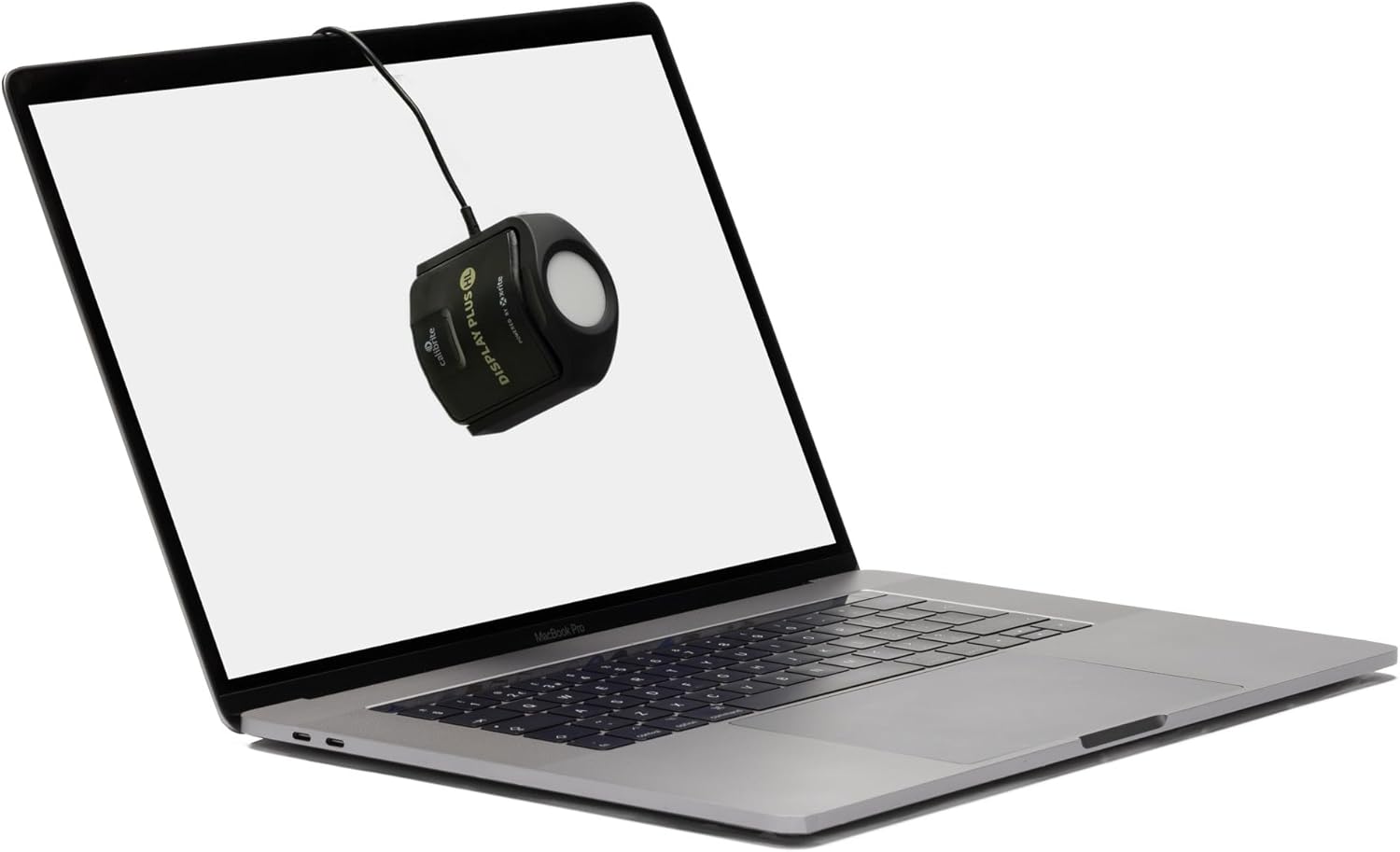
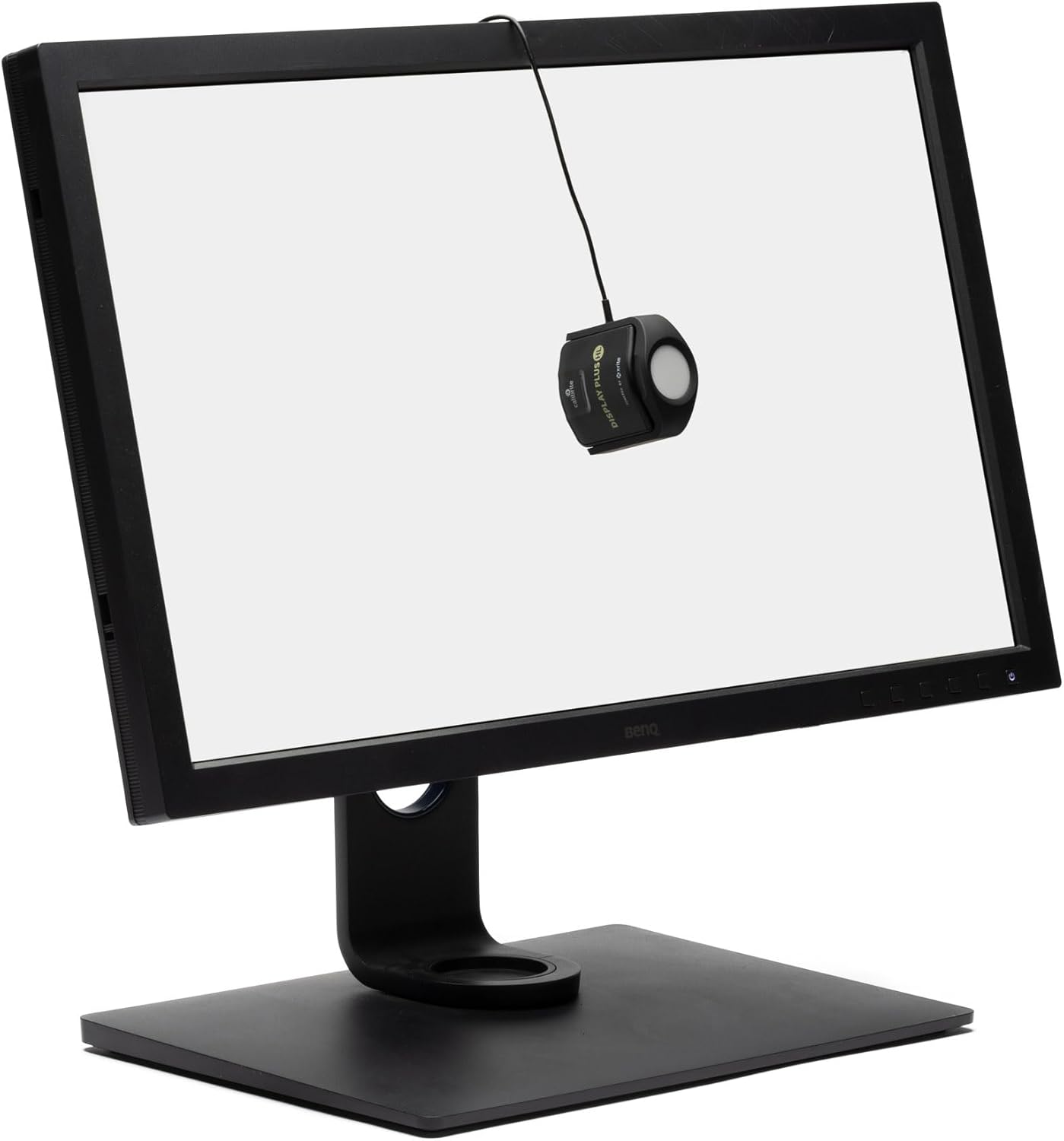
Calibrite Display Plus HL
Calibrite Introduces Next Generation Colorimeter Devices for Next Generation Displays.
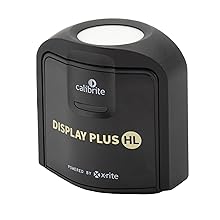
The only calibration device to measure up to 10,000 nits with advanced HL (high luminance) sensor for greater color accuracy for current and emerging super bright display technologies
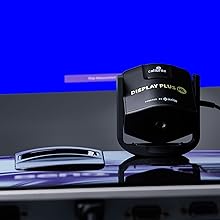
Accurately measures, calibrates, and profiles LCD, mini-LED, and OLED displays, including Apple XDR panels and super bright displays
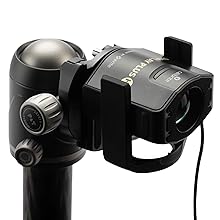
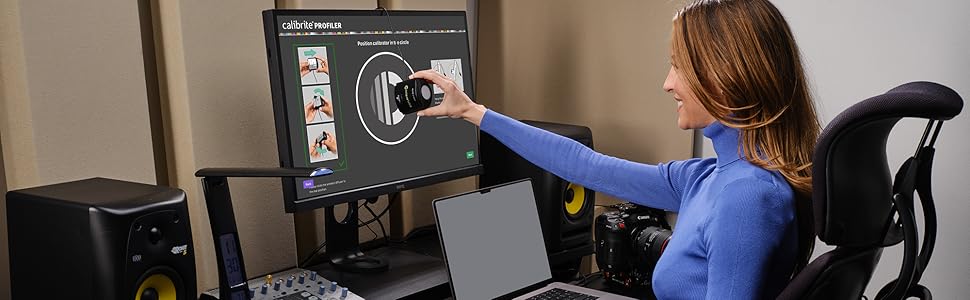
Comes with Calibrite PROFILER software, featuring fully customizable features such as White Point and Gamma, Profile Validation, Uniformity Check features, and more. Compatible with Mac and Windows OS and compatible with some 3rd party software packages
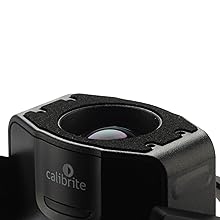
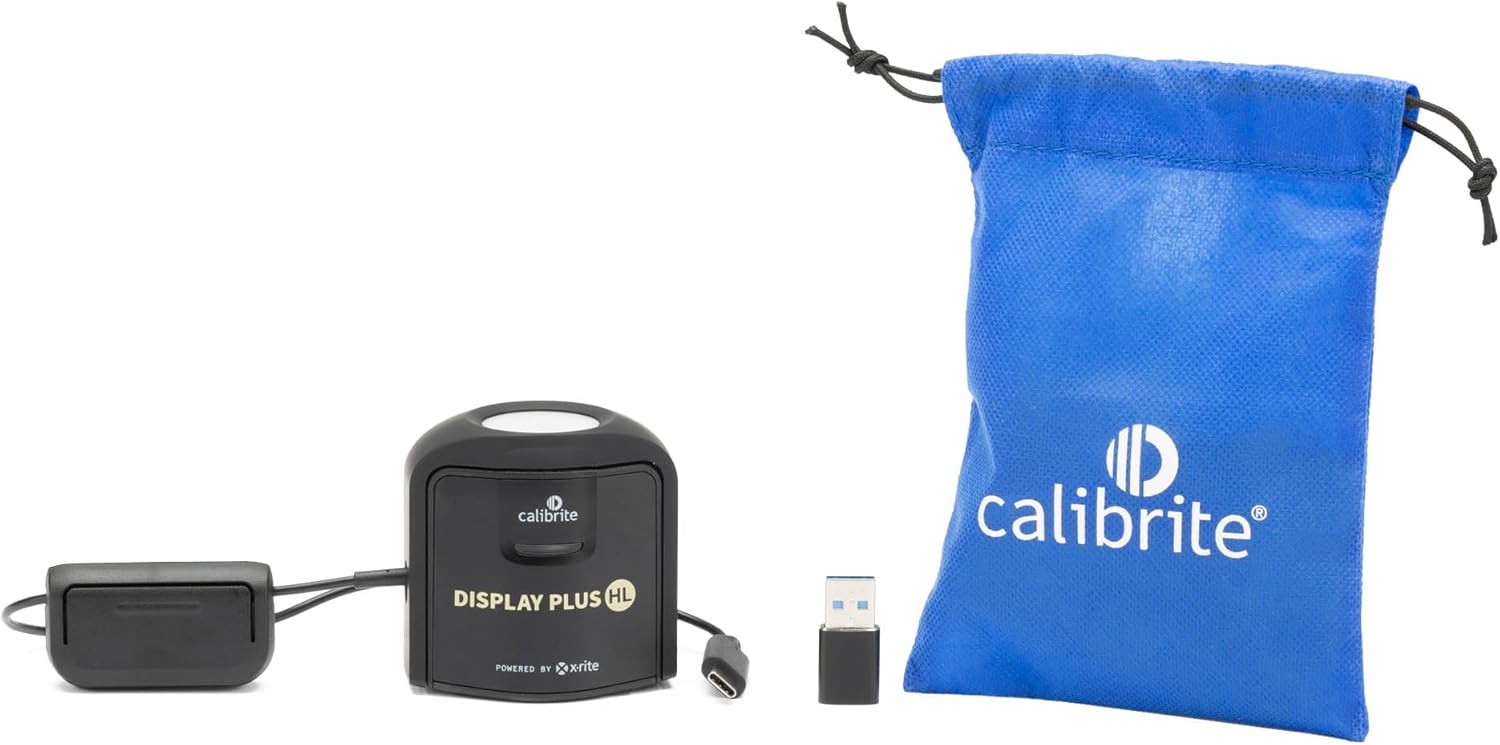
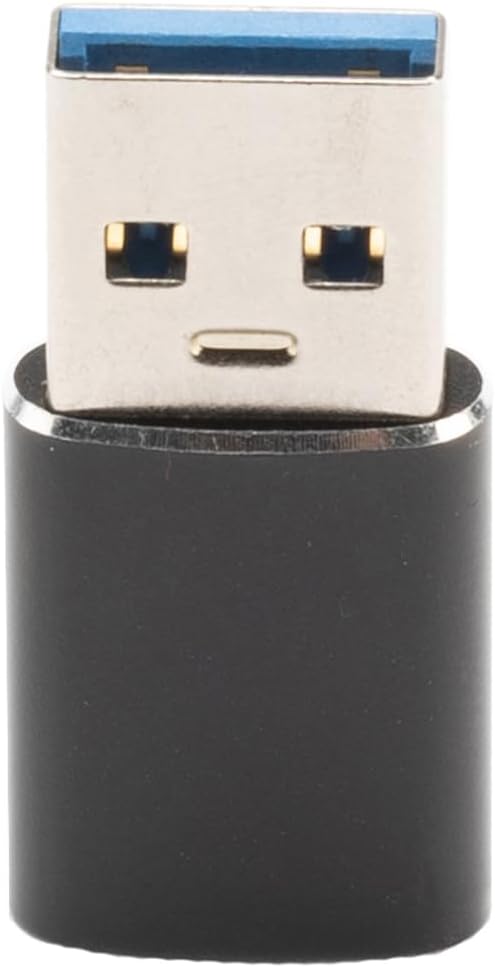
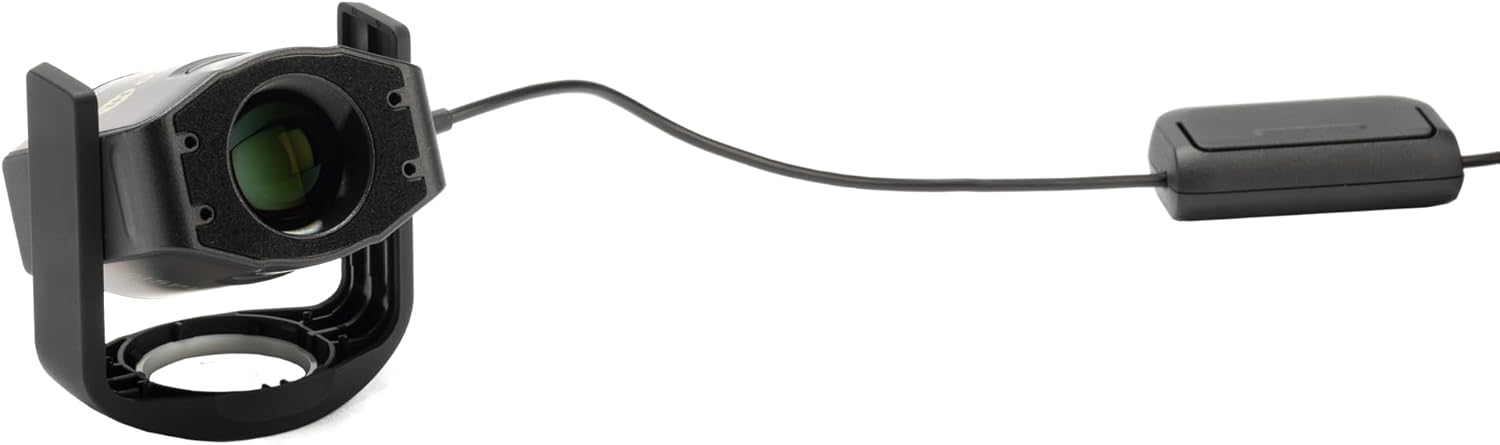
USB-C connection, (supplied with USB-A adapter) in smaller, fully recyclable packaging and includes a travel storage pouch
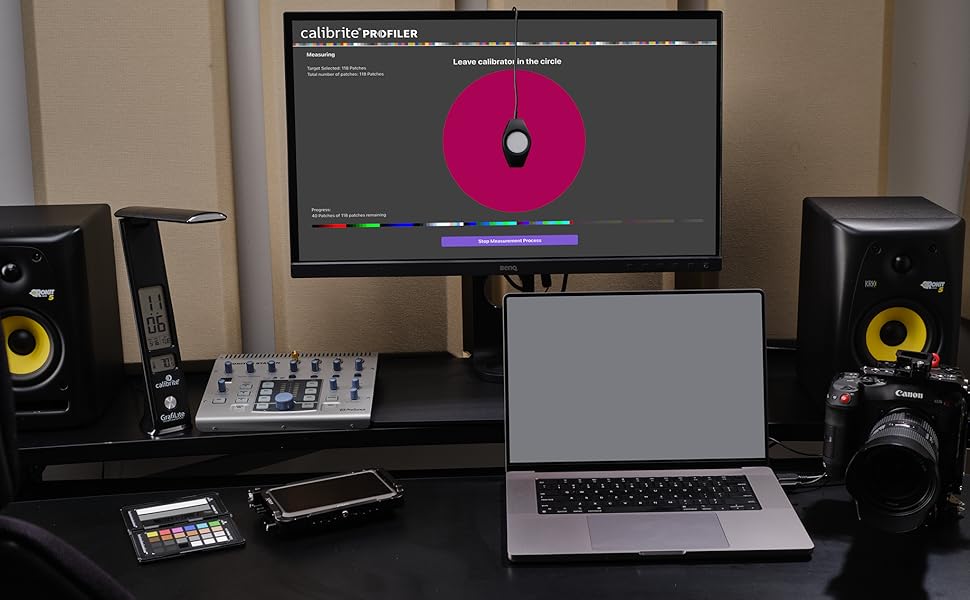
Accurate display calibration and profiling for video editing are vital. Color correction on multi-camera shoots means you need to rely on the image on your edit display. It must be accurate, there’s no compromise, and with the Calibrite Plus HL, you don’t have to. Mini-LED, OLED, and super bright monitors require a sensor capable of measuring much brighter light levels. With the Display Plus HL, you’ll get the most advanced display calibration for the full gamut potential of all mini-LED, OLED, and Apple XDR panels available. The newly developed high-luminance sensor profiles the brightest displays currently available and is equipped with advanced technology to support future display advancements.
SPECIFICATIONS: Advanced HL high luminance sensor colorimeter measures up to 10000 nits, calibrates and profiles LCD mini LED OLED Apple XDR and super bright displays plus compatible projectors, includes Calibrite PROFILER software for Mac and Windows, USB C with USB A adapter, built in 1/4″ mount thread and travel storage pouch.
EXTREME LUMINANCE: Measures ultra bright displays up to 10000 nits for accurate calibration of HDR capable monitors, helping video editors and colorists maintain consistent highlights, clean blacks, and reliable grading decisions.
PROFILER CONTROL: Calibrite PROFILER software offers Basic and Advanced modes with full adjustment of white point, luminance, contrast ratio, gamma and more, supporting custom patch sets and shared presets for consistent team workflows.
VIDEO STANDARDS: Supports broadcast standards including Rec.709 and includes BT.1886 tone curve options for Rec.2020 workflows, helping maintain smoother tonal detail and more accurate monitoring across video production pipelines.
VALIDATION TOOLS: Professional validation tools help you trust the result, including Quick Check, Profile Validation, Uniformity Check, Profiler Manager, while multi monitor profiling supports matched color across multiple display editing setups.

Krush –
Crucial tool for color accuracy where accuracy matters!
Being a photographer, having a properly calibrated display is crucial for accurate color representation during post processing workflow. I used non calibrated displays for quite some time and typically would have issues where what I initially thought was correct during my post processing of photographs, wasn’t. This is solved by calibration and having a tool that measures the color, luminance, and gamma to confirm what you are seeing is indeed correct.This is where the Calibrite Display Pro HL comes into play. Let me start by saying, I actually ordered this used but in excellent condition and I received the item used and in excellent condition. I was able to save some money and repurpose a returned device. I have experienced no issues whatsoever with the device. The instructions to download the software were clear and I was able to successfully download and install the software which automatically recognized my device. I actually like the software interface. This is my first Calibrite device I’ve used and I do prefer the software interface over other brands. It’s very simple and step by step.That’s what makes this such a simple task, the software is step by step and explains everything needed to properly calibrate your display. The process does take a bit of time so it’s best to set aside 20-30 minutes of time to fully complete the process. The end result is worth the cost of the device and the time to calibrate the monitor in my opinion. It really takes all the guesswork out of accuracy which is crucial in photography and videography. Which brings me to my next point and that is, the software will ask you why you are calibrating your device and for what type of monitor you are calibrating. There is an option for video as well as photo which may appeal to videography users as well. The device itself also came with a storage bag for the unit which I appreciate. It keeps it protected when it’s in my drawer and not in use. I also appreciate the USB-C interface as this is the connectivity standard we need to be moving towards. This small detail is an important step toward interface standardization.I would highly recommend this to anyone looking to calibrate their viewing device for accuracy where accuracy matters.
David G –
Works but beware of getting returned item counting as “new”
1.) with the help of chatgpt and the program hcfr i was able to calibrate my tv with no issues, “tcl 646 mini led”2.) i also calibrated my msi oled monitor using the calibrite profiler and after several trial and errors it seemed to work well, i will say the device needs to be a dark room for it to work as intended.3.) one issue i had is when i received the product i can tell it wasn’t “new” but probably a return from some chump that returned it. I was gonna return it and ask for an actual new device but at that point i was way too annoyed to deal with the return.4.) the accuracy seems to be working on oled and the mini led which is great since other devices are incredibly more expensive so this gets the job done.
Vu L. –
Accurate Colors, Easy to Use, and a lifetime purchase!
I did not realize how out of calibration most factory screens are. I’ve only had this for a few days but I’ve already calibrated over 8 screens in my house and ALL of them were horribly off. I can’t believe I never looked into these until recently since I started video editing!My Samsung Odyssey G7 27″ 1440p 240hz screen required tuning the white balance to 44/48/50 RGB to get it to a perfect 6500K at 26/65 Brightness/Contrast with Black equalizer at 12, for 120nits in Rec709 Gamma 2.4 and it got a respectable delta of .7 across the screen. And this is running off of the HDMI at 60hz in 12-bit color, in which it’s supposed to be calibrated for. I’m disappointed in the lackluster factory calibration but happy with the results from the Calibrate!My recommendation for software? I definitely recommend DisplayCAL colors over the Calibrate software. Calibrate’s software tends to leave a green overcast and I did not like that one bit. I haven’t tried HDR calibration yet but I’ll do that on my sisters Acer Predator monitor laterDo be warned! It WILL take a while, I left it on the “High” speed and on average it took 15 minutes on each screen. There is the “Highest” setting as well and it estimates 6-minutes or so. DaVinci Resolve calibration? MAKE SURE YOU HAVE TWO HOURS!! It took 2 hours to complete the DR calibration, so do be cautious and do this when you have other things you can do since your PC will basically be inop during thisOverall, I am extremely pleased with my purchase and couldn’t be more excited to edit the next film! I hope this will last at least the next 5 to 10 years with how fast screen technology is changing, but that’s why I bought the Calibrate Display Pro HL!
Zeynel Dogus Ozel –
Great Device
Really easy to use but I wish it had a better carrying case. Not a cheap pouch that can be ripped apart easily.
Brandon Knapp –
Best calibration tool ever
This thing really works! It made my screen produce true colors for my film editing set up.
Scott Kasden –
Software didn’t load properly on Mac
When my older version was no longer supported, I purchased this one. The software refused to properly load on my MacBook Pro ( I have two, neither would work). I followed all instructions, my os is up to date. After several tries I gave up.The company doesn’t have live support or zoom and I jut got frustrated and purchased Datacolor.I couldn’t wait any longer.
Amazon Customer –
A must for anyone that cares about their display
I decided instead of trying endless settings I’d find online, I would just learn to calibrate myself. I use this with Colourspace zro and it worked exactly as advertised. I used it on a mini led and oled and both displays look great after it. It accurately measured mini led up to peak brightness of 3300. Great purchase and well worth the purchase to get the most out of any display.
Damon –
An Essential Tool for Photo Editing
I have two Dell U3223QE monitors. I recently purchased a Canon Pro-1100 printer. The printer is great. But I noticed my prints didn’t match the photos I had edited on screen. Figured I needed to calibrate monitors. Did the research, the Calibrite Pro Display HL got overall good reviews. Ordered it, setup was easy and now the photos I print out of the printer match what I edit on my monitors. I have no complaints about the calibrator
Johann –
Funktioniert einwandfrei
Maximus –
couldn’t even launch the software on windows 11 – it throws error “Application failed to launchPlease quit the application and check your Display setting preferences are set to ‘Extended Display / Desktop’ and then restart the software”. many reports on the same problem with no solution. real shame
Yves Pierard –
Calibration très facile, utilisé pour 1 portable et 2 écrans externes et un 2ieme portable avec 1 écran externe.Les écrans sans standards et non calibrés d’origine.
Nacho –
Tengo tres pantallas, una LG, un monitor de un iMac y una pantalla externa HDR, cuando trabajo con vídeo sobre todo, en cada pantalla, aunque elija los presets o perfiles de color iguales se suele notar diferencias en el brillo, o en los tonos de los colores, y siempre tienes la duda de cómo lo va a ver tu cliente o el usuario final. Miras manuales, tutoriales, así que por fin me decidí a comprar este dispositivo que he usado para calibrar las tres pantallas conectadas al mismo mac. Tras la calibración, abrí mi programa de edición y sorpresa, todas se ven prácticamente iguales, como tiene que ser. No mas sorpresas, exporto y lo lleve donde lo lleve se ve tal y como yo lo editaba. Creo que es la mejor inversión que he hecho, sobre todo si te dedicas a imagen y vídeo. Fácil y muy rápido. Debería haber tomado fotos del antes y el después para poder mostrar la diferencia.
Bruno Augusto Boni –
Bought this to calibrate my TV with both Calibrite Profiler (HTPC) and through Colourspace ZRO. The device works great on both. Just wish the cable was a meter longer.