

MAXIMIZING THE FULL POTENTIAL OF ADOBE PHOTOSHOP ELEMENTS 2025
Photoshop Elements 2025 is more than just photo editing software—it’s a powerful, intuitive tool that empowers creative professionals to elevate their work. It has a wide range of advanced features and a user-friendly interface, which make it an ideal choice for those looking to enhance their designs and produce stunning visuals. Whether you’re a seasoned professional or an enthusiast, Photoshop Elements 2025 gives you the tools to transform your photos into exceptional pieces of art.
This user guide is your essential companion for mastering Photoshop Elements 2025. It’s packed with step-by-step instructions, designed to help you unlock the latest features and develop the skills you need to work confidently and efficiently. By following this guide, you’ll learn how to use every tool, feature, and function to enhance your creativity and productivity.
Starting from basic editing techniques, we’ll gradually guide you through more advanced methods, all explained clearly. By the end of this guide, you’ll know how to refine your images to perfection, bringing out their full potential with ease and precision. Whether you’re enhancing portraits or creating intricate compositions, you’ll know how to make your visuals truly stand out.
In this user guide, you’ll explore the following topics:How to download and install Photoshop Elements 2025Getting familiar with the user interface and workspaceDiscovering exciting new features in Photoshop Elements 2025 and learning how to use them effectivelyUnderstanding the key principles of photo editingExploring image resolution, color modes, and file formatsMastering techniques to make your photos more visually appealingLearning the fundamentals of capturing and composing stunning photosHow to import, organize, and tag your images for easy managementGaining proficiency in working with Layers, Filters, and AdjustmentsUtilizing Guided Edit mode to enhance your photos with easeCreating a seamless workflow to manage and access your photo libraryDiving into advanced editing techniques and applying creative effectsBecoming skilled at photo restoration, retouching, and adding special effectsExploring the Raw Editor tools with detailed illustrations and practical examplesWhether you’re new to Photoshop Elements or a seasoned user looking to improve your skills, this guide offers step-by-step instructions, practical tips, and creative inspiration. With its hands-on approach, you’ll soon feel confident navigating the software and producing professional-quality edits.
Unleash your creative potential and embark on the journey to becoming a skilled photo editor and photographer today.
You can get started “Now”! Grab your copy and dive into the endless possibilities of photo editing!
–
ASIN : B0DJQWVGMY
Accessibility : Learn more
Publication date : October 8, 2024
Language : English
File size : 55.8 MB
Screen Reader : Supported
Enhanced typesetting : Enabled
X-Ray : Not Enabled
Word Wise : Not Enabled
Print length : 309 pages
Page Flip : Enabled
Best Sellers Rank: #1,726,384 in Kindle Store (See Top 100 in Kindle Store) #152 in Adobe Photoshop #880 in Digital Media #984 in Commercial Graphic Design (Kindle Store)
Customer Reviews: 3.2 3.2 out of 5 stars (13) var dpAcrHasRegisteredArcLinkClickAction; P.when(‘A’, ‘ready’).execute(function(A) { if (dpAcrHasRegisteredArcLinkClickAction !== true) { dpAcrHasRegisteredArcLinkClickAction = true; A.declarative( ‘acrLink-click-metrics’, ‘click’, { “allowLinkDefault”: true }, function (event) { if (window.ue) { ue.count(“acrLinkClickCount”, (ue.count(“acrLinkClickCount”) || 0) + 1); } } ); } }); P.when(‘A’, ‘cf’).execute(function(A) { A.declarative(‘acrStarsLink-click-metrics’, ‘click’, { “allowLinkDefault” : true }, function(event){ if(window.ue) { ue.count(“acrStarsLinkWithPopoverClickCount”, (ue.count(“acrStarsLinkWithPopoverClickCount”) || 0) + 1); } }); });
 ADOBE PHOTOSHOP MADE EASY: A Comprehensive Guide with Step-by-Step Instructions for Creative Design, Editing, and Learning - Perfect for Beginners and Seniors eBaydiy Tools
$24.99
ADOBE PHOTOSHOP MADE EASY: A Comprehensive Guide with Step-by-Step Instructions for Creative Design, Editing, and Learning - Perfect for Beginners and Seniors eBaydiy Tools
$24.99
 Photoshop 6 Photo-Retouching Secrets (Voices That Matter) eBaydiy Tools
$28.90
Photoshop 6 Photo-Retouching Secrets (Voices That Matter) eBaydiy Tools
$28.90
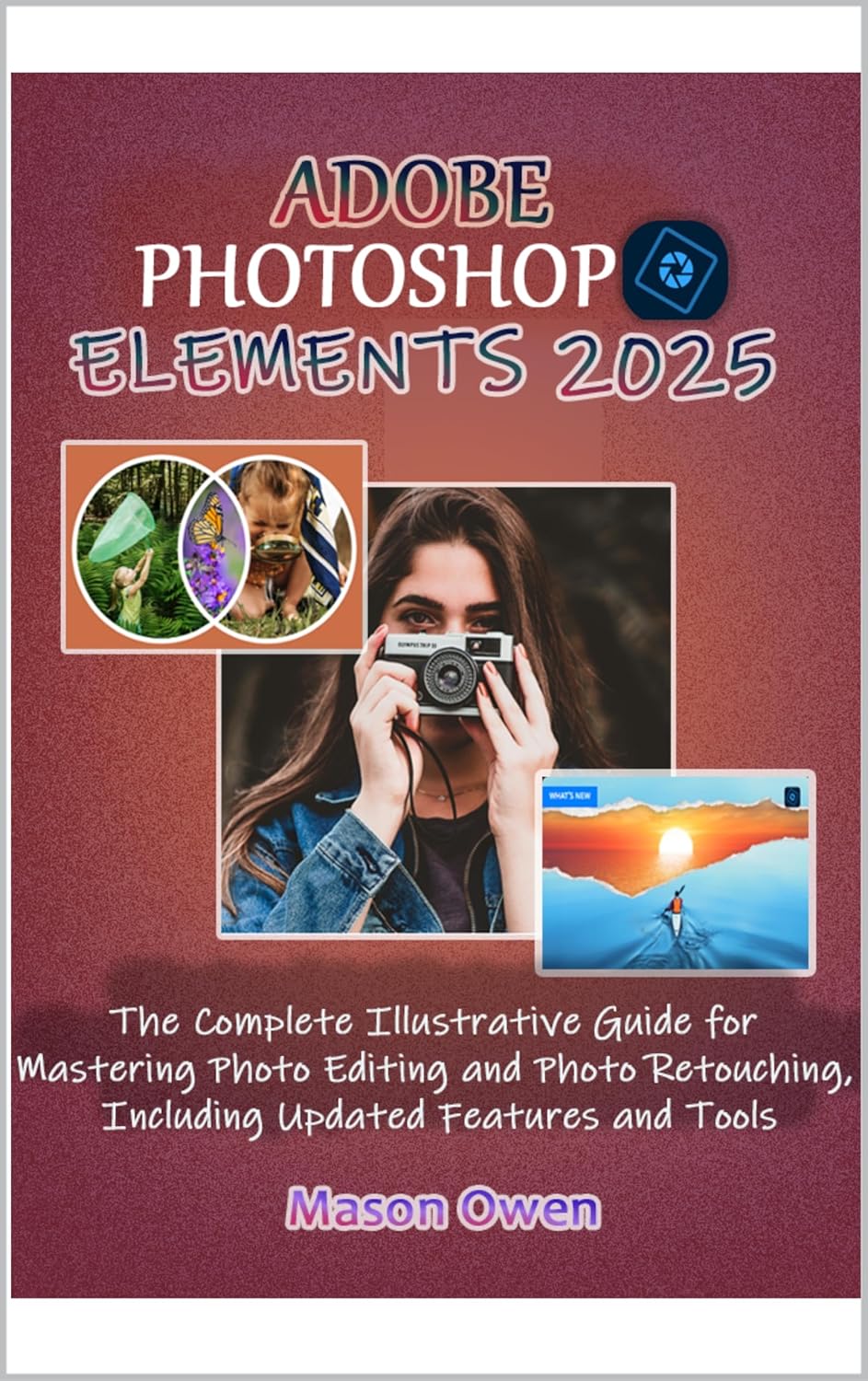
ADOBE PHOTOSHOP ELEMENTS 2025: The Complete Illustrative Guide for Mastering Photo Editing and Photo Retouching, Including Updated Features and Tools eBaydiy Tools
Original price was: $18.99.$18.00Current price is: $18.00.
-5%🚚 Free Shipping on orders over $75+
📦 Arrives: Apr 04 - Apr 06
🛡️ 2-Year Professional Warranty Included
Guaranteed Safe & Secure Checkout




Amazon Customer –
Not what I had hoped for
I’m a long time user of Elements. Most of what is in this book I already knew from my work with earlier versions of the program. What was missing was detailed instructions on the new features in Elements 2025.
Retirementcoach –
Very disappointing
After looking at the online review of the book, seeing it was in color, I ordered it. The book I received was in Black and white. Now PhotoShop Elements is primarily meant for working with color photos. Being in B/W makes the book useless since you can’t see what the color adjustments are doing. Moreover, the photos used is very poor quality. This is the 3rd book on PhotoShop that I’ve ordered from Amazon, all which were in B/W when the reviews show the books to be in color.
Betsy –
Photoshop always interesting
I’ve been using Photoshop for years now and I update it yearly and I’m always please with the new advancements.
Hector O. Fernandez –
nice
great book
Kindle Customer –
Very poor images
This book is entirely in B/W and the images are very low resolution. The index is insufficient for a book aimed at instructing the reader. While there is some good new information in it, overall this is a mediocre guide.
Mr Ronnie McCullough –
A very helpful Book on Photoshop, just a pity it is not in Color.
Raymond Boyer –
The preview online showed some images in colour. My expectation was that the book was in colour. The B&W images in the book are sometimes fuzzy and hard to read. There is no mention if the book is for Windows or Mac users. Some of the direction are missed labeled and I suspect the book was written for PC users. I had to hunt to find a Mac equivalent. Did learn some stuff but my experience with Photoshop helped me navigate this version of Elements.