

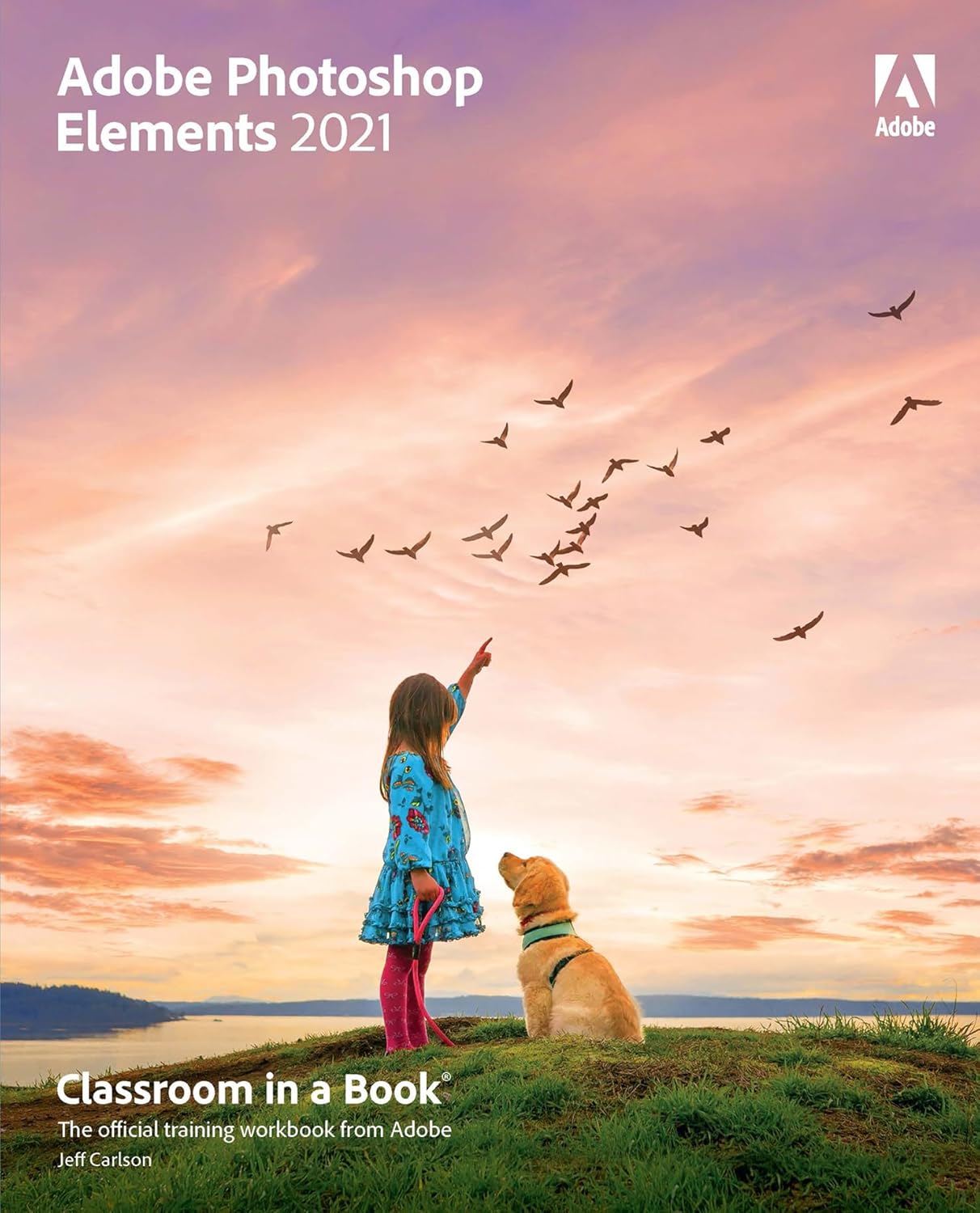
The fastest, easiest, most comprehensive way to learn Adobe Photoshop Elements 2021
Classroom in a Book®, the best-selling series of hands-on software training workbooks, offers what no other book or training program does — an official training series from Adobe, developed with the support of Adobe product experts.
Adobe Photoshop Elements 2021 Classroom in a Book contains 10 lessons that cover the basics and beyond, providing countless tips and techniques to help you become more productive with the program. You can follow the book from start to finish or choose only those lessons that interest you.
Purchasing this book includes valuable online extras. Follow the instructions in the book’s “Getting Started” section to unlock access to: Downloadable lesson files you need to work through the projects in the bookWeb Edition containing the complete text of the book
What you need to use this book: Adobe Photoshop Elements 2021 software, for either Windows or macOS. (Software not included.)
Note: Classroom in a Book does not replace the documentation, support, updates, or any other benefits of being a registered owner of Adobe Photoshop Elements 2021 software.
ASIN : B0DB6JXKMB
Publisher : Adobe Press
Accessibility : Learn more
Publication date : November 23, 2020
Edition : 1st
Language : English
File size : 38.7 MB
Enhanced typesetting : Not Enabled
X-Ray : Not Enabled
Word Wise : Not Enabled
Print length : 320 pages
Format : Print Replica
ISBN-13 : 978-0136887034
Page Flip : Not Enabled
Part of series : Classroom in a Book
Reading age : 18 years and up
Best Sellers Rank: #2,148,843 in Kindle Store (See Top 100 in Kindle Store) #261 in Adobe Photoshop #1,118 in Digital Media #1,435 in Digital Photography (Kindle Store)
Customer Reviews: 4.5 4.5 out of 5 stars (59) var dpAcrHasRegisteredArcLinkClickAction; P.when(‘A’, ‘ready’).execute(function(A) { if (dpAcrHasRegisteredArcLinkClickAction !== true) { dpAcrHasRegisteredArcLinkClickAction = true; A.declarative( ‘acrLink-click-metrics’, ‘click’, { “allowLinkDefault”: true }, function (event) { if (window.ue) { ue.count(“acrLinkClickCount”, (ue.count(“acrLinkClickCount”) || 0) + 1); } } ); } }); P.when(‘A’, ‘cf’).execute(function(A) { A.declarative(‘acrStarsLink-click-metrics’, ‘click’, { “allowLinkDefault” : true }, function(event){ if(window.ue) { ue.count(“acrStarsLinkWithPopoverClickCount”, (ue.count(“acrStarsLinkWithPopoverClickCount”) || 0) + 1); } }); });
 Photoshop For Beginners: Learn Adobe Photoshop cs5 Basics With Tutorials eBaydiy Tools
$24.99
Photoshop For Beginners: Learn Adobe Photoshop cs5 Basics With Tutorials eBaydiy Tools
$24.99
 Photoshop Workshop. Module III: Embracing the Future of Digital Design with Photoshop 2024 Editing, Retouching and Image Manipulation Techniques eBaydiy Tools
$9.99
Photoshop Workshop. Module III: Embracing the Future of Digital Design with Photoshop 2024 Editing, Retouching and Image Manipulation Techniques eBaydiy Tools
$9.99
Adobe Photoshop Elements 2021 Classroom in a Book eBaydiy Tools
Original price was: $52.99.$22.32Current price is: $22.32.
-58%🚚 Free Shipping on orders over $75+
📦 Arrives: Mar 25 - Mar 27
🛡️ 2-Year Professional Warranty Included
Guaranteed Safe & Secure Checkout

janet s hachiya –
Efficient way to learn Photoshop Elements 2021
So far so good. I’m going through the lessons using their photo downloads. The lessons are helpful and very thorough. It’s a very complicated program, in my opinion, and that’s why I find the. look useful
delicateflower152 –
Some Portions Not Quite Clear and Some Instruction Does Not Match the Program’s Information …
Jeff Carlson’s “Adobe Photoshop Elements 2021 Classroom in a Book” is a must read and use for anyone new to the Photoshop software. Having used Corel for years – I have version 6 – so you know how long it’s been since I tried any new photo processing software. I previously purchased a more expensive instruction manual, but returned it because it was incomprehensible.This book is fairly easy to follow or at least it is the second time through the exercises. I read and underlined the book and then tried to follow the lesson instructions a day or so later. On my first pass through a Lesson, I often became flustered because I could not find the symbol or drop-down I was to locate. This was not the book’s fault; I am not a techie and just trying something like this was a step forward. I did discover, on the first pass through some of the later lessons, that I could not get the program to perform like the book said it should. I will update this when I go through those lessons a second time and if I can reproduce the images as the book said I should be able to do.
Joan M. –
Classroom in a Book–Adobe Elements 2021
I am currently on Lesson 3–Tagging, Grouping, and Searching Photos. Some parts have been confusing to work through but I have gotten the overall idea behind it. This lesson will be useful later on once my actual photos are brought into Elements. I’m looking forward to starting Chapter 4–it starts getting into actual editing basics. I think the remaining lessons will be the most interesting and will explain how to use all the wonderful tools that Elements has. The book recommends setting aside 90 minutes for each lesson–but I have found that it has taken me longer than that; I sometimes find that I needed a break to let the information sink in. Working with Elements actual lesson photos helps directly in seeing how the lesson material applies. Overall the book is excellent and allows you to work at your own pace. I highly recommend it.
LS –
Probably a good source
I’ve owned several Classroom in a Book instructional manuals and had high hopes for this one after I bought the software. However, the screenshots of menus are so small I had to use a magnifying glass. The older books are on larger paper.Sad to say, I returned the book to Amazon.
Robert R Coulsell –
A Good Start
But not as well written as the older edition.
Baltasar –
Desde lo más básico, hasta lo más complejo. Bien explicado con buenas ilustraciones.En inglés.
DavidS –
This guide to the 2021 Elements is a comprehensive course, lesson by lesson, in using both the Photoshop Editor programme and the allied Organizer facility. Although an integrated offering it is possible to use either or both as the photographer needs. The Editor has several new or updated sub-programmes, the use of which the book covers comprehensively by way of exercises. All the lessons are supported with downloadable example images upon which to work,This might seem to be an expensive solution to learning how to operate Photoshop Elements but, as its title infers, it is a course of lessons in book and digital form. Well worth the price, especially to enable the user to master the Photoshop Elements programme..
lubuuk –
See the headline. Essentially it is a manual with lots of practical examples, which you can download. You just need to take the time to work through and you’ll be amazed what you can do to your photos with a little training..
Amazon Customer –
Elements 2021 is a very powerful programme, but perhaps more so than what I really need
Koppie –
It is very easy to follow I find it great