

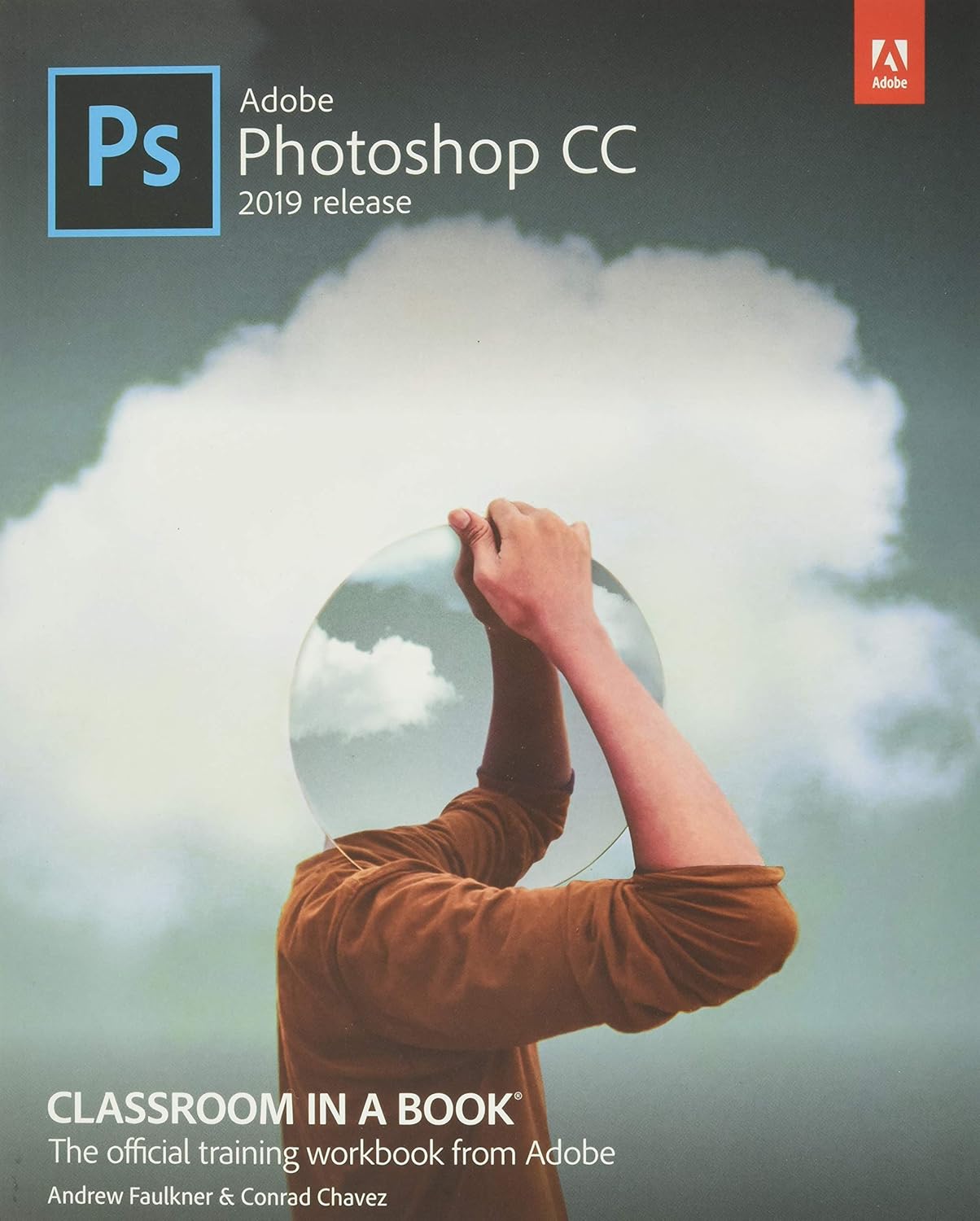
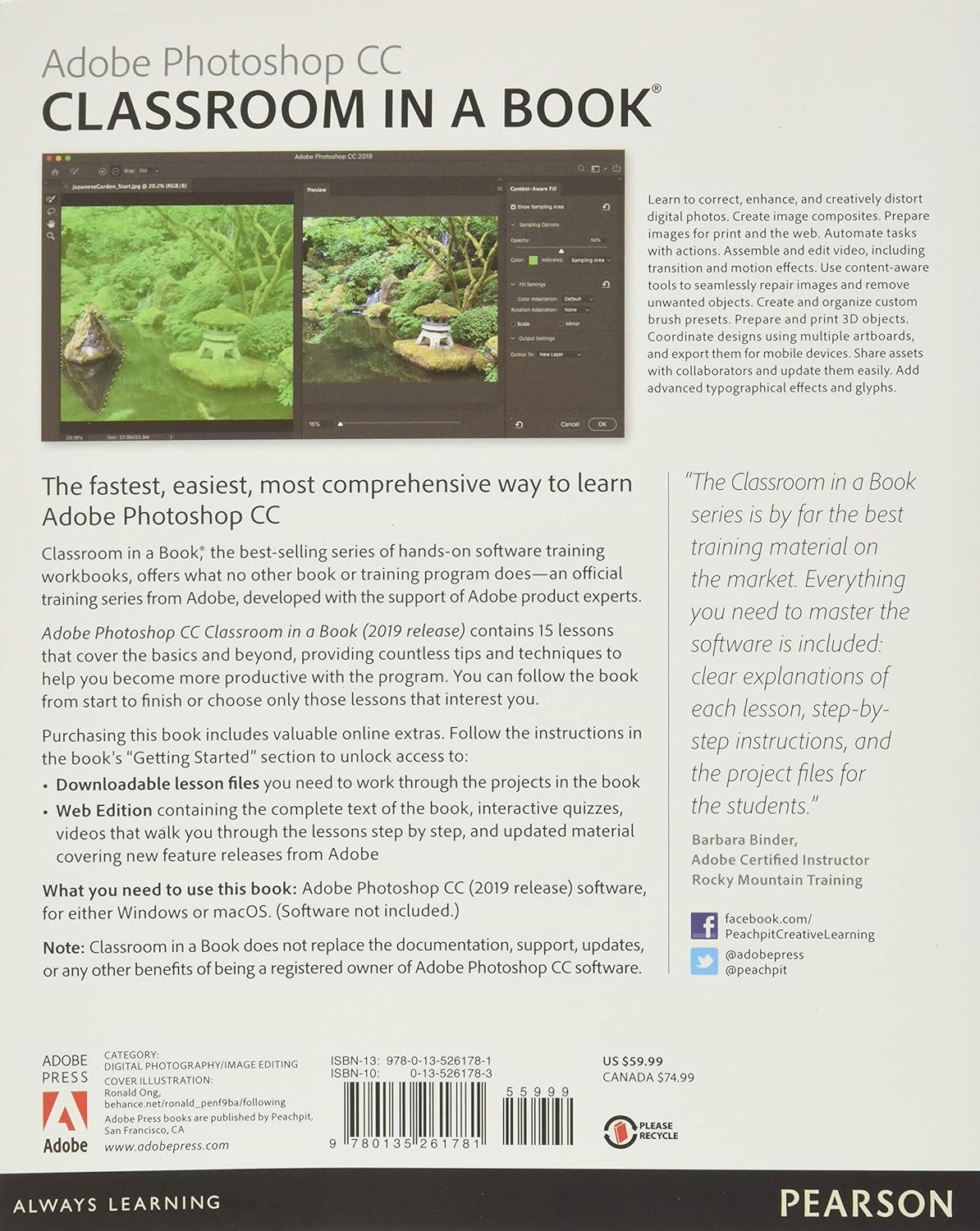



Creative professionals seeking the fastest, easiest, most comprehensive way to learn from Adobe Press. The 14 project-based lessons in this book show readers step-by-step the key techniques for working in Photoshop. Learn to correct, enhance, and distort digital photos, create image composites, and prepare images for print and the web. Automate tasks with actions. Compile and edit video, including transition and motion effects. Use content-aware tools to seamlessly repair images. Prepare and print 3D objects. Coordinate designs with multiple artboards and preview them on mobile devices. Share assets with collaborators and update them easily. Add advanced typographical effects and glyphs.
In addition to learning the key elements of the interface, this completely updated edition covers soon to be revealed new features!
From the Publisher
The 2019 Adobe Classroom in a Book series
Adobe Acrobat DC Classroom in a Book
Master Acrobat DC through 13 self-paced, project-based lessons designed to fit your busy schedule, with all the downloadable hands-on files you’ll need to succeedCovers key features for creating and deliver high-impact PDFs, and reflects extensive Adobe DC feature updatesDeveloped with support from experts on Adobe’s Acrobat DC product teams
Adobe After Effects CC Classroom in a Book
Includes hands-on lessons that use clear, step-by-step instructions with screenshots to teach students key concepts for creating cinematic visual effects and sophisticated motion graphics using After Effects CC.Online components include all lesson files plus video-enhanced Web Edition of the book.Classroom in a Book is the official training series from Adobe Systems Inc., developed with the support of Adobe product experts.
Adobe Animate CC Classroom in a Book
Bestselling Classroom in a Book series is the ideal way for students to learn how to create high-quality animation and interactivity for the Web using project-based lessons.Aimed at beginning users and designed to teach Adobe Animate features, such as designing interactive animations and publishing them on multiple platforms for multiple devices.Official training series from Adobe, developed with the support of experts from Adobe product teams.
Adobe Dimension CC Classroom in a Book
Expert training from Adobe insiders in the popular, respected “Classroom in a Book” series format.Perfect for beginning students.Covers all key features, including working with models, applying and editing surface materials, lighting, and rendering.Students learn from lessons and hands-on projects with all the downloadable file.
Adobe Dreamweaver CC Classroom in a Book
Includes 15 hands-on lessons that use clear, step-by-step instructions with screenshots to teach students how to build web pages using Dreamweaver CC.Online components include all lesson files plus video-enhanced Web Edition of the book.Classroom in a Book is the official training series from Adobe Systems Inc., developed with the support of Adobe product experts.
Adobe InDesign CC Classroom in a Book
Adobe InDesign CC Classroom in a Book contains 15 lessons that cover the basics and beyond, providing countless tips and techniques to help learners become more productive with the program.The online companion files include all the necessary assets for students to complete the projects featured in each chapter as well as ebook updates when Adobe releases new features for Creative Cloud customers.Includes full access to the Web Edition: a Web-based version of the complete ebook enhanced with video and multiple-choice quizzes.
Adobe Lightroom CC Classroom in a Book
Official training series from Adobe Systems Inc., developed with the support of Adobe product expertsComprehensive, project-based lessons teach key concepts for image editing and adjustment, management of large volumes of digital photographs, and creation of video slideshows with Photoshop LightroomAll updated lessons cover new features
Adobe Photoshop and Lightroom Classic CC Classroom in a Book
Adobe’s official full-color Lightroom and Photoshop CC training resource for every digital photography student.Use the latest versions of Lightroom and Photoshop CC together to achieve extraordinary results and unprecedented productivity.Step-by-step tutorials and lesson files (illustrated with video in the web edition) — all developed with the full support of Adobe’s product experts.Ideal for photographers at all levels of experience who subscribe to Adobe Creative Cloud or Adobe’s Creative Cloud Photography Plan.
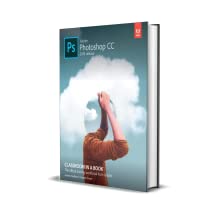
Adobe Photoshop CC Classroom in a Book
Comprehensive, project-based lessons teach key concepts for working efficiently with Adobe Photoshop tools, filters, and effects to touch up, modify, and transform images.Updated and new lessons throughout address new features in Photoshop CC.Official training series from Adobe Systems Inc., developed with the support of Adobe product experts.The online companion files include all the necessary assets for students to complete the projects featured in each chapter.
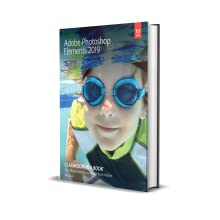
Adobe Photoshop Elements Classroom in a Book
This text is the fastest, easiest, most comprehensive way for students to learn Adobe Photoshop Elements.Comprehensive, project-based lessons teach key concepts for editing digital images.Official training series from Adobe, developed with the support of Adobe product expert.
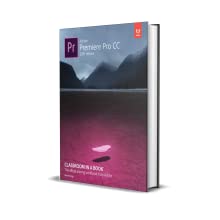
Adobe Premiere Pro CC Classroom in a Book
Includes hands-on lessons that use clear, step-by-step instructions with accompanying screenshots to explain how to efficiently edit video in Premiere Pro.Offers an end-to-end approach to the software for beginning students, from ingesting footage to exporting the final product.Online files includes sample media files for all of the book’s projects.
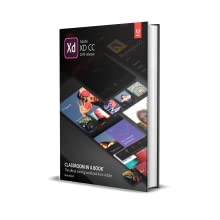
Adobe XD CC Classroom in a Book
Bestselling Classroom in a Book series is the ideal way for readers to learn how to design and prototype for websites and mobile apps using project-based lessons.Aimed at beginning users and designed to teach Adobe XD features, such as visual design, prototyping, wireframing, testing, and sharing.Official training series from Adobe, developed with the support of experts from Adobe product teams.
Publisher : Adobe Press
Publication date : November 26, 2018
Edition : 2nd
Language : English
Print length : 416 pages
ISBN-10 : 0135261783
ISBN-13 : 978-0135261781
Item Weight : 1.81 pounds
Dimensions : 7.35 x 1 x 9.1 inches
Part of series : Classroom in a Book
Best Sellers Rank: #484,290 in Books (See Top 100 in Books) #37 in Adobe Photoshop #41 in Computer Graphics #153 in Graphics & Multimedia Programming
Customer Reviews: 4.6 4.6 out of 5 stars (665) var dpAcrHasRegisteredArcLinkClickAction; P.when(‘A’, ‘ready’).execute(function(A) { if (dpAcrHasRegisteredArcLinkClickAction !== true) { dpAcrHasRegisteredArcLinkClickAction = true; A.declarative( ‘acrLink-click-metrics’, ‘click’, { “allowLinkDefault”: true }, function (event) { if (window.ue) { ue.count(“acrLinkClickCount”, (ue.count(“acrLinkClickCount”) || 0) + 1); } } ); } }); P.when(‘A’, ‘cf’).execute(function(A) { A.declarative(‘acrStarsLink-click-metrics’, ‘click’, { “allowLinkDefault” : true }, function(event){ if(window.ue) { ue.count(“acrStarsLinkWithPopoverClickCount”, (ue.count(“acrStarsLinkWithPopoverClickCount”) || 0) + 1); } }); });



Lorlee –
Good Informative book
I love that Amazon offers rentals for their textbooks. It really saves me money and I don’t have to worry about hoarding college books in my house or worry about reselling it later on. The book itself is really good. It’s really helped me learn so much about photoshop. The instructions are step by step but sometimes aren’t as thorough as it should be. They provide pictures which really help to see if you’re doing it correctly. At times, there is a lack of pictures where you really need to see if you’re in the right place or doing it correctly. Other than that, it’s a good book and the renal system though Amazon is great.
Vinny –
It’s a great book!
It’s a great book from start to finish. I bought it for a Photoshop class but (like the subtitle says) it’s a classroom in a book. The lessons are easy to follow; the material is broad giving a good overview of the software from fixing photos to creating videos (which I did not know Photoshop was capable of doing).
Amazon Customer –
Amazing learning tool for anyone serious about learning how to use photoshop
I recommend this book to any beginner using Photoshop! I’m 53 years old and an amateur photographer who loves to take sports pictures of my daughter and her travel softball team. I use photoshop along with ASHE DESIGN templates to create lasting memories for her team and their parents. This book was instrumental in me developing my skills. It is a great hands on learning tool!!
Royal T –
It’s ok but not comprehensive
I needed this book for a college class. It walks you through design step by step but doesn’t explain much. It’s easy to follow but I feel like I’m learning a shallow version of PS. It’s easy to follow and is loaded with pictures.
James –
Excellent textbook even for teaching my 75 year old mother Photoshop.
Excellent textbook. Even for teaching my 75 year old mother Photoshop. She isn’t the worst with technology she uses her iPhone proficiently but she isn’t exactly a natural with gadgets either but she readily understands the instructions in this book with a minimum of explanation from me. Full color coated textbook paper. My only slight complaint is that the type could be a bit larger just make sure you set yourself up at a desk with an external keyboard and mouse as their are a lot of keyboard shortcuts that MUST be used when using photoshop and precise use of the curser (don’t even try it with just a laptop touchpad) and make sure your desk or table has enough room to lay the book next to your keyboard and mouse. If your vision isn’t perfect (with glasses) you may want a magnifier for the book as the type is small to medium in size.
W Chuck –
Everything worked like it was supposed to
I just finished registering the book and downloading the free lessons. I had no trouble with any of it, and I am not a computer specialist. The book was in perfect condition when it arrived. The book is well organized, with the steps for each procedure indented and numbered. There are many illustrations, both of the picture being worked on and the corresponding icons/sliders, etc. in Photoshop. I just have to find the time to take advantage of all the bounty!
Nelson serrano –
Quality book and worth the time and effort you invest
This book taught me things I didn’t know I needed to know haha. It does a great job of teaching you step by step. The online videos are also very helpful. I used this book to prepare for my ACÁ adobe certification and I excelled the exam. Would recommend anytime. It’s worth It, buy it!
MJ Orlando –
goood
i going return book back i just complete class
Gabriel Araico –
Excellent learning system. It teachs you in a very intuitive mode.
ivvy –
After using Adobes online tutorials for the last few months I realised I’m ‘old skool’ and learn best from a physical manual. This book is superb. I almost skipped lesson one thinking I ‘knew basics already’ but found I learnt little shortcuts I’d never heard of!A must have guide for all those wanting to learn how to use photoshop
Paes Leme –
Venho utilizando os livros Adobe Photoshop Classroom in a Book há muito tempo. Este último segue a mesma linha dos anteriores, inclusive com os mesmos exercícios. Como o Photoshop é um programa complexo, é sempre útil uma revisão.
Danno –
With this purchase, I also got the web edition… and to be honest, I haven’t had a need to crack this book yet as the web edition is identical and is online. With two monitors, I can read the web edition on the one monitor, and complete the included exercises on the 2nd monitor! I find its a great way to practice and learn what you read immediately! Thus far, I’ve gotten far more out of this book /web edition than I did out of a much more expensive course AND I get to set my own pace! I definitely recommend the book and the web edition!
Wolfgang M. –
Schrittweiser Einstieg in die Welt von Photoshop. Gut geschriebene Abschnitte und leicht am PC nach zu vollziehen!! Birgt viele versteckte Informationen über Shortcuts und Funktionen. Hat mir sehr geholfen. Auch zum täglichen Arbeiten ein gutes Nachschlagewerk.