

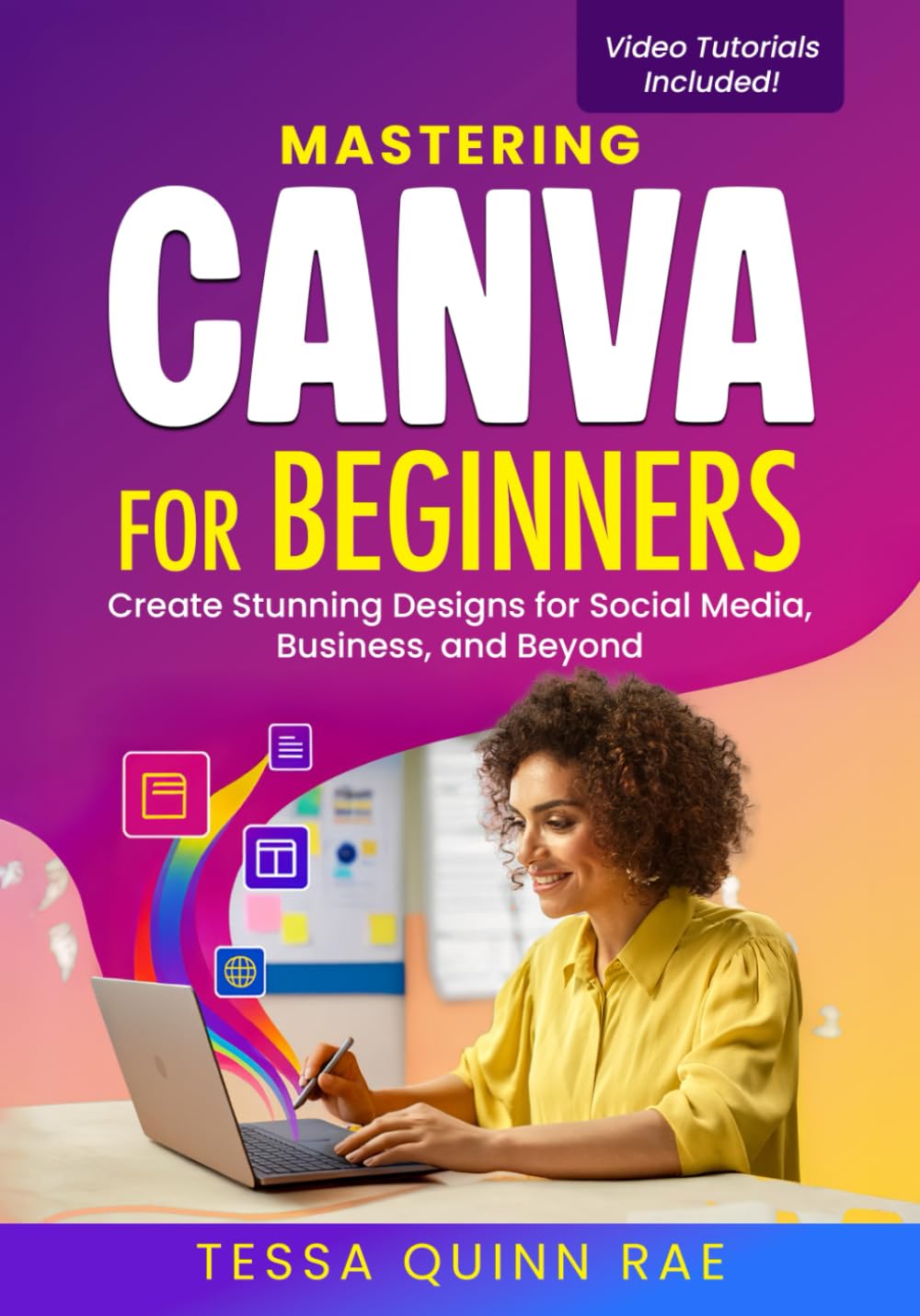


Design like a pro — even if you’ve never opened Canva before.
Ever looked at those gorgeous posts and thought,
“I wish I could make that for my business…”
You can — starting today.
Mastering Canva for Beginners is the complete step-by-step playbook to turn your creative ideas into polished, professional designs — without frustration, confusion, or design school.
Inside, you’ll go from total beginner to confident creator as you learn how to:
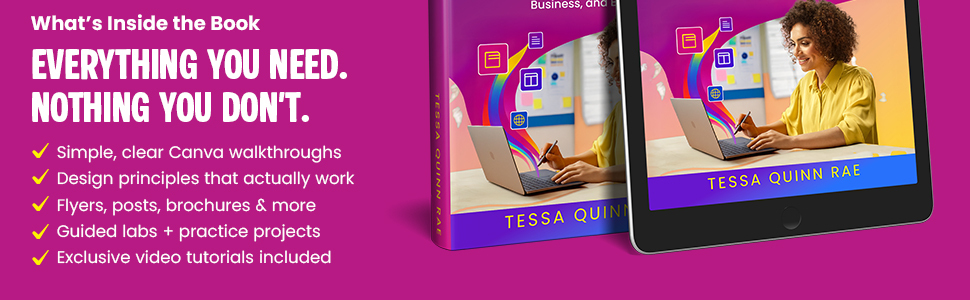
Use Canva like a pro — from setup to advanced tools that most beginners don’t even know existMake your designs pop with effortless color, font, and layout tricksCreate everything your business needs — from scroll-stopping social posts to brand kits, flyers, and presentationsWork smarter, not longer — using Canva’s hidden shortcuts, Magic tools, and workflow tricksStay consistent with templates and design systems that keep your brand cohesiveExport, publish, and sell your designs like a real digital creative
You won’t just read about design — you’ll build real projects with Guided Labs, follow along with exclusive video tutorials, and use plug-and-play worksheets that make learning stick.
Why readers love this book:
✅ Hands-on learning — real-world projects, not just theory
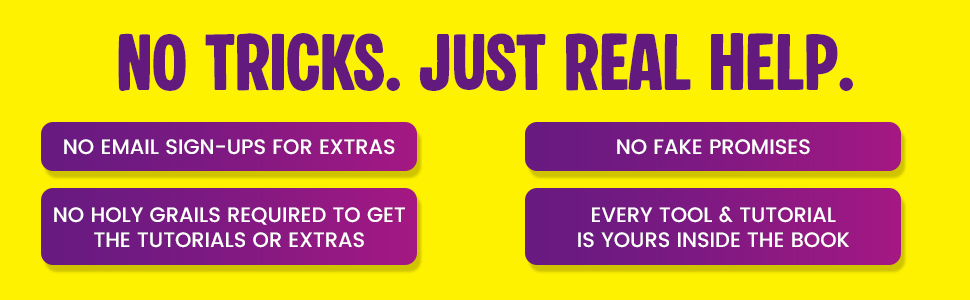
✅ No sign-ups, no spam — instant access to all tutorials
✅ Clear, fun, step-by-step lessons anyone can follow
✅ Professional polish made simple — no experience needed
Whether you’re creating for your small business, freelance clients, or your personal brand, this book will help you turn creativity into confidence — and confidence into income.
Your ideas deserve to shine.
Let’s make them impossible to scroll past.
👉 Scroll up, ADD TO CART, and start creating designs that get noticed.
From the Publisher
Add to Cart
Add to Cart
Customer Reviews
4.4 out of 5 stars 110
4.6 out of 5 stars 152
Price
$16.99$16.99 $14.99$14.99
Focus
Easy, visual guide to designing graphics, posts, and digital products with Canva Step-by-step guide to launching your first AI-powered side hustle
Ideal for
Designers, teachers, marketers, and beginners wanting to create stunning visuals Beginners and creators ready to act
Learning Style
Hands-on projects with clear visuals and step-by-step video tutorials Practical daily tasks + and checklists
Timeframe
Self-paced — learn at your own speed 20-day guided challenge to complete your first store launch
Outcome
Confident design skills to brand and promote your work A live digital store by Day 20
Includes
Hands-on materials, guided labs, video tutorials, and printables Checklists, printable guides, and action worksheets
ASIN : B0FTSVJ8CJ
Publisher : Independently published
Publication date : October 2, 2025
Language : English
Print length : 182 pages
ISBN-13 : 979-8267319065
Item Weight : 11.7 ounces
Dimensions : 7 x 0.41 x 10 inches
Best Sellers Rank: #51,208 in Books (See Top 100 in Books) #1 in Desktop Publishing #3 in Graphics & Multimedia Programming #4 in Design & Graphics Software Books
Customer Reviews: 4.4 4.4 out of 5 stars (110) var dpAcrHasRegisteredArcLinkClickAction; P.when(‘A’, ‘ready’).execute(function(A) { if (dpAcrHasRegisteredArcLinkClickAction !== true) { dpAcrHasRegisteredArcLinkClickAction = true; A.declarative( ‘acrLink-click-metrics’, ‘click’, { “allowLinkDefault”: true }, function (event) { if (window.ue) { ue.count(“acrLinkClickCount”, (ue.count(“acrLinkClickCount”) || 0) + 1); } } ); } }); P.when(‘A’, ‘cf’).execute(function(A) { A.declarative(‘acrStarsLink-click-metrics’, ‘click’, { “allowLinkDefault” : true }, function(event){ if(window.ue) { ue.count(“acrStarsLinkWithPopoverClickCount”, (ue.count(“acrStarsLinkWithPopoverClickCount”) || 0) + 1); } }); });

Jocelyn –
Great Canva Guide
A surprisingly helpful book, even for someone like me who has been using Canva for years. I still learned a thing or two that made my designs faster and more polished. Canva can definitely feel overwhelming at first because there are so many tools and templates, but this guide breaks everything down clearly and in a beginner-friendly way. I like how it covers not just the basics, but also mindset, fundamentals, and more advanced tips. The free video tutorial is a great bonus and a well thought out and easy to follow. I also appreciated the exercises, because they help you actually practice what you learned instead of just reading and forgetting.
CBM – an avid reader –
A Must for Beginners!
This useful reference book teaches you how to think like a designer, from layouts, colour choices, fonts, spacing, and flow.I especially liked the guided exercises and mini “labs” that encourage you to experiment with social posts, presentations, and book covers.Mastering Canva for Beginners will sharpen your design eye and streamline your workflow.Highly recommended for creatives, small business owners, and anyone who wants their visuals to look as good as their ideas.
Karen –
Teaches Design Techniques and How to Use it in Canva
I was skeptical about a book teaching Canva because I learn better by doing. And Canva is always changing. But, as I starting reading through this book, I realized that the author doesn’t just teach Canva, she teaches Design.Mastering Canva for Beginners takes you from setting up your account to creating some very beautiful designs. It teaches you techniques from how to make social media posts to creating brand cohesiveness for selling online. Also included is basic color theory, font choices, and layout. I tried some of the suggestions and it really helped me polish my projects. I love that there is a list of keyboard shortcuts. They help me to create more efficiently. All in all, it’s got a lot of very useful design information.
Skyfox –
A Clear, Easy-to-Follow Book That Makes Designing Feel Simple
Mastering Canva for beginners does a solid job breaking Canva down into steps anyone can follow. The book keeps the focus on real-world uses, social posts, small business needs, and everyday projects, without overwhelming you with jargon. The explanations are clean, the examples are helpful, and it builds confidence as you work through it. A good choice for anyone who wants quick wins and a smoother learning curve.Pros:Straightforward layout and easy instructionsGood examples for beginnersCovers useful everyday designsCons:Could use a few more advanced tips for growing beyond the basicsSome sections feel a bit briefA practical starting point for newcomers wanting to make polished designs fast.
Alan Force II –
A great way to learn Canva and also develop your layout and design skills
Canva is easy to use. You can drag and drop a design in no time using templates, so why do you need this book? Because creating a design that works takes a bit more knowledge. “Mastering Canva for Beginners” isn’t just about how to use the app – it also explains how to create good-looking designs that achieve their objectives. There are guided exercises to build your knowledge and your “design eye,” and there are also sections on automating your workflow.
StDa2 –
A Must-Have Guide to Canva
I’m not a designer, but I run a small business and need things to look professional. This guide made the whole process feel manageable. It starts with the basics—setting up your account and finding your way around—and builds up to real projects you can use right away, such as social posts, flyers, simple presentations, and even small digital products.The lessons are step-by-step, with clear directions and screenshots that you can actually follow. I appreciated the short “labs” where you create something on the spot, followed by the quick worksheets to practice. It covers the essentials—color, fonts, layout—without drowning you in theory. There are handy cheat sheets and little time-savers, like batching and keyboard shortcuts, that make a big difference when you’re busy.It also shows how to personalize templates so that your content looks consistent and on-brand, and how to export and share it without the usual confusion. If you’ve been staring at a blank screen, wondering where to start, this gives you a calm, clear path. I’ve finished with a set of designs I’m proud to post—and now have the confidence to keep going.
BH –
Gives you the tools you need to create in Canva!
I’ve played around with Canva but it wasn’t coming together… until I got this book! Thank you for explaining everything to me! I was struggling to create a book cover and this book broke down the steps in a clear easy to follow way!Every chapter gives real examples that provide the guidance that you need. The author covers everything: choosing the right fonts, creating graphics that will catch your eye, how to do presentations and even creating a brand. It ends up being simple and fun! As someone who is an artist, this gives me the tools and skill I need to really make some cool designs! I can create my own templates now and my work looks more polished and professional. If you need to create designs, Canva is the best and this book will make it happen! I highly recommend!
Kim –
Perfect for New Designers
This is an excellent guide for anyone who wants to start creating great-looking designs without feeling overwhelmed. The book explains Canva’s tools step-by-step, making it easy to understand even if you’ve never designed anything before.The tutorials are clear, the examples are helpful, and the tips show you how to create polished graphics for social media, business branding, presentations, and more. It’s the kind of guide that builds confidence quickly, and you can start applying what you learn right away.If you’re new to Canva or want to level up your visual content, this book is a straightforward and beginner-friendly resource that truly delivers.
Somerset Scribbles –
I simply loved this book. Purchased as I make thumbnails weekly for my YouTube channel and also use Canva for my business where I’ve designed my business cards leaflets etc. I’ve also used it for designing wedding invitations etc. So I thought I was pretty comfortable with Canva and finding my way around. Well I certainly learned a lot not just for aspects I didn’t know but a lot about myself and how disorganised my workspace is. Lots off features I’d seen but never knew about were clearly explained. The book takes you from raw recruit to seasoned pro aim really easy to follow language and exercises if you want. To back it up there’s links to videos as well – throughly enjoyed this book and the way it guided me through this complex design program. Will definitely be my go to book when I need a little help. Six stars if I could 1st class
Bernice McDonald –
This is everything you need to know about how to use Canva. I was familiar with it but didn’t know all that’s available when you start looking deeper. You not only get tech skills from this book but you also get design tips such as choosing colors that work well together and how to best align shapes and accents.The QR code that leads to a whole page of helpful videos is amazing. It’s a great help when you’re reading the instructions to be able to also ‘see’ it in action. I learned a great deal about customizing for print and text effects. Also ways to work with a team and ensure projects stay up to date. It’s all in Canva and all in this book. A great resource.
Amandine –
I had zero design experience and this book made Canva feel easy. The step-by-step labs were super helpful, and I liked that every concept had a practical example. The tips on fonts and layouts instantly improved my work. Great for beginners who want to create professional-looking designs without stress.
Nam Nguyen –
What I appreciated most is the step-by-step clarity. Each chapter builds logically on the previous one, and the examples feel very real-world: Instagram posts, business logos, presentations, and even printable designs. The screenshots and explanations make it easy to follow even if you’ve never used a design tool before.By the end, I felt not only more confident using Canva but also inspired to experiment creatively. This book isn’t just a tutorial—it’s a great launchpad for anyone who wants to make their online presence look more polished and professional.
David –
This is a great resource for anyone who wants to try to get to grips with Canva. It goes over basic design principles and lays out how to get started and use Canva in simple step-by-step detail. Also includes examples of design types, fonts, file types etc.