

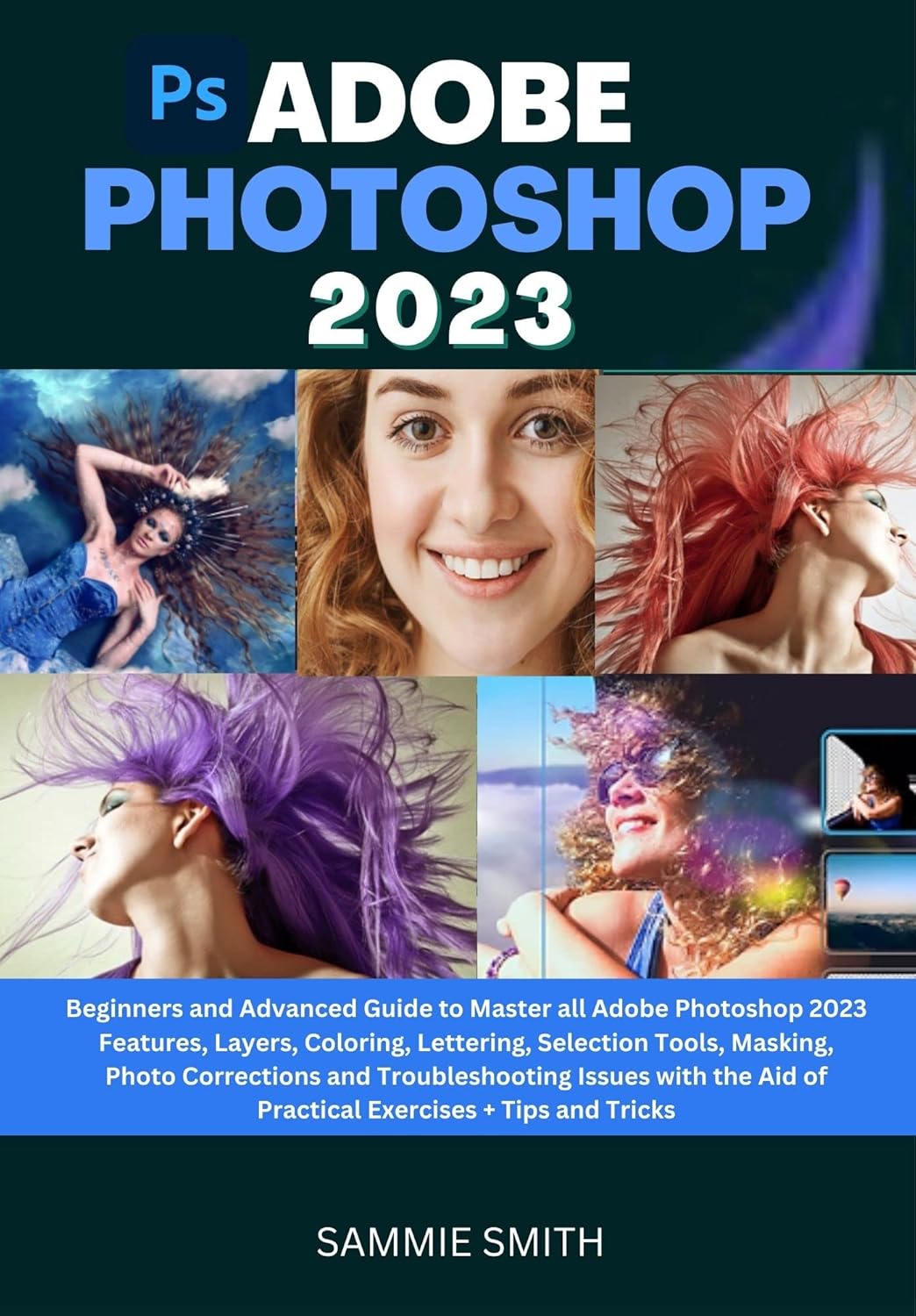
Are you a designer or an individual who is in search of a design suite that is free and still packed with numerous functionalities? Do you need an application with multiple tools that you can use to make necessary adjustments to your images? How about a design suit that arranges your activities into layers so that you can easily select what you want to work on? Are you one whose photos contain unwanted spots and blemishes and require image editing software to correct the issues? Do you create designs for publishing across different platforms such as the web or just in the usual image formats? How about software that allows you to correct your images simply by cloning pixels? Then Adobe Photoshop 2023 is your best choice to meet these needs. Adobe Photoshop is a raster graphics editor created and distributed by Adobe Inc. and it is supported by Windows and macOS.
It is software that allows you to do more than just edit images. It can also edit and compose raster pictures on numerous layers. It also supports Plug-ins which can provide new or improved functions and also expand its feature set. The default workspaces you will find in Photoshop 2023 provide you with the necessary tools for the type of image you want to work on. Its interface is arranged into sections that allow you to easily navigate around it to choose your desired commands. Designing is also made easy with the layering technique that you will find in this program. You can likewise make all adjustments to your designs with the Photoshop Adjustment Layers which gives you the flexibility of changing and removing your edits at any time. The Correction Tools also lets you fix all blemishes in your images. Whether you are new to Adobe Photoshop 2023 or have been using it for a long time, this guide will give you a solid foundation and background on the various functionalities and features packed in the application, as well as the tools, resources, and flexibilities needed to move further to design and edit images that look completely natural.
Anyone without a background in designing and image editing applications is capable of navigating around and using Adobe Photoshop 2023 with the lessons provided in this guide. Here’s a peek at what this guide contains;About Adobe Photoshop.Launching Camera Raw Format in Photoshop.Adjusting Brightness and Contrast In Photoshop Using the Lasso Tools.Creating Shared Albums in Photoshop.Layer Masking in the Adjustment Layer Useful Hints When Using the Spot Healing Tool.Adding or Duplicating Objects by Cloning with the Patch Tool.Adjusting Brush Size to Erase Small and Large Objects Retouching Images with the Clone Stamp Tool to Avoid Patterns.Forming Graphic Shapes Using the Custom Shape Tool.Types of Eraser Tools. Resizing a Picture without Altering Its Quality.Making Adjustments to the Thumbnail Size for Photoshop Layers.Zooming and Panning with the Navigator Panel. Opening Images from the Photoshop Home Screen.This guide further requires an understanding and practicing reader to ensure all-around satisfaction. Working and walking with this guide would in no little way make you a guru, and not just any guru, but a guru of all Adobe Photoshop resources.
ASIN : B0BQNFYFWV
Accessibility : Learn more
Publication date : December 19, 2022
Language : English
File size : 3.3 MB
Screen Reader : Supported
Enhanced typesetting : Enabled
X-Ray : Not Enabled
Word Wise : Not Enabled
Print length : 241 pages
Page Flip : Enabled
Best Sellers Rank: #4,635,180 in Kindle Store (See Top 100 in Kindle Store) #705 in Adobe Photoshop #1,271 in Design & Graphics Software Books #3,318 in Computer Graphic Design
Customer Reviews: 3.7 3.7 out of 5 stars (11) var dpAcrHasRegisteredArcLinkClickAction; P.when(‘A’, ‘ready’).execute(function(A) { if (dpAcrHasRegisteredArcLinkClickAction !== true) { dpAcrHasRegisteredArcLinkClickAction = true; A.declarative( ‘acrLink-click-metrics’, ‘click’, { “allowLinkDefault”: true }, function (event) { if (window.ue) { ue.count(“acrLinkClickCount”, (ue.count(“acrLinkClickCount”) || 0) + 1); } } ); } }); P.when(‘A’, ‘cf’).execute(function(A) { A.declarative(‘acrStarsLink-click-metrics’, ‘click’, { “allowLinkDefault” : true }, function(event){ if(window.ue) { ue.count(“acrStarsLinkWithPopoverClickCount”, (ue.count(“acrStarsLinkWithPopoverClickCount”) || 0) + 1); } }); });
 ADOBE PHOTOSHOP ELEMENTS 2026: THE COMPLETE USERS GUIDE: MASTER PHOTO EDITING, CREATIVE DESIGN, MOTION PROJECTS, AND AI-POWERED ENHANCEMENTS eBaydiy Tools
$24.99
ADOBE PHOTOSHOP ELEMENTS 2026: THE COMPLETE USERS GUIDE: MASTER PHOTO EDITING, CREATIVE DESIGN, MOTION PROJECTS, AND AI-POWERED ENHANCEMENTS eBaydiy Tools
$24.99
 MASTERING PHOTOSHOP ELEMENTS 2026: A Practical, Step-by-Step Guide to Photo Editing, Creative Design, and Everyday Visual Projects eBaydiy Tools
Original price was: $55.00.$22.99Current price is: $22.99.
MASTERING PHOTOSHOP ELEMENTS 2026: A Practical, Step-by-Step Guide to Photo Editing, Creative Design, and Everyday Visual Projects eBaydiy Tools
Original price was: $55.00.$22.99Current price is: $22.99.
ADOBE PHOTOSHOP 2023: Beginners and Advanced Guide to Master all Adobe Photoshop 2023 Features, Coloring, Lettering, Selection Tools, Masking, Photo Corrections and Troubleshooting Issues with the A eBaydiy Tools
Original price was: $20.00.$6.99Current price is: $6.99.
-65%🚚 Free Shipping on orders over $75+
📦 Arrives: Mar 22 - Mar 24
🛡️ 2-Year Professional Warranty Included
Guaranteed Safe & Secure Checkout

CandieLouHoo –
The closer you get
This would be much more user friendly if the pictures were a little more clear. When you reproduce color images to black and white the results are sadly not very clear. You lose some of the teaching from unclear images.
James Thornton –
Way too basic
I was expecting something other than going through the menu options. This is for someone who has never used a computer before. Is there anyone who has never used a computer?
DAR –
Poor quality images
I returned this book because the images/photos within the book were of such poor quality, they were totally worthless.
Amazon Customer –
The print was too late.
The book was good, but very hard to read with the print being so light