

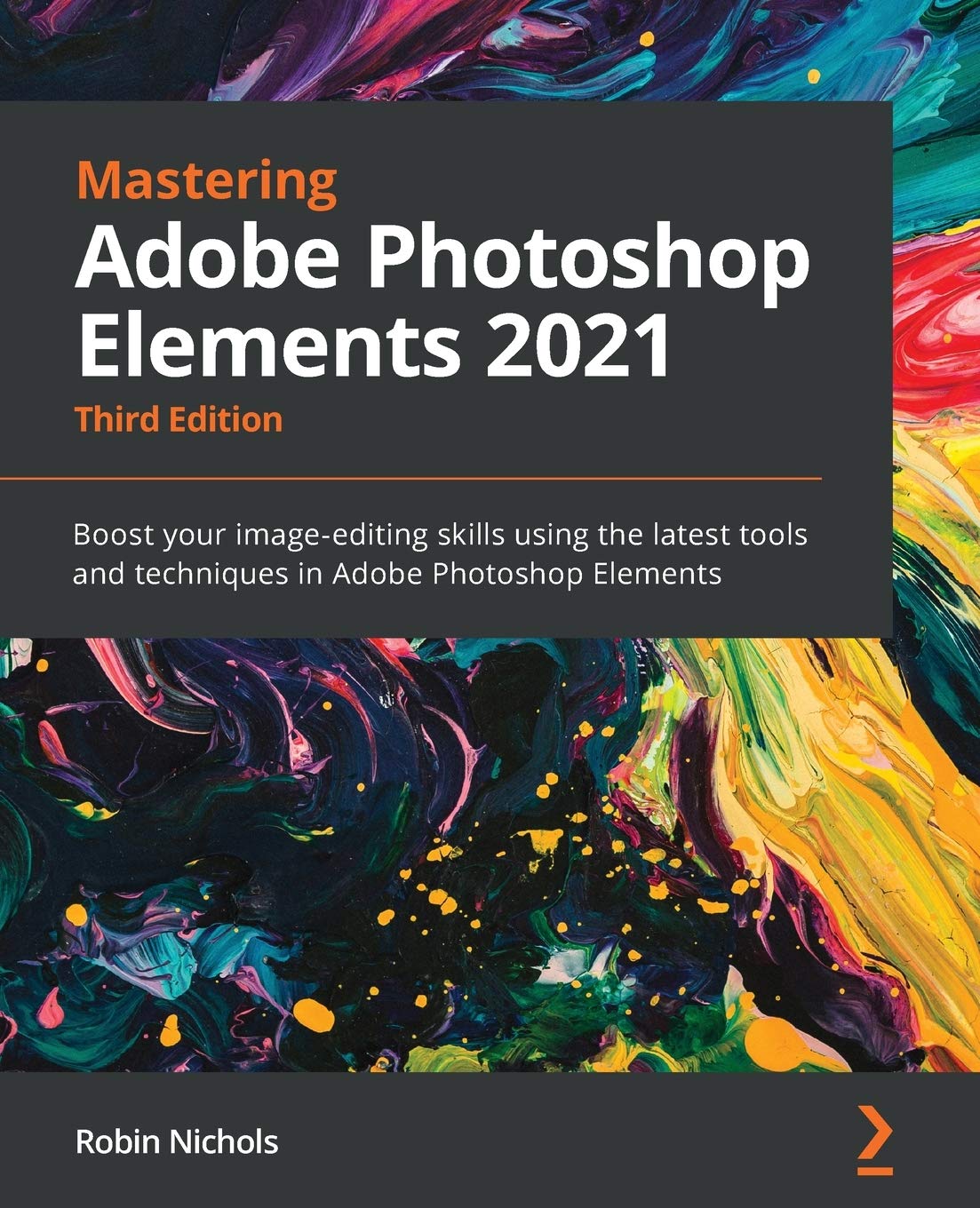



Leverage this well-illustrated, easy-to-understand end-to-end guide to become an accomplished photo editor, image retoucher, and creative artist
Key FeaturesUpdated to the latest version of Photoshop Elements 2021 with focused coverage of Adobe’s latest AI technologyOrganize, search, and manage an ever-increasing number of images and videos using expert practicesUncover common solutions to a wide range of photographic and image-editing problemsBook Description
Managing thousands of images while producing perfectly edited results is now a must-have skill for online bloggers, influencers, vloggers, social media users, and photography enthusiasts. Photoshop Elements helps you to manage this easily and boost your creative output.
This third edition is updated with Elements 2021’s latest features and focuses on Adobe’s AI-powered features along with the entire creative workflow. Each chapter is designed to help you get the most out of your image files in an easy way. You’ll learn how to add significant visual improvements to your work using no more than a few one-click edits with AI-driven features and manual adjustments. The book is filled with useful instructions to guide you seamlessly through the often complex processes, tools, and features in Photoshop Elements. Finally, you’ll cover everything from developing your organizational skills through to creating remarkable special effects, complex text, image combinations, and eye-popping visual techniques using both AI-driven features as well as manually operated tools.
By the end of this Photoshop Elements book, you’ll have learned how to leverage the impressive tools available in Photoshop Elements 2021, and use them to greatly improve your photo editing and image retouching skills.
What you will learnIdentify the five parts of Elements and set up your computer, camera, and monitorImport, organize, and keep track of your imported media libraryDevelop advanced image retouching skillsDiscover how to add text and graphics to photographsCultivate your understanding of multi-image, multi-layered editing techniquesDevelop illustrative skills with the many drawing tools available in Elements 2021Prepare images and projects for uploading to social media, print, and videoFind out how to troubleshoot your work when things don’t come out the way you hoped they wouldWho this book is for
This book is for creative and enthusiastic photographers, who have elementary experience in photo editing. If you are looking to organize your picture collection, have simple yet effective edits, and take control of post-processing requirements, you’ll find this book useful.
Table of ContentsPhotoshop Elements General Features Overview Setting Up Photoshop Elements from ScratchThe Basics of Image EditingEasy Creative ProjectsAdvanced Techniques – Layers and MaskingAdvanced Techniques: Retouching, Selections, and TextAdditional tools and Features Advanced Drawing and Painting TechniquesExporting the Finished Work TroubleshootingFeature Appendix
From the Publisher

What’s new in Photoshop Elements 2021?
In the latest version of Photoshop Elements, you’ll quickly appreciate that the application is powering further into the realm of artificial intelligence. It has several great new AI-driven features. Many of these encompass quite complex processes that have been distilled into simple one or two button clicks – thus making the creative process that much easier and faster.
You’ll also explore:
Duotone EffectPerfect LandscapesMove and Scale ObjectsQuote GraphicsAnimated Photos

Mastering Adobe Photoshop Elements 2021
Written by a photographer, for photographers
Discover how this amazing program works, learn about its five modes, its features, tool set and its comprehensive range of special effects – and most importantly, when and where to use each of them.
Learn how to set up Photoshop Elements from scratch
Never used Elements before? Explore an entire chapter dedicated to steering you through the setup process. From choosing the correct color space in your camera, to understanding what’s the optimum computer gear to invest in, and of course, how best to back up and manage your expanding photo collection right from the get go.
Table of Contents Photoshop Elements General Features Overview Setting Up Photoshop Elements from Scratch The Basics of Image Editing Easy Creative Projects Advanced Techniques: Layers and Masking Advanced Techniques: Retouching, Selections, and Text Additional Tools and Features …and more
Headline here
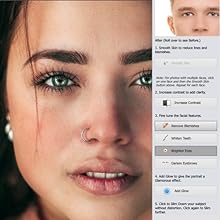
Photoshop Elements Features Overview
Introduces you to detailed explanations of exactly how the five different parts of Photoshop Elements 2021 operate – plus many of its best tone enhancing tools.
The Basics of Image Editing
Learn all there is to know about basic but highly effective editing using some of Elements’ friendliest features, including RAW files, while creating a staggering range of eye-popping results.
Easy Creative Projects
One of Elements greatest assets is its ability to create impressive visual results with minimum input. As a mature product (now in its 21st version), the complex features that you’ll discover in this chapter – panorama stitching, scene cleaning, greetings cards, slideshows, calendars and photo collages (and more) – work seamlessly to produce outstanding results.

Advanced Techniques: Layers and Masking
Ramp up your learning experience with a chapter demonstrating the power of Layers, Layer Masking, Image Transformations (correcting perspective), Smart Objects, creating multi-image flyers and posters – plus working with layer Blend Modes.
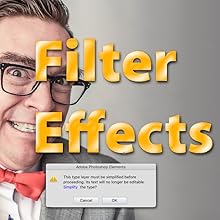
Advanced Techniques: Retouching, Selections and Text
This chapter deals with the photo retouching process with the amazing Clone Stamp and Healing Brush tools. Plus you’ll also learn how best to use the impressive Dodge, Burn and Sponge tools, as well as the Blur, Sharpen and Smudge tools, and much more.
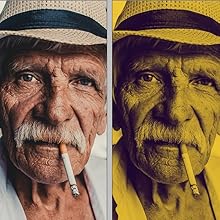
Additional Tools and Features
Once familiar with the basic enhancement processes, you’ll discover an ever-growing list of great features in this chapter, including adjusting Color Curves, the Eraser tools, the Smart Brush, the Paint Bucket tool, theGradient tool, the Haze Removal tool, the awesome Move and Scale Content feature, Quote Graphics, picture animation (Moving Photos) and Black and White Conversions. As if that’s not enough, there’s also the Recompose Tool and a bunch of other great special effects.
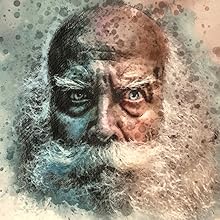
Advanced Drawing and Painting Techniques
Learn how to take your creativity into the graphic design studio in this chapter with Elements’ design, graphics, amazing custom brushes and powerful illustration features., the Color Replacement Brush, the Cookie Cutter, Impressionist Brush, custom brushes, working with vectors and graphics tablets.

Troubleshooting
The last couple of chapters cover important topics such as troubleshooting – what to do if your catalog shows errors, if you lose images and how to fix common image quality issues. There’s also an extensive listing of all the tools and features that you’ll find in Photoshop Elements – complete with feedback on when and where you’d use these features plus some user feedback on their effectiveness. There’s also a useful Glossary of Terms, handy for quick reference if the technology appears overwhelming.
Publisher : Packt Publishing
Publication date : December 31, 2020
Edition : 3rd ed.
Language : English
Print length : 410 pages
ISBN-10 : 1800566999
ISBN-13 : 978-1800566996
Item Weight : 2.11 pounds
Dimensions : 7.5 x 0.97 x 9.25 inches
Best Sellers Rank: #2,730,611 in Books (See Top 100 in Books) #228 in Adobe Photoshop #526 in Design & Graphics Software Books #2,244 in Digital Photography (Books)
Customer Reviews: 4.5 4.5 out of 5 stars (77) var dpAcrHasRegisteredArcLinkClickAction; P.when(‘A’, ‘ready’).execute(function(A) { if (dpAcrHasRegisteredArcLinkClickAction !== true) { dpAcrHasRegisteredArcLinkClickAction = true; A.declarative( ‘acrLink-click-metrics’, ‘click’, { “allowLinkDefault”: true }, function (event) { if (window.ue) { ue.count(“acrLinkClickCount”, (ue.count(“acrLinkClickCount”) || 0) + 1); } } ); } }); P.when(‘A’, ‘cf’).execute(function(A) { A.declarative(‘acrStarsLink-click-metrics’, ‘click’, { “allowLinkDefault” : true }, function(event){ if(window.ue) { ue.count(“acrStarsLinkWithPopoverClickCount”, (ue.count(“acrStarsLinkWithPopoverClickCount”) || 0) + 1); } }); });

Anatol –
Price is expensive, but the book is good.
This is probably the best book on the topic of Adobe Photoshop Elements 2021, 3rd Edition. Price is expensive, but the book is good. I recommend it.
Richard A. Augustine –
Good reference book
Good book for tech information. Some instructions on how to do. See Scott Kelby books for hands on instruction.
delicateflower152 –
Font on Example Dropdown Boxes Too Small to Decipher … Not for Beginners …
Robin Nichols’ “Mastering Adobe Photoshop Elements 2021” may be a useful book – if you have the eyes of an eagle and, this is a big one, if you are familiar with Photoshop. After years of my family urging me to try Photoshop, I succumbed and purchased Photoshop Elements 2021. Because I was new to the program, I looked for a book that would give me some background and some helpful information on using the program. Unfortunately, I chose this book.While well written, the book is definitely not for rank amateurs using Photoshop Elements for the first time. The majority of the book deals with the more complex elements found in the program. Because someone who is unfamiliar with the program may still be trying to understand the basics, this portion of the book is either extremely confusing or useless.In the text, Nichols repeatedly references color boxes or other segments when in the text the examples are provided in black-and-white or are too small to distinguish the point he discusses. Further, the font used in the example dropdown boxes is so small that it was impossible to read, even with a magnifying glass. Thus, it was less than helpful when one is trying to use the book as a tutorial.I would recommend this book for only those who have some familiarity with Photoshop Elements.
Ronnie Small –
Photoshop Elements help book.
This Photoshop book really gets to the point. Explains and shows pictures to help guide you. Love it.
Bil G. –
The book has many new and even a few old ideas from previous versions that are helpful…… full value for the price.
PJ –
This is a really useful book that has thought me some interesting techniques and also provided some excellent quick editing tools.
Stan.M –
This book should be at least £10 cheaper, although I’m not a fan of Scott Kelby, I think his books are better quality and more informative. I bought this book because I had a £10 voucher from Amazon, only to find they said it was out of date! (by couple of days). This volume is printed by Amazon on reasonable quality paper,so would expect to be cheaper.
William Porter –
An east to read well written description. Even with guidance as given the subject matter takes time to learn This is not a “quick read”