

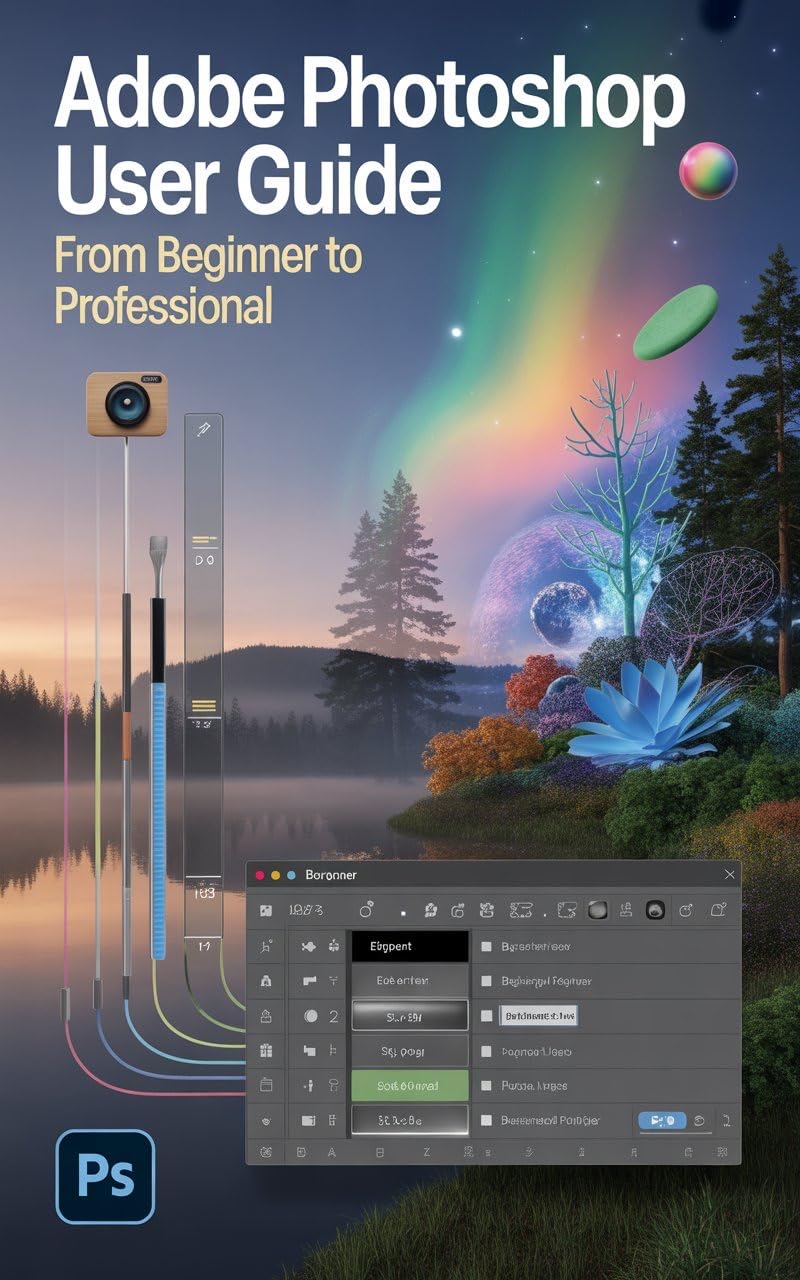


ESCAPE THE OVERWHELM: The Only Photoshop Guide That Takes You From Confused Beginner to Paid Designer
You’ve downloaded the software. Now what?
Every aspiring creator has felt the dread of opening Adobe Photoshop: a dizzying storm of panels, tools, and menu options that feels impossible to master. You know the potential—retouching images flawlessly, crafting viral social media posts, and earning real client income—but that knowledge feels locked behind a five-year learning curve.
This book changes that.
Adobe Photoshop Made Simple is the definitive, 10-chapter roadmap that skips the theoretical jargon and dives straight into real-world, income-generating projects. This isn’t just about clicking buttons; it’s about establishing the same non-destructive workflows, time-saving automation, and design psychology used by top industry professionals.
Inside This Book, You Will Immediately Master:
Part I: The Core Confidence (Chapters 1-3)
Taming the Interface: Decipher the workspace, master the indispensable Layers Panel, and implement the non-destructive editing secrets (Adjustment Layers and Layer Masks) that protect your work and simplify complex edits.The Pro Fix: Instantly correct light and color in any photograph using Levels, Curves, and Color Balance—including the crucial difference between RGB for screens and CMYK for print.Layer and Mask Mastery: Stop erasing pixels destructively. Learn the Black Conceals, White Reveals principle to seamlessly composite images, isolate subjects, and control effects with surgical precision.Flawless Selections: Go beyond the Magic Wand. Master AI tools, Select and Mask refinement, and the vector precision of the Pen Tool to cleanly cut out subjects, hair, and complex shapes every single time.Brand Asset Integration: Guarantee perfect clarity for client logos and typography. Learn to manage type spacing (Kerning, Leading, Tracking) and protect quality using Smart Objects and vector paths, ensuring your text is always crisp and scalable.Social-Media Strategy: Design content for maximum engagement by hitting the optimal 1080×1350 (4:5) portrait spec, creating seamless carousels, and designing within the critical Story Safe Zones for Instagram and TikTok.Client-Winning Ads: Apply the AIDA principles to promotional banners. Learn how to strategically design Call-to-Action (CTA) buttons that maximize clicks, and organize files for essential A/B testing.
Part III: Expert Automation & Freelance Launch (Chapters 8-10)
Advanced Retouching: Elevate your photo edits with high-end techniques like Frequency Separation for perfect skin texture and Non-Destructive Dodge & Burn for sculpting light and adding cinematic depth.Workflow Automation: Stop wasting time. Record multi-step processes into single-click Actions, customize your Keyboard Shortcuts, and use Creative Cloud Libraries to share consistent brand assets across all your projects.The Freelance Launchpad: Learn how to decode vague client briefs into achievable visual concepts, structure portfolio projects as business case studies, and confidently implement project-based pricing to transition from hobbyist to paid designer.
This book contains everything you need to know to take full command of the software and confidently deliver professional-grade visuals.
The biggest secret the pros won’t tell you? It’s not the fancy tools; it’s the efficient workflow and the business strategy. You already have the eye for design; now, you just need the map.
Are you ready to trade frustration for a freelance income, transforming that overwhelming software into the engine of your creative career?
Scroll up and click “Buy Now” to start building your professional design portfolio today.
ASIN : B0G26XWP16
Accessibility : Learn more
Publication date : November 13, 2025
Language : English
File size : 475 KB
Screen Reader : Supported
Enhanced typesetting : Enabled
X-Ray : Not Enabled
Word Wise : Not Enabled
Print length : 115 pages
Page Flip : Enabled


Reviews
There are no reviews yet.