

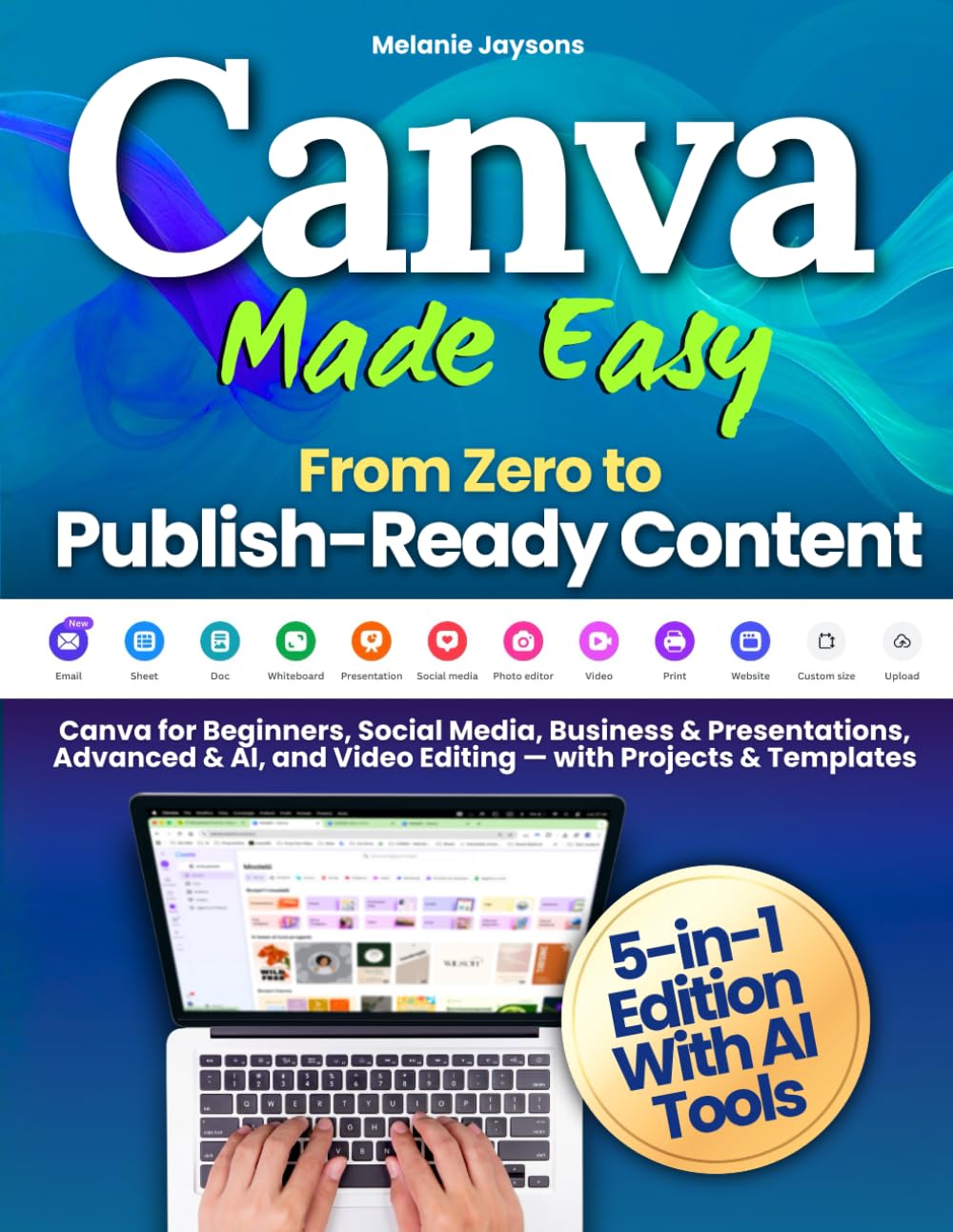


Turn Your Ideas into Publish-Ready Designs — Even If You’ve Never Used Canva Before!
Do you want to create professional, scroll-stopping designs for your business or brand — without spending years learning design?
Would you love to master Canva once and for all, from simple posts to advanced AI tools and video editing?
Canva Made Easy – From Zero to Publish-Ready Content is a complete 5-in-1 guide designed to help you learn, practice, and create with confidence — guiding you from your very first project to professional, publish-ready results.
You’ll discover how to plan, create, and publish visual content that looks professional, communicates clearly, and fits your goals — all while learning step-by-step through practical projects, guided exercises, and templates ready to use.
📘 Inside the 5 Modules
1️⃣ Canva for Beginners – Learn the fundamentals: interface, typography, color theory, image composition, and layout principles.
✅ Final Project Included: Build your first personal mini brand — complete with logo, color palette, and coordinated posts.
2️⃣ Canva for Social Media – Learn how to design posts that engage and convert on Instagram, TikTok, YouTube, and LinkedIn.
✅ Final Project Included: Create a 30-day content calendar and five ready-to-publish social posts.
3️⃣ Canva for Business & Presentations – Explore branding, storytelling, and professional design for your business. Create brand kits, pitch decks, brochures, and one-page websites.
✅ Final Project Included: Develop your complete Business Starter Kit for consistent, on-brand communication.
4️⃣ Canva Advanced & AI Tools – Discover Canva Magic Studio and AI-driven tools to enhance your creativity, streamline workflows, and scale your content creation.
✅ Final Project Included: Rebrand your visuals using AI features and produce a full set of content variations.
5️⃣ Canva for Video Creation – Learn to edit, animate, subtitle, and export short-form and promotional videos ready for publishing across platforms.
✅ Final Project Included: Produce a complete vertical or promo video optimized for social sharing.
Inside the Canva Bonus Pack Guide
✔️ 30 professional Canva templates (1080×1080 & 1080×1350)
✔️ Complete Business & Brand Kits
✔️ 100 ready-to-use Hooks & CTAs for better engagement
✔️ 30-Day Content Planner for consistent publishing
✔️ Advanced templates for presentations, reports, and websites
✔️ Naming & Workflow Guide to keep your projects organized and efficient
By the end of this guide, you’ll move from beginner to confident digital creator — able to design, automate, and publish visual content that’s cohesive, effective, and ready to share with the world.
Don’t just learn how Canva works — practice, create, and publish with confidence.
👉 Scroll up and get your copy today to start designing content that inspires, informs, and connects.
Publisher : Melanie Jaysons
Publication date : November 7, 2025
Language : English
Print length : 174 pages
ISBN-10 : 1805565516
ISBN-13 : 978-1805565512
Item Weight : 14.9 ounces
Dimensions : 8.5 x 0.4 x 11 inches
Best Sellers Rank: #42,811 in Books (See Top 100 in Books) #2 in Desktop Publishing #12 in Social Media for Business #14 in Social Media Guides
Customer Reviews: 4.7 4.7 out of 5 stars (204) var dpAcrHasRegisteredArcLinkClickAction; P.when(‘A’, ‘ready’).execute(function(A) { if (dpAcrHasRegisteredArcLinkClickAction !== true) { dpAcrHasRegisteredArcLinkClickAction = true; A.declarative( ‘acrLink-click-metrics’, ‘click’, { “allowLinkDefault”: true }, function (event) { if (window.ue) { ue.count(“acrLinkClickCount”, (ue.count(“acrLinkClickCount”) || 0) + 1); } } ); } }); P.when(‘A’, ‘cf’).execute(function(A) { A.declarative(‘acrStarsLink-click-metrics’, ‘click’, { “allowLinkDefault” : true }, function(event){ if(window.ue) { ue.count(“acrStarsLinkWithPopoverClickCount”, (ue.count(“acrStarsLinkWithPopoverClickCount”) || 0) + 1); } }); });

Holly M. –
Canva book is good
It’s start with basics. Immediately had me clearing up my dashboard and organizing it, which was a must. It’s hard to see the pictures and I’ve had to Google a couple things to fully understand, but so far it’s a good guide.
Amazon Customer –
The guide I needed…
Good way for an old newbie to get started.
Yessika Alexander Rivera –
Great book for new crafters.
Love it I am new crafter and this has helped so much with getting me started with everything I need.
Kristijan –
Usefull book
Good book, only negative side is that it is in black-white edition, not color one.
Mary Sheldon –
Like an encyclopedia for Canva
Details, details, details. This book covers it all! A must have for any Canva user.
Tamara –
Easy to read
So far I’m finding this book helpful in getting to understand how to use Canva
Elizabeth Decker –
How easy to follow
Love it
Veronica –
Great book
Great book
Diane –
I’m sure this is a great instruction book , but the photo instructions pictures are so hard to follow the instruction because the pictures are so small and impossible to see what exactly what we are supposed to to look for to learn. I even tried it with a magnifying glass. Sorry but I have only written 1 negative review and I have ordered for years on Amazon.