

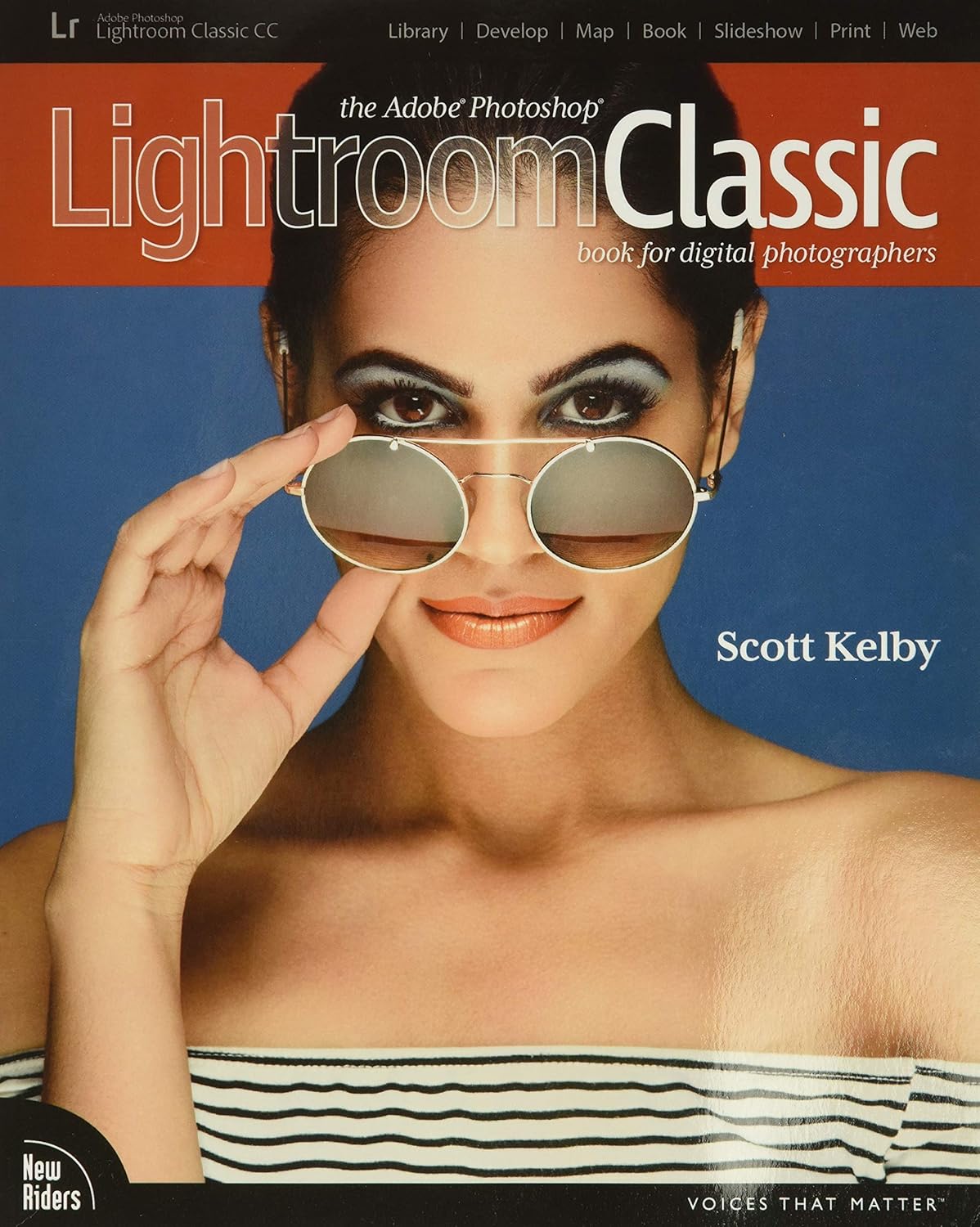
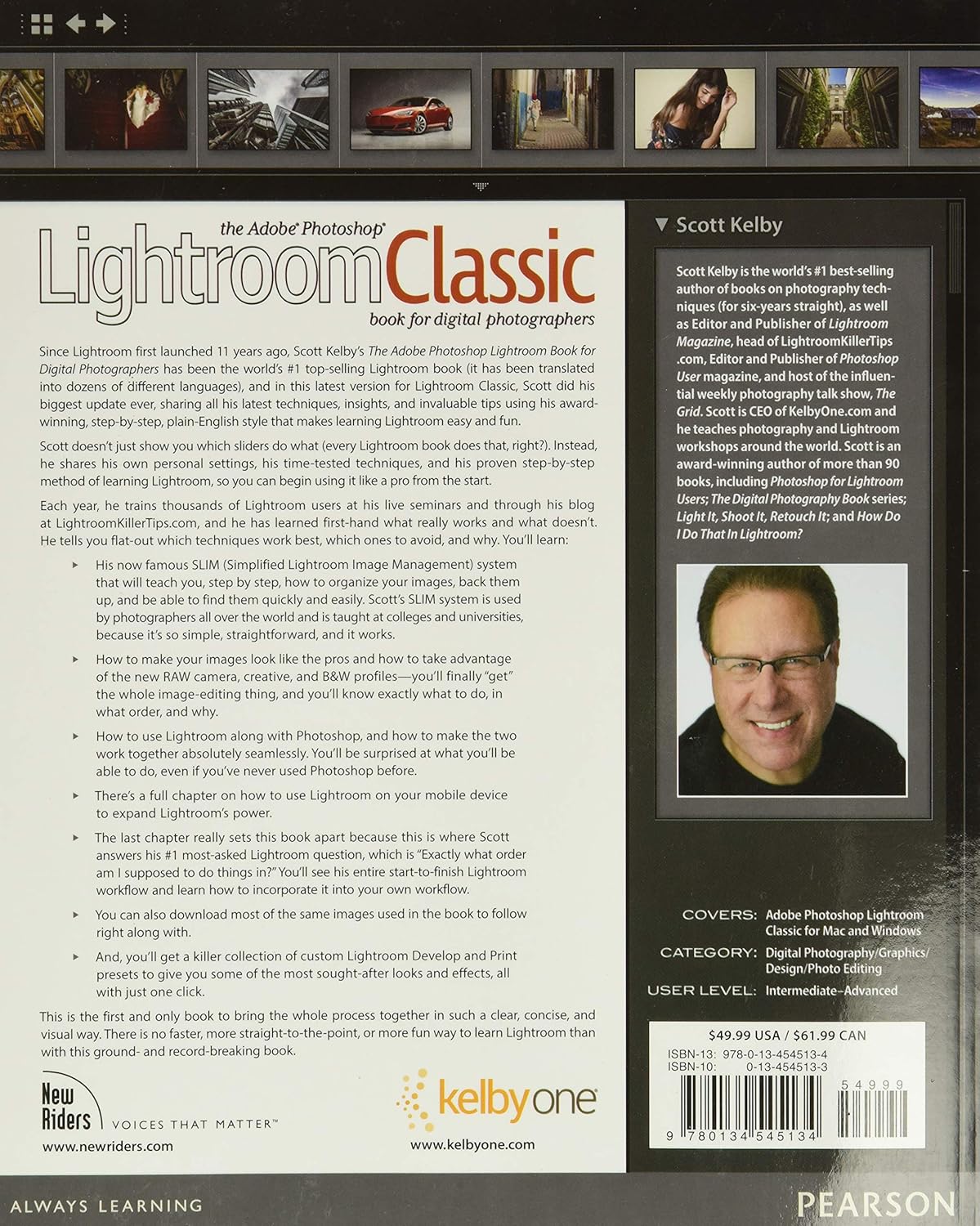


Since Lightroom first launched 11 years ago, Scott Kelby’s The Adobe Photoshop Lightroom Book for Digital Photographers has been the world’s #1 top-selling Lightroom book (it has been translated into dozens of different languages), and in this latest version for Lightroom Classic CC, Scott did his biggest update ever, sharing all his latest techniques, insights, and invaluable tips using his award-winning, step-by-step, plain-English style that makes learning Lightroom easy and fun.
Scott doesn’t just show you which sliders do what (every Lightroom book does that, right?). Instead, he shares his own personal settings, his time-tested techniques, and his proven step-by-step method of learning Lightroom, so you can begin using it like a pro from the start.
Each year, he trains thousands of Lightroom users at his live seminars and through his blog at LightroomKillerTips.com, and he has learned first-hand what really works and what doesn’t. He tells you flat-out which techniques work best, which ones to avoid, and why. You’ll learn:
His now famous SLIM (Simplified Lightroom Image Management) system that will teach you, step by step, how to organize your images, back them up, and be able to find them quickly and easily. Scott’s SLIM system is used by photographers all over the world and is taught at colleges and universities, because it’s so simple, straightforward, and it works.How to make your images look like the pros and how to take advantage of the new RAW camera, creative, and B&W profiles—you’ll finally “get” the whole image-editing thing, and you’ll know exactly what to do, in what order, and why. How to use Lightroom along with Photoshop, and how to make the two work together absolutely seamlessly. You’ll be surprised at what you’ll be able to do, even if you’ve never used Photoshop before.There’s a full chapter on how to use Lightroom on your mobile device to expand Lightroom’s power.The last chapter really sets this book apart because this is where Scott answers his #1 most-asked Lightroom question, which is “Exactly what order am I supposed to do things in?” You’ll see his entire start-to-finish Lightroom workflow and learn how to incorporate it into your own workflow.You can also download most of the same images used in the book to follow right along with.And, you’ll get a killer collection of custom Lightroom Develop and Print presets to give you some of the most sought-after looks and effects, all with just one click.
This is the first and only book to bring the whole process together in such a clear, concise, and visual way. There is no faster, more straight-to-the-point, or more fun way to learn Lightroom than with this ground- and record-breaking book.
Publisher : New Riders
Publication date : May 9, 2018
Edition : 1st
Language : English
Print length : 504 pages
ISBN-10 : 0134545133
ISBN-13 : 978-0134545134
Item Weight : 2.56 pounds
Dimensions : 9.9 x 8 x 1.1 inches
Part of series : Voices That Matter
Best Sellers Rank: #1,535,878 in Books (See Top 100 in Books) #125 in Adobe Photoshop #276 in Photography (Books) #1,421 in Digital Photography (Books)
Customer Reviews: 4.6 4.6 out of 5 stars (416) var dpAcrHasRegisteredArcLinkClickAction; P.when(‘A’, ‘ready’).execute(function(A) { if (dpAcrHasRegisteredArcLinkClickAction !== true) { dpAcrHasRegisteredArcLinkClickAction = true; A.declarative( ‘acrLink-click-metrics’, ‘click’, { “allowLinkDefault”: true }, function (event) { if (window.ue) { ue.count(“acrLinkClickCount”, (ue.count(“acrLinkClickCount”) || 0) + 1); } } ); } }); P.when(‘A’, ‘cf’).execute(function(A) { A.declarative(‘acrStarsLink-click-metrics’, ‘click’, { “allowLinkDefault” : true }, function(event){ if(window.ue) { ue.count(“acrStarsLinkWithPopoverClickCount”, (ue.count(“acrStarsLinkWithPopoverClickCount”) || 0) + 1); } }); });





Julie –
Great book for skipping around from topic to topic.
This was the textbook for a college class on Lightroom that I took. It goes well beyond what we learned in class (and it was a good class.) The sections are short, and concise, but easy to follow. They are also labeled really well which makes it conducive to skipping around. What I’ve found myself doing is flipping through the book, and finding topics I would like to learn, or need to learn. I read the section, and then I am easily able to apply it. I would recommend this for either an a beginner or intermediate user of Lightroom.
Ray Emerson –
Excellent starter to intermediate book
Lightroom is a complex application with loads of features, many of which are hidden or aren’t intuitive. This book does a really nice job of going through the core application, digging into those magical features, and explaining many use cases and workarounds that may not be obvious to a beginning user. Great job, in the casual and humorous style I’ve come to enjoy from the author.My one critique is the section on Lightroom CC (nee Mobile). Both the desktop and mobile versions are still evolving rapidly. That led to the CC sections not QUITE matching up with the current versions of the apps. For a book dedicated to Classic CC, (INCOMING PERSONAL OPINION) I feel these could’ve been dropped or re-tooled to feel like a “here’s how to make CC improve your experience in Classic CC” message.
Karen L. Goodell –
A Must have instruction book
So helpful to learning a workflow. My favorite instructor. I tab label important pages and highlight steps, then I can easily access my steps until I learn it all by memory. I could do without so much humor to read and sift through. But maybe I need to lighten up! LOL! I like simple step by step instructions. I get that from this book, but have to sift through and highlight what I want to follow.
ginita –
Another great book by Scott Kelby
Scott Kelby’s style of writing his instruction books never fails. He is detailed, easy to follow and always entertaining. This is a must have book if you have questions about Lightroom anything from how to get started to wanting to know more advanced features. I find all his books, and this is one is no exception, to be very friendly and you will be on your way to enjoying and learning Lightroom. Lightroom is not an easy program to learn on your own. Thank God for Scott Kelby who makes it a pleasure to learn it.
SIT –
Dreadful Beginning
I’m only 37 pages into this book and though I admit the book looks pretty and simple to follow, I cannot express how truly terrible, disorganized and confusing the book has already been. Chapter 1 urges the reader to organize one’s photos into a file system and place them on a backup drive, NOT the hard drive. Unfortunately, crucial information on how to do this properly, and pitfalls to avoid, was lacking and those omissions resulted in multiple duplicates of my photos in the Lightroom catalog. It’s no small task eliminating duplicates from Lightroom–something not covered in this book–so I had to wipe everything out import thousands of photos again. Unfortunately, Chapter 2 contradicts the instructions in chapter 1, advising the reader to place all photos back on the hard drive otherwise loading photos will be too slow! That process was not as described and I lost most of my (but backed up) photo data. As a result of that, I had to wipe clean the Lightroom library again and import photos into the app’s catalog system a third time! The author also advises the reader to organize the photos in a certain fashion in chapter 1, but as it turns out, a lot, if not most of the organization was unnecessary and in fact, will actually make it harder to organize them in Lightroom’s catalogs and collections system. Given that the organization of photos consumes more than the first 100 pages of this 400+ page book, and I’ve already experienced glaring omissions and confusing circular instructions, I am fearful of the hours of my time the rest of this book will waste with its poor writing and design.Update: Once past that nightmare, I think the book is helpful. Great effort is made to simplify complex operations, diagrams are reasonably good, the writing is engaging. There are a few glaring deficiencies in this book. I wanted to enlarge a photo to work on blemishes and such. How does one do that? Good luck finding it. It certainly doesn’t jump out in the index. After an hour of infuriating fumbling around, I concluded that I need to go to the library view to enlarge, then back to the develop section to effect the changes. That’s crazy. Is there a better way to do this? Impossible to know from this book. I wanted to jump to a step in the history to remove that step. It would have been nice to know that if I hit the delete key, the entire photo gets deleted, not the step I wanted to be removed. How does one reverse the delete or even copy that photo back into the collection in which I was working? I stumbled around for at least another hour trying to figure out how to make that simple move, and the book was no help. This is an author with a great reputation and a highly respected book. So then why isn’t there a page that lists all the shortcuts? I had to create a page with the shortcuts myself, like ⌘F for a full view or R to crop. To me that’s an incredibly basic list absent from the book.So the book is helpful but there are some substantial and significant deficiencies.
Michael L. Mccoy –
Up To Date Information
I read Kelby’s earlier edition several years ago and found it very good and helpful. But I really have not been following all the changes/improvements Adobe has been making to Lightroom over the years. This edition on Lightroom CC is introducing me to many of those changes I knew nothing about. And these changes are for the GOOD. Many procedures are much easier now but I never knew anything about them until I started going through this book. Get it!! You will not regret it!!
Kindle Customer –
Great book for learning photography
Good book with steps to learn photography
M. H. Bayliss –
Could be better
I’ve read his previous Lightroom books and unfortunately, besides changing his work flow, there is not enough “new” info to make this worth buying. But for me what was really disappointing was the fact that there are glaring typos – doesn’t anyone proof anymore? I wouldn’t even call them misspellings – just typos but come on! Maybe he’s just dashing them off so quickly that they are not vetted but I found this one had more “fluff” than his other books and too much time spent on modules that most users don’t bother with.
Jen –
I’ve had this book for a little over a week now, and it’s been super helpful so far. Personally, I like the author’s sense of humor. Another reviewer commented that it’s written for IOS, so initially on ordering I was worried, but he provides all of the PC compatible instructions and commands, so that’s a non-issue. Overall, it’s really helping me to understand how Lightroom works, in what order I need to do things, and he provides instructions on many editing techniques I’ve never learned before. Overall I’m very happy. This is my Lightroom bible. Whenever I launch the program, this book won’t be far from my reach!
Dangiras –
Everything is clear and easily understandable. Not just for beginners.
Ricardo Britto Rohl –
Gostei dos serviços da Amazon, o produto chegou até antes da data programada e em perfeitas condições! Não tenho o que reclamar!Obrigado, Ricardo Rohl
Chakma –
Very good
Ian P –
Easy to follow and use at home while having Lightroom open on my pc.