

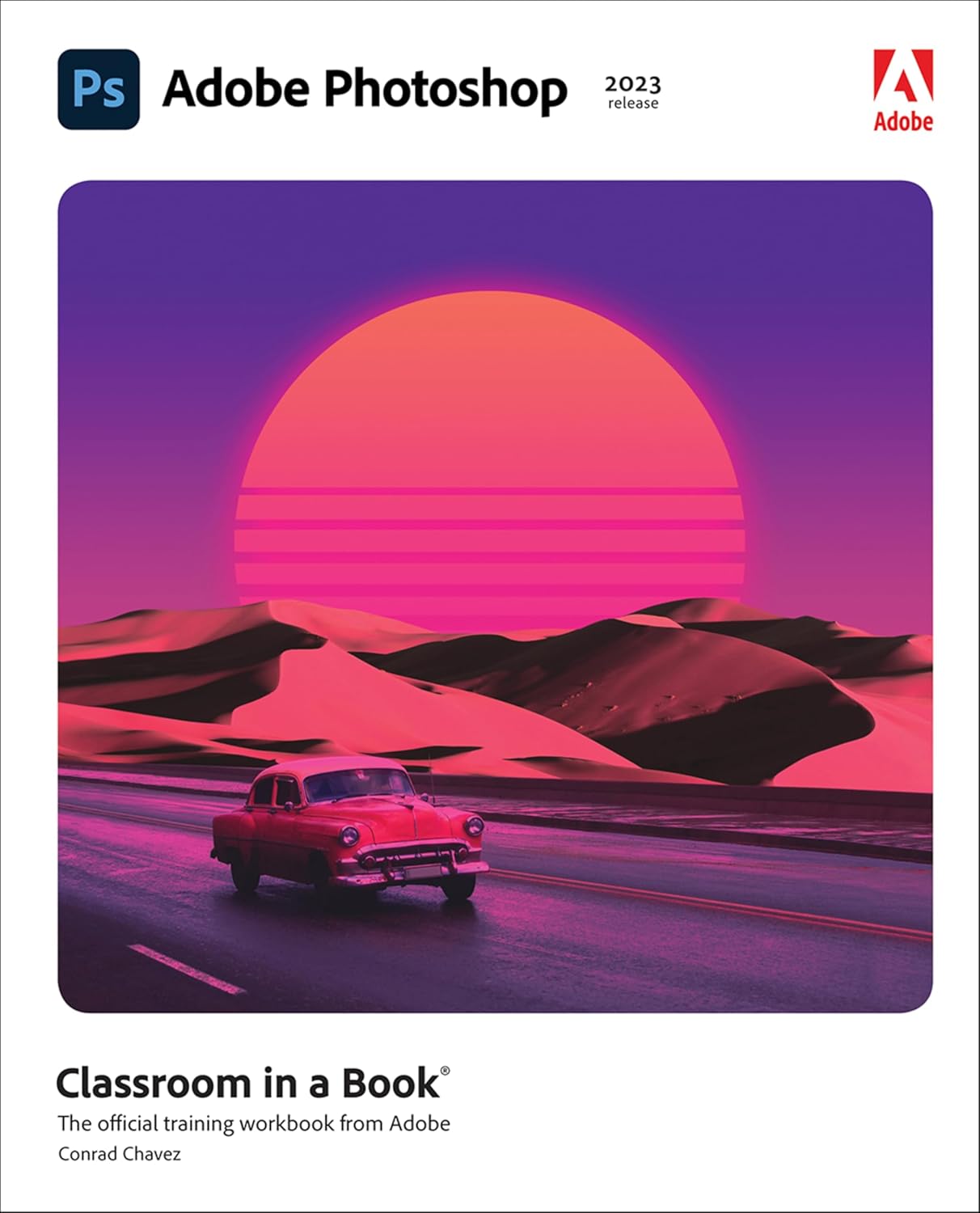


Learn to create and edit images using Adobe Photoshop
Adobe Photoshop Classroom in a Book (2023 release) uses real-world, project-based learning to cover the basics and beyond, providing countless tips and techniques to help you become more productive with the program. For beginners and experienced users alike, you can follow the book from start to finish or choose only those lessons that interest you. Learn to:
Correct and improve digital imagesSeamlessly remove backgrounds, repair images, and replace skiesExplore advanced filters that use machine learning and cloud processingSelect subjects with complex outlines, including hair, quickly and preciselyComposite multiple images and combine with typographyEdit video, including transitions and motion effectsEdit camera raw imagesAutomate tasksSave as a Photoshop cloud document to easily edit across desktop and mobile devicesExport your work for web, mobile devices, and print
Classroom in a Book®, the best-selling series of hands-on software training workbooks, offers what no other book or training program does―an official training series from Adobe, developed with the support of Adobe product experts.
Purchasing this book includes valuable online extras. Follow the instructions in the book’s “Getting Started” section to unlock access to:
Downloadable lesson files you need to work through the projects in the bookWeb Edition containing the complete text of the book, interactive quizzes, and videos that walk you through the lessons step by step
What you need to use this book: Adobe Photoshop (2023 release) software, for either Windows or macOS. (Software not included.)
Note: Classroom in a Book does not replace the documentation, support, updates, or any other benefits of being a registered owner of Adobe Photoshop software. This book covers Photoshop on desktop only. It does not address Photoshop on the iPad.
From the brand

The fastest, easiest, most comprehensive way to learn Adobe Creative Cloud
What is Adobe Press?
At Adobe Press, we publish hands-on software training books that help you learn the features of Adobe software quickly and easily.
What makes us unique?
Adobe Press is the official source of training materials for Adobe software, developed with the support of Adobe product experts.
What level of experience do I need?
We offer books, eBooks, and Web Editions for all levels of experience, from beginners to advanced users of Adobe software.
More from Adobe Press
Publisher : Adobe Press
Publication date : December 16, 2022
Edition : 1st
Language : English
Print length : 416 pages
ISBN-10 : 0137965893
ISBN-13 : 978-0137965892
Item Weight : 1 pounds
Dimensions : 7.38 x 0.88 x 9.2 inches
Best Sellers Rank: #953,842 in Books (See Top 100 in Books) #83 in Adobe Photoshop #397 in Graphics & Multimedia Programming #910 in Digital Photography (Books)
Customer Reviews: 4.5 4.5 out of 5 stars (125) var dpAcrHasRegisteredArcLinkClickAction; P.when(‘A’, ‘ready’).execute(function(A) { if (dpAcrHasRegisteredArcLinkClickAction !== true) { dpAcrHasRegisteredArcLinkClickAction = true; A.declarative( ‘acrLink-click-metrics’, ‘click’, { “allowLinkDefault”: true }, function (event) { if (window.ue) { ue.count(“acrLinkClickCount”, (ue.count(“acrLinkClickCount”) || 0) + 1); } } ); } }); P.when(‘A’, ‘cf’).execute(function(A) { A.declarative(‘acrStarsLink-click-metrics’, ‘click’, { “allowLinkDefault” : true }, function(event){ if(window.ue) { ue.count(“acrStarsLinkWithPopoverClickCount”, (ue.count(“acrStarsLinkWithPopoverClickCount”) || 0) + 1); } }); });

Magnus –
Great Photoshop learning book
I bought this book as it was required for the photoshop class I was taking. I could not continue taking the course, but I did continue working the lessons in the book. It walks you through the steps to learn photoshop. Adobe did a great job with this lesson book. I highly recommend it.
new orleans reader –
I get the next version for sure!
Lots of good info! Good book.
Norman Nelson –
Comprehensive guide
Comprehensive coverage of basic and advanced uses of the software. Step by step instruction with screen shots, illustrations,and descriptions. Downloadable exercise files come with the purchase of the book and are used for instruction/teaching of the Photoshop program.
Joe –
Well organized. Good use of progressive learning. Better than most on-line tutorials.
Taught myself Photoshop. Used as reference thereafter.
Violetta –
Good quality
Just what I needed for my computer graphics class
Tasha –
Well Written. Easy to follow.
Arrived good in newly condition. I already knew photoshop before getting this book but its been years since I’ve used it. This book was a great refresher. It also had a few hints and tricks I didn’t know about before.
Rodger –
Great Book
Nice to use tis along with the online version! Very helpful and great detail. Well worth the money!
Vicki –
Great.
Needed for school. Helpful book.
Gilles –
Très complet et utile.
Rovarch –
A must to learn the new photoshop. Much easier than having to flit on your laptop between screens or listening to awful youtube tutors
AS –
É um guia completo do Photoshop. Apresenta os conceitos e as funcionalidades das ferramentas. Não ensina a fazer recortes e pinturas complexas.
Rafael H. Pagàn Santini –
Para alguien novato en Photoshop, como soy yo, este es un excelente libro para comenzar de cero. Paso a paso
Nirav Chaturvedi –
Very good