




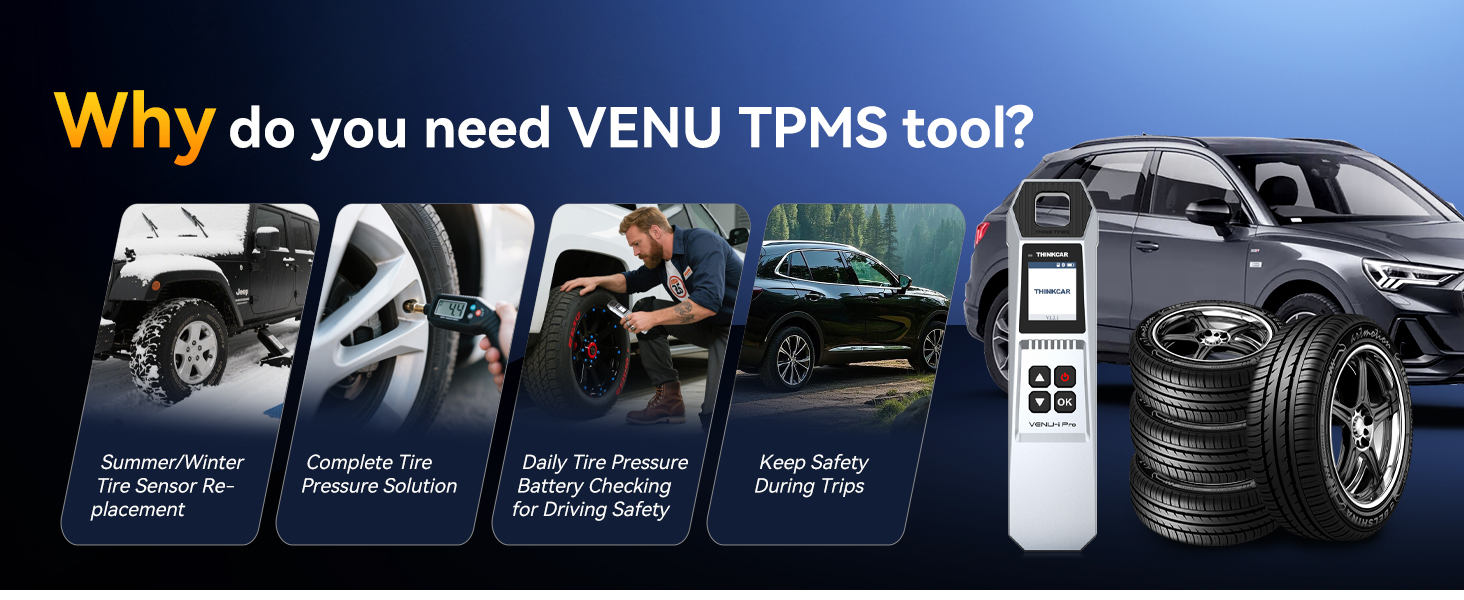

 1 VENU TPMS
2 APPLICATION
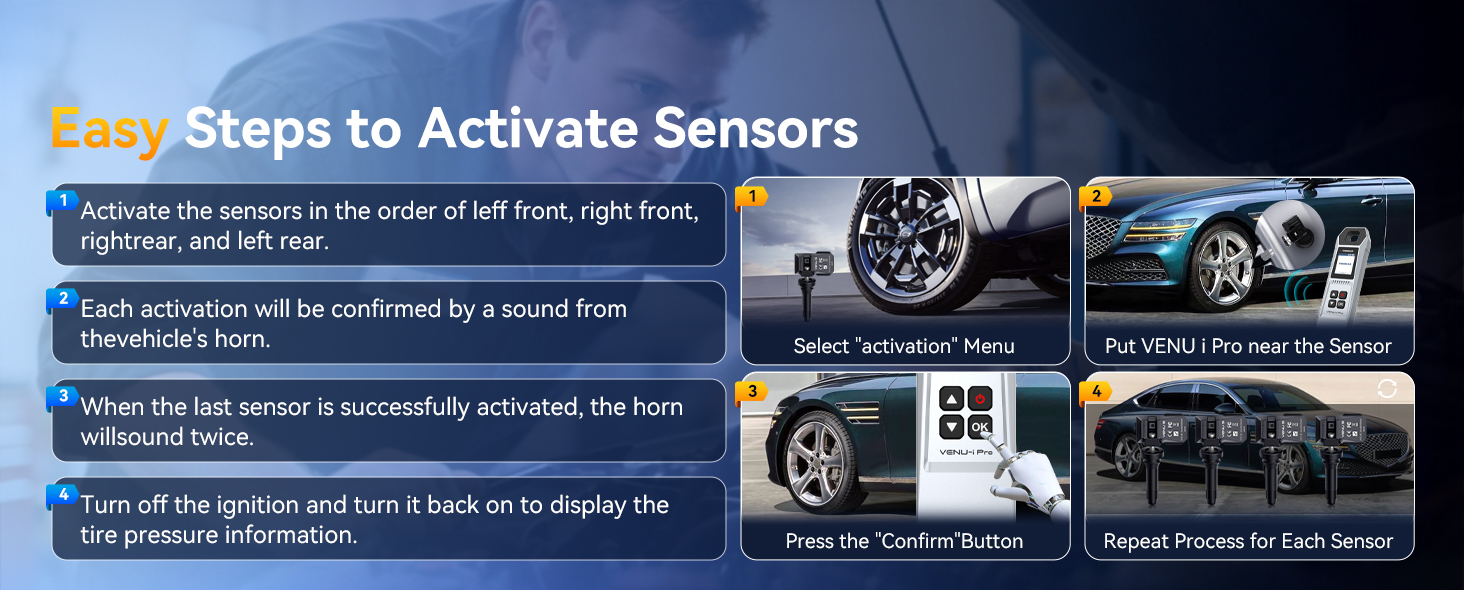
1 ACTIVATE SENSORS
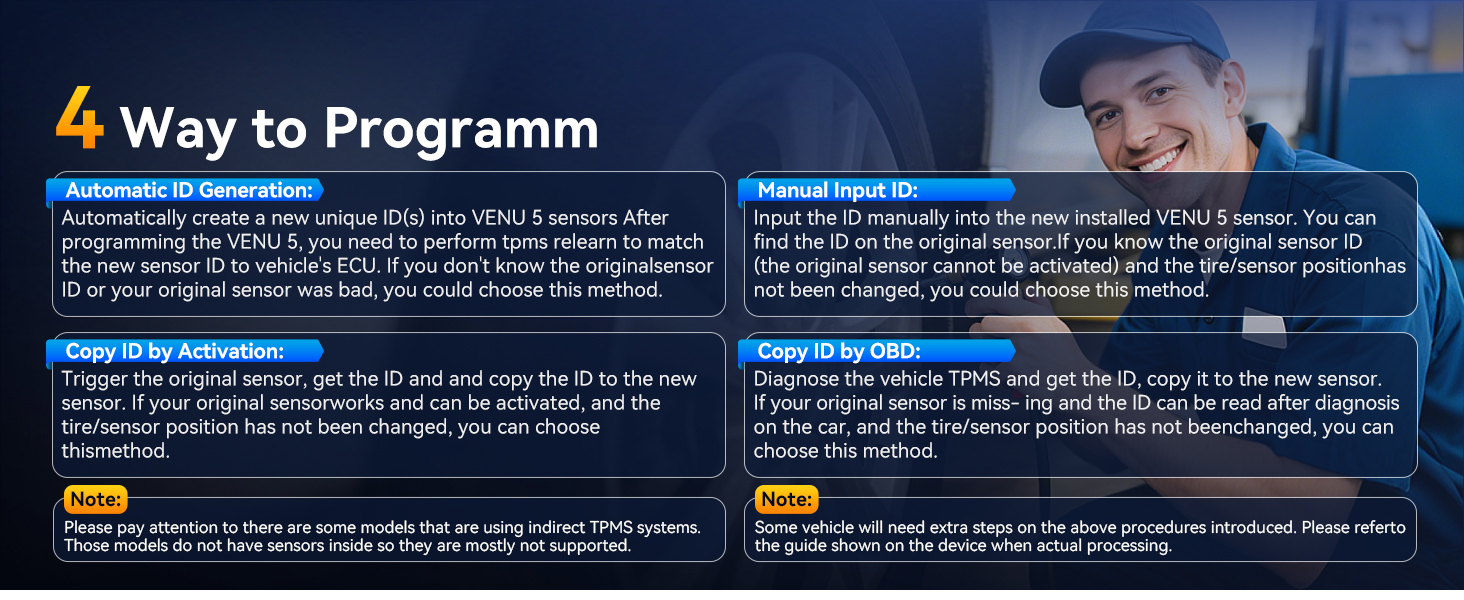
2 PROGRAMM
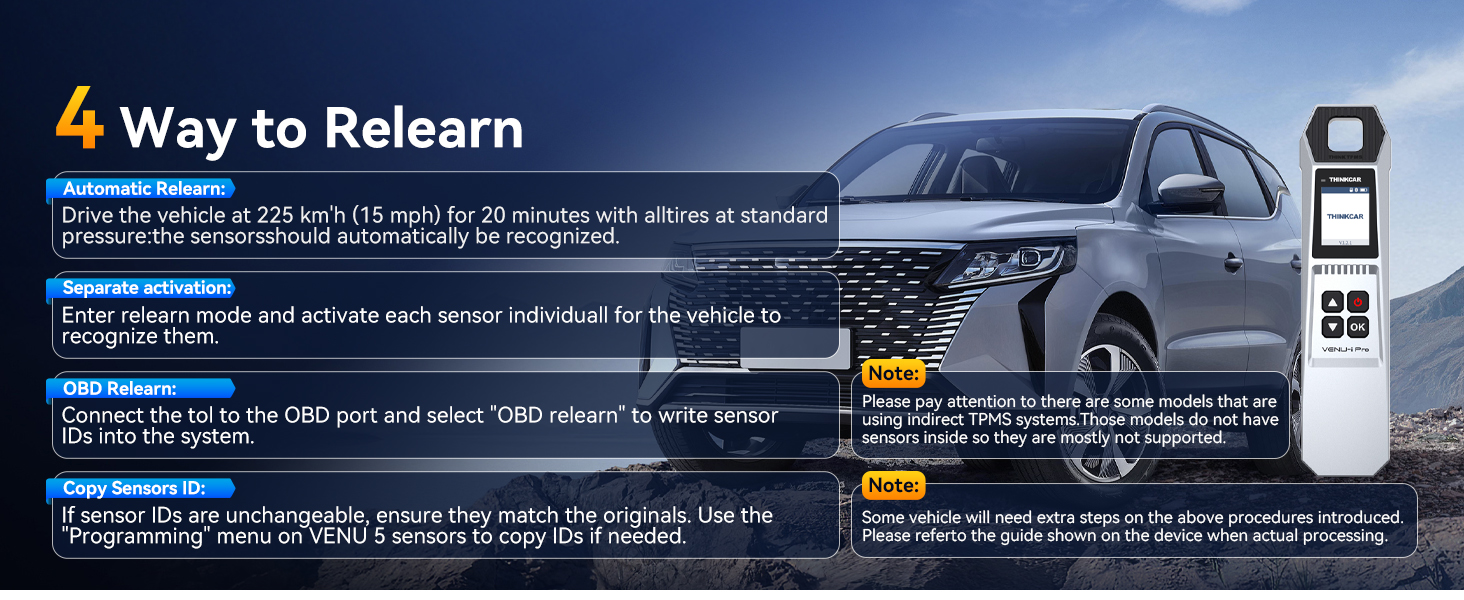
3 RELEARN
1 FRO THINKSCAN 689BT 2 FOR ANDROID 3 FOR THINKDIAG
1 DIAGNOSIS
2 RESET
3 APPLICATION
1 VENU TPMS
2 APPLICATION
1 ACTIVATE SENSORS
2 PROGRAMM
3 RELEARN
1 FRO THINKSCAN 689BT 2 FOR ANDROID 3 FOR THINKDIAG
1 DIAGNOSIS
2 RESET
3 APPLICATION
[Notice] When you receive a used device, it may be a customer return resold by Amazon without inspection. You can exchange it for a new one through Amazon. As this situation is unavoidable, we sincerely apologize. For any issues, contacting us via Amazon’s “Messages” is the best way, and we’ll provide a solution within 24 hours.
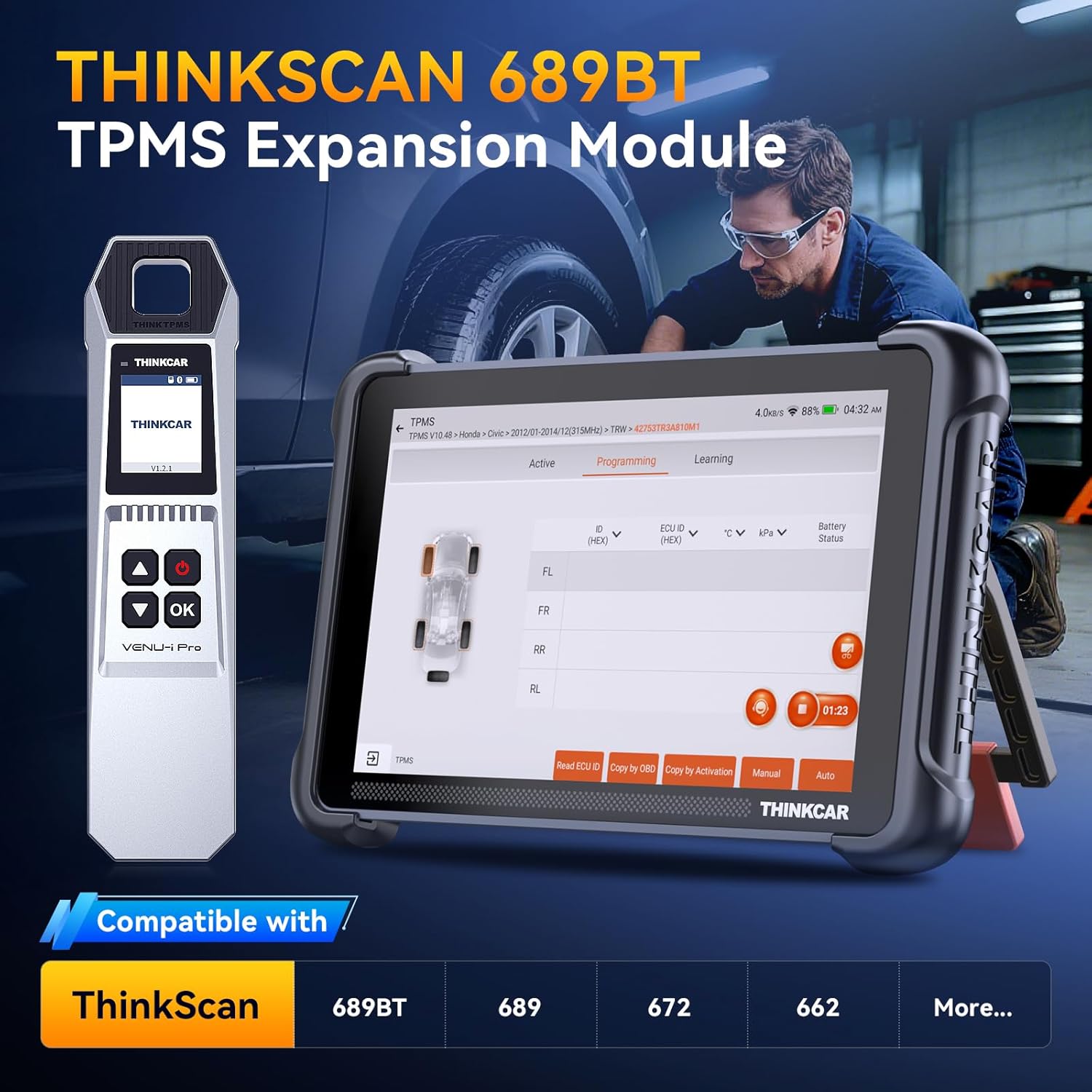
[Good News] When you own the diagnostic tools THINKSCAN 689BT, 672, or 892BT, you can now expand with the VENU I Pro tire pressure tool, boosting your tire pressure market business, fully addressing vehicle tire pressure issues. If you’ve used the G2 tire pressure tool before, you’ll pick it up quickly. If it’s your first time, please watch the video and contact us. Note that it doesn’t support all vehicles, so download the user manual to check compatibility and save time.
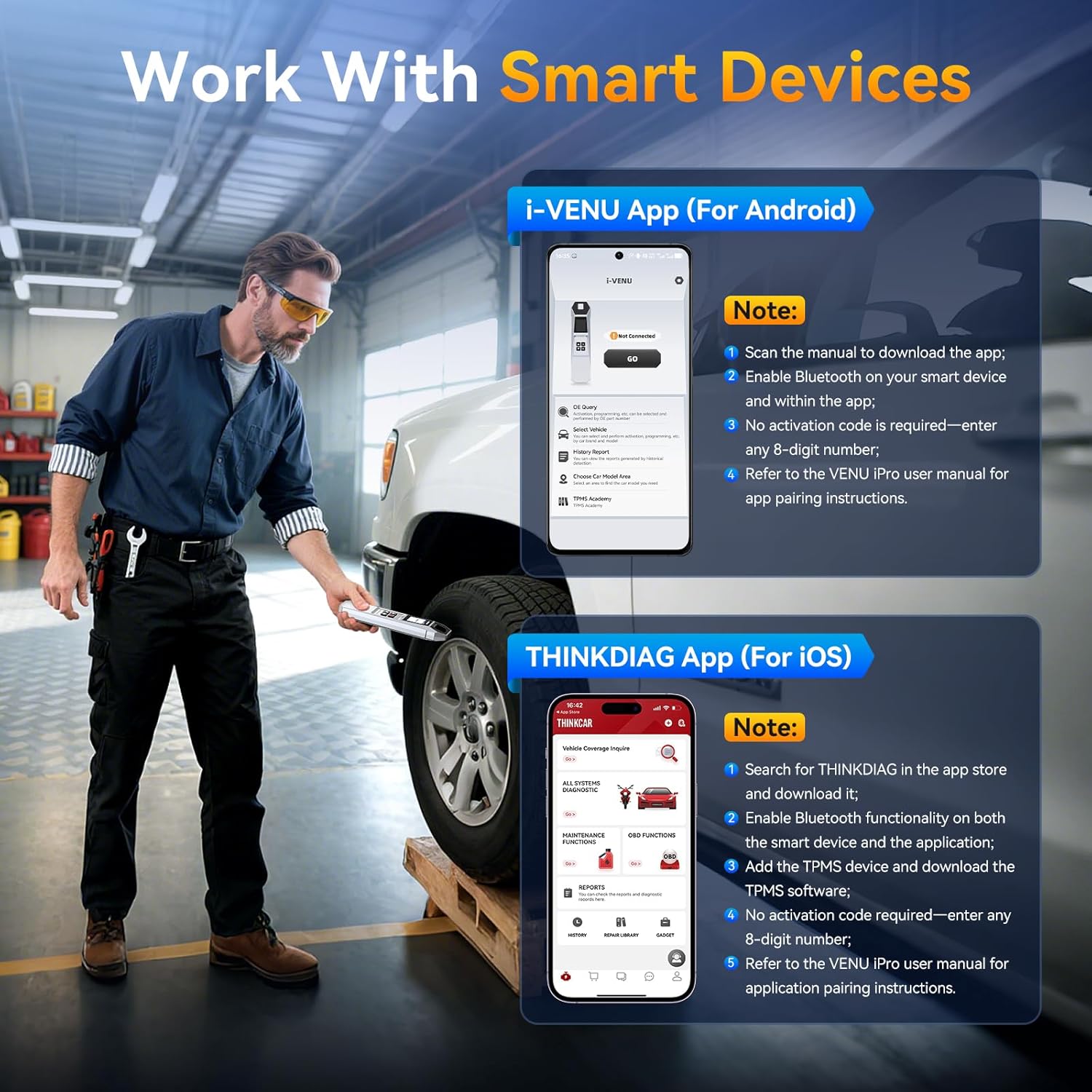
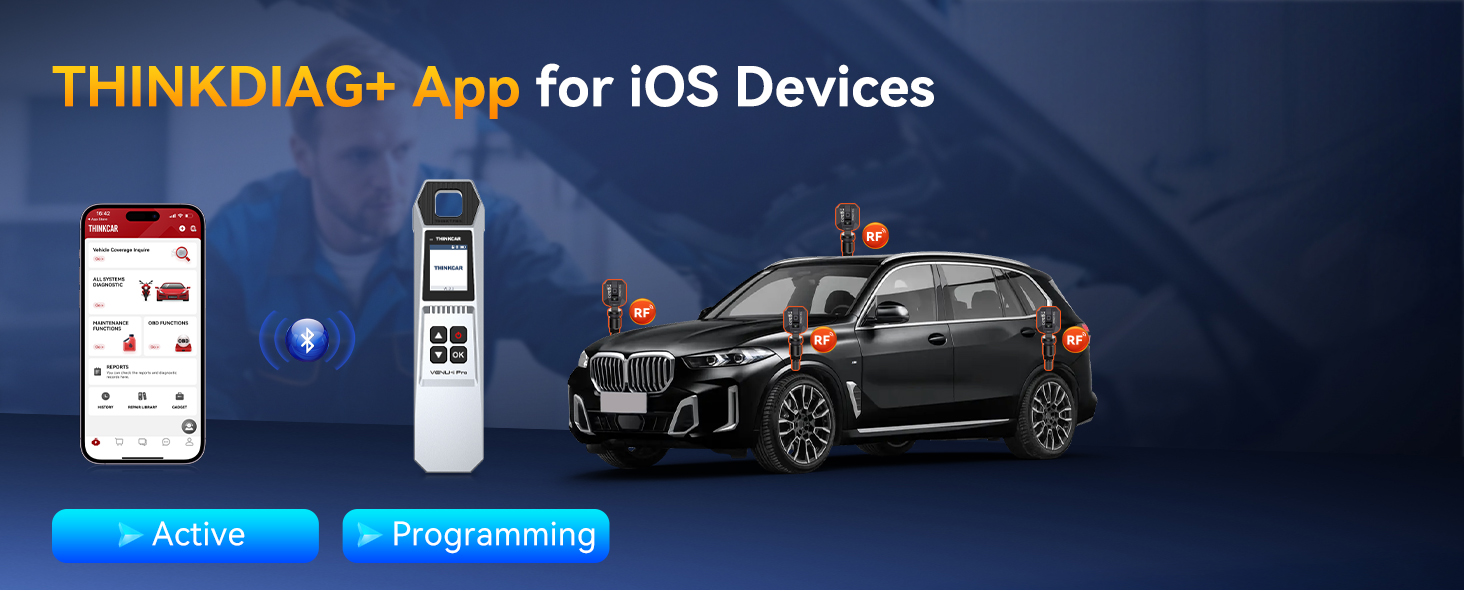
[Work With Smart Devices]The i-VENU App (for Android) is our latest release, specifically designed for the VENU iPro TPMS tool. It features an optimized user interface for more convenient operation. The THINKDIAG APP was developed for the G2 launch and currently offers only activation and programming functions. Our engineers will continue to enhance it. If you encounter installation difficulties, please download the APP manual or contact us via Amazon Messages.
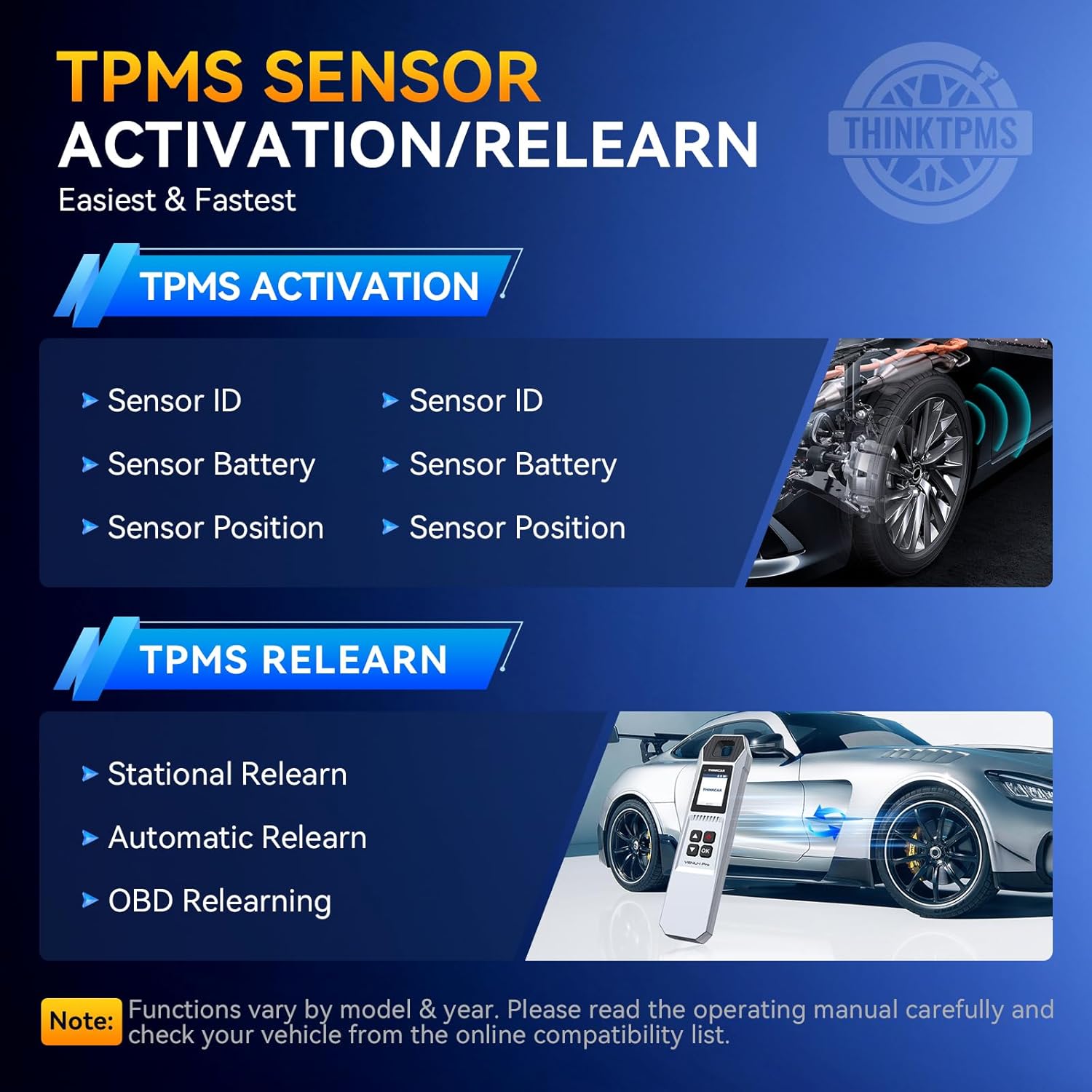
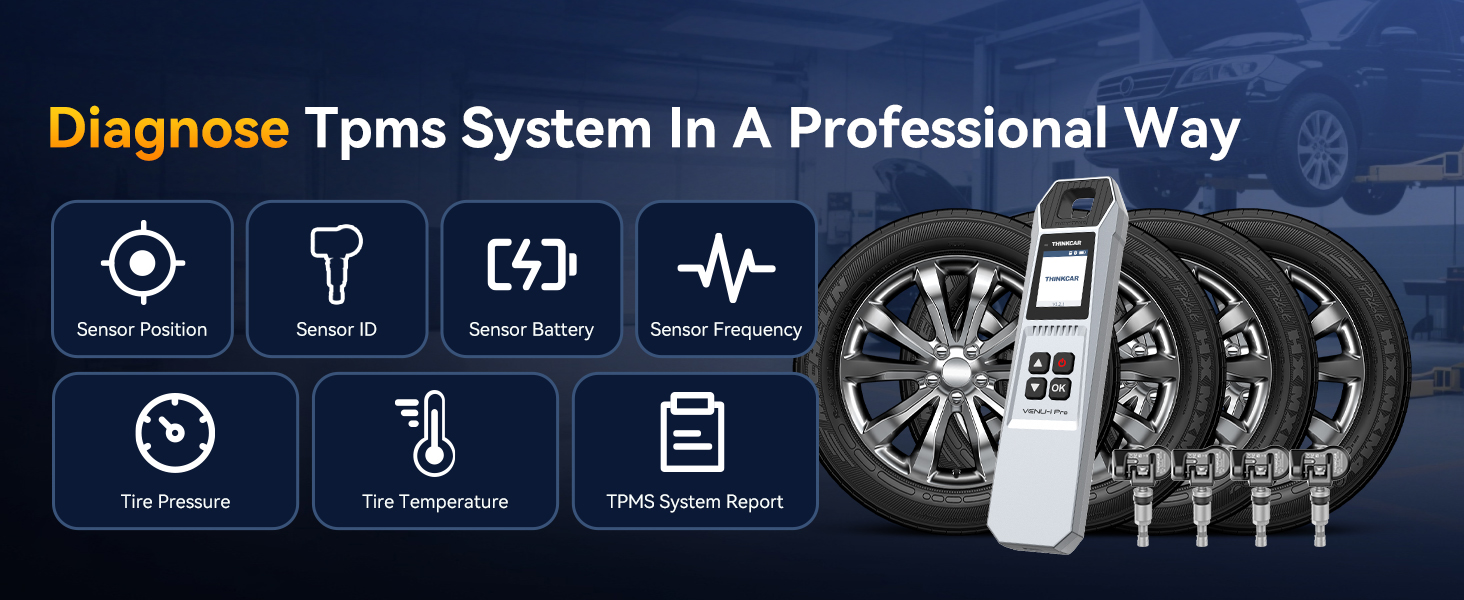
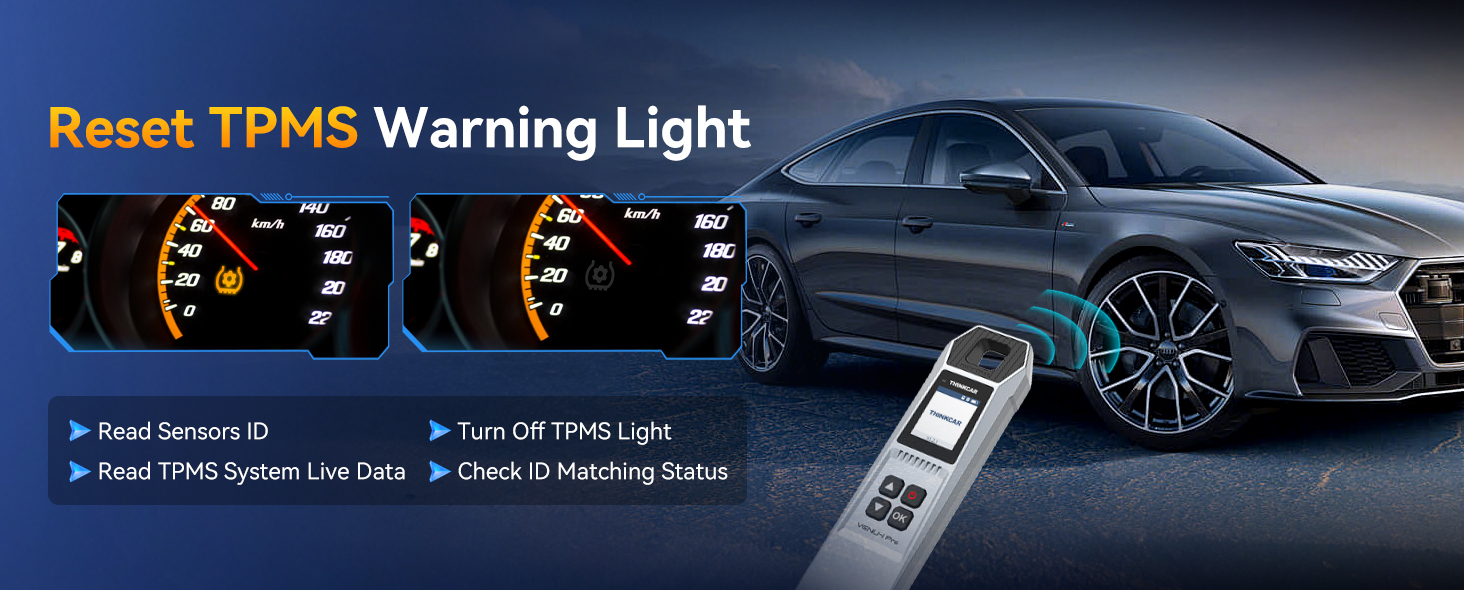
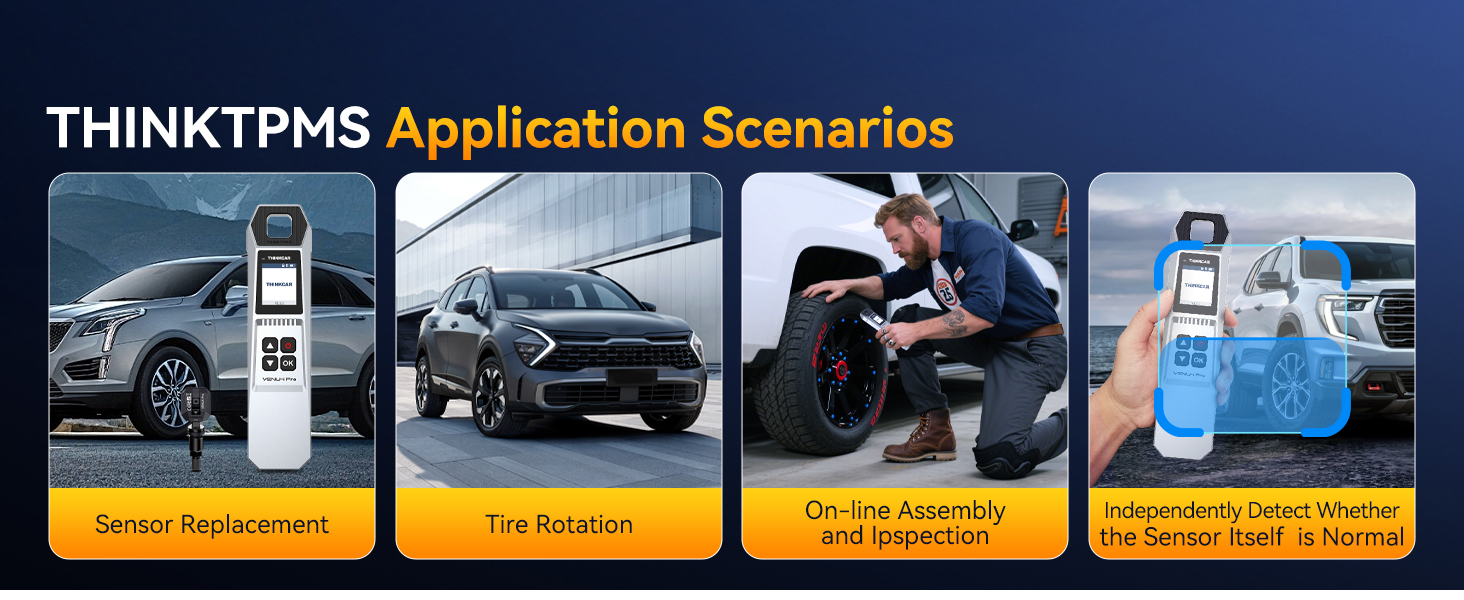
[Lifetime Updates, No Subscription Fees] The VENU I PRO supports all 315/433MHz sensor activation, reading, and learning functions, instantly and accurately reading data including sensor ID, tire pressure, tire temperature, battery status, and more.
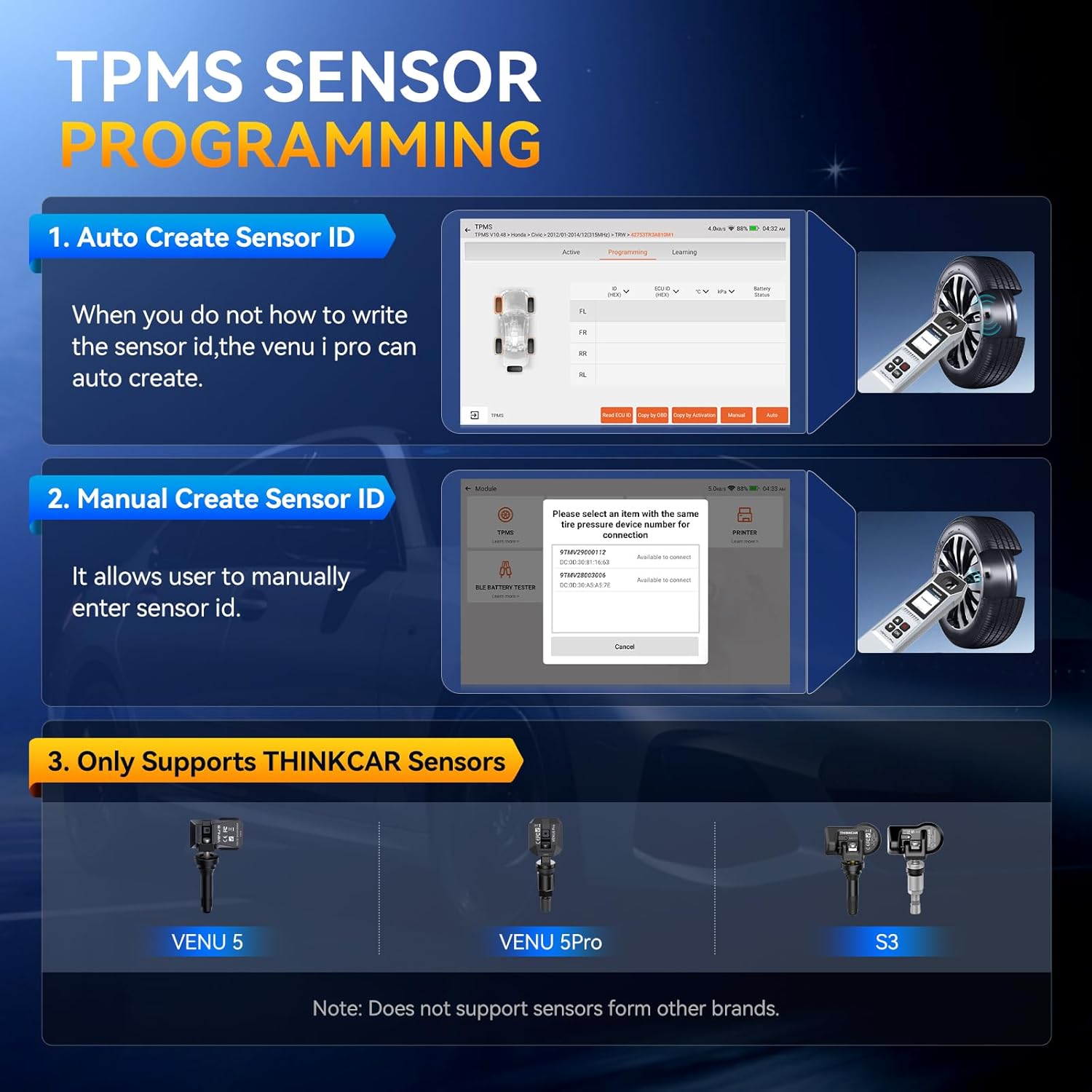
[Unlimited Programming for THINKCAR Sensors] Replace factory sensors with models like VENU 5, 5Pro, S3, and more. THINKCAR sensors offer four programming methods: 1) Copy via OBD; 2) Auto-create; 3) Manual create; 4) Copy via activation. (Note: The VENU I PRO programming tool cannot program sensors from other brands.)
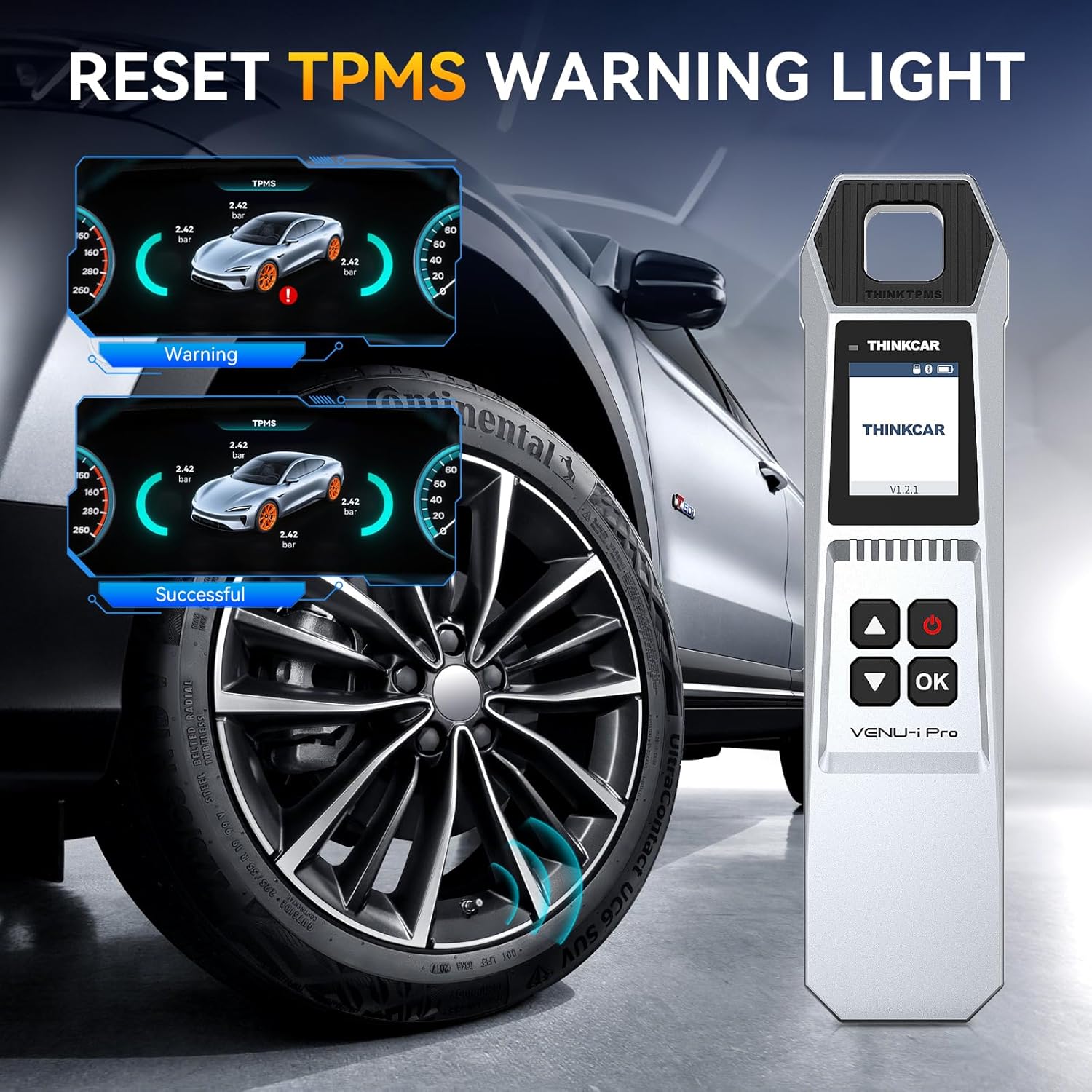
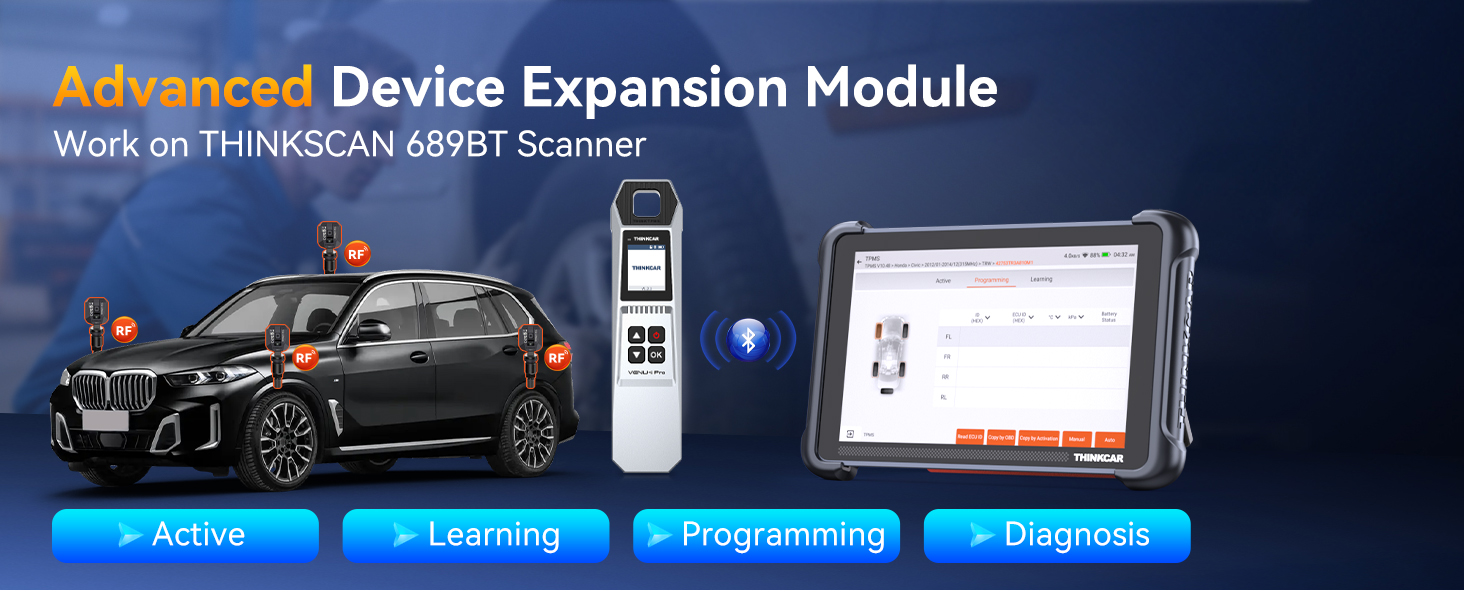
[Advanced Equipment Extension Module] When the VENU I PRO and THINKSCAN 689BT are connected, switch to the VENU tool in the 689BT Bluetooth module to perform TPMS sensor reading, programming, installation, and activation. After completing these steps, switch to the OBD2 VCI Bluetooth adapter to read/clear TPMS system fault codes and warning lights. (The fault light can only be cleared after repairing the vehicle’s TPMS issue.)
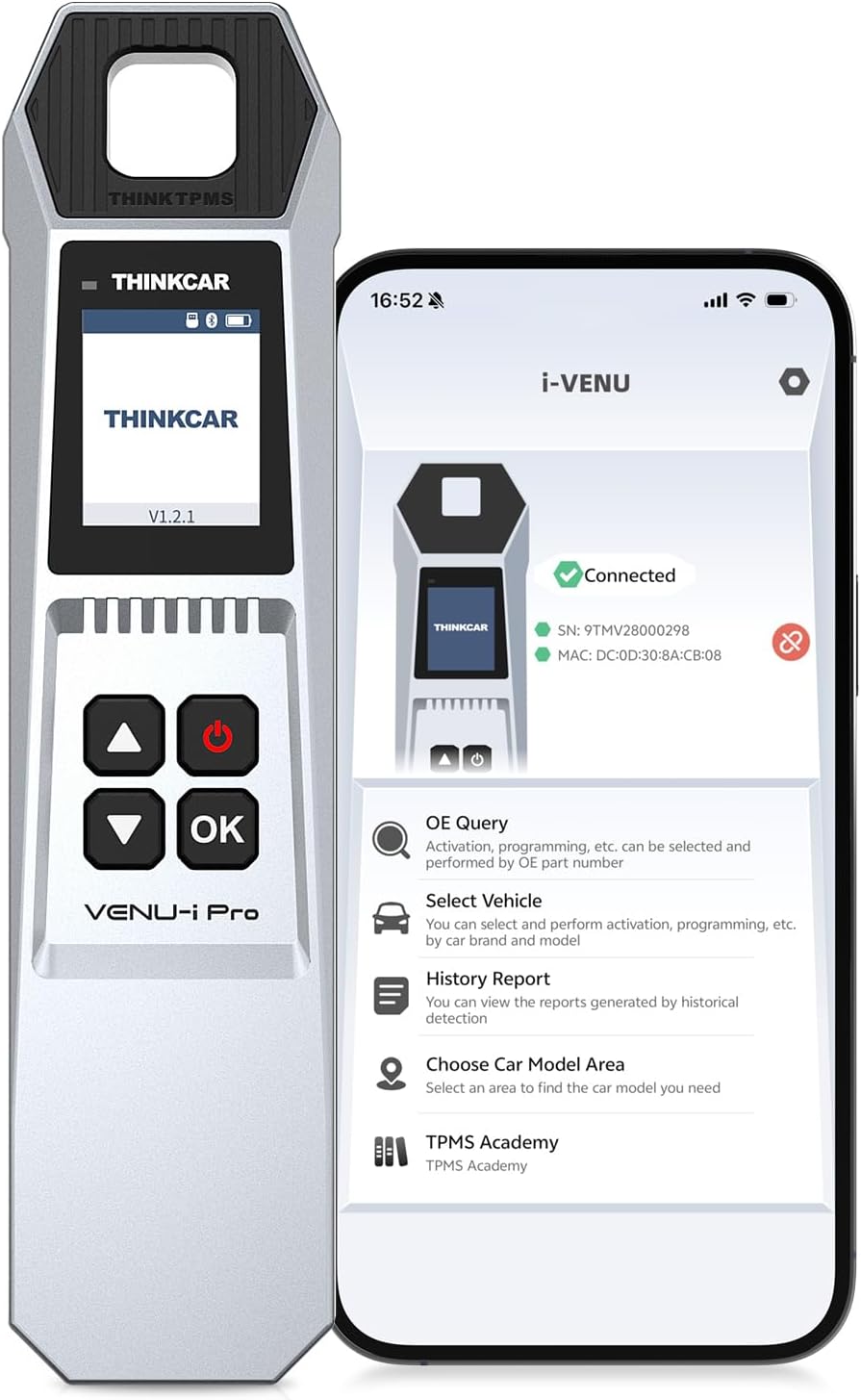
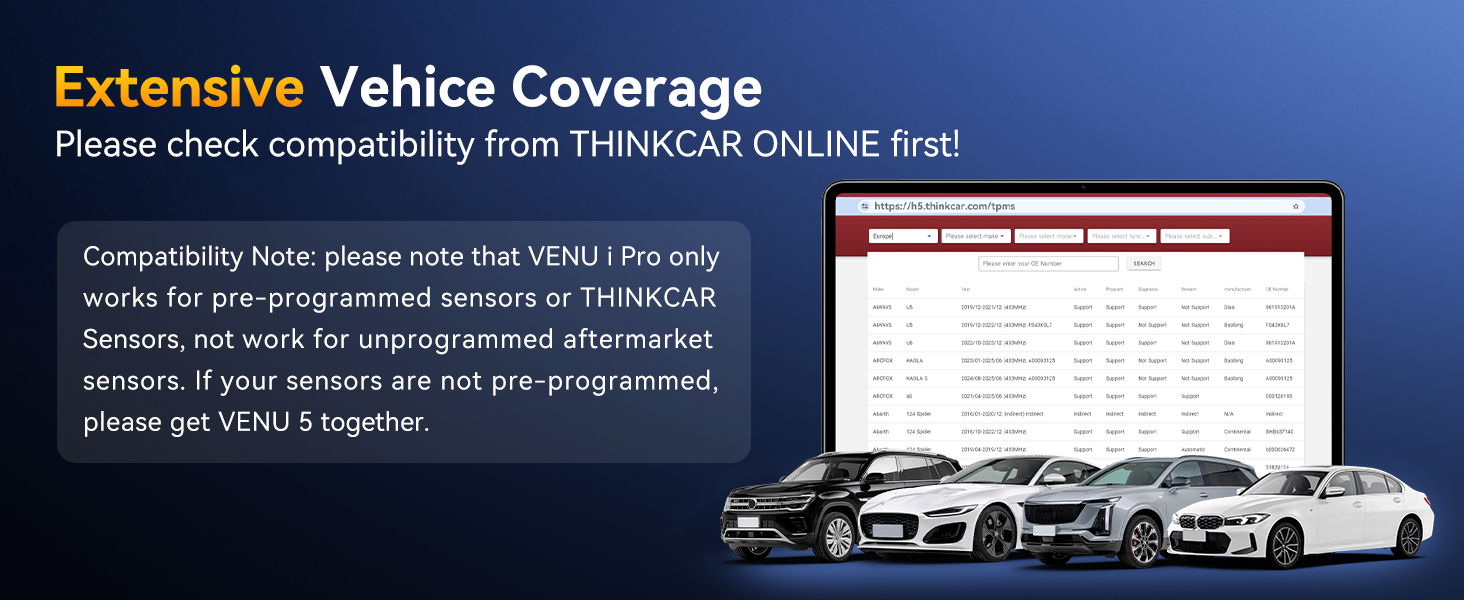
[Tips] 1.)The VENU-i Pro TPMS learning tool cannot operate independently. 2.)It only supports displaying pressure in KPa units, not PSI. 3.) To connect with a smartphone, download the Thinkdiag APP and create a user account to activate the VENU-i Pro. We recommend using it with diagnostic tool. 4.)Supported vehicle models vary; check the coverage list before ordering. For any questions, contact the seller anytime.

Ricardo –
Basico
Es muy intuitiva pero cuando reviso las llantas no tienen sensor
Juango –
A Really Handy Tool For Checking And Learning TPMS Sensors
I picked up the sensor because I work on a few cars in my driveway and I was getting tired of guessing which TPMS sensor was acting up every time a light came on. This little handheld tool has been doing a great job for me and it made the whole process way easier than I thought it would be. The size is nice to hold and the screen is clear enough that I can read it even when Im outside in the sun trying to get things done fast.The activation part works super smooth. I just walk around the car point it at the tire and it reads the sensor in a couple seconds. No weird delays no random errors. It picks up the ID and pressure right away and shows everything on the screen so I know exactly which wheel is giving trouble. I tried it on two different cars and it worked on both without me needing to change anything. That alone saved me a bunch of time because I used to take the wheels off just to check sensors manually.The learning function is also really helpful. I had to relearn a sensor after replacing one and the tool guided me step by step. It synced with the car fast and the light on the dash went off right after. I like that it works with the tools too because I already have one of those and they pair up nicely. Makes the whole setup feel like a small garage system even though Im just working at home.The build feels solid but not heavy. The buttons click nice and the menu is simple enough that I didnt need to read the whole manual to figure things out. I also like that it doesnt drain the battery super fast. I used it on three cars in one afternoon and it still had plenty of charge left. The tool wakes up quick too so I dont waste time waiting for it to boot.Programming sensors is another thing it does well. I tried cloning a sensor and it copied the ID without any trouble. Then I programmed a new one and it worked on the first try. No weird misreads or failed writes. For someone who does their own maintenance this is a huge help because I dont have to go to a shop every time a sensor dies.After using it for a while I can say it makes diagnosing TPMS stuff way less annoying. It reads fast it learns fast and it works with the tools I already have. If you deal with tire pressure sensors even a few times a year this thing is worth having around. It just makes the whole job smoother and saves a lot of time.
jeff g. –
Wasted time and money
Unfortunately, this thing is hard to use it.Gets stuck there’s no clear instructions.It really doesn’t blend up with my 689. Thinks, can our scanner either it says it does. But it actually doesn’t, but it could be Dodge because I have a Ram and those are difficult. But honestly, I am considering purchasing an all tell.Or i’m going to end up returning this and just paying someone else to do it.It is not worth your time and effort
MicEeeen –
Verified a Failed Sensor and Identified the Healthy Ones
I ordered this tool to help determine when it might be time to replace my TPMS sensors. If you’re getting new tires and your sensors are at or near end‑of‑life, replacing them after the fact becomes a non‑trivial added expense.Having a tool that helps you make that decision ahead of time can easily pay for itself.One of my vehicles had a TPMS sensor showing as “Missing” on the dashboard. Using this tool, I confirmed that the sensor was indeed dead. The tool read the other sensors without issue, so at least I knew the problem was the sensor itself — valuable information to have before heading to a shop.The tool worked with my iPhone using the I‑VENU app from the Apple App Store. The instructions were well organized with illustrations and photos. However, as someone new to TPMS diagnostics, a few parts left me confused (for example, I had no idea what a “StarCard” was). The instructions seem to assume the user already has some familiarity with TPMS tools.Being new to TPMS technology, I initially expected this tool to show an actual battery percentage. That’s not how TPMS works. Sensors only transmit a single bit indicating whether the battery is “Low” or “Normal,” and “Normal” can mean anything above roughly 5% remaining. Knowing the battery is somewhere between 5% and 100% isn’t enough to make a confident decision about replacing sensors during a tire change. This is not a limitation of the tool — it’s a limitation of TPMS technology itself. For my purposes, I’ll use this tool to keep an eye on sensor status, but I’ll still rely primarily on the estimated lifespan of the sensors when deciding whether to replace them.I wasn’t able to use the tool for any programming functions, but it successfully read the three healthy sensors on my vehicle.Overall, the design has a high-quality look and feel and gave me useful information about my sensors, even though TPMS technology itself doesn’t provide the battery‑percentage detail I was hoping for.
Tom –
Works
This worked to read and activate both the OEM TPMS sensors in my 2022 Ford Maverick, and some aftermarket sensors I got on Amazon.It seems that the companion phone app is necessary to use the device, which is too bad…it has its own screen and buttons that you’d think it could operate independently. Fortunately, the app works well enough so it isn’t too painful to use.Physically, the scanner feel well-built and looks high-quality and sturdy, and should survive knocking about the shop just fine.
Oldcars –
Useful TPMS Tool That Works Well
The THINKTPMS VENU iPro is a handy handheld tool if you’re already using THINKCAR diagnostic equipment. It activates, reads, and relearns TPMS sensors reliably, and it pairs well with tools like the THINKSCAN 689BT, 672, and 689. Operation is straightforward, and it makes sensor relearn procedures much quicker than trying to do them manually.It’s important to note that this unit is designed to work with THINKCAR sensors only, so it’s not a universal TPMS programmer. As long as you understand that limitation, it does exactly what it’s supposed to do and works well for servicing or replacing sensors within that system. Overall, it’s a practical, time-saving tool if you’re already invested in the THINKCAR platform.