

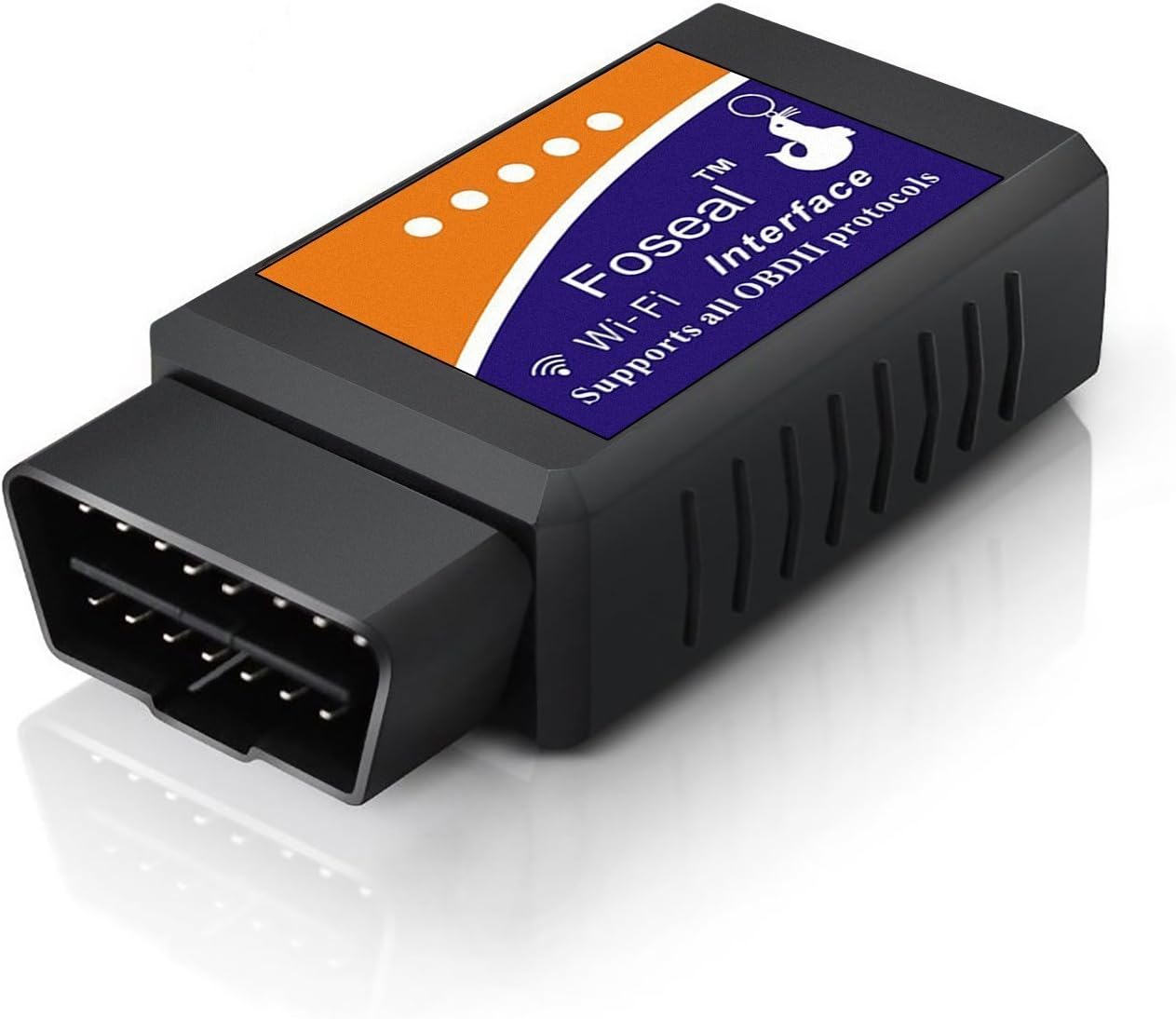
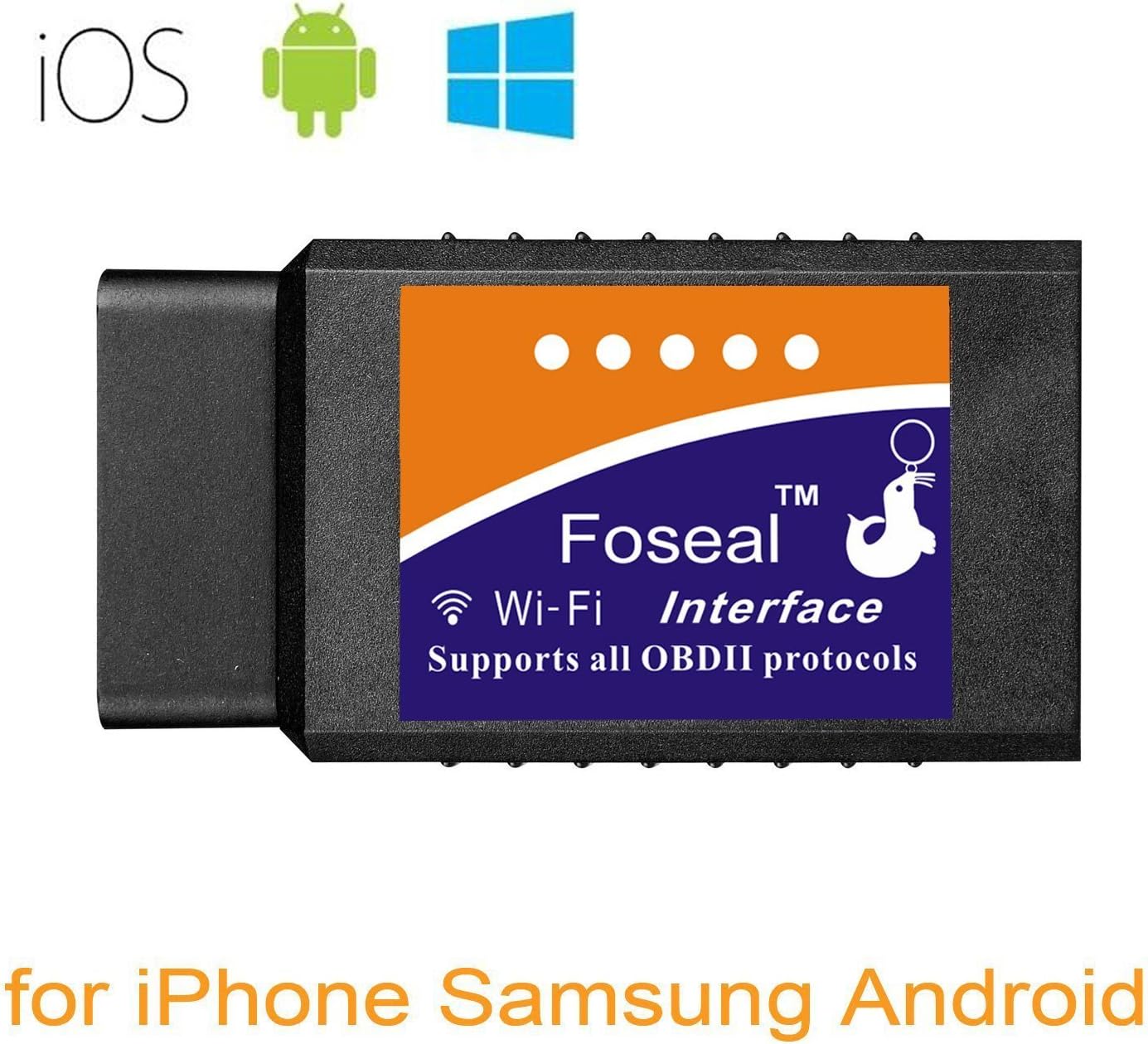
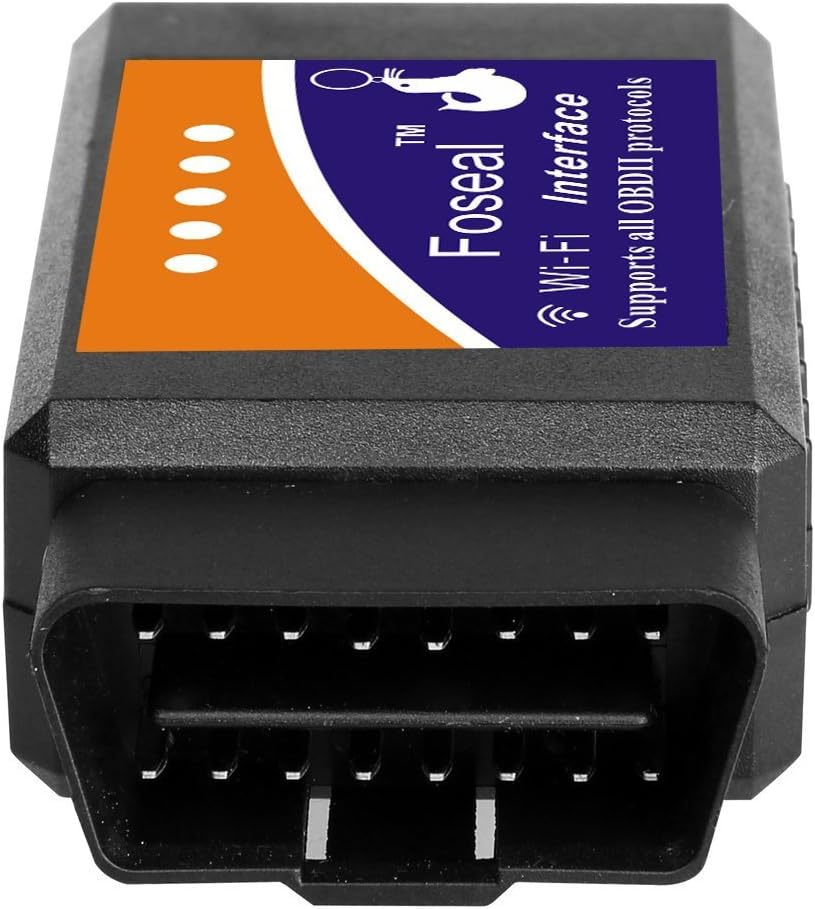
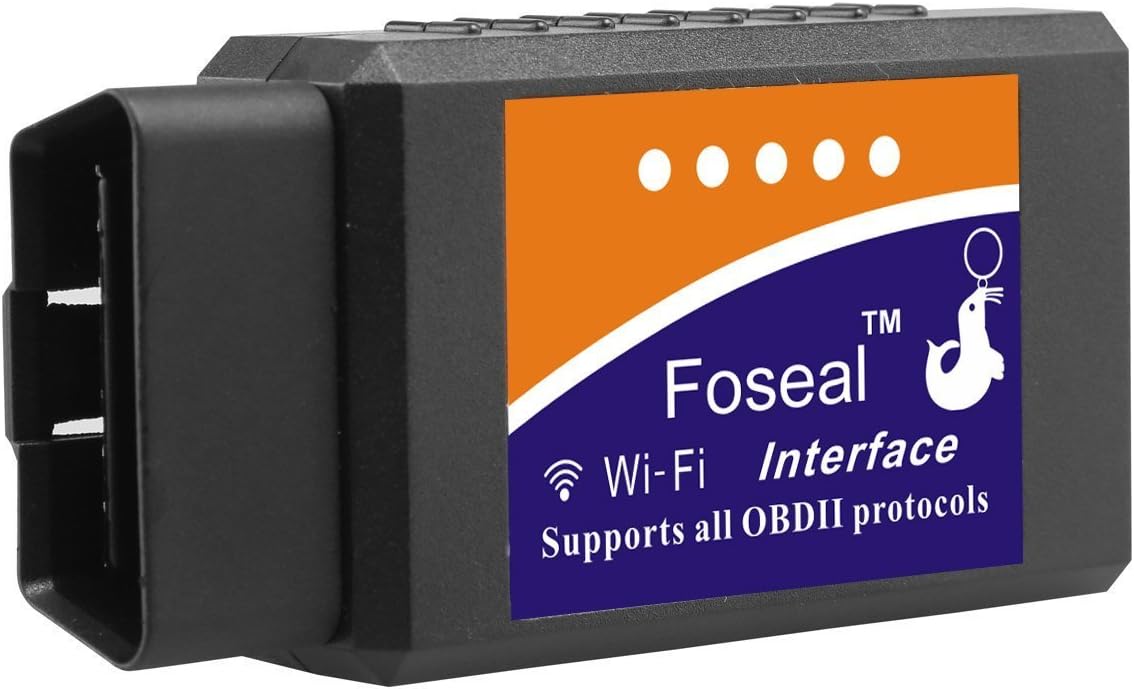
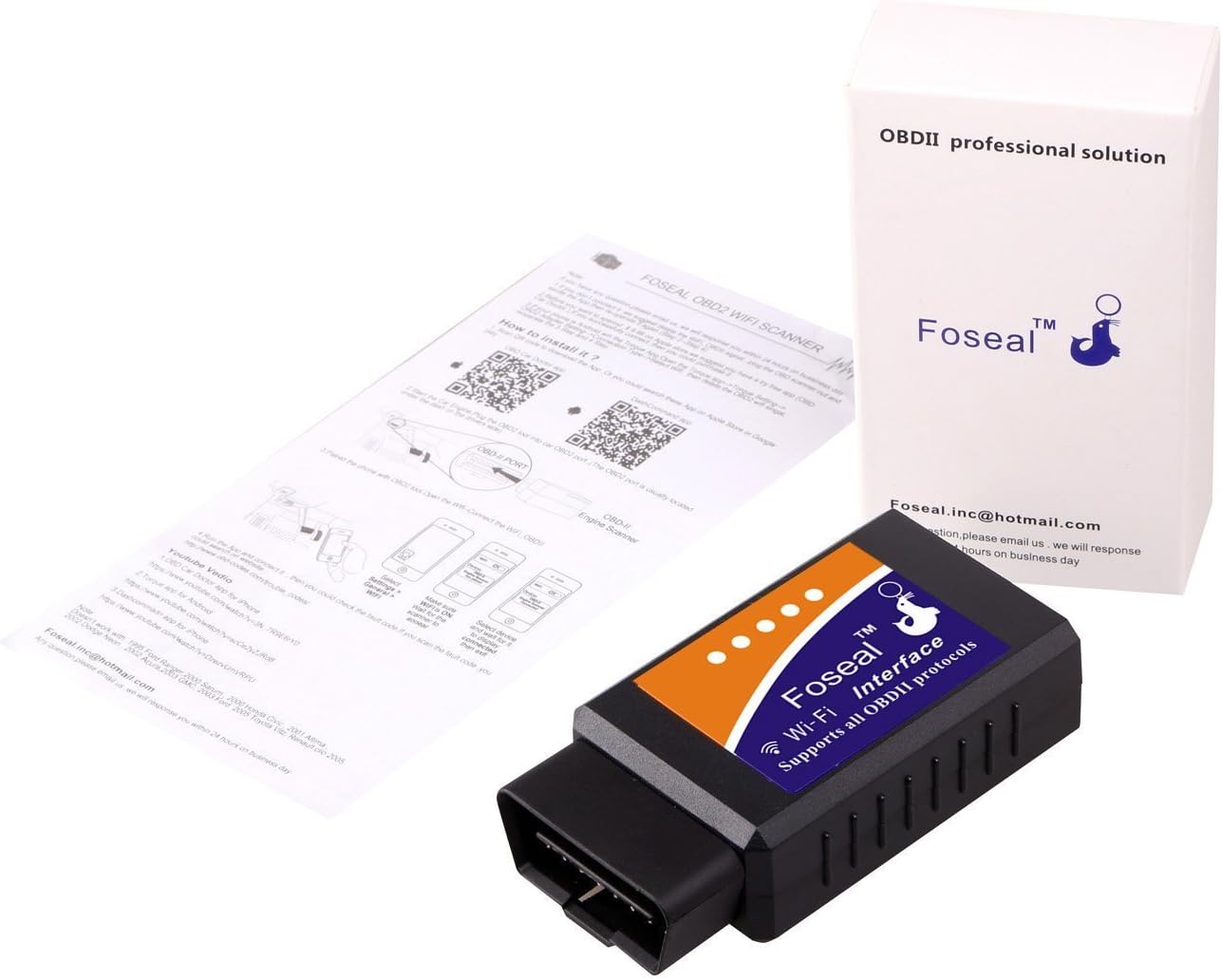


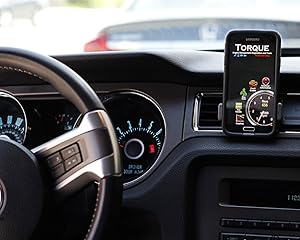
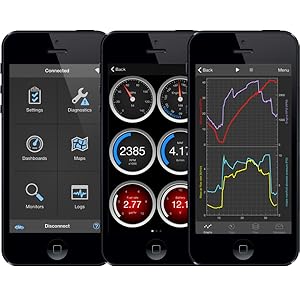
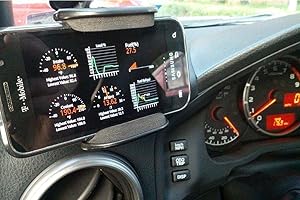

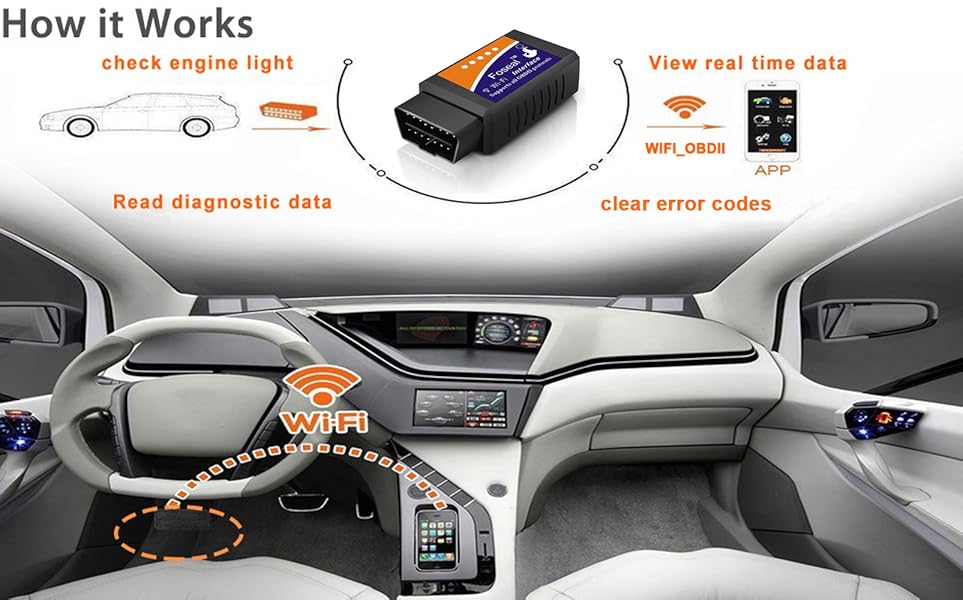
Effective & Functional;
(a) helping to diagnose if your car has any issues to avoid toll bill or high diagnostics fee,
(b) reading important information that you can get from your cars ECU and clearing error codes and enjoy safe driving
———————————————————
Easy to Use;
(1)Download a popular free APP or paid APP suitable for your need and phone or tablet (Recommend “inCarDoc” and “OBD Fusion” (9.9USD) for iOS. Recommend “Torque lite”/”Torque Pro(4.99USD)” and “DashCommand” for Android)
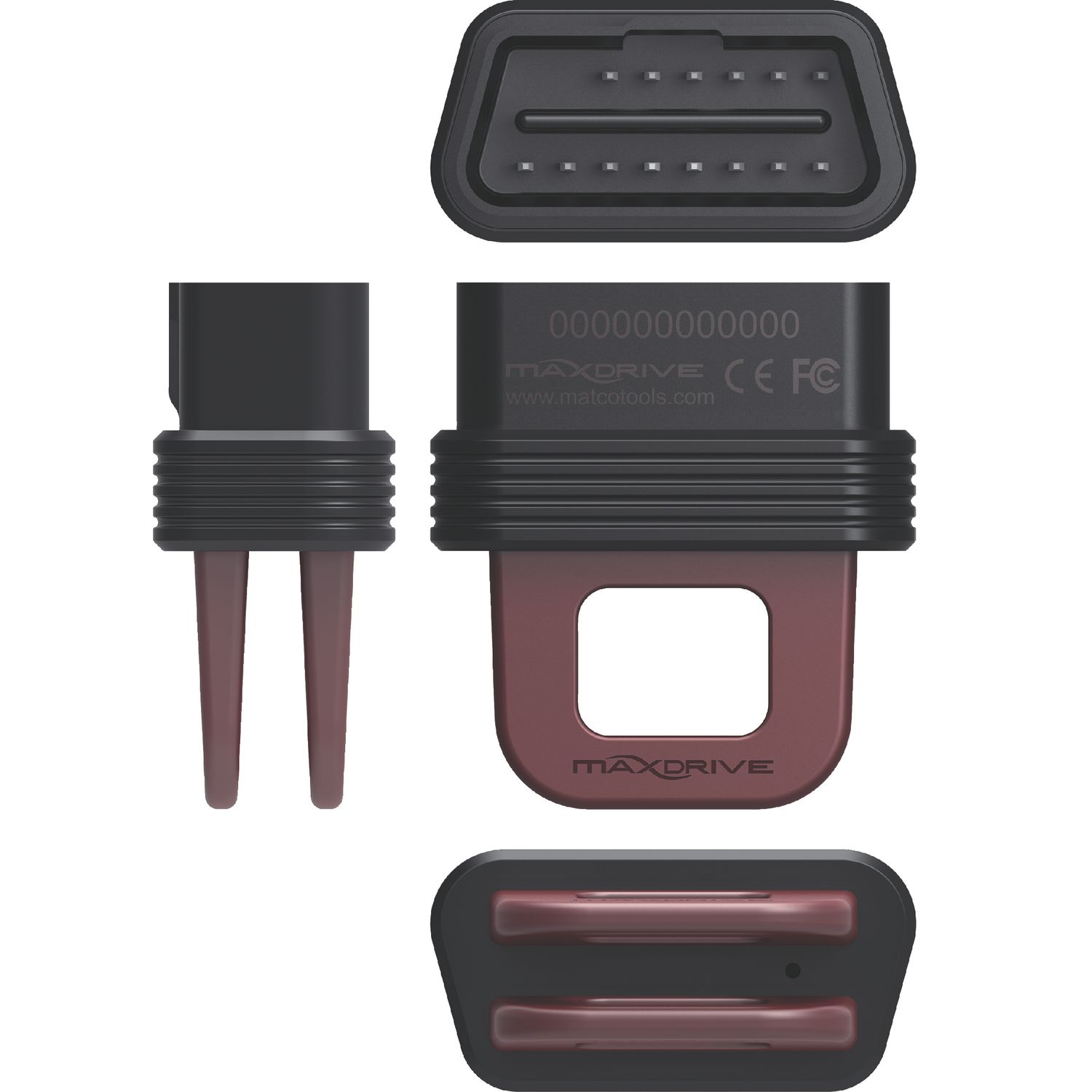
(2)Find the OBD port in your car(usually under dashboard on driver side) and plug in
(3)Turn on ignition of your car
(4)Go to your phone/tablet wifi setting and connect to WIFI_OBDII, Please wait wifi connection done in about 10 seconds, Ready to diagnose your car, read/clear codes
One Year Warrant; Any issue with our product, please feel free to contact Foseal, your satisfaction is our total goal!
———————————————————
Our OBD2 scanner will give you the information of what is wrong with your car before you take it to the mechanic, and whether your vehicle is ready for emission test or not.
Diagnose your vehicle and maybe just get ignition coil, spark plugs, O2 sensor or gas cap replaced instead of taking your car to the dealership.
We do not sell APP. Please down load recommended free app according to your phone system before use our OBD 2 adapter. Paid apps give more information for free ones, please choose based on your need.
Just What You Need
Better Compatibility;
iOS compatible (iPhone iPad), Android compatible (Android phone, Android Tablets, such as Samsung
LG etc.)
Support Protocols:
SAE J1850 PWM(41.6Kbaud) / SAE J1850 VPW(10.4Kbaud)
ISO9141-2(5 baud init,10.4Kbaud)
ISO14230-4 KWP(5 baud init,10.4 Kbaud) / ISO14230-4 KWP(fast init,10.4 Kbaud)
ISO15765-4 CAN(11bit ID,500 Kbaud) / ISO15765-4 CAN(29bit ID,500 Kbaud)
ISO15765-4 CAN(11bit ID,250 Kbaud) / ISO15765-4 CAN(29bit ID,250 Kbaud)
SAE J1939 CAN(29bit ID,250*Kbaud
Access Whole New World of Information about Your Vehicle
Real-time graphing of multiple signals!
1. Engine RPM
2. Calculated Load Value
3. Coolant Temperature
4. Fuel System Status
5. Short Term & Long Term Fuel Trim
6. Intake Manifold Pressure
7. Intake Air Temperature
8. Air Flow Rate
9. Absolute Throttle Position
10. Fuel Pressure
11. Oxygen sensor voltages/associated short term fuel trims Fuel System status
Many more data are waiting for you
Read diagnostic trouble codes, display their meaning Clear car error codes Reset Check Engine light Display current sensor data Compatible with Android and iOS Plug this scanner in the OBDII port Turn on the ignition of your vehicle The red light on indicates its power is on Enable wifi on your phone or tablet and connect WIFI_ OBDII created by the scanner Find problems which in need of repairs. Shorten your service time by telling your mechanic what the code was. Perhaps fix them by yourself for some simple problem.
Are you the kind of person that likes to make the repairs by yourself? This OBD2 scanner will help you troubleshoot engine codes, saves you a ton of money in diagnostic fees. Diagnose Check Engine Light & Fix the Problem Yourself.
View Current Sensor Data. You will be able to monitor data include Engine RPM, Horse Power, Calculated Load Value, Coolant Temperature, Fuel System Status, Intake Manifold Pressure, Air Flow Rate, Intake Air Temperature, O2 sensor voltages, etc
Support iOS & Android. Recommend “OBD Car Doctor” and “OBD Fusion” ($9.9) for iOS. Recommend “Torque lite”/”Torque Pro” and “DashCommand” for Android. Please wait wifi connection done in 10 seconds
Compatible Makers. Support Chrysler Ford Honda Mazda Toyota VW GM Dodge BMW Chevrolet Audi Subaru KIA Benz & More OBDII Cars. Super Mini OBD2 OBDII Wireless Auto Check Car Diagnostic Scanner
One Year Guarantee. We believe customer service is the basic makes business continue. Any issue with our product, please feel free to contact us, your satisfaction is our total goal!

Gabreal Belcastro –
Great OBD Reader (that Works with Various Apps!)
This OBD reader works great. You just have to plug it in, connect to it using your phone (via WiFi) and then find and download an app you like. (I initially thought that you could only use the app they mention in the instructions, but you DO NOT. (In my case, the little pamphlet recommended an app called “FasLink X” which was terrible). I recommend using the “Car Scanner ELM OBD2” app instead, which is free on the app store).You’ll easily get your money’s worth here just from clearing recurring codes (… yes Subaru, I know you think the gas cap is still loose. Thanks for the fifteenth (mistaken) reminder this week… .) No real complaints for the price! I would (and have) bought this product more than once (lost the first one lol). Highly recommend!
Josh –
Works AND Saves Money
I ordered this scan tool and it worked perfectly as advertised! The check engine light (“CEL”) turned on while driving my 2009 Honda Fit Sport in heavy traffic (of course). I then called the dealer and they quoted me $159 for diagnosing–that is, just plugging in a scanner and reading the code, which can be done in less than 2 minutes. Talk about highway robbery. Of course I wasn’t going to drop the better part of $200 just like that.Enter the Foseal Scan Tool. It is AMAZING! Seriously. Money-saver? Yes, sir. Easy to use? You got it. End all, be all? For the most part.Once you have on hand your code (or codes if you have such luck–mine was P0843), search online for what it represents/means or call an auto parts store (think big-box stores like AutoZone). Let me repeat, you can CALL…even if you live in the middle of nowhere, search the web for an auto parts store and tell them you have a code you’d like more information on. They may even have the parts that you can purchase to fix the problem. Once you obtain the parts, you can do it yourself or call a mechanic.I ended up paying $120 in parts (without the Foseal) and $0 in labor. My brother and I replaced the parts…and voilà, I got my car back for less than what I would have paid the dealer JUST to find out what was wrong with it. Maybe needless to say, but I’ll say it anyway: I LOVE THIS THING!
Amazon Customer –
still can’t give 5 stars but, it is better than I first posted
it’s ok but you have to buy a different upgrade for each vehicle you use it on.I have 3 vehicles so that’s 30 dollars to check them all.I had trouble getting even the free version to download on my phone and then I had more problems getting the upgrade .Once I got the free app it connected up nicely but you need to switch back and forth from internet wifi to the obd wifi ( on my Tab 3 )Overall my experience was very frustrating.I liked the look of the dashboard and the info it gave was accurate.I will be returning this and pay a few dollars more for one I can use on all my vehicles.UDATE 7/16/17After further testing and playing around with this I found that I can use it on all my vehicles. The extra charge apps are for vehicle specific codes and it tells you what the fault is you just have to google the specific fix,I have used it on a GMC truck and a Ford E450 class C motor home..I still have some issues with the wifi. disconnecting after 5 or ten minutes and having to reconnect.I will be going on a long trip next month and want to use it to track mileage , temp etc. I will update again after the tripI give the company 5 stars for customer service and reaching out to me to try and rectify my issues.They contacted me twice to offer a refund for the app that didn’t download.overall 3.5 starsUDATE 8/31/17I have been using it on a trip from Alaska to the east coast. I covered over 5000 miles nd the unit has performed very welldepending on what set of dash boards I use I can track gall per hr miles per gallon cost and many other variables. It even saved me from a ticket in a speed trap ( my speedometer was off by 5 mph).It has been very accurate and except for a couple times having trouble staying connected overall it performed as expected.The only thing I don’t like is that it is wifi rather than blue tooth, not the vendors problem but when I go for a new one I will go for blue tooth.Still 5 stars for company service but I have to take a star off for the sometimes sporadic wifi connection.I would recommend this vendor and will not hesitate to purchase from them in the future.
The Final Verdict –
Great tool for the price!
This little, inexpensive device, when paired with a good app, will give you possibly more information than what you want to know about your vehicle. I mainly bought it because my Check Engine light came on and didn’t want to take it to someone that would charge me lots of money just to tell me something that probably the Auto Zone guy would. Also I bought this version because it is one of the few I found that would work with an iOS device.I have not found an OBD II scan tool that is bluetooth and will work with iOS. I hate that I will not have internet while I’m connected to this device’s WiFi since it obviously doesn’t have connection to the internet. But I will not degrade the actual device just because of this since it does not affect the overall performance/information that it provides to the consumer.I bought the DashCommand app from the Apple Store for $9.99 (at the time of this review) since I own multiple iOS devices. This app works really good and in my opinion is worth the $10. It’s very simple to setup with the OBD II scan tool and also connects almost all the time on the first try.It provided me with the codes read from the ECM through the OBD II scanner and now I will be doing some car work this weekend to see if it fixes the issue and clears the Check Engine light.
Pravab –
Just a mediocre scanner, didnt detect the warning light that was on my VW Golf. Is a waste of money